

58% of buyers considered online video sites very useful during their search, according to the National Association of REALTORS® report. The best AI real estate video maker depends on your listing volume, photo count, and publishing needs. Compare the cost of a finished listing package, not just the advertised subscription.
A cheap subscription isn't necessarily a cheap listing video. If you use only part of the allowance, pay separately for animated images, or need additional credits to fix scenes, your actual cost rises. Reusing listing photos avoids arranging another shoot, but it doesn't replace real walkthrough footage when buyers need to understand room connections.
Photo capacity deserves more attention than it gets. A large luxury photo package can exceed a tool's upload allowance. You can select fewer images for a social reel, but that isn't the same deliverable as a fuller property tour.
The comparison below ranks tools by fit, not by one overall winner. The criteria are:
A cheap subscription isn't necessarily a cheap listing video. If you use only part of the allowance, pay separately for animated images, or need additional credits to fix scenes, your actual cost rises. Reusing listing photos avoids arranging another shoot, but it doesn't replace real walkthrough footage when buyers need to understand room connections.
Photo capacity deserves more attention than it gets. A large luxury photo package can exceed a tool's upload allowance. You can select fewer images for a social reel, but that isn't the same deliverable as a fuller property tour.
The comparison below ranks tools by fit, not by one overall winner. The criteria are:
- Actual production cost: Subscription spend divided by finished listing videos, including unused allowance and optional upgrades.
- Photo capacity and output: Upload limits, maximum resolution, and separate horizontal and vertical versions.
- Publishing controls: An unbranded MLS viewing link, branding options, captions, and factual accuracy.
- Presentation features: Voiceover, voice cloning, avatars, staging, and free-trial terms.
Summary
Create an AI Video Tours from PhotosTry it For Free
1. Is VideoTour.ai best for recurring listing production?
Best for agents, brokerages, and photographers producing listing videos regularly, especially from larger photo packages. Its combination of photo capacity, listing import, and narration options makes it a practical starting point for recurring production.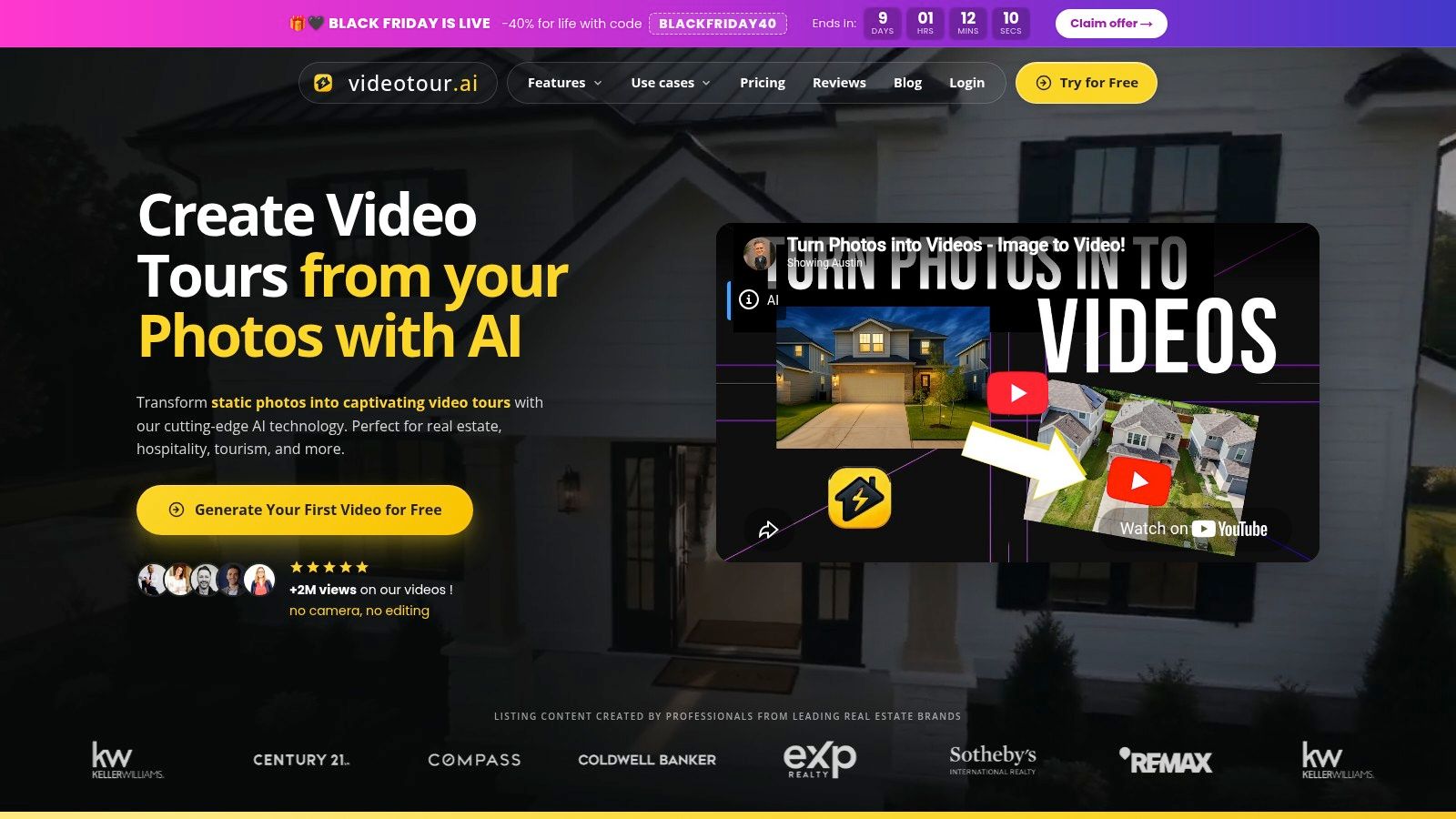 Our AI real estate video maker accepts up to 60 photos per video and can import listing details from Zillow, Redfin, or Realtor.com. Voice cloning, AI avatars, and AI staging sit alongside property-video production, so agents don't need separate tools for every presentation style.
The pricing plans include Independent at $29/month billed yearly, or $39 billed monthly, for 10 videos, and Agency at $59/month for 40 videos. At full utilization, the annual Independent allowance costs $2.90 per video, while Agency works out to approximately $1.47 per video.
Those are low subscription allocations, but a universal lowest-cost claim isn't defensible against free products or competitors with unconfirmed quotas.
Our AI real estate video maker accepts up to 60 photos per video and can import listing details from Zillow, Redfin, or Realtor.com. Voice cloning, AI avatars, and AI staging sit alongside property-video production, so agents don't need separate tools for every presentation style.The pricing plans include Independent at $29/month billed yearly, or $39 billed monthly, for 10 videos, and Agency at $59/month for 40 videos. At full utilization, the annual Independent allowance costs $2.90 per video, while Agency works out to approximately $1.47 per video.
What does actual utilization change?
If you finish only one paid video during a month on Independent, your allocated subscription cost is $29 with annual billing, not the fully utilized per-video rate. At ten finished videos, that allocation falls to $2.90 each; at forty on Agency, it's approximately $1.47 each.Those are low subscription allocations, but a universal lowest-cost claim isn't defensible against free products or competitors with unconfirmed quotas.
- Strong fit: Larger photo sets, repeatable narration, and vertical, wide, or square presentation.
- Publishing option: An unbranded MLS viewing link, subject to your MLS's rules.
- Main limitation: Maximum output is 720p or 1080p HD, not higher-resolution delivery.
- Trial: The first video is free, with no credit card.
2. Is Reel-E worth considering for a property website and video together?
Best for agents who want a single-property website alongside listing videos. Its broader marketing package can be more useful than a cheaper video-only subscription when the property page replaces another service. Reel-E combines listing-video generation with edited photos and a property website featuring lead capture and viewing analytics. It supports widescreen, vertical, and square presentations, with branded and unbranded versions.
That changes the buying decision. An agent who needs a campaign destination for email, social traffic, and seller reporting shouldn't judge the package solely on video cost.
The weakness is paying for a broader package when you only need a simple reel. Don't assume every plan includes the same photo allowance, team access, or editing features.
Reel-E combines listing-video generation with edited photos and a property website featuring lead capture and viewing analytics. It supports widescreen, vertical, and square presentations, with branded and unbranded versions.That changes the buying decision. An agent who needs a campaign destination for email, social traffic, and seller reporting shouldn't judge the package solely on video cost.
Where does the premium make sense?
Reel-E offers beat-synced cuts, while its higher-resolution Pro offering provides an alternative for photographers whose delivery requirements exceed standard HD. Its Keylight Studio also allows refinement rather than forcing agents to accept the first generated sequence.The weakness is paying for a broader package when you only need a simple reel. Don't assume every plan includes the same photo allowance, team access, or editing features.
Compare the services a subscription actually replaces. A property website has value only if you publish it and use its lead-capture workflow.Before subscribing, establish whether a revision or another aspect ratio counts against the listing allowance. The Reel-E alternative comparison helps frame that decision around deliverables rather than subscription headlines.
3. Is AutoReel a good fit for importing listing photos?
Best for agents who want a photo-to-video workflow with Realtor.com import and related photo services. Its free offering provides a way to assess the workflow before committing to ongoing production.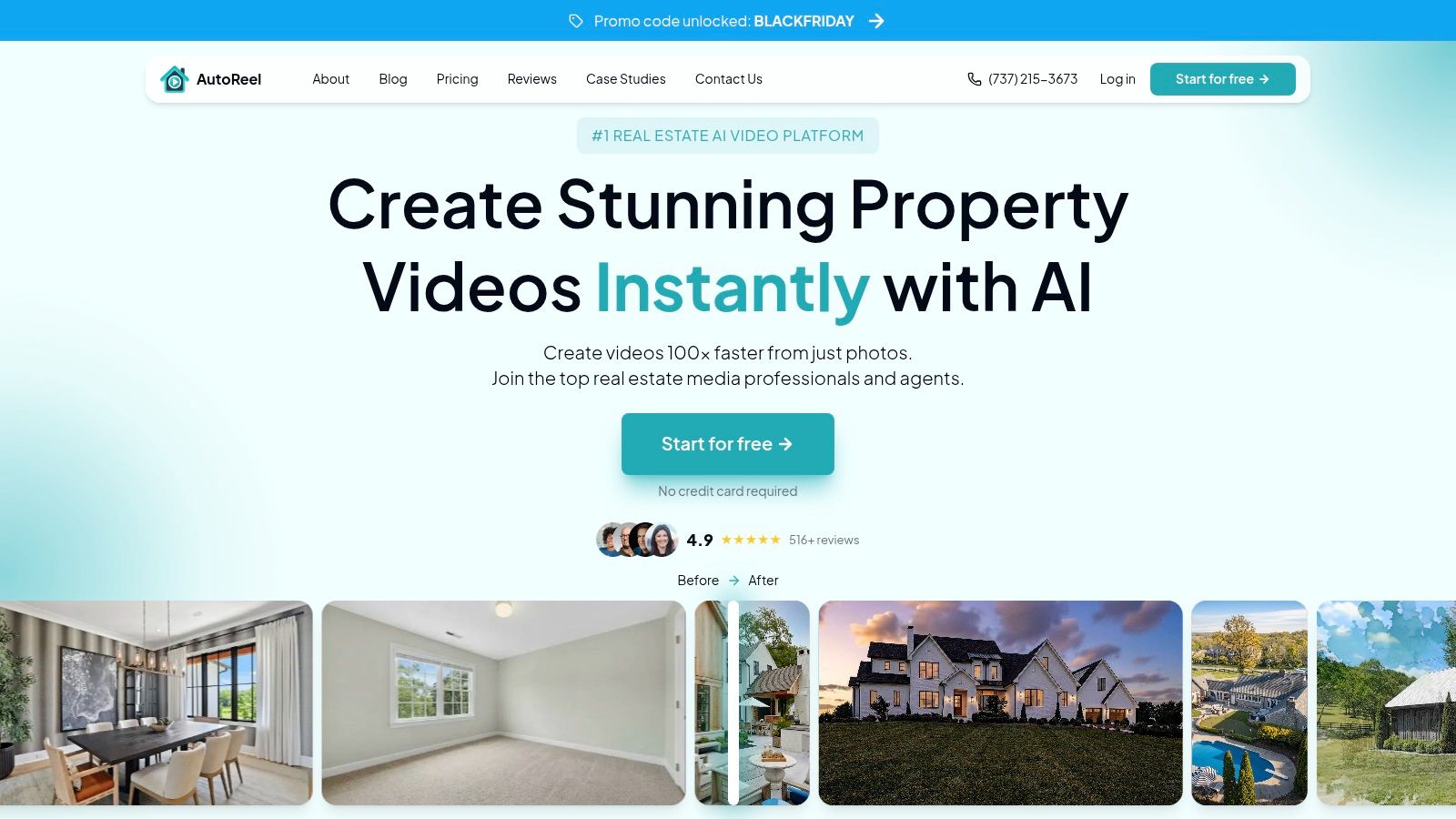 AutoReel turns property photos into videos with motion, music, and branding. Portrait and wide-format workflows cover the main difference between phone-first listing reels and broader property presentations.
Realtor.com import can remove some preparation work. It doesn't remove the need to inspect the imported images, remove duplicates, and confirm that the selected photos belong to the current listing.
Don't treat an advertised example photo count as a verified maximum. Likewise, don't assume a branded and unbranded version share the same allowance unless the plan says so.
The AutoReel alternative guide is useful for comparing import convenience with photo capacity and recurring production costs.
AutoReel turns property photos into videos with motion, music, and branding. Portrait and wide-format workflows cover the main difference between phone-first listing reels and broader property presentations.Realtor.com import can remove some preparation work. It doesn't remove the need to inspect the imported images, remove duplicates, and confirm that the selected photos belong to the current listing.
- Useful combination: Video generation, photo editing, and virtual staging within the same service.
- Trial limitation: Free output carries a watermark.
- Cost uncertainty: Paid-plan allowances and credit rules need to be established before calculating a dependable cost per finished listing.
Don't treat an advertised example photo count as a verified maximum. Likewise, don't assume a branded and unbranded version share the same allowance unless the plan says so.
The AutoReel alternative guide is useful for comparing import convenience with photo capacity and recurring production costs.
4. Is Amplifiles better for selective cinematic scenes?
Best for photographers and agents who want to animate selected property images rather than process every photo identically. Its image-based approach suits a controlled highlights reel, but large photo sets require closer cost accounting.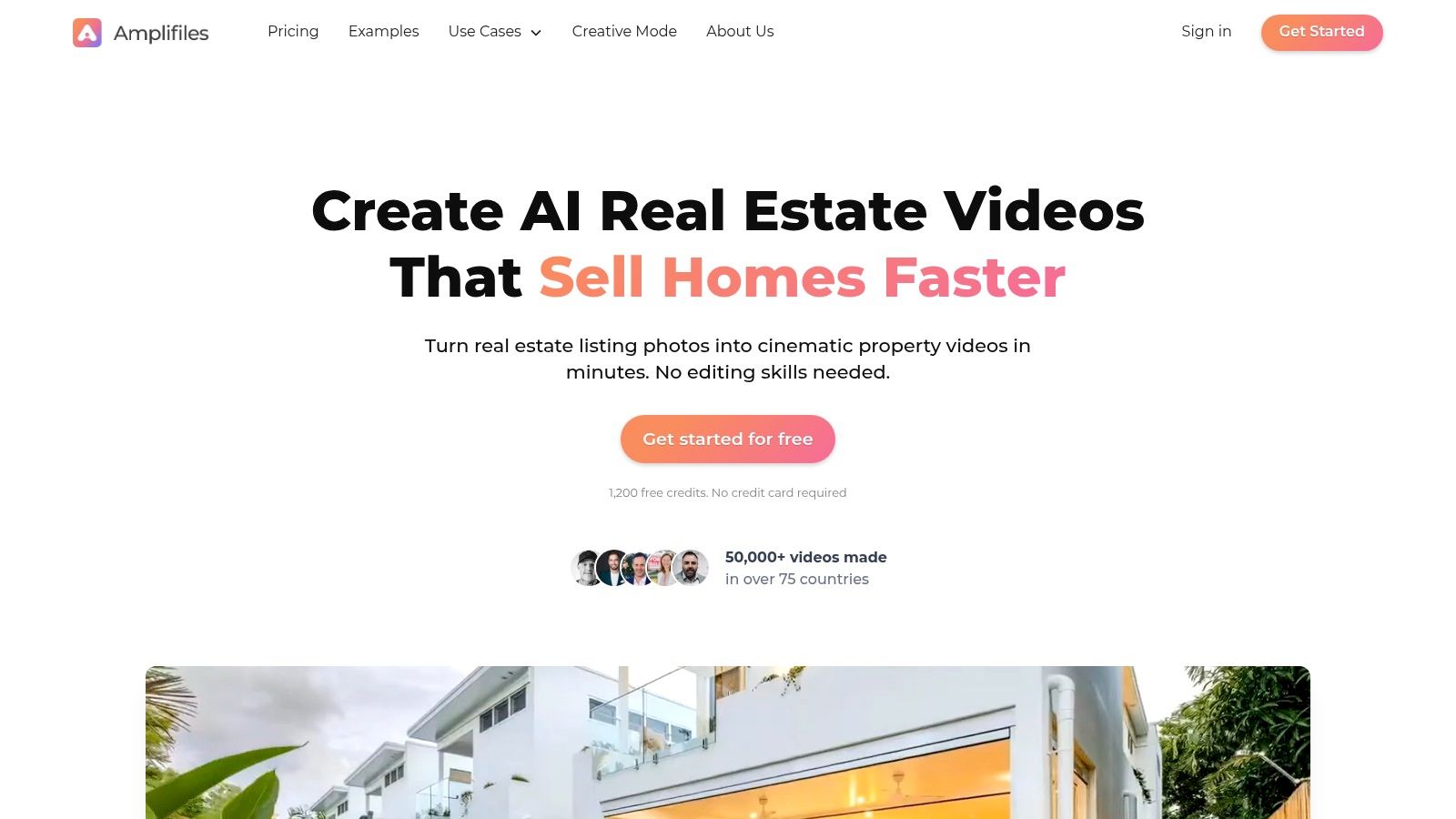 Amplifiles focuses on adding generated motion to real estate imagery. It offers pay-as-you-go credits alongside subscriptions, with captions, voiceover, branding, and higher-resolution export options.
For a photographer, that can support a distinct deliverable: animate the strongest exterior, living area, kitchen, and outdoor scenes instead of treating the entire gallery as a video storyboard. The agent receives a focused promotional asset rather than a long sequence of similar rooms.
Keep the comparison unit consistent. An animated clip isn't necessarily a finished, narrated property video with both social and unbranded presentation versions.
Amplifiles focuses on adding generated motion to real estate imagery. It offers pay-as-you-go credits alongside subscriptions, with captions, voiceover, branding, and higher-resolution export options.For a photographer, that can support a distinct deliverable: animate the strongest exterior, living area, kitchen, and outdoor scenes instead of treating the entire gallery as a video storyboard. The agent receives a focused promotional asset rather than a long sequence of similar rooms.
Why does image-based billing need care?
Every additional animated scene can affect the final cost. Regeneration and enhanced export settings can also change the amount spent on a finished listing.- Good fit: Occasional projects and deliberate scene-by-scene production.
- Resolution advantage: Higher-resolution output is available when the delivery brief requires it.
- Trade-off: Long tours and repeated scene generation can undermine an attractive entry price.
Keep the comparison unit consistent. An animated clip isn't necessarily a finished, narrated property video with both social and unbranded presentation versions.
5. Is Editora useful for agent-branded narration?
Best for agents who prioritize a consistent narrated listing presentation. Voice cloning and listing-triggered draft generation make it worth considering when recurring production matters more than elaborate effects. Editora generates scripts and narration from property information and photos. It also includes music, titles, branding, and editing tools, with an automation option that can draft videos as new listings appear.
The appeal is consistency. An agent can maintain a recognizable narration style without recording a fresh voice track for every property.
That doesn't mean the generated script should go straight to publication. Remove unsupported descriptions, verify property details, and listen for incorrect street-name pronunciation.
Maximum photo capacity, export resolution, and an unbranded viewing-link arrangement remain specifications to establish before treating it as a complete listing-delivery replacement.
Editora generates scripts and narration from property information and photos. It also includes music, titles, branding, and editing tools, with an automation option that can draft videos as new listings appear.The appeal is consistency. An agent can maintain a recognizable narration style without recording a fresh voice track for every property.
That doesn't mean the generated script should go straight to publication. Remove unsupported descriptions, verify property details, and listen for incorrect street-name pronunciation.
What should agents price separately?
Editora distinguishes base production from cinematic upgrades. Compare the version you'd deliver, not a basic option that lacks the presentation style shown in promotional examples.- Narration strength: Voice cloning supports consistent agent branding.
- Workflow strength: Listing-triggered drafts can reduce repetitive setup.
- Billing concern: Upgrades and higher-level automation can change the finished-video cost.
Maximum photo capacity, export resolution, and an unbranded viewing-link arrangement remain specifications to establish before treating it as a complete listing-delivery replacement.
6. Does vProp suit agents with uneven listing volume?
Best for agents who prefer one-time purchases or want video and staging in the same marketing workflow. Its mix of credit packs and recurring plans can suit production that changes from month to month. vProp combines listing-video creation with virtual staging and other marketing materials. Video features include scripts, narration, captions, music, and options for an agent's own voice or ready-made AI voices.
One-time credits can make sense when an agent has a listing to promote but doesn't need another ongoing subscription. A recurring plan becomes more relevant when the same deliverables are needed consistently.
Don't assume that support for an agent's own voice means every plan includes voice cloning. Uploaded audio and a reusable synthetic voice are different capabilities.
vProp combines listing-video creation with virtual staging and other marketing materials. Video features include scripts, narration, captions, music, and options for an agent's own voice or ready-made AI voices.One-time credits can make sense when an agent has a listing to promote but doesn't need another ongoing subscription. A recurring plan becomes more relevant when the same deliverables are needed consistently.
Budget rule: Shared credits aren't a fixed video allowance. Staging and other marketing outputs can reduce what's left for listing videos.Before comparing costs, define a repeatable package. Include the intended photo sequence, narration, social version, and any staging rather than counting only the initial generation.
- Useful flexibility: One-time packs and subscriptions address different production rhythms.
- Practical limitation: Free output includes a watermark.
- Accounting issue: Spending credits on other services changes the effective video capacity.
Don't assume that support for an agent's own voice means every plan includes voice cloning. Uploaded audio and a reusable synthetic voice are different capabilities.
7. Is BetterSpace a better fit for shared marketing workflows?
Best for teams that want listing videos, staging, and distribution tools together. It deserves consideration when coordination across agents matters as much as generating the video itself. BetterSpace accepts photos or listing links and combines video generation with virtual staging. Higher-level offerings add workflow features such as listing sync, social scheduling, and team capabilities.
For a brokerage marketing coordinator, those features can matter more than a small difference in generation cost. A video that's approved, correctly branded, and published is more useful than an inexpensive draft sitting in an agent's account.
Use the video tour software comparison to distinguish automatic video generation from the operational features surrounding it. They're different purchases, even when sold together.
BetterSpace accepts photos or listing links and combines video generation with virtual staging. Higher-level offerings add workflow features such as listing sync, social scheduling, and team capabilities.For a brokerage marketing coordinator, those features can matter more than a small difference in generation cost. A video that's approved, correctly branded, and published is more useful than an inexpensive draft sitting in an agent's account.
Where does the comparison get difficult?
Its shared-credit model makes cost per finished video harder to establish without knowing the exact production recipe. Staging, video generation, and other outputs can draw from the same budget.- Good fit: Teams coordinating listing content and distribution.
- Trial benefit: A free plan lets agents explore the workflow without a credit card.
- Main caution: Don't convert a credit allowance into a video quota without an explicit conversion rule.
Use the video tour software comparison to distinguish automatic video generation from the operational features surrounding it. They're different purchases, even when sold together.
8. Is RealStudio by Realtor.com a useful free starting point?
Best for agents interested in creating listing content and submitting it for possible discovery through Realtor.com. It's a different proposition from a subscription built around predictable branded delivery. RealStudio by Realtor.com lets agents create AI videos from listing photos or submit existing video. Content can be considered for RealReels, but review determines whether it appears in the feed.
That distinction matters. Free creation is a product feature; guaranteed exposure isn't.
The broader software guide for real estate agents provides context for placing this kind of discovery tool alongside your existing listing workflow.
Free tools also complicate blanket lowest-cost claims. A paid subscription needs to justify itself through capacity, control, or deliverables, not a low advertised unit price.
RealStudio by Realtor.com lets agents create AI videos from listing photos or submit existing video. Content can be considered for RealReels, but review determines whether it appears in the feed.That distinction matters. Free creation is a product feature; guaranteed exposure isn't.
- Best use: Explore another potential listing-discovery channel.
- Clear advantage: No-cost creation and submission.
- Important limitation: Submission doesn't guarantee publication.
What should agents evaluate?
Look at editing control, branding, download options, and the ability to revise property facts after a listing changes. Feed participation alone doesn't establish that the tool can replace your normal video-production system.The broader software guide for real estate agents provides context for placing this kind of discovery tool alongside your existing listing workflow.
Free tools also complicate blanket lowest-cost claims. A paid subscription needs to justify itself through capacity, control, or deliverables, not a low advertised unit price.
9. Is Reallyo better for scene-level revisions?
Best for agents who want to adjust individual scenes without rebuilding the entire listing presentation. Its listing-aware scripts and editable narration make it a candidate for agents who prefer more control over the final story. Reallyo generates property-specific scripts, narration, captions, music, and scenes. It supports vertical, square, and widescreen versions, along with edits to text, photos, music, and narration.
Scene-level control is useful when a draft puts a secondary bedroom ahead of the main living area or gives an ordinary feature too much screen time. You can refine the property story rather than accepting the initial sequence.
Reallyo is a workflow candidate, not a verified price leader. That distinction keeps the comparison fair without dismissing a potentially useful editing approach.
Reallyo generates property-specific scripts, narration, captions, music, and scenes. It supports vertical, square, and widescreen versions, along with edits to text, photos, music, and narration.Scene-level control is useful when a draft puts a secondary bedroom ahead of the main living area or gives an ordinary feature too much screen time. You can refine the property story rather than accepting the initial sequence.
What prevents a firm price ranking?
A current paid-price schedule isn't established by the available information. That prevents a responsible calculation of cost at occasional, steady, or brokerage-level production volumes.- Editorial advantage: Individual scenes and narration can be revised.
- Distribution advantage: Multiple aspect ratios support different channels.
- Unresolved specification: An MLS-specific unbranded viewing-link workflow isn't established.
Reallyo is a workflow candidate, not a verified price leader. That distinction keeps the comparison fair without dismissing a potentially useful editing approach.
10. Is PropertyPhotoVideo useful for controlling individual camera moves?
Best for agents and photographers who want to choose motion and regenerate individual clips. It's a practical candidate when fixing a weak scene matters more than accepting an entirely automatic sequence. PropertyPhotoVideo turns uploaded listing photos into videos with selectable camera movements, including pans, zooms, and push-ins. Clip-level regeneration lets agents replace a problematic scene instead of regenerating the whole presentation.
That's useful when most of a property video works but motion around a staircase, window, or kitchen island doesn't. Preserve the acceptable scenes and concentrate revisions where they're needed.
The photo-to-video app guide helps separate simple slideshow assembly from generated scene motion. Neither approach automatically communicates how rooms connect.
For listing work, choose restrained motion when it preserves the property more faithfully. A smooth, accurate scene is more valuable than an impressive camera move that invents space beyond the source image.
PropertyPhotoVideo turns uploaded listing photos into videos with selectable camera movements, including pans, zooms, and push-ins. Clip-level regeneration lets agents replace a problematic scene instead of regenerating the whole presentation.That's useful when most of a property video works but motion around a staircase, window, or kitchen island doesn't. Preserve the acceptable scenes and concentrate revisions where they're needed.
- Control advantage: Individual motion choices and clip rerolls.
- Purchase flexibility: Credit packs are available alongside subscriptions.
- Cost limitation: Video length and regeneration needs affect the final spend.
What needs checking before delivery?
The vendor describes branded and unbranded versions, but that doesn't establish acceptance by your local MLS. Photo limits also vary by plan, so confirm the allowance against the gallery you intend to use.The photo-to-video app guide helps separate simple slideshow assembly from generated scene motion. Neither approach automatically communicates how rooms connect.
For listing work, choose restrained motion when it preserves the property more faithfully. A smooth, accurate scene is more valuable than an impressive camera move that invents space beyond the source image.
Best AI real estate video makers compared by price per listing video, photo capacity, resolution and free trial (November 2026)
| Item | Price per video (1, 10, 40 a month) | Max photos per video | Max resolution | Free trial | Best for |
|---|---|---|---|---|---|
| VideoTour.ai (recommended) | 1: first video free; 10: $2.90 each annually ($3.90 monthly); 40: about $1.48 each | Up to 60 | 1080p | One free video | Agents wanting affordable, multi-format listing videos |
| Reel-E | From $59/month; per-video cost depends on plan allowance | Not specified | Not specified | Not specified | Agents wanting video plus a property website and lead tracking |
| AutoReel | Free tier: 2 watermarked videos/month; paid per-video cost not specified | Typically 15–20 | Not specified | Free tier | Agents wanting a free start and Realtor.com photo import |
| Amplifiles | From $1.50 per image; per-video total varies | Not specified | 1080p, with 4K option | Not specified | Occasional projects and cinematic photo animation |
| Editora | $14 per listing; subscriptions from $29/month | Not specified | Not specified | Not specified | Agents wanting scripts, narration, and repeatable branded videos |
| vProp | 1: $19 one-time; 10 and 40: pricing depends on credits or plan | Not specified | Not specified | Free videos available | Agents wanting flexible credits and additional marketing tools |
| BetterSpace | Free plan includes 2 videos/month; paid per-video cost varies by credits | Not specified | Not specified | Free plan | Agents combining video creation with virtual staging |
| RealStudio by Realtor.com | Free | Not specified | Not specified | Free access | Agents seeking a no-cost video and possible RealReels exposure |
| Reallyo | First video free; current paid pricing not verified | Not specified | Not specified | Free first video | Agents wanting listing-aware scripts and scene-level edits |
| PropertyPhotoVideo | Plans from $29/month; per-video cost varies by credits | Varies by plan | Not specified | Free previews | Agents wanting camera-motion controls and clip-level rerolls |
How should you choose the right tool for your listing volume?
Choose around actual finished listings, photo capacity, and required delivery formats. Occasional production favors free or one-time options; consistent production makes subscription utilization more important.
For occasional listings, compare RealStudio's creation workflow with the one-time options from Amplifiles and vProp. Decide whether you need a downloadable promotional asset, an unbranded viewing destination, or participation in a discovery feed. Those aren't interchangeable.
For steady production, calculate subscription spend divided by completed listing packages. Include upgrades and wasted generations, but don't count every aspect ratio as a separate listing unless the vendor does.
Publishing rules require their own review. Beycome's MLS media guidance explains that local requirements differ and commonly restrict agent branding, contact information, and promotional elements. An unbranded viewing link isn't automatic approval of either the destination or its video.
Keep originals whenever you stage or alter images. The California Department of Real Estate advisory describes disclosure and original-image requirements for digitally altered property advertising. Apply the rules relevant to the property and publication channel, not a generic compliance label.
Photographers should price the actual deliverable: approved video, revisions, narration, formats, and viewing access. Agents working with investor sellers should also keep marketing spend separate from acquisition analysis; max offer tools for house flippers address a different decision.
Start with a representative listing rather than your easiest gallery. Use the free video script generator and real estate hook generator, then compare the finished output against the cost at your actual production volume.
For occasional listings, compare RealStudio's creation workflow with the one-time options from Amplifiles and vProp. Decide whether you need a downloadable promotional asset, an unbranded viewing destination, or participation in a discovery feed. Those aren't interchangeable.
For steady production, calculate subscription spend divided by completed listing packages. Include upgrades and wasted generations, but don't count every aspect ratio as a separate listing unless the vendor does.
Photo-capacity rule: Keep a complete property presentation and a selective social reel separate in your planning. Reducing the photo count can solve an upload problem while leaving the buyer-information problem unsolved.Our larger photo allowance helps when the property needs a fuller sequence. Still, don't include every image merely because it fits. Order the exterior, principal living spaces, kitchen, bedrooms, and outdoor areas so buyers can follow the property without mistaking generated motion for a filmed walkthrough.
Publishing rules require their own review. Beycome's MLS media guidance explains that local requirements differ and commonly restrict agent branding, contact information, and promotional elements. An unbranded viewing link isn't automatic approval of either the destination or its video.
Keep originals whenever you stage or alter images. The California Department of Real Estate advisory describes disclosure and original-image requirements for digitally altered property advertising. Apply the rules relevant to the property and publication channel, not a generic compliance label.
Photographers should price the actual deliverable: approved video, revisions, narration, formats, and viewing access. Agents working with investor sellers should also keep marketing spend separate from acquisition analysis; max offer tools for house flippers address a different decision.
Start with a representative listing rather than your easiest gallery. Use the free video script generator and real estate hook generator, then compare the finished output against the cost at your actual production volume.
What do agents ask about AI listing video makers?
Which tool has the lowest cost per finished listing video?
There isn't a defensible universal winner when some tools offer free creation and others have unconfirmed paid allowances. Compare the paid deliverables you need, then divide actual spend by completed listings rather than unused subscription capacity.Can a photo-based video replace a filmed walkthrough?
Not completely. It can present the property attractively, but generated camera motion doesn't prove room connections, dimensions, or conditions outside the photographs.Why do photo limits matter?
A selective reel and a full property presentation need different image sequences. If the upload allowance excludes important rooms, either choose another tool or clearly limit the deliverable to highlights.Does an unbranded viewing link guarantee MLS acceptance?
No. Check both the viewing page and the video against your MLS's current rules, including branding, contact details, synthetic content, and permitted submission methods.Should agents use voice cloning or avatars?
Use voice cloning when consistent narration helps your listing presentation, and review pronunciation before publishing. An avatar can suit a branded social introduction, but it may be unnecessary or unsuitable for an MLS presentation.How should agents evaluate a free trial?
Use actual listing photos, revise a scene, correct the narration, and inspect the intended output formats. Check watermarking, download access, viewing-link behavior, and the cost of repeating that workflow after the trial.Turn your existing listing photos into property videos with narration, branding, and separate social presentation options. Visit VideoTour.ai to create your first video free with no credit card, then compare its finished output and actual cost per listing against your current workflow.