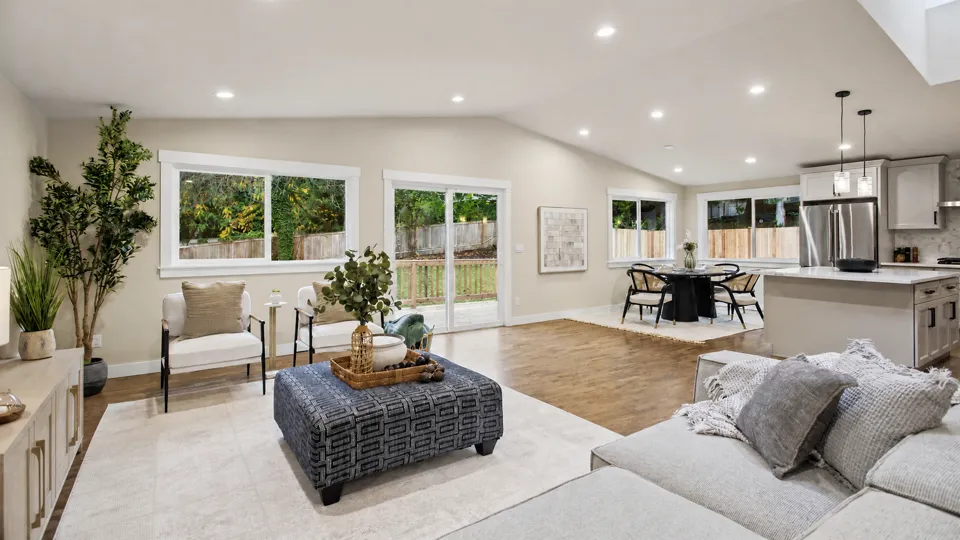
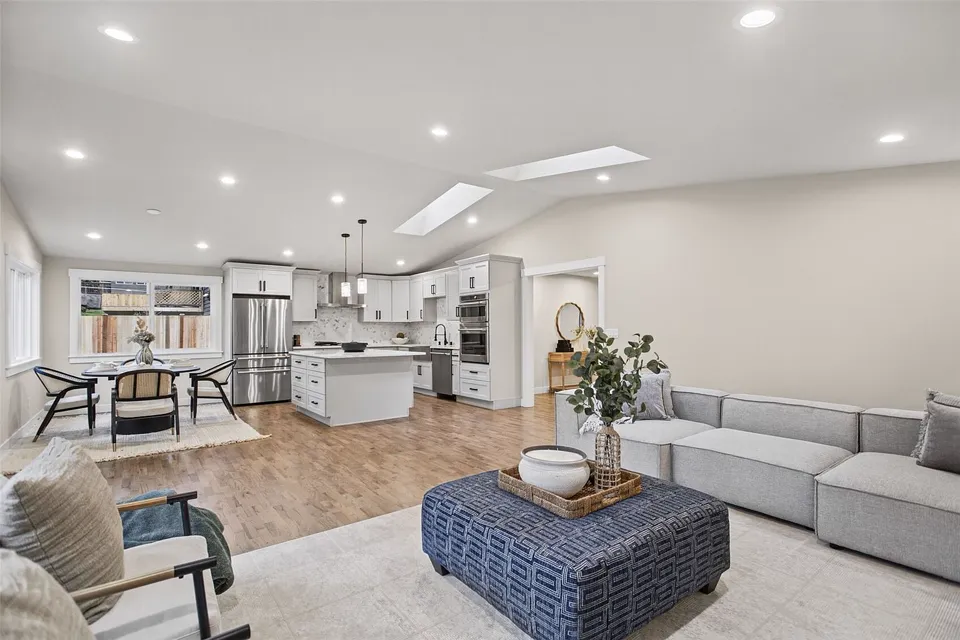
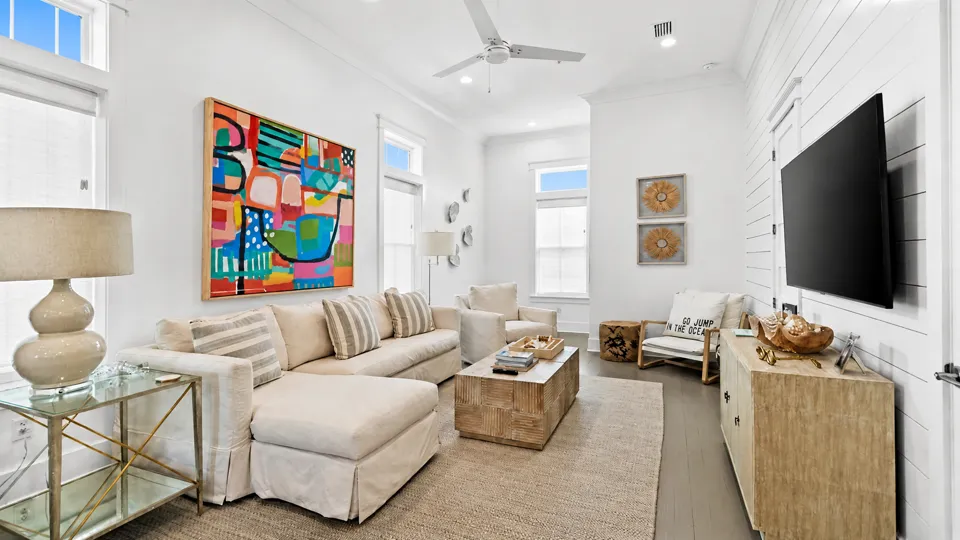
Living room
 George Moorhead
AI moves the camera through your real photos and uses every angle of a room, so the property looks exactly like your listing. No filming, no editing.





Listing content created by professionals from leading real estate brands







Upload the photos you already have. The AI does the camera work.
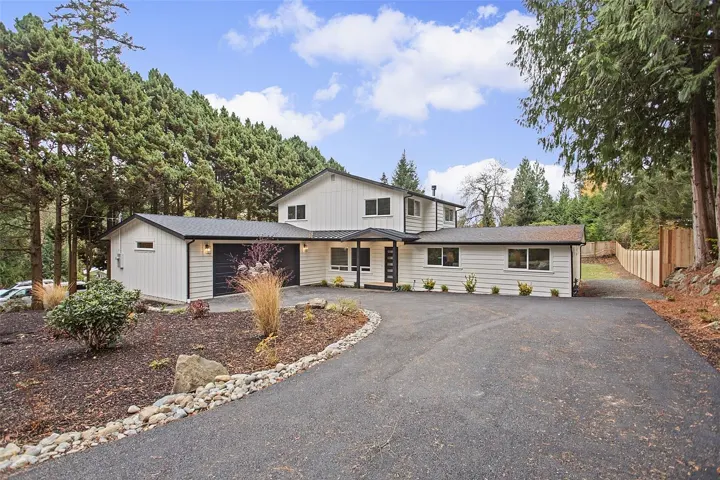
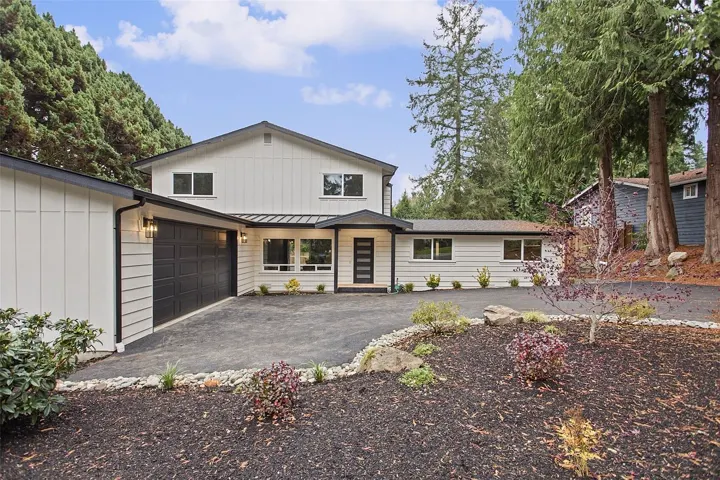
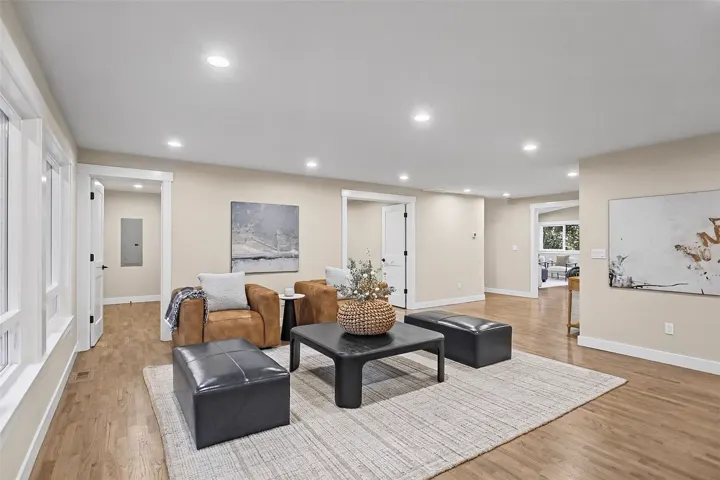
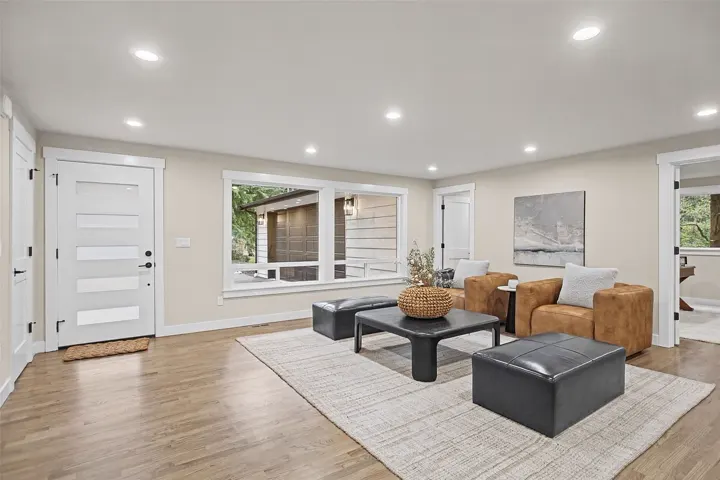
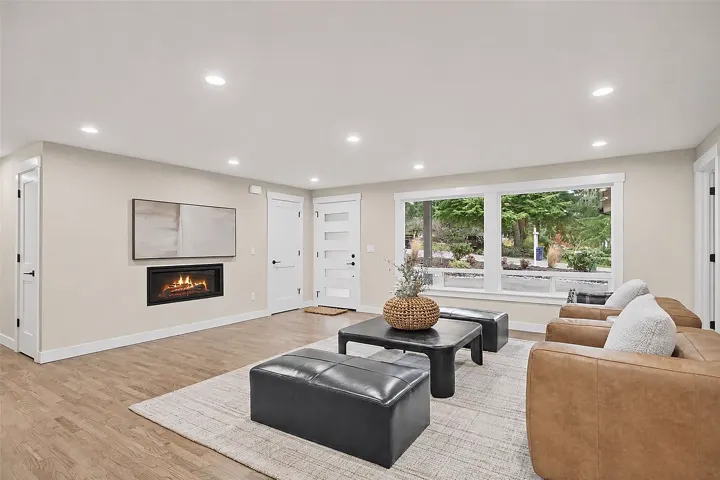
Drop in the photos from the shoot, up to 60 per listing. No filming, no editing software.
The AI recognizes every room and puts your photos in tour order: the exterior first, then room by room. You can still rearrange them by hand.
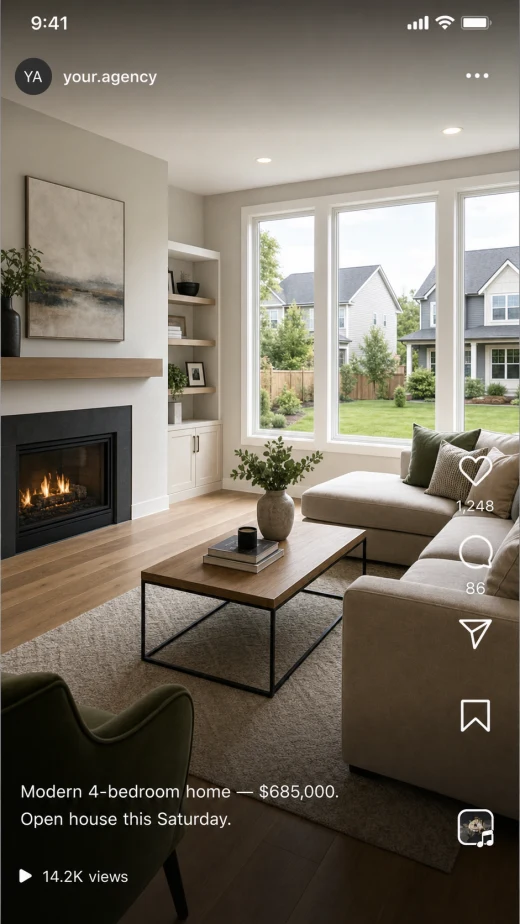
AI Motion moves the camera through each room: a push toward the fireplace, a slow arc around the living room. Download the video or post it straight to your social accounts.
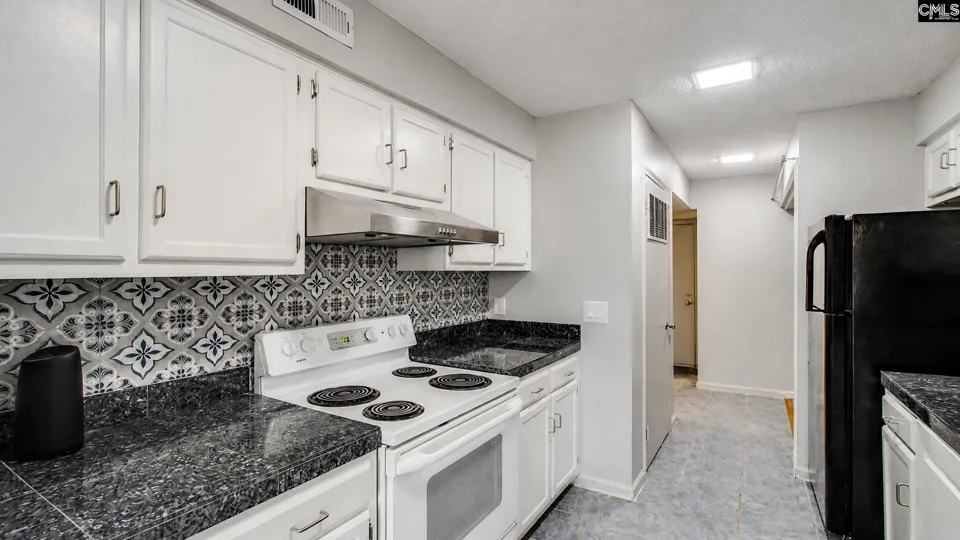
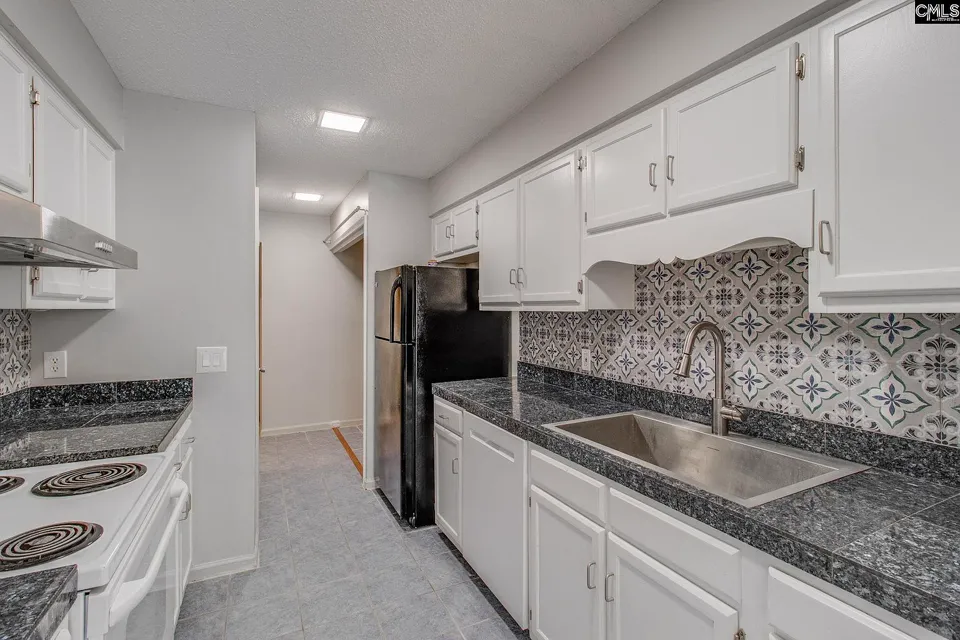
Kitchens, lanais, staircases and whole neighborhoods, all made from listing photos by agents using VideoTour.ai.
 Jesus Ramos-MedinaGeorge Moorhead
 Aurora
 RMZ Realty Grp
 Shannon Taylor Century 21 803 Realty
 Alan Williams
 Karen Ann Ward, Realtor
 Martina Erdmeier, REALTOR®️, SRES®️, MRP
 Janelle Misner Realtor-ReeceNichols Ide Capital, LLC
 Janet Thompson
 The Real Estate Agency Houston
 Corpus Christi Real Estate by Aurora SalinasJesus Ramos-MedinaAlan Williams
 Jeffrey ChapmanKaren Ann Ward, RealtorKaren Ann Ward, RealtorKaren Ann Ward, RealtorKaren Ann Ward, RealtorKaren Ann Ward, Realtor
 Lisa KneramLisa KneramLisa Kneram
 The Surfin Realtor
 Realtor Stephen Simard ConnecticutRealtor Stephen Simard ConnecticutRealtor Stephen Simard ConnecticutRealtor Stephen Simard Connecticut
 Advantage Austin Properties - Daryl & Annie Fojtik, OwnersAdvantage Austin Properties - Daryl & Annie Fojtik, OwnersAdvantage Austin Properties - Daryl & Annie Fojtik, Owners
 Simone Fujikawa Florida Realtor
 Made with videotour.ai
+2M views on our videos
4.8/5 from 40,000+ users
AI that works from a single photo has to guess what is outside the frame. VideoTour.ai uses every angle you upload of a room, so the windows, cabinets, furniture and finishes in the video are the real ones.
George Moorhead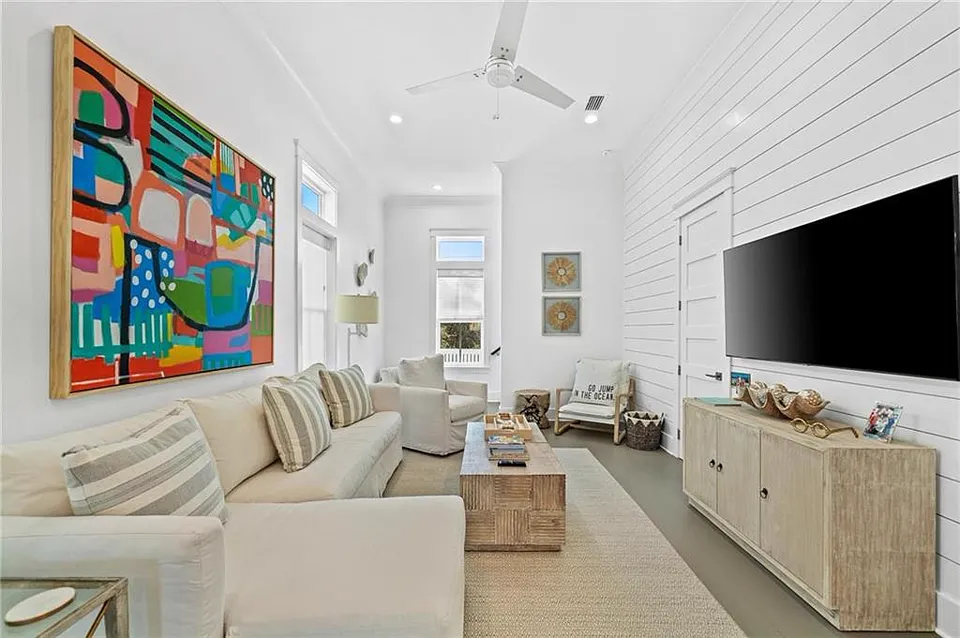
 Brooke N.Harris RE/MAX Realty Professionals
 Shannon Taylor Century 21 803 Realty
The same living room, the same photo. Pick the motion that fits the listing when you create your video.
The camera crosses the room in about four seconds. Energetic moves that keep a scrolling buyer watching.
Slow, steady moves at the pace of a professional videographer. Calm, premium and easy on the eye.
The AI chooses a move for every photo. Want a different one? Open the scene in the editor and pick a template, or describe your own move.
Pushes toward the best feature of the room.
Pulls back to reveal the whole space.
Arcs around the room so the foreground and background separate.
The same arc, the other way around.
Starts low and tilts up to the ceiling or the sky.
Starts high and tilts down into the room.
See how two photos of the same room become one smooth camera move, and how to pick the move for any scene in the editor.
Annual prices shown below. Monthly billing is also available.
$2.90 per video
$1.47 per video
$0.49 per video
Upload the photos of a listing, watch them turn into a video tour and decide whether it fits your marketing.
Create my free video
It is super easy and convenient, especially if you do not have a videographer. VideoTour.ai has been a game changer.

Our photographer still controls the listing photos. VideoTour.ai gives those approved images motion and a clean landscape version for the property campaign.

I do a lot of high-end homes and new builds. These videos are fast, simple, and they work.

The source-photo comparison is what made the workflow click for our team. We check every room, copy the clean link and publish without opening another editor.
Got a question? We have answers.
Upload your listing photos, choose the AI effects you want and create the video. VideoTour.ai sorts the rooms, animates your best photos with AI Motion and adds music. The video is ready in minutes.
Dynamic moves the camera across the room in about four seconds, which suits Reels and social posts. Clean cinematic uses slower, steadier moves, closer to a professional videographer, which suits luxury listings. You pick the look when you create the video.
With two or more angles of a room, the AI moves the camera from one real view to the other instead of guessing what is out of frame, so the layout, furniture and finishes stay as they are in your listing. VideoTour.ai finds the matching photos for you, so you only need to include them in your upload.
Yes. In the editor, pick a move for any scene: Zoom In, Zoom Out, Orbit Left, Orbit Right, Upwards or Downwards. You can also describe your own move.
AI Motion starts from your real listing photo and moves the camera through it. Review every scene in the editor before you publish, and regenerate or replace any scene you are not happy with.
Your first video is free. AI Motion uses the AI animations included in your plan. See the pricing page for the details of each plan.
Download a horizontal 16:9 video for YouTube, your website and the MLS, a vertical 9:16 version for Reels and TikTok, or a square 1:1 version, all from the same project.
First video free. No credit card required.