Furniture
✦ AI virtual staging videos for real estate
Bring empty listings to life with AI Virtual Staging Videos
Upload the photos of an empty listing. The AI furnishes each room in one style, keeps the same furniture in every angle, and turns it into a video tour.
First video freeNo credit card





★★★★★4.8/5 · Used by 40,000+ real estate professionals
Listing content created by professionals at leading real estate brands







How it works
From an empty house to a furnished video tour in one go
No staging company, no furniture rental and no separate photo editor. Staging happens while your video tour is built.
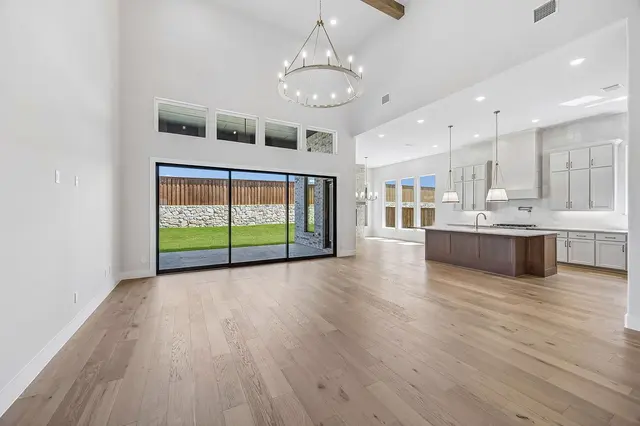
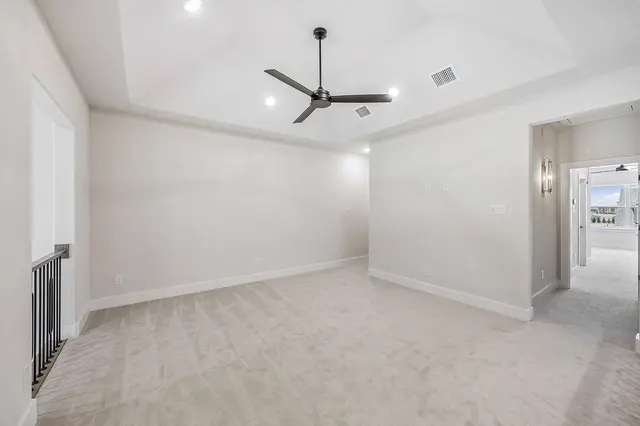
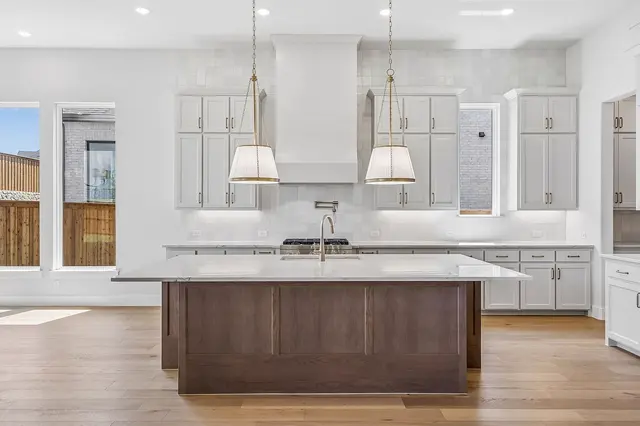
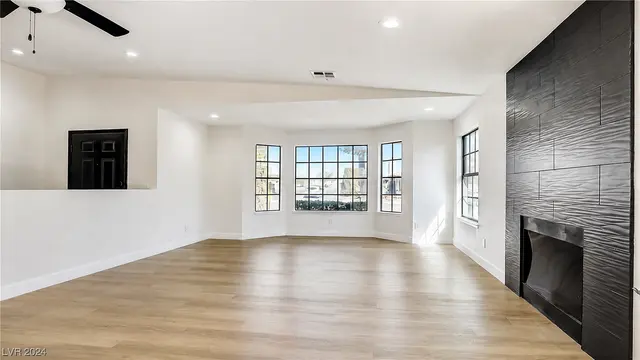
60photos max
- 01
Add every angle of the house
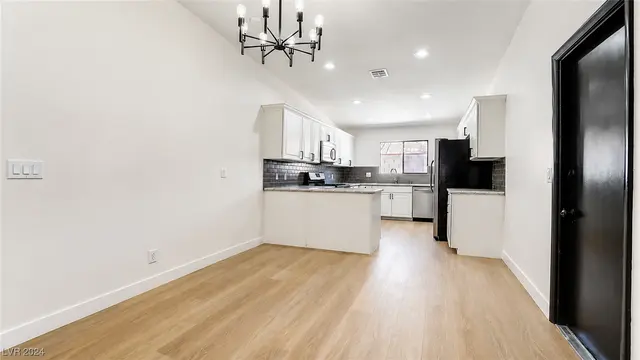
Paste your listing link or upload up to 60 photos. Keep several angles of each room: the AI uses them to stage the room the same way from every side.
60photos max - 02
Pick one style for the whole house
Choose from 16 interior styles, or let the AI pick. The style applies to every room, so the house reads as one home.
 Modern
 Contemporary
 Transitional
 Modern Farmhouse
 Scandinavian
 Coastal
 Japandi
 Minimalist
 Mid-Century Modern
 Modern Luxury
- 03
Get your staged video tour
Choose how the furniture arrives. The animation plays on the main photo of each room, the other angles get a smooth camera move, and the finished tour is ready to download.
Watch the tutorial
Learn how to stage a whole listing with AI
Five minutes in the real app: 60 photos of an empty house, one style, one animation. That tour cost 76 credits and was ready in under nine minutes.
Multi-angle staging
The same furniture in every angle
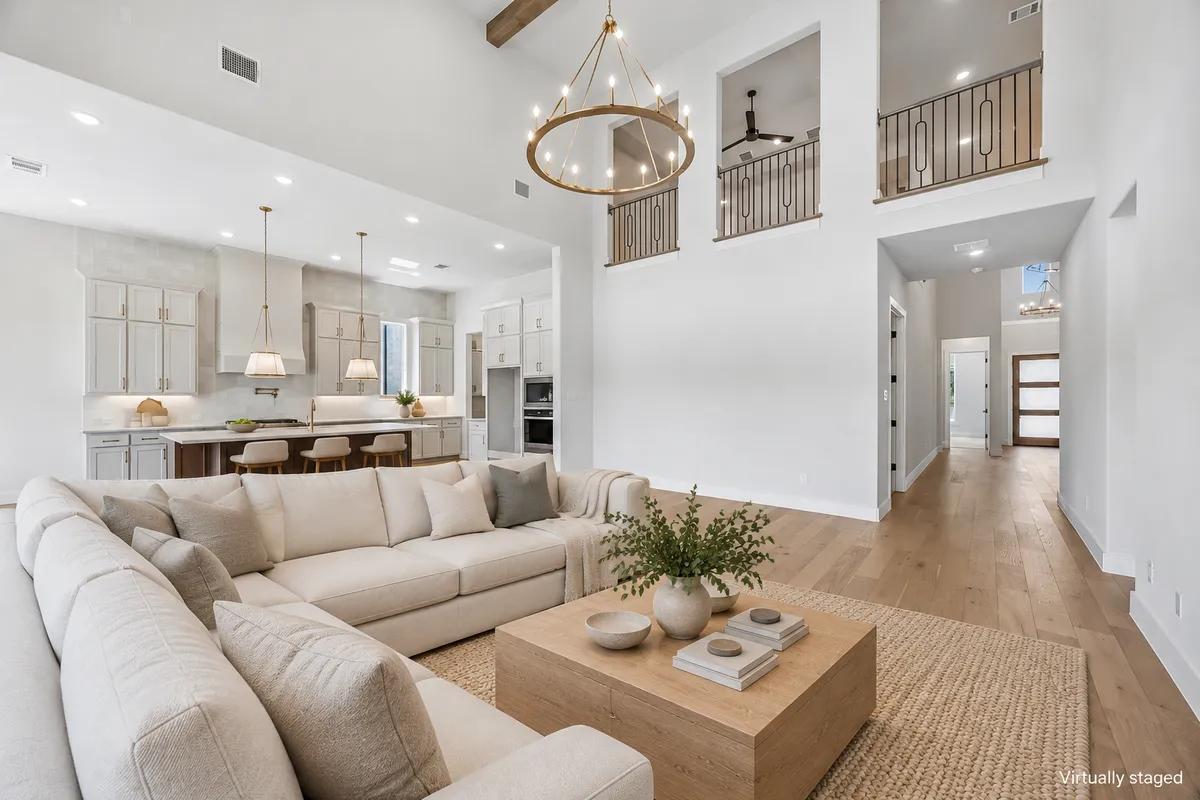
Most AI staging tools treat each photo on its own, so the sofa changes every time the camera moves. VideoTour.ai stages one main photo per room, then furnishes the other angles to match it.
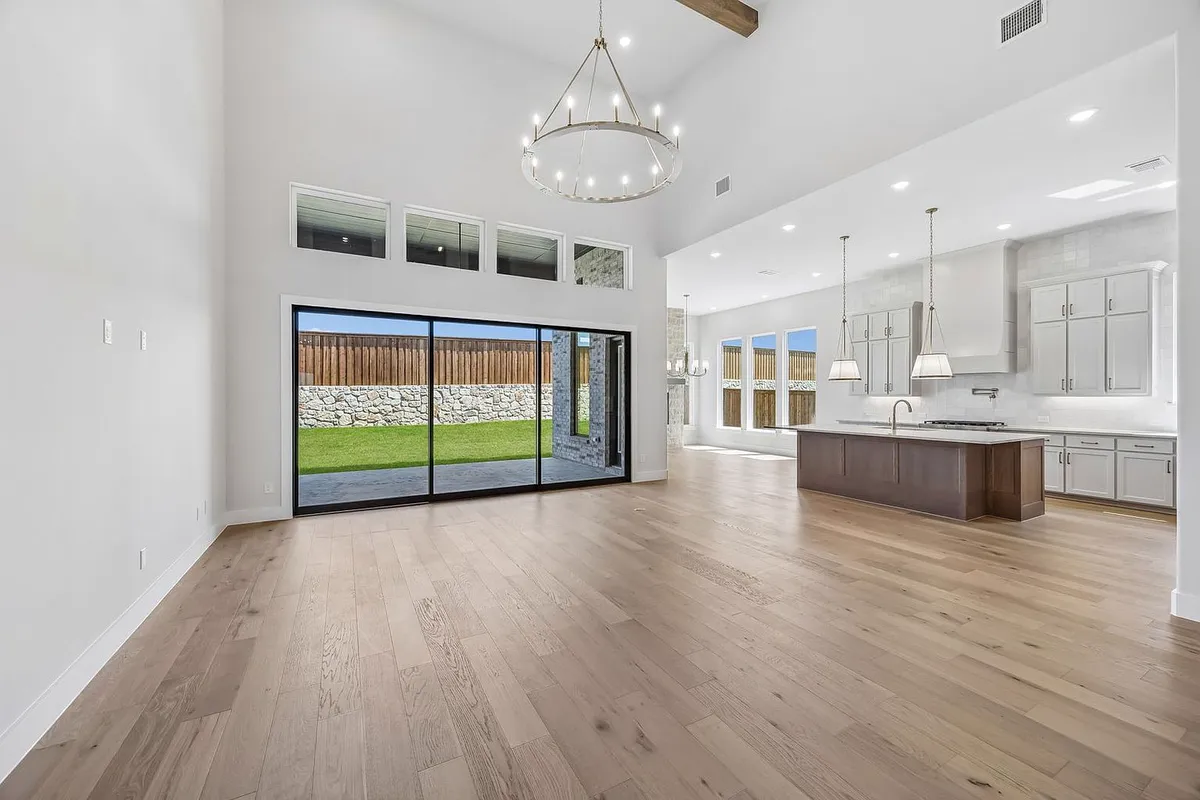
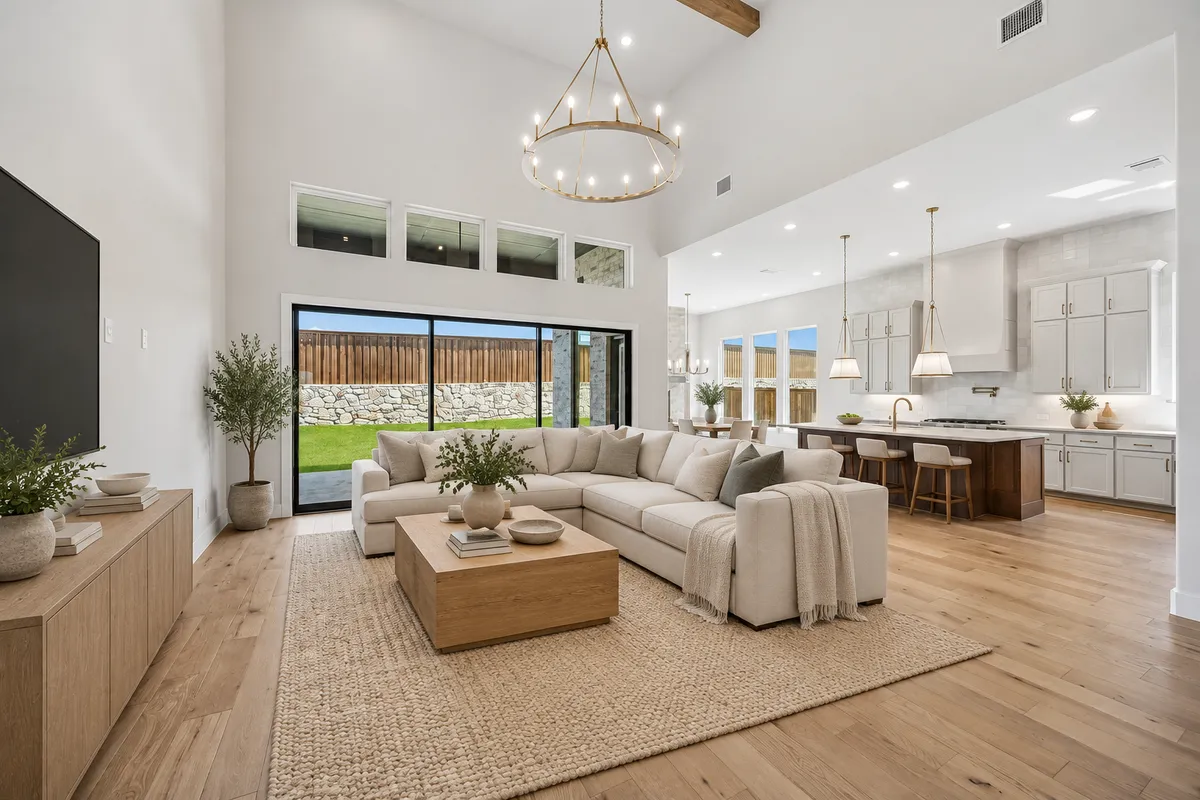
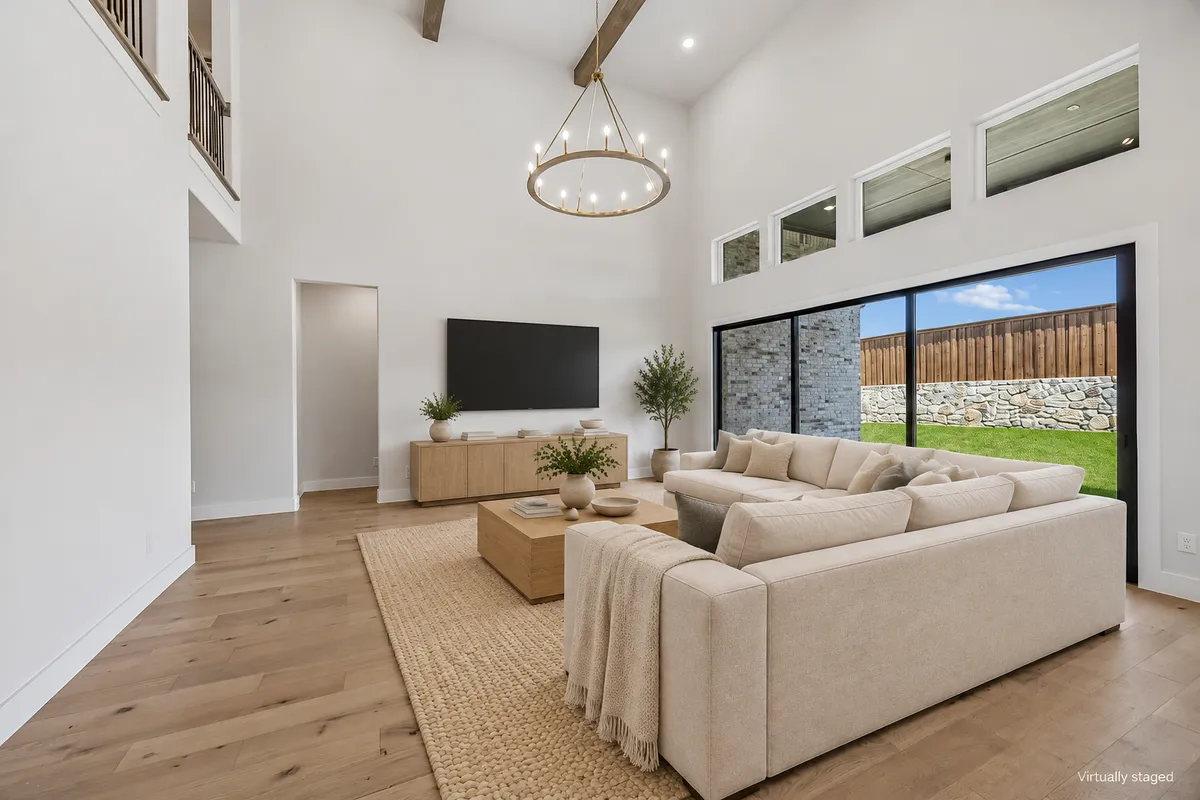
Living room. Same sectional, coffee table, rug and olive tree, seen from three sides.
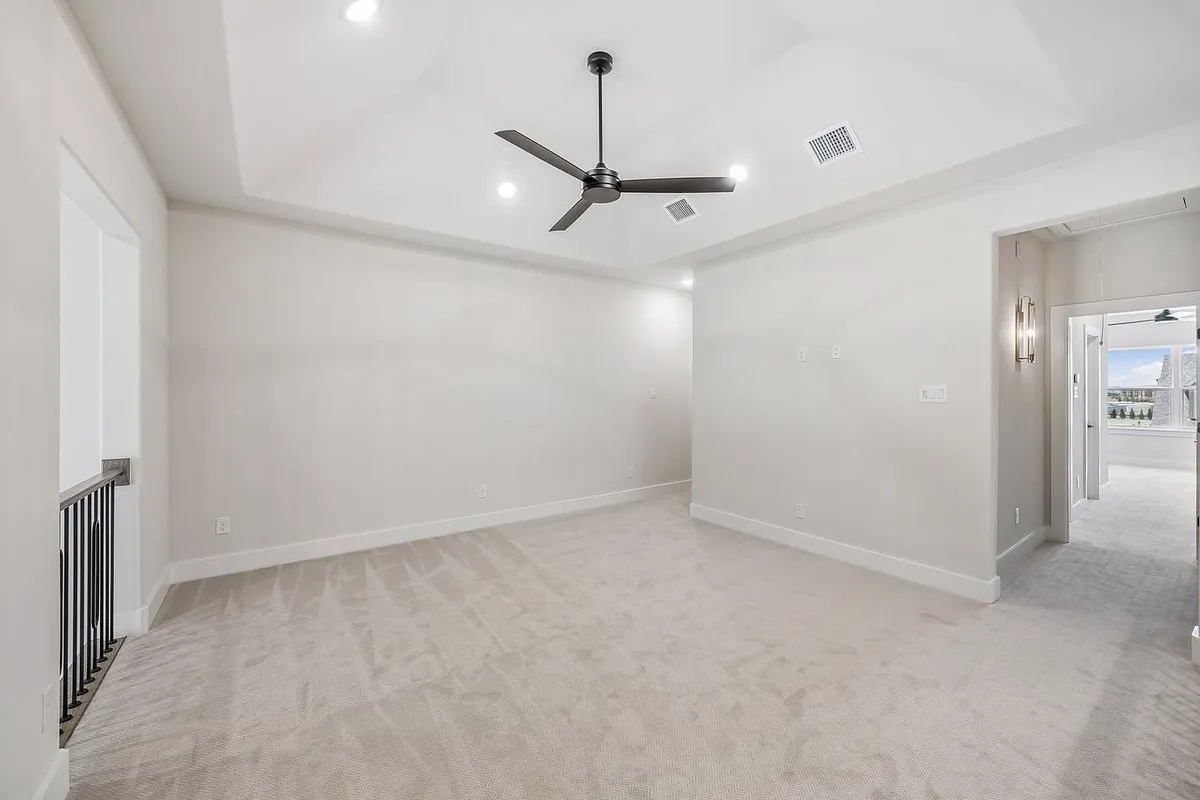
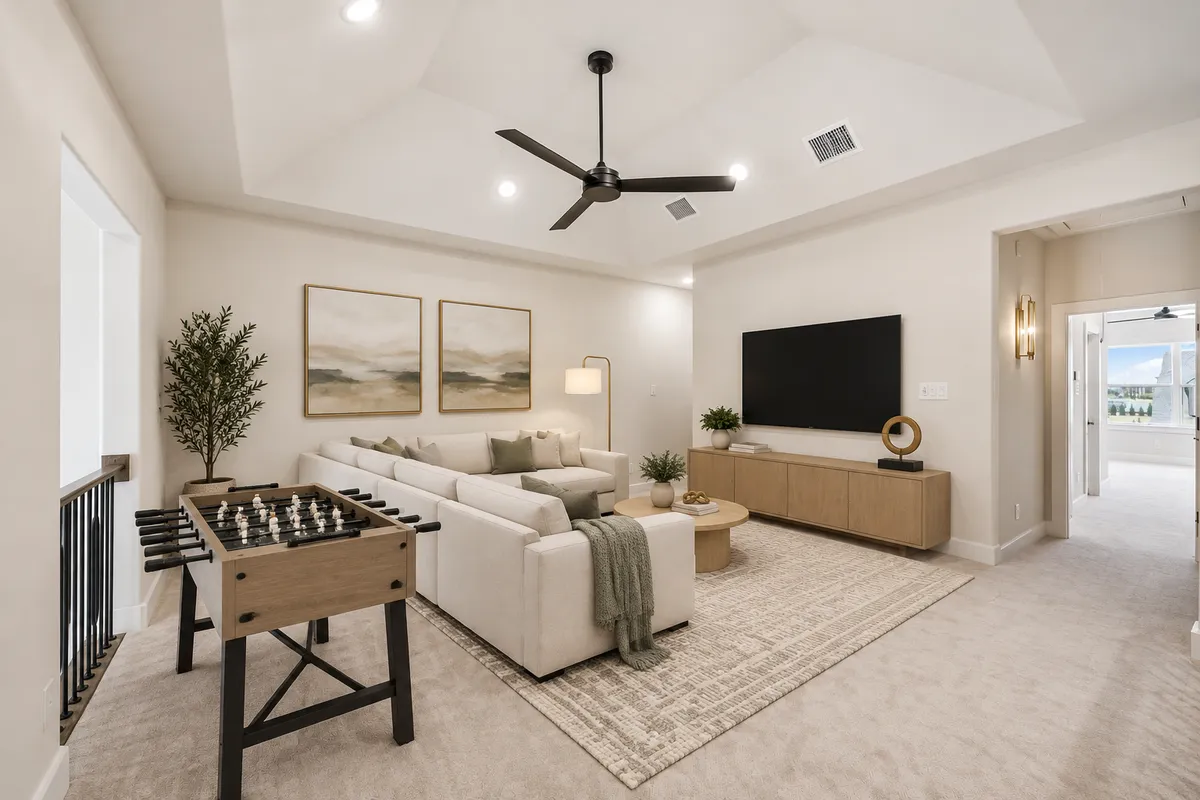
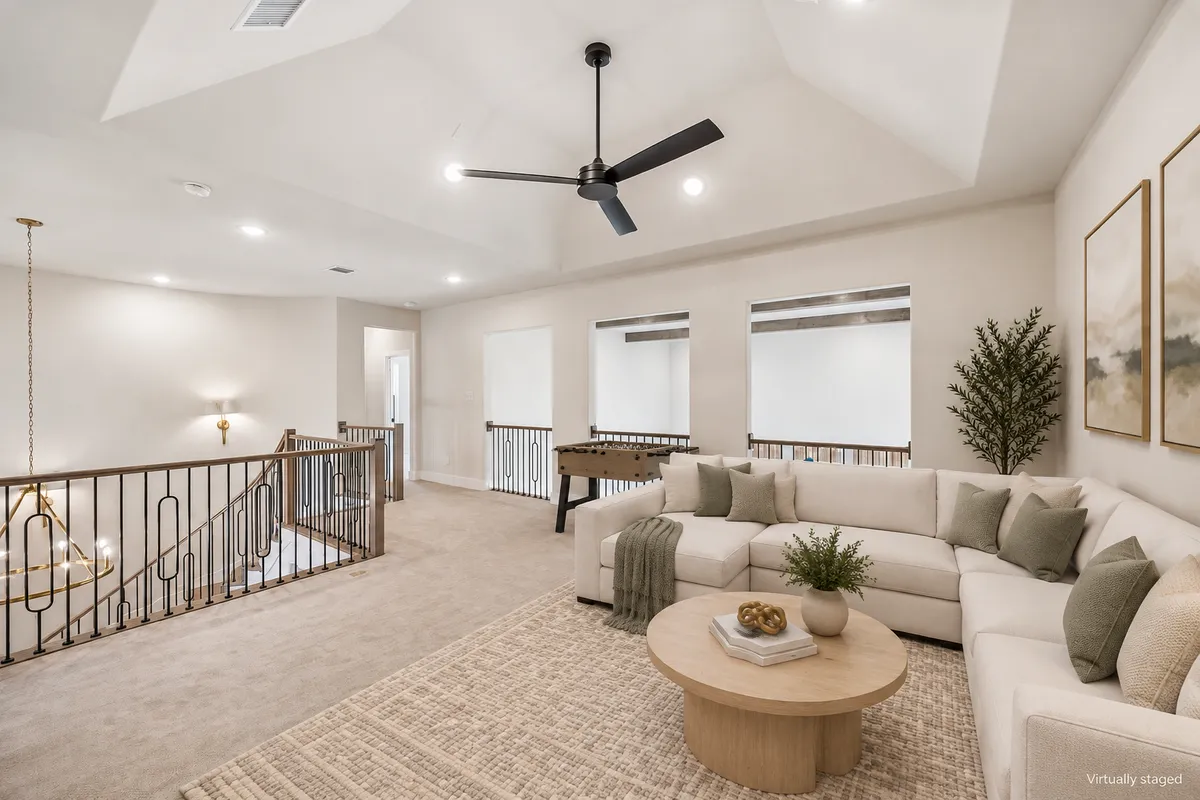
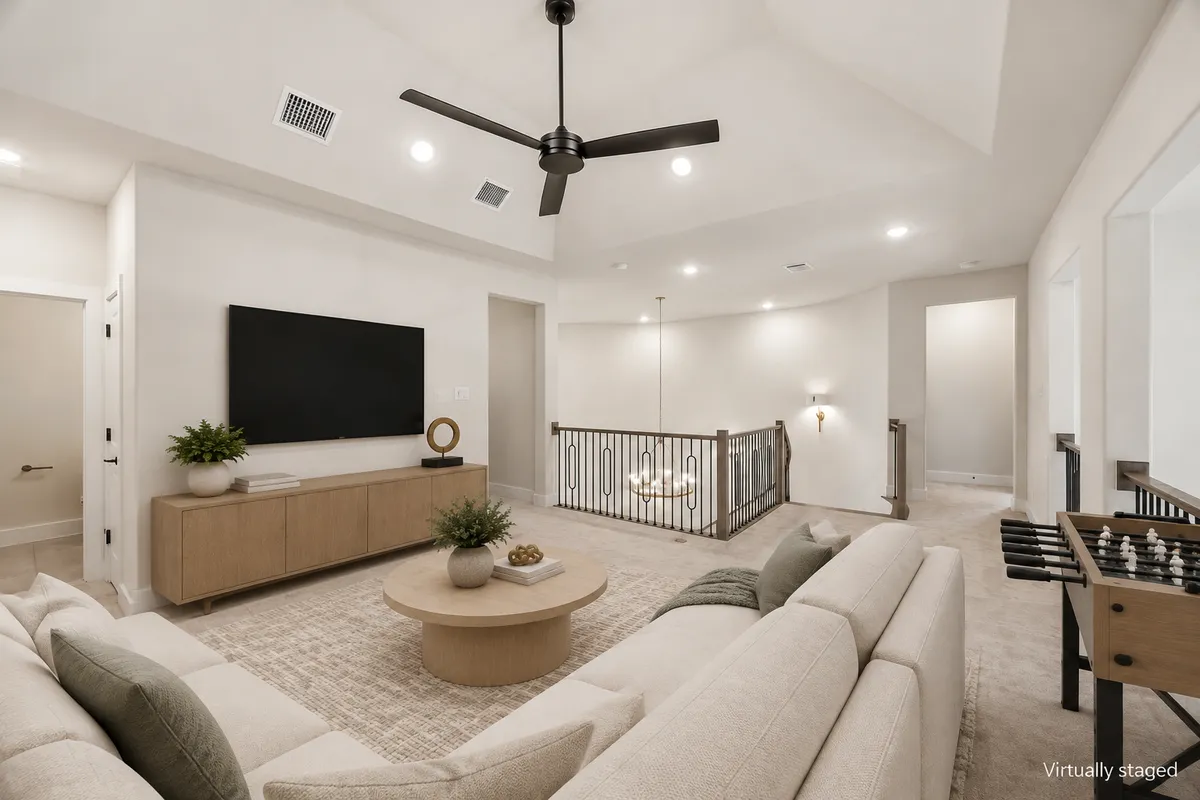
Upstairs loft. Same sofa, round table, foosball table and artwork in every shot.
Staging animations
Pick how each room comes to life
Every clip below started as one empty photo. Pick from 13 animations: 7 bring the furniture in, 6 renovate the room first.
Furniture
Sequential furniture drops
Furniture
Single-impact transformation
Furniture
Professional workers timelapse
Furniture
Continuous evolution timelapse
Furniture
Holographic Digital Reveal
Furniture
Blueprint-to-Reality Transformation
Renovation
Simple Renovation
Renovation
Floor-to-Ceiling Build
Renovation
Precision Unfold
Renovation
Magnetic Assembly
Renovation
Particle Rebuild
Renovation
Renovation Workers Timelapse
Free tool
Try free AI virtual staging Want to try it on one photo first?
The free AI Virtual Staging tool furnishes a single room photo in the style you pick. Your first staged photo is free, no account needed.
PricingCut your video costs
Cut your video costs
by up to 90% with AI
Annual prices shown below. Monthly billing is also available.
Independent
$29/ month
billed annually
billed annually
$2.90 per video
- 10 videos per month
- Unlimited revisions
- Music selection
- AI generated caption
- No Watermark
Agency
$59/ month
billed annually
billed annually
$1.47 per video
- 40 videos per month
- Unlimited revisions
- Music selection
- AI generated caption
- No Watermark
Enterprise
$99/ month
billed annually
billed annually
$0.49 per video
- 200 videos per month
- Unlimited revisions
- Music selection
- AI generated caption
- No Watermark
Try it on a real listing
Free plan
$0Stage an empty listing, compare each room with the original photo and decide whether the workflow fits your marketing.
Create my first videoTop agents are switching
to VideoTour.ai
4.8/5 · Used by 40,000+ real estate professionals

SusanCustomer video
Recorded feedback★★★★★
It is super easy and convenient, especially if you do not have a videographer. VideoTour.ai has been a game changer.

EmilyAgent community
March 3, 2026★★★★★
Before, I paid a videographer for every property and waited a week. Now I make my own Reels in the evening, and the final result makes our listings feel like luxury marketing.

MadisonAgent community
May 11, 2026★★★★★
Our seller chose us in large part because of the marketing plan. Showing a repeatable Reel strategy made the presentation much more tangible.

NatalieInstagram
May 21, 2026★★★★★
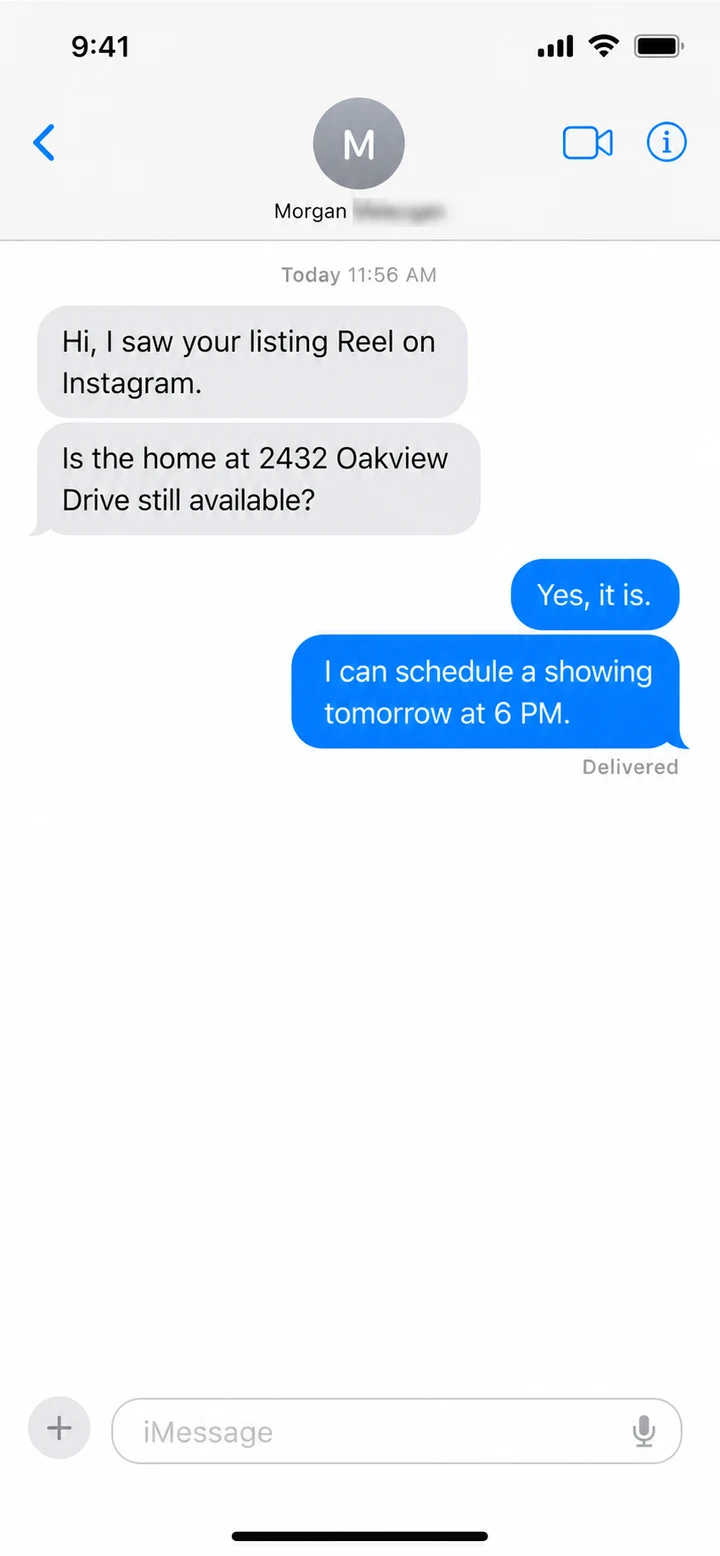
I posted the Reel on Instagram and got a text asking to see the home that same day. That is the message right there.

MichaelCustomer video
Recorded feedback★★★★★
I do a lot of high-end homes and new builds. These videos are fast, simple, and they work.

DanielLinkedIn
January 27, 2026★★★★★
I used to lose two hours in an editing app for an average result. Now the listing story is clear, the Reel is polished, and I can move on to actual client work.

AmandaMessage
June 10, 2026★★★★★
A buyer told me the Reel was what made them want to visit. It is rewarding to see the photos communicate the feeling of the property instead of just documenting it.

AshleyCustomer video
Recorded feedback★★★★★
I upload listing photos, drop in our team song, and in minutes I have a polished reel.

FrankTrustpilot
December 6, 2025★★★★★
After 15 years in real estate, I thought video was too technical and too time-consuming for me. I made six Reels in one evening. That convinced me.
Customer feedback includes original recordings and supplied screenshots. Staging results vary by photo and style. Compare every staged room with the original photo before publishing.
Frequently Asked Questions
Got a question? We have answers.
What is AI virtual staging in VideoTour.ai?+
It adds furniture and decor to the empty rooms of a listing while it builds your video tour. You pick one style for the whole house and an animation, and the tour comes back with the rooms furnished and the furniture appearing on screen.
How does it keep the same furniture across angles?+
The AI groups your photos by room, stages one main photo of each room first, then uses that staged photo as the reference for the other angles of the same room. Results can still vary, so check each angle against the others before you publish.
How much does virtual staging cost?+
Each staged photo is 2 credits. You set the maximum number of photos to stage, the AI only stages the ones that need it, and you are not charged for the photos it skips. Animations follow the usual allowance: at Standard quality, 3 are included and each extra one is 10 credits.
Which staging styles can I choose?+
Modern, Contemporary, Transitional, Traditional, Modern Farmhouse, Scandinavian, Coastal / Hamptons, Industrial, Mid-Century Modern, French Country, Minimalist, Bohemian / Eclectic, Japandi, Rustic, Mediterranean and Modern Luxury, or Automatic to let the AI choose. One style applies to the whole house.
Which staging animations are available?+
13 in total. Furniture animations: Cinematic furniture drop, Sequential furniture drops, Single-impact transformation, Professional workers timelapse, Continuous evolution timelapse, Holographic Digital Reveal, Blueprint-to-Reality Transformation. Renovation animations, which rebuild a room that needs work: Simple Renovation, Floor-to-Ceiling Build, Precision Unfold, Magnetic Assembly, Particle Rebuild, Renovation Workers Timelapse. You can also pick AI Motion for a simple camera move with no reveal.
Will the AI change the house itself?+
Staging is meant to add furniture and decor only, and keep the walls, floors, windows and fixtures. AI can still make mistakes, so compare every staged photo with the original before you use it.
Do I need to label virtually staged photos?+
Rules depend on your MLS, brokerage and location. Label staged media where required, keep the original photos available, and never suggest the furniture is included with the property.
What is the difference with the free AI virtual staging tool?+
The free tool stages one photo at a time, and your first staged photo is free. Inside a video tour, VideoTour.ai stages the whole listing in one style, keeps each room consistent across angles and animates the result.
Start with your next vacant listing
Show buyers the home, not the empty rooms
Pick one style, let the AI furnish every angle, and publish a video tour with the furniture dropping in.