

Megan R.
Real Estate Agent (TX)
Uploaded 18 photos, got a clean walkthrough in about 2 minutes. Looks like a pro fly-through without hiring anyone. Posting both vertical and horizontal is a lifesaver.
Real feedback and reviews from real estate professionals transforming their marketing
Real Estate Agent (TX)
Uploaded 18 photos, got a clean walkthrough in about 2 minutes. Looks like a pro fly-through without hiring anyone. Posting both vertical and horizontal is a lifesaver.

Broker/Owner (FL)
We standardized listing videos across the team: $39/mo for 10 videos means every property gets one. Consistency alone helped us win two new listings this month.

Realtor (CA)
I'm not techy at all and still made my first video during an open-house lull. It just works: photos in, branded video out.

Photographer (NC)
Perfect upsell for my photo packages. I deliver stills plus a VideoTour.AI clip, and agents think I hired a video editor.

Team Lead (AZ)
Clients keep saying the videos feel like a real walkthrough. Authentic because they're our actual photos, not some fake AI room.

Solo Agent (OH)
Reels engagement is up, and I'm getting more DMs from buyers. It's become my default day-one marketing piece for every listing.

Luxury Agent (NY)
Quality is surprisingly polished. Captions and music are done for me. I just swap the cover and post.
Photographer (PA)
Adds motion to my edited stills so everything stays crisp. My agents think I brought on a full-time video person.
Realtor (WA)
The value is silly good: about $3.90 per video. I used to pay $250+ for a single listing edit.
Agent (MA)
I used it in a listing presentation. The seller said, “that's the kind of marketing I want.” Signed on the spot.
New Agent (GA)
Finally posting video consistently. The tool took away the “ugh, editing” excuse.

Property Manager (CO)
We do long-term rentals and needed speed over perfection. Two minutes per video beats chasing editors.
Photographer (IL)
Support was responsive when I had a question about branding. My logo lockup now loads automatically on exports.
Broker (OR)
We batch-created 8 videos from backlog photos in under an hour. MLS horizontal and social vertical, all branded.
Realtor (UT)
Had one render that wasn't perfect. I reordered two photos and reran it, and it looked great. Still faster than emailing editors.
Team Ops (NJ)
Clean UI, no learning curve. Drag in 12–20 photos, click generate, preview, export. Our interns figured it out in minutes.
Agent (ON)
Looks like a smooth gimbal pass through the rooms. Way more professional than the slideshow apps I tried.
Realtor (BC)
Wish I could use more than 20 photos on larger homes, but for most listings the pacing is spot on.

Boutique Brokerage (TN)
The pricing lets us give every listing a video, not just the high-end ones. It's become part of our brand.
Agent (FL)
Sold before the first weekend. I made the vertical teaser the day we went live and got tons of saves and shares.
Realtor (CA)
Dragged in 16 photos, got a clean walkthrough before my coffee cooled. Posted vertical and horizontal in one go.
Broker Associate (FL)
$39 for 10 videos is nuts. We finally put video on every listing, not just the fancy ones.
Join the growing community of real estate professionals using VideoTour.AI to turn listing photos into cinematic videos. Follow us for agent success stories, standout property edits, and practical ways to reach more buyers.



Don't just take our word for it. Thousands of agents, brokers, and photographers agree:
👉 VideoTour.AI is the fastest, easiest, and most affordable way to transform listing photos into professional walkthrough videos.
Get answers to common questions about quality, credits, features, and support
Switch to a gentler motion style, add a second angle of the room, or remove the animation on that frame. If the output still looks inaccurate, send support the project link and timecode so we can help.
Yes. You can review the generated result, remove an animation you do not like, and regenerate it with a different movement.
VideoTour.AI creates motion from your real listing photos rather than synthesizing new rooms. For the most natural result, use subtle movements and good photo coverage.
Use Premium motion and name the object clearly in the prompt. If the requested object does not animate, send support the video link and timecode.
Fireplaces are auto-detected when possible. You can also mention the fireplace directly in your prompt.
No. Annual plan videos are credited upfront, with no monthly deadline. Use them at any point during the subscription year.
Plan 1: 10 videos, 5 included animations per video, and 100 monthly credits. Plan 2: 40 videos, 5 included animations per video, and 400 monthly credits.
No. You can render the same project in another aspect ratio without using more credits.
Downloads are unlimited and do not consume credits.
Changing an existing animation currently costs 10 credits. Reversing a compatible motion does not require rebuilding the whole video.
Yes. Send support the project link and affected timecode. We will investigate and restore credits when the system missed a clear instruction.
That is usually a card-issuer refusal. Try another payment method or contact your bank. If it continues, contact support and we will help you find an alternative.
Most projects render quickly. If a job stalls or errors, support can investigate the project, restore affected credits, and recommend the best settings.
Heavy peak periods can create queues. We scale capacity continuously, and support can resolve stalled jobs or restore impacted credits.
You can add your logo, colors, music, and captions in VideoTour.AI. Advanced outro editing and clip merging can also be completed in your editor of choice after export.
The motion library includes common push, pull, pan, and tilt movements, plus AI-generated Premium motion for more specific shots.
Select the frame, choose Remove the Animation, and either leave it on Standard motion or generate another movement.
Email support with the project link and timecodes. We will help correct the motion, restore eligible credits, and recommend settings that prevent the issue from repeating.
VideoTour.AI turns the listing photos you already have into consistent, ready-to-post videos in minutes, so every property can receive video marketing without another shoot or editing timeline.
VideoTour.AI is built around real-estate workflows: listing photos, repeatable branding, captions, music, social formats, and MLS-friendly pacing in one place.
Our support team is here to help you create amazing video tours.
Contact Support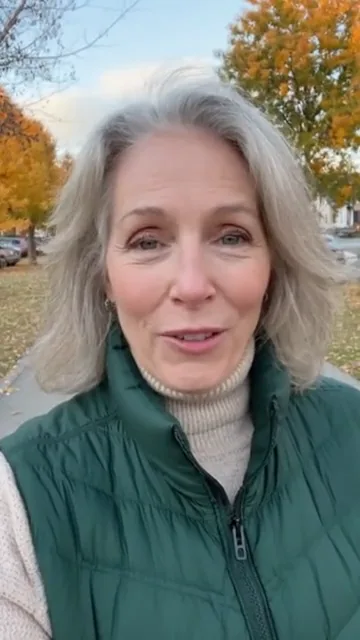
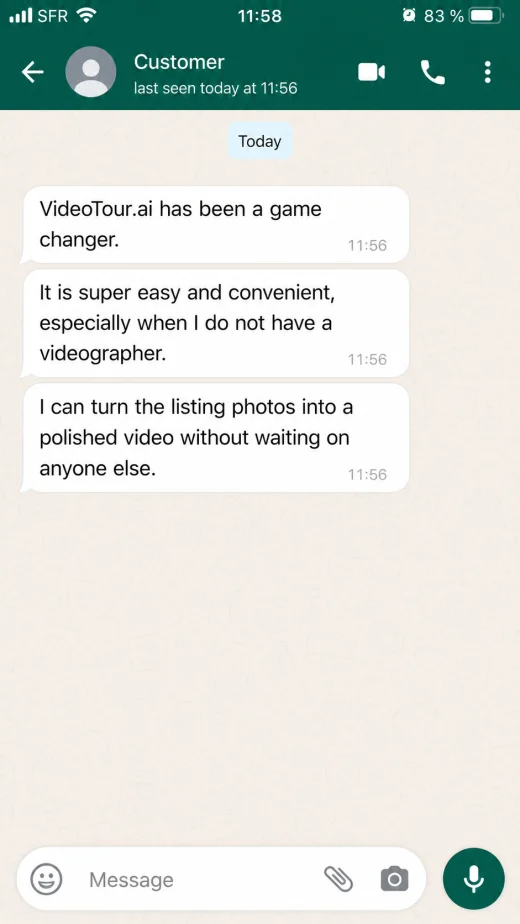
It is super easy and convenient, especially if you do not have a videographer. VideoTour.ai has been a game changer.

We launched an exceptional property with a cinematic Reel and immediately had people asking for showing details. The listing finally felt as premium online as it did in person.
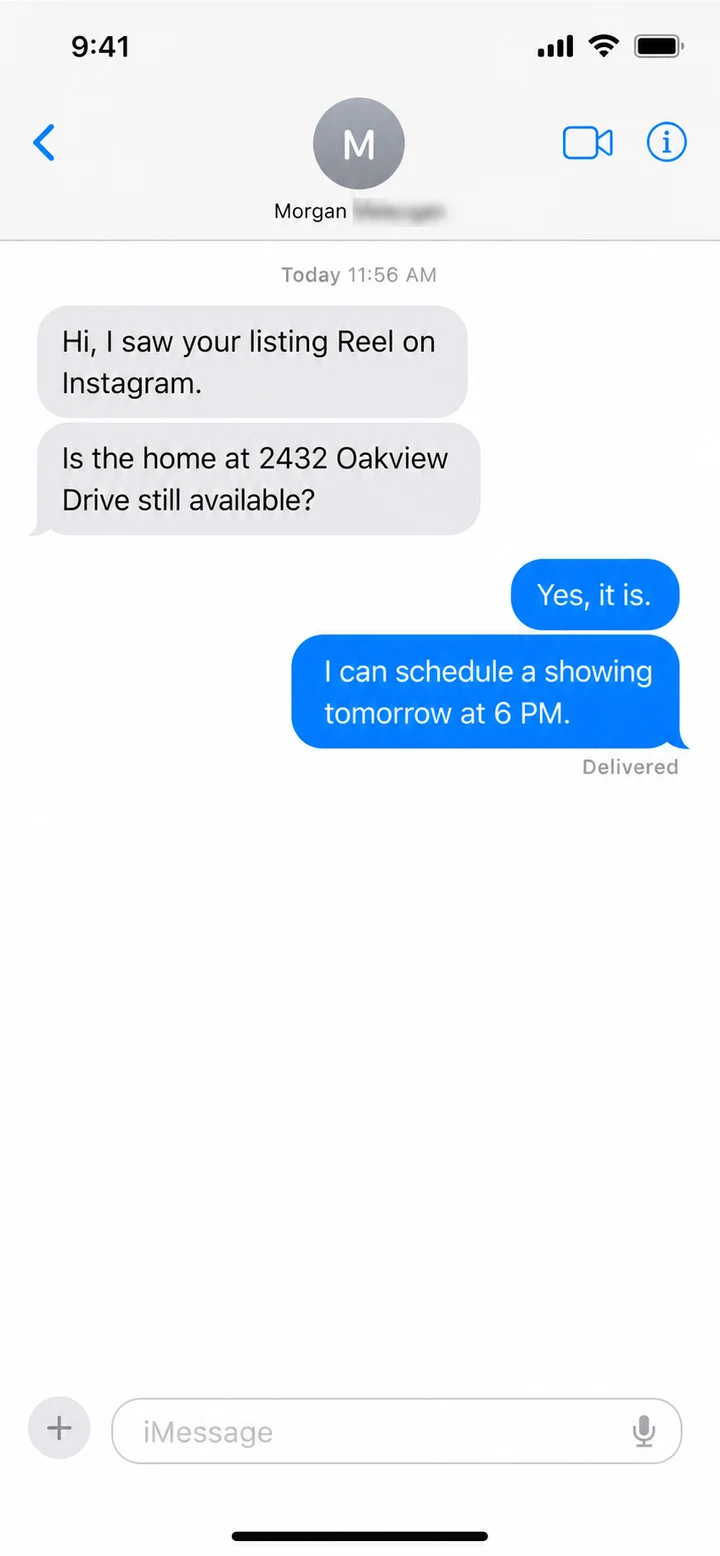

First Reel made last night for a three-bedroom listing: six photos imported and it was ready in five minutes. I posted it this morning and already have three showing requests.

I refreshed a listing that had been sitting for months. The same property was much easier to understand once the strongest rooms, captions and music were organized into a Reel.
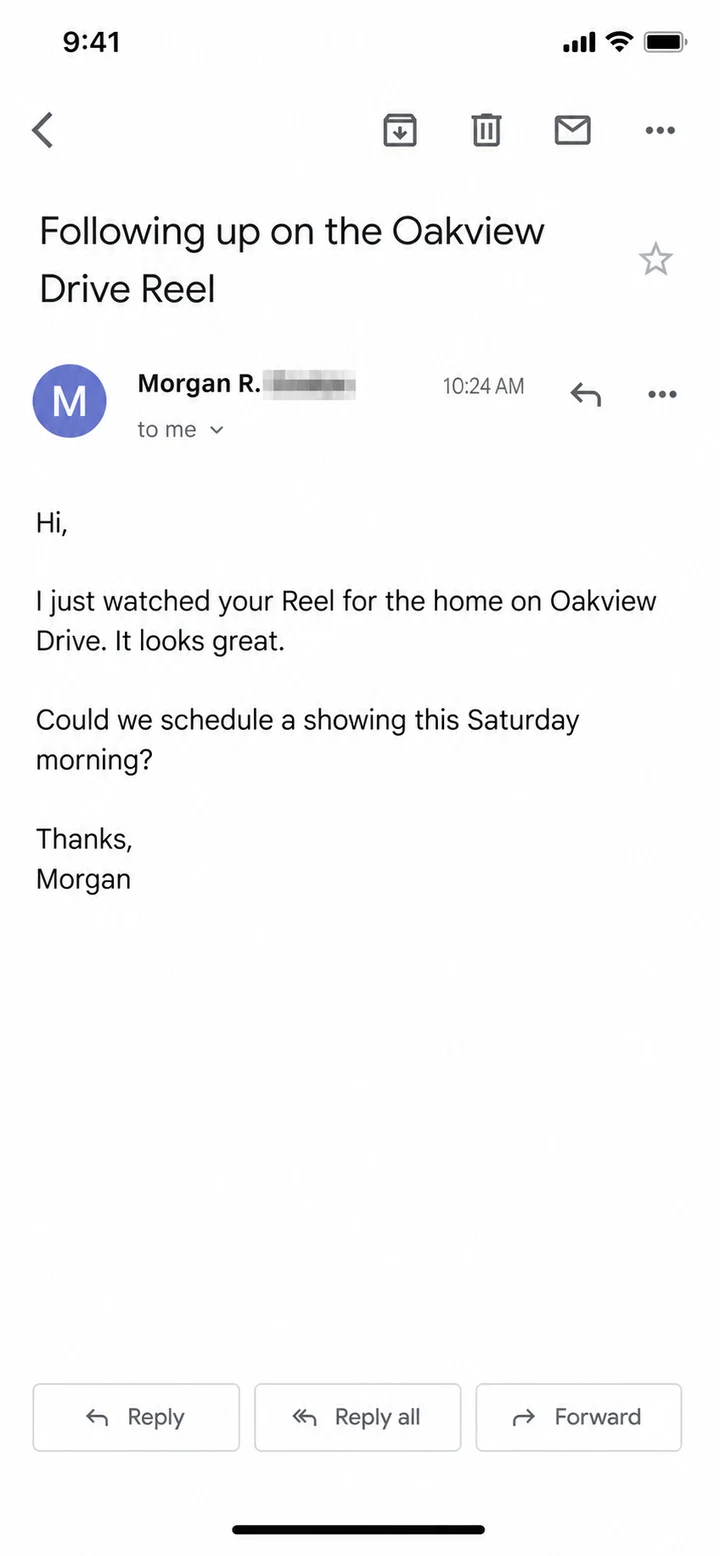

After three weeks, I had published 11 Reels. A seller told me they chose me because my property video looked the most professional. That changed the conversation.
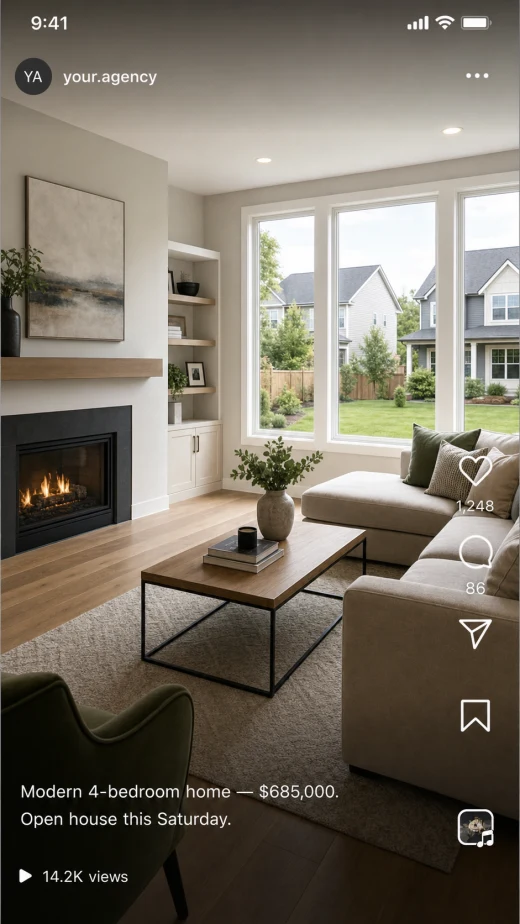

I launched my agency alone, and standing out was the hardest part. I tested VideoTour.ai on ten listings with motion, captions, music and campaign variations. My marketing finally feels consistent.

The best part is speed. The property went live, the Reel followed, and every visual stayed consistent. I did not have to wait for another person to finish the edit.

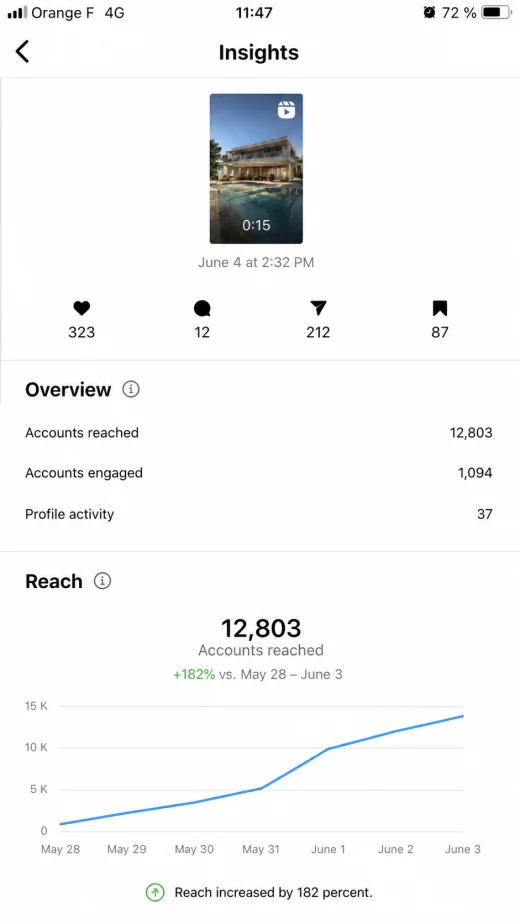
Fourteen Reels this month, all with the same visual identity. I can now compare what works and improve each campaign without starting over every time.

Before, I paid a videographer for every property and waited a week. Now I make my own Reels in the evening, and the final result makes our listings feel like luxury marketing.
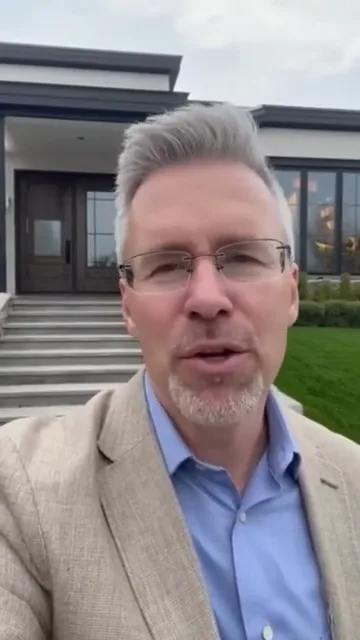
I do a lot of high-end homes and new builds. These videos are fast, simple, and they work.

I upload listing photos, drop in our team song, and in minutes I have a polished reel.

The biggest surprise is how many conversations now begin with someone saying they saw one of my property Reels. It gives people a reason to remember the listing and the agent.

I used to lose two hours in an editing app for an average result. Now the listing story is clear, the Reel is polished, and I can move on to actual client work.

Our seller chose us in large part because of the marketing plan. Showing a repeatable Reel strategy made the presentation much more tangible.

VideoTour.ai changed my routine. I used to publish a video occasionally because editing took an entire afternoon. Now every new listing gets its own Reel on launch day.
Customer feedback supplied by VideoTour.ai includes original recordings and translated or localized excerpts. Screenshots are labeled reconstructions of supplied material. Individual experiences vary and do not guarantee views, leads or sales.