Kitchen lifestyle
Morning coffee
Show how the island fits an everyday routine while keeping the real room easy to inspect.
Upload your listing photos and let AI add natural, everyday moments that help buyers picture themselves living there.





Listing content created by professionals from leading real estate brands







Pick a photo, choose who appears in it, and the clip comes back ready to publish.
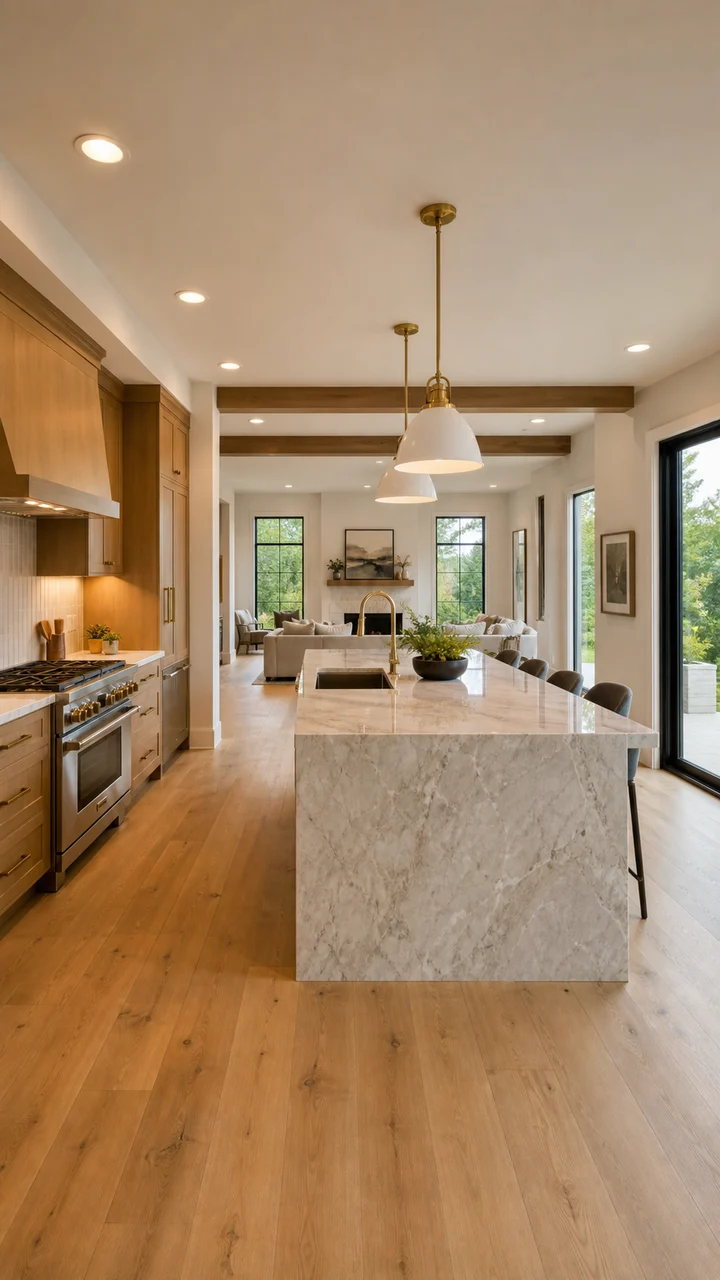
One listing photo is all it takes. Choose the kitchen, living room, patio or amenity that feels emptiest without people in it.
Browse the categories and pick the people who look like your buyers. Not sure? Let the AI choose the scene that suits the room.
 Young Professional
 Family with Kids
 Suburban Homeowner
 Active retiree
 Executive
 Busy Parent
 Family with teens
 Single mom
 New parents
 Multigenerational Family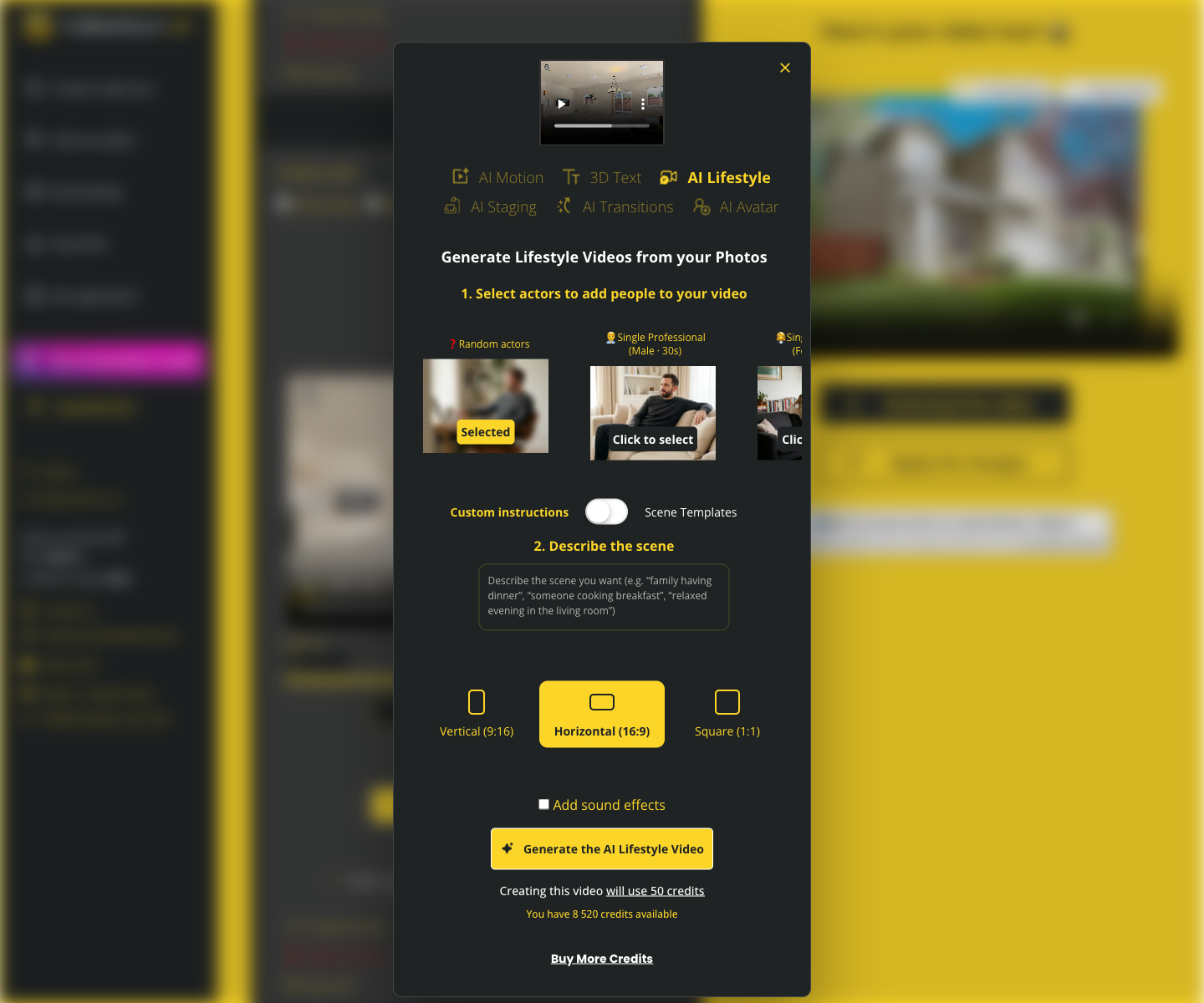
The clip comes back beside the original. Drop it into the listing video, or post it on its own.
Two minutes, start to finish: the photo goes in, you pick who appears in the room, and the clip comes back ready to post.
Choose moments that feel natural for each space. Keep people in the background so the property stays the focus.
Show how the island fits an everyday routine while keeping the real room easy to inspect.
Turn a chef’s kitchen into a social scene that shows the room’s real scale and how people move through it.
Add a quiet touch of activity that makes the suite feel comfortable without hiding the room itself.
Give a large gathering space a human reference point and a reason to pause in the feed.
48% of buyers’ agents say listing videos are highly important to their clients.
83% of buyers’ agents say staging makes it easier to imagine a property as their future home.
User-generated videos performed best when faces appear.
Annual prices shown below. Monthly billing is also available.
$2.90 per video
$1.47 per video
$0.49 per video
Create a lifestyle scene, compare it with the source photo and decide whether the workflow fits your listing marketing.
Create my first video
It is super easy and convenient, especially if you do not have a videographer. VideoTour.ai has been a game changer.

My sellers were surprised by how much more inviting the empty home felt. The lifestyle scene gave the room a story without needing another shoot.

The best results feel like a smooth camera pass through the original room. I can keep the property photography accurate and offer agents a more emotional social edit.

Showing one person enjoying the kitchen helps buyers understand the scale immediately. The room is still the hero, but the activity makes people stop and look.
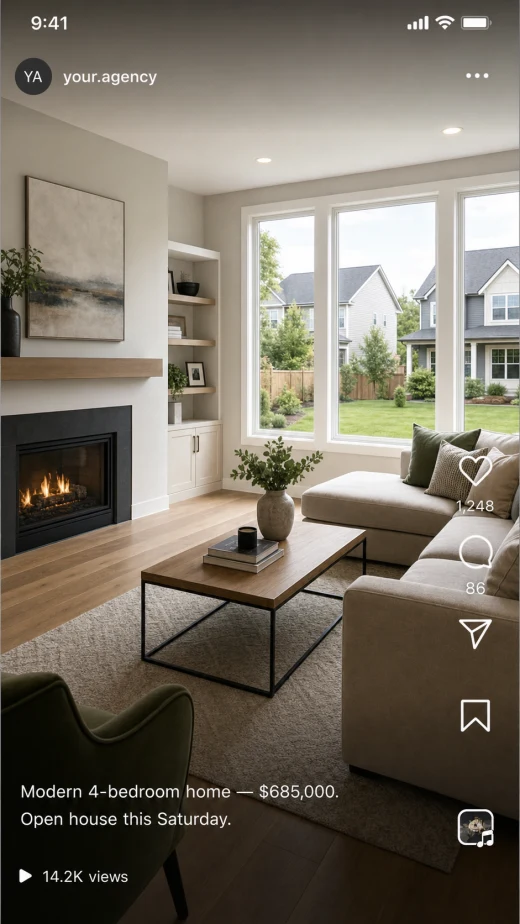

A vacant listing had great light but felt cold online. The lifestyle version gave me a second way to market the same accurate photography.
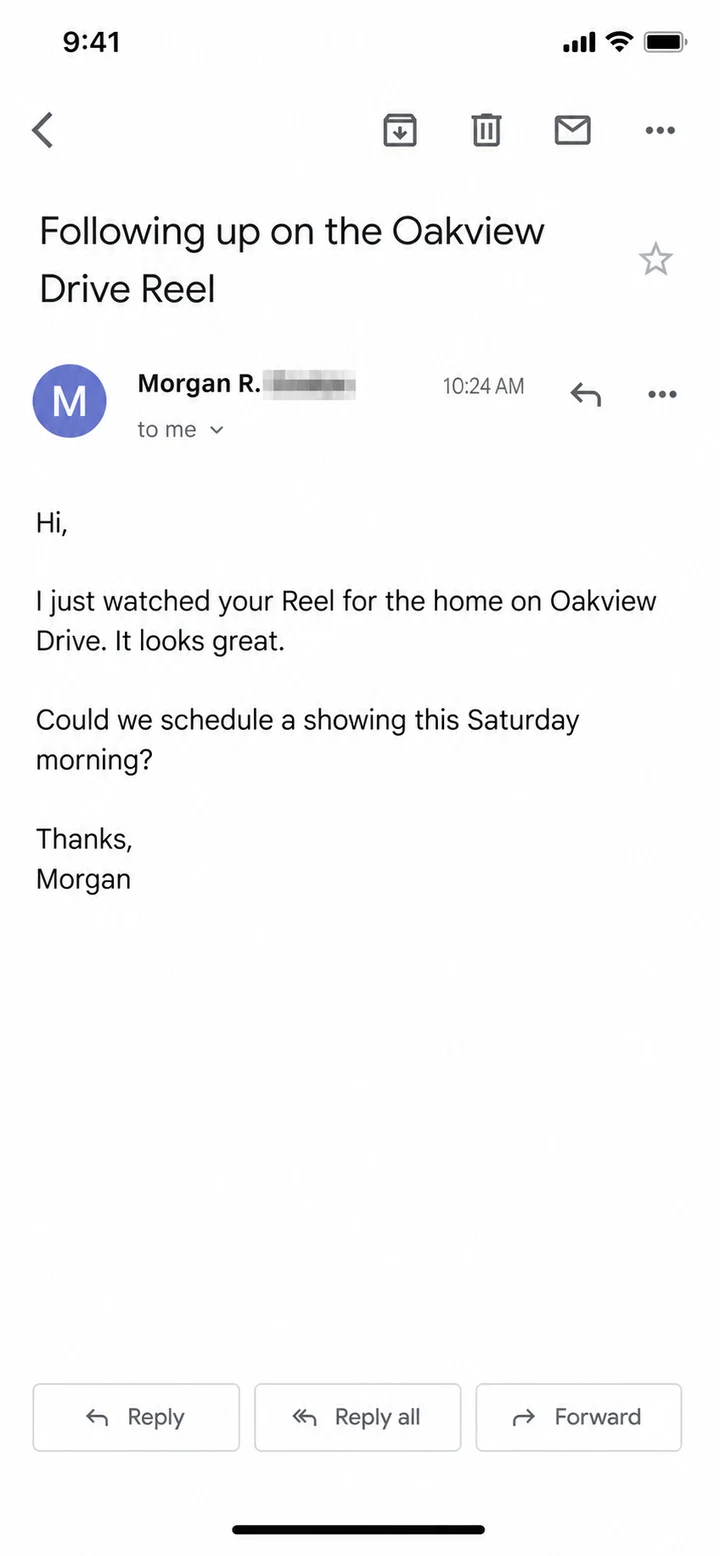

The empty room finally felt like a home. I liked that I could compare the generated clip with the original and remove anything that did not feel accurate.

Lifestyle clips gave us a repeatable creative angle for vacant homes, new construction and amenity spaces without planning a filming day for every property.
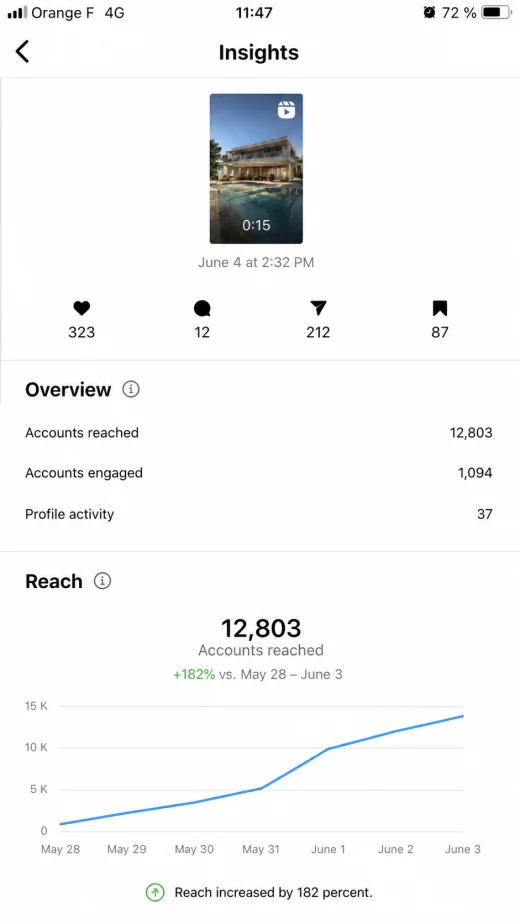

For listing presentations, the before photo and lifestyle clip make the marketing plan tangible. Sellers can see how one photo package supports more than one campaign.

We used the AI lifestyle feature on the primary suite and the kitchen, and we got booking requests thanks to it.
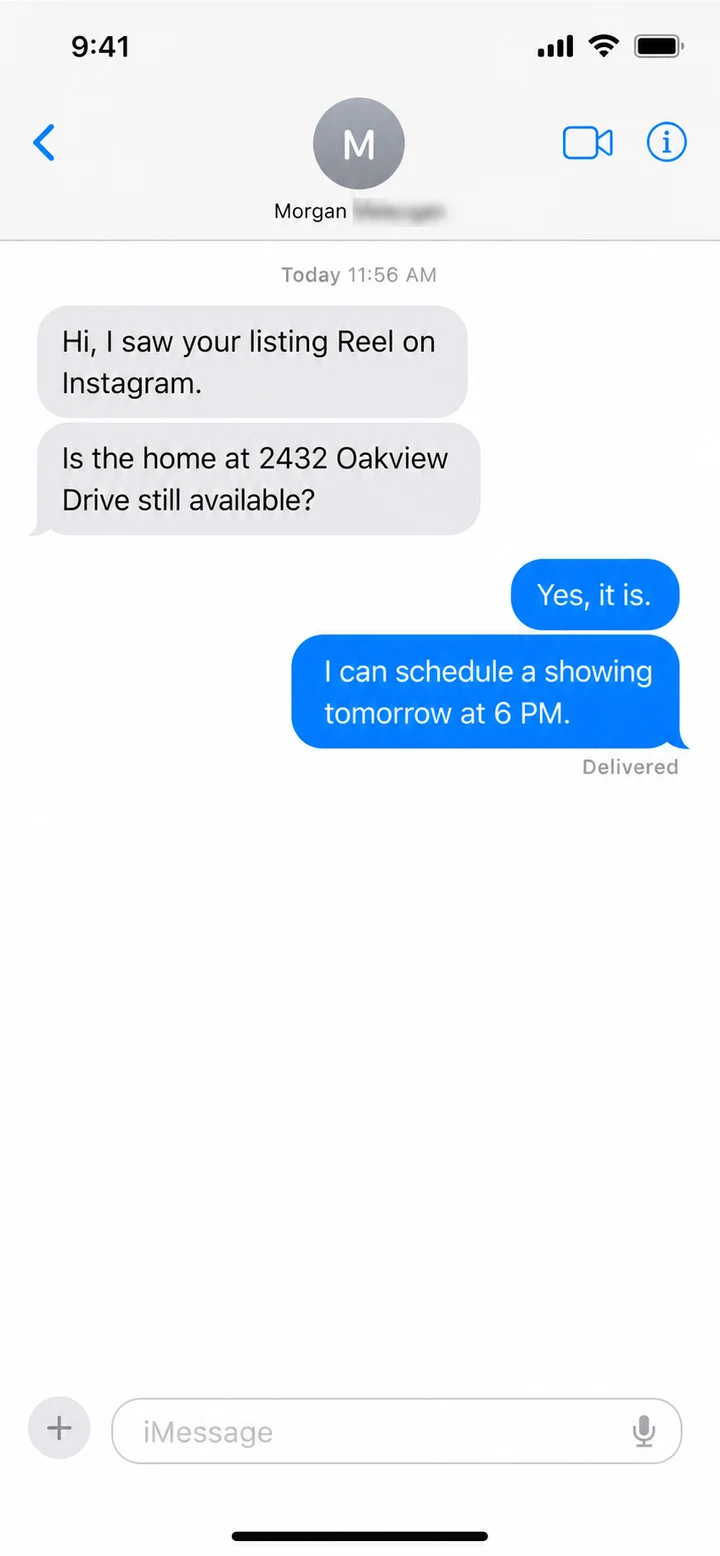

I do a lot of high-end homes and new builds. These videos are fast, simple, and they work.

I upload listing photos, drop in our team song, and in minutes I have a polished reel.

I use the clean listing photo for inspection and the lifestyle clip for social. Having both keeps the marketing useful without pretending the people are part of the property.
Customer feedback includes original recordings and supplied or localized excerpts. Lifestyle results vary by photo and prompt. Review every generated clip against the source property photo before publishing.
Got a question? We have answers.
An AI real estate lifestyle video starts from a property photo, adds natural-looking people and an everyday activity, then animates the scene. It helps buyers picture how the room could feel, while the source photo stays your reference for what the room really looks like.
Choose a property photo, select Automatic or a people category, then use a scene template or custom instructions. Review the generated clip against the original photo, choose sound and aspect ratio, and export only when the result looks right.
No. Scene templates provide guided activities for common rooms. Custom instructions are available when you want a more specific moment.
Yes. The product offers Automatic selection plus Family, Solo, Couple and Retiree categories. You can also choose a specific actor reference from the available gallery.
The workflow is designed to preserve the room while adding people and activity, but generated media can still make mistakes. Compare every result with the source photo and regenerate or remove a clip if a material feature changes.
Disclosure requirements vary by MLS, brokerage and location. Label media as AI-enhanced or virtually staged wherever required, keep the original photos available, and never imply that temporary people or decor are included with the property.
Kitchens, living rooms, dining areas, patios, pools and amenity spaces work well because a simple activity clarifies scale and use. Keep the activity restrained so the property remains the main subject.
Yes. Choose 9:16 for Reels, TikTok and Shorts, 16:9 for websites and video-first listing workflows, or 1:1 for square feed posts.
Choose a natural moment, compare it with the source photo and publish only when the property still feels accurate.
