“A buyer watched the video and sent a showing request from the same page. The contact details came straight to me.”
 AmandaAgent, Phoenix
Your property video, photos, price and a showing-request form on a single page with your name on it. No website builder. Built from the same photos as the video.





Listing content created by professionals from leading real estate brands







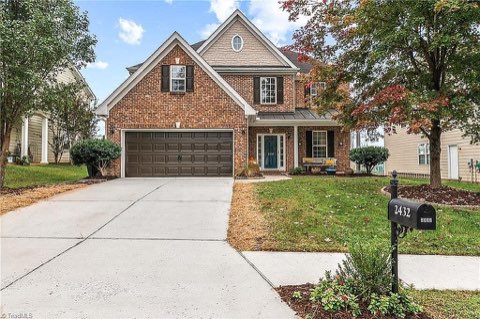
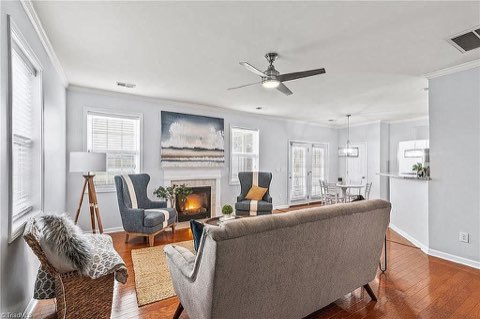
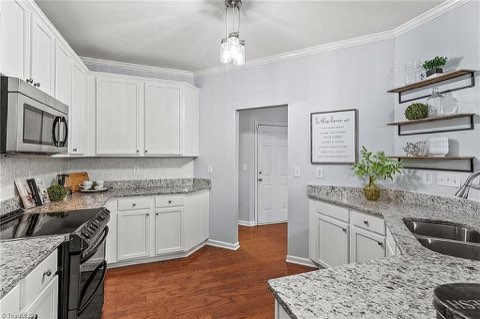
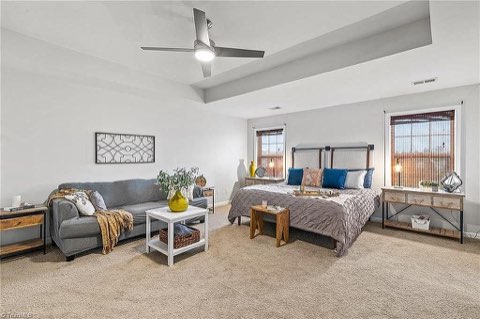
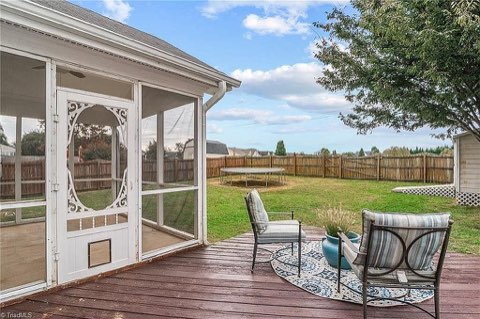
Photos, address, price, features, your headshot and contact details.
Photos become a captioned, branded walkthrough. Approve every shot.
The video becomes the hero of a branded page with the gallery, facts and a showing form. Share the link or embed it on your site.
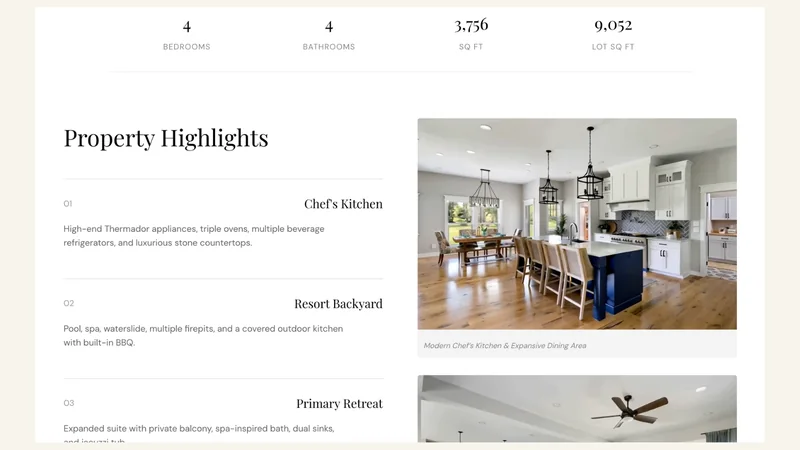 Magazine Look
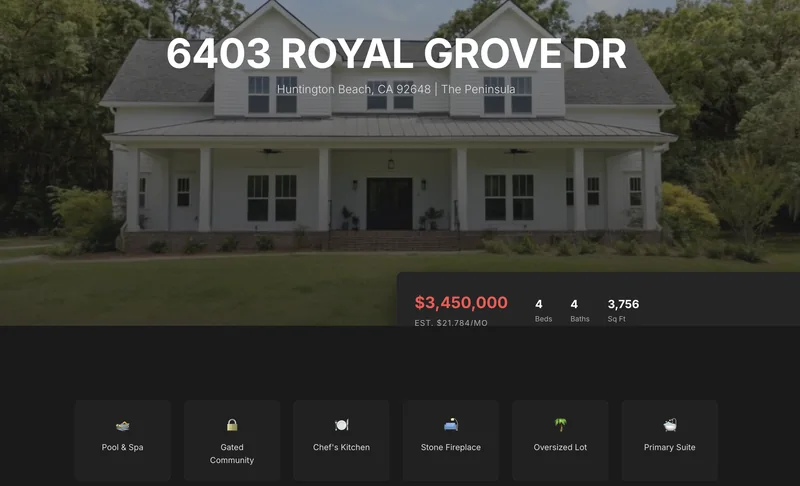 Modern Dark
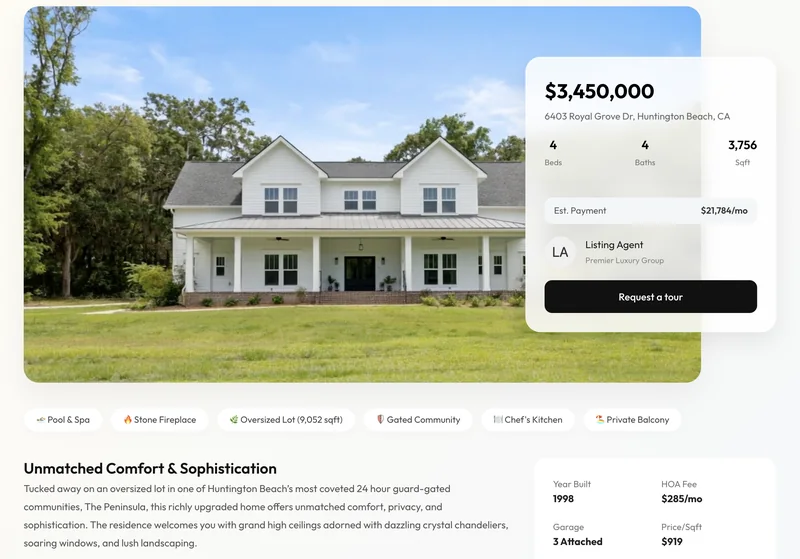 Light & Airy
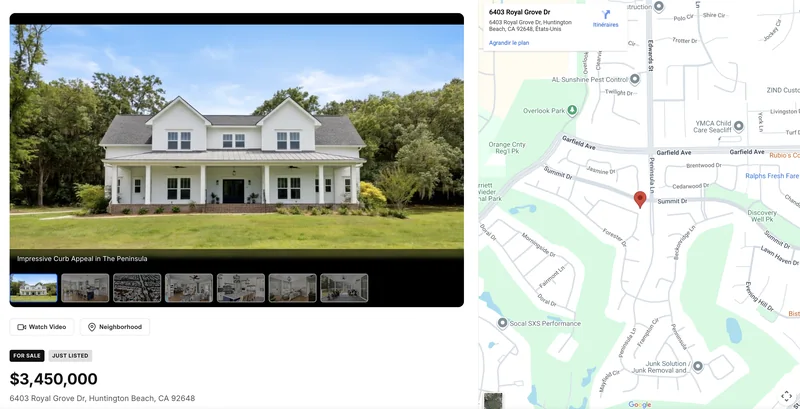 Map Focused
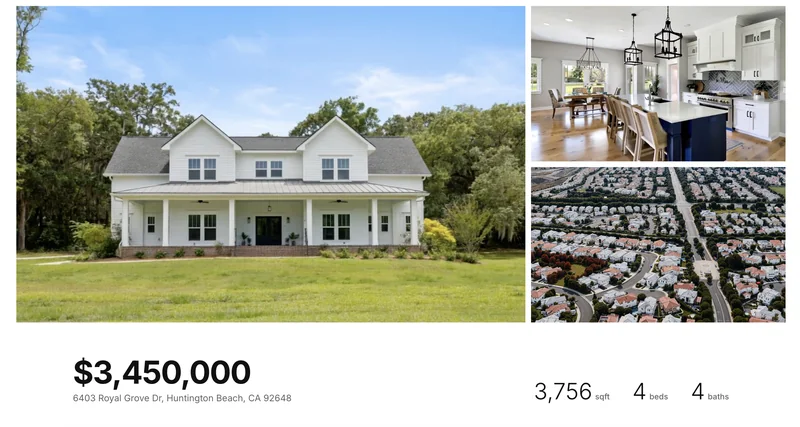 Photo First
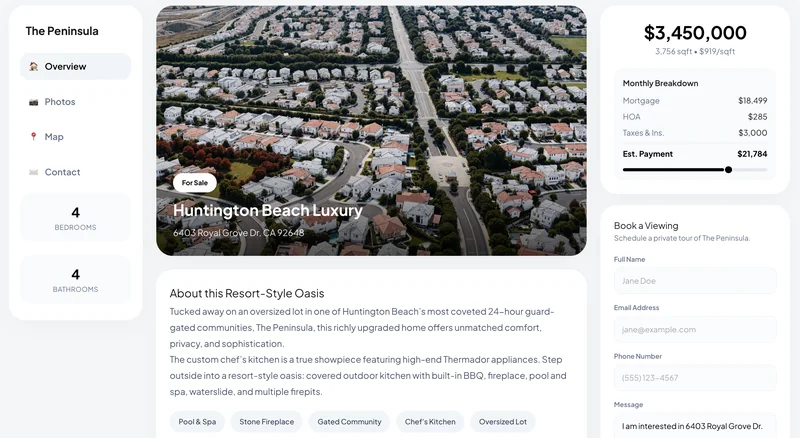 Clean Grid
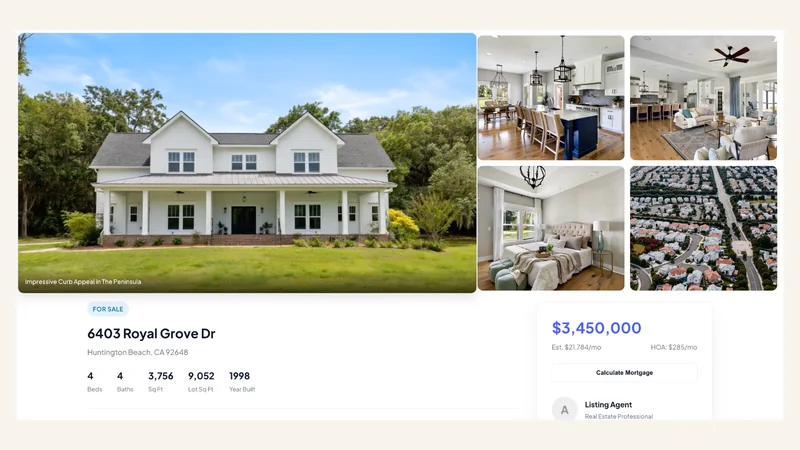 Classic Professional
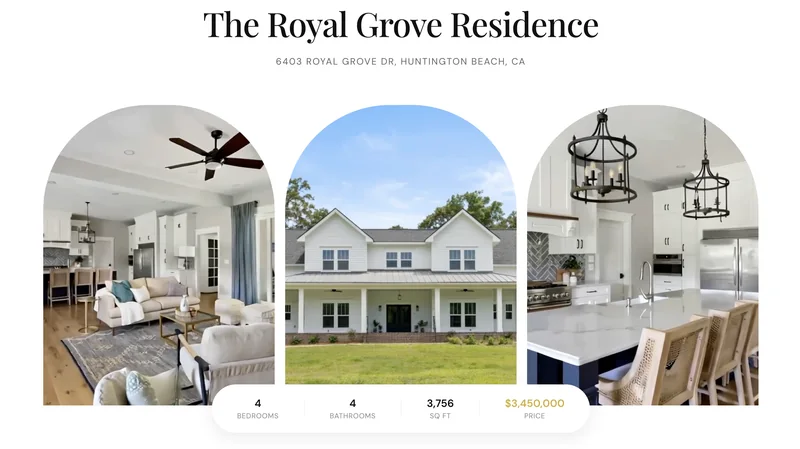 Warm & Cozy
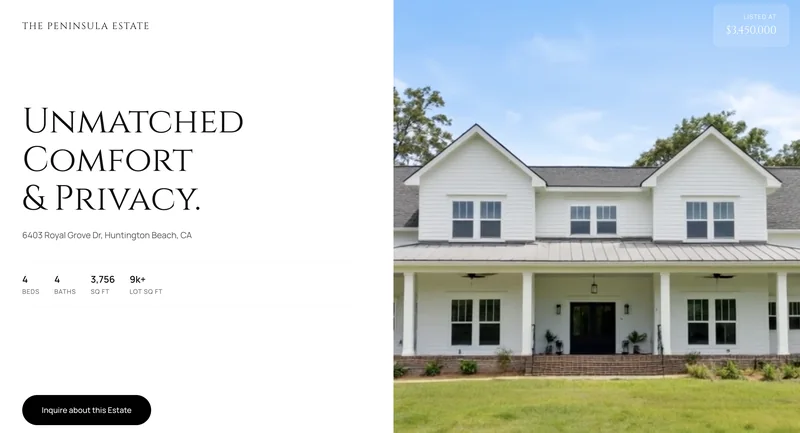 Luxury Showcase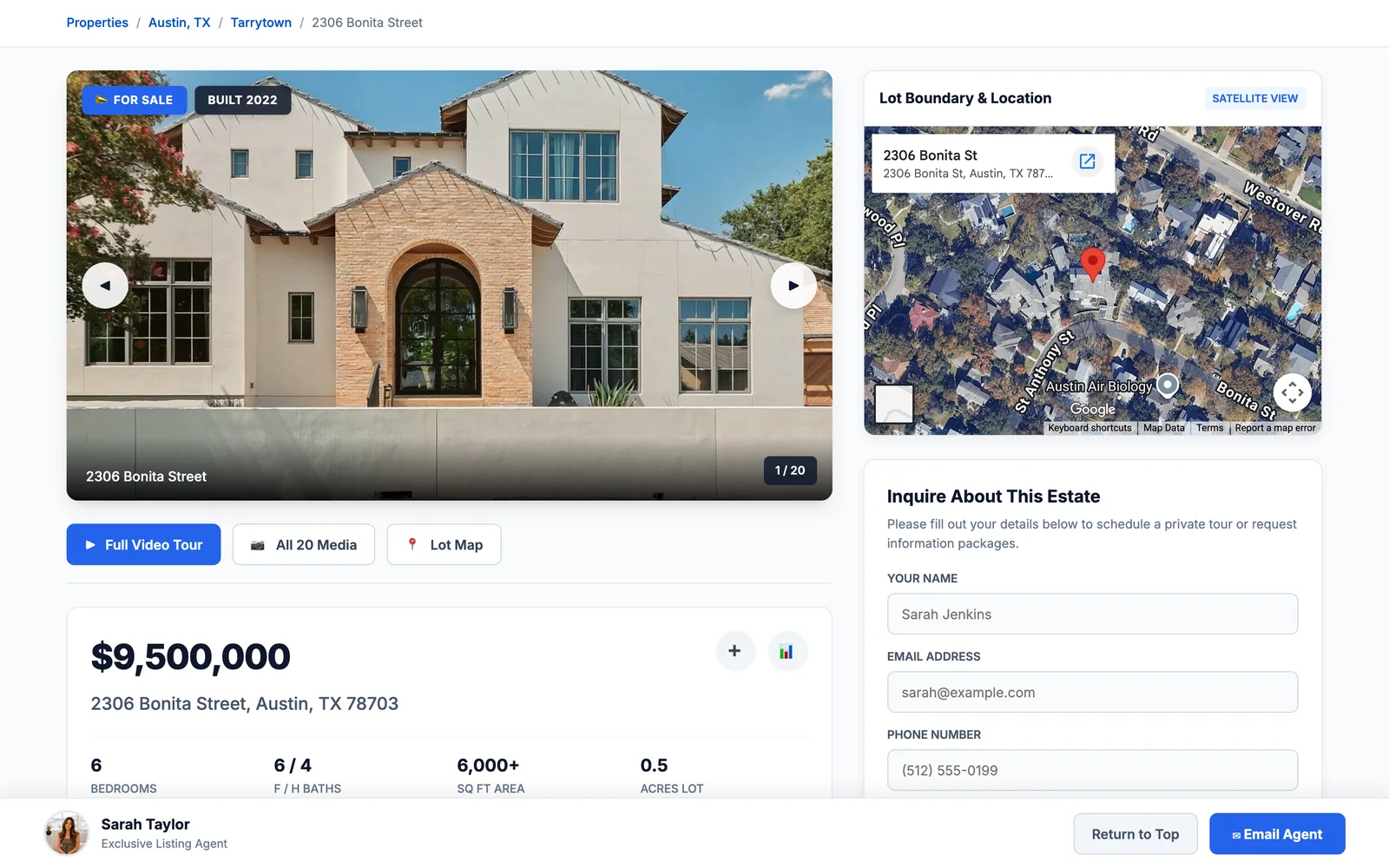
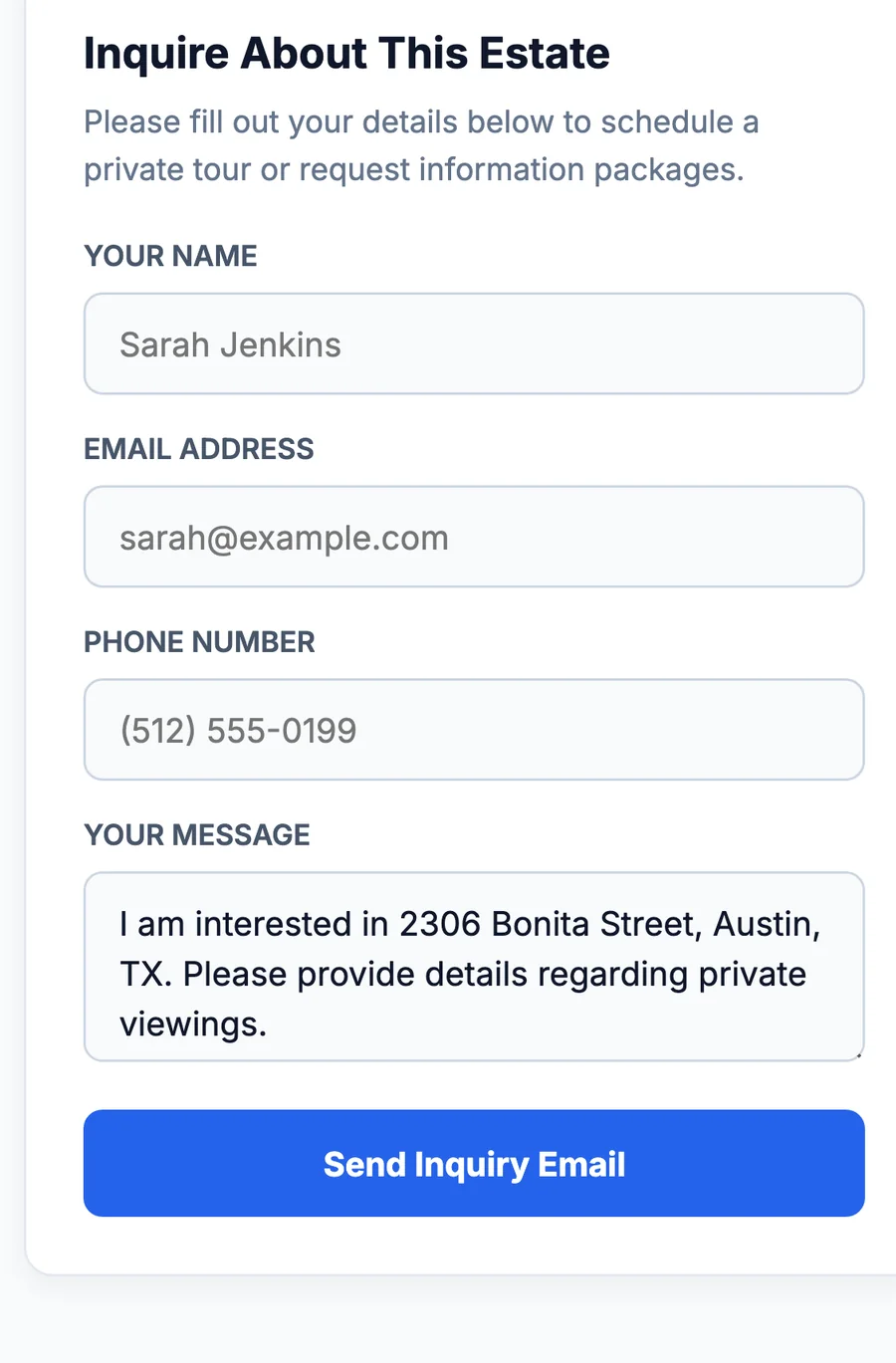
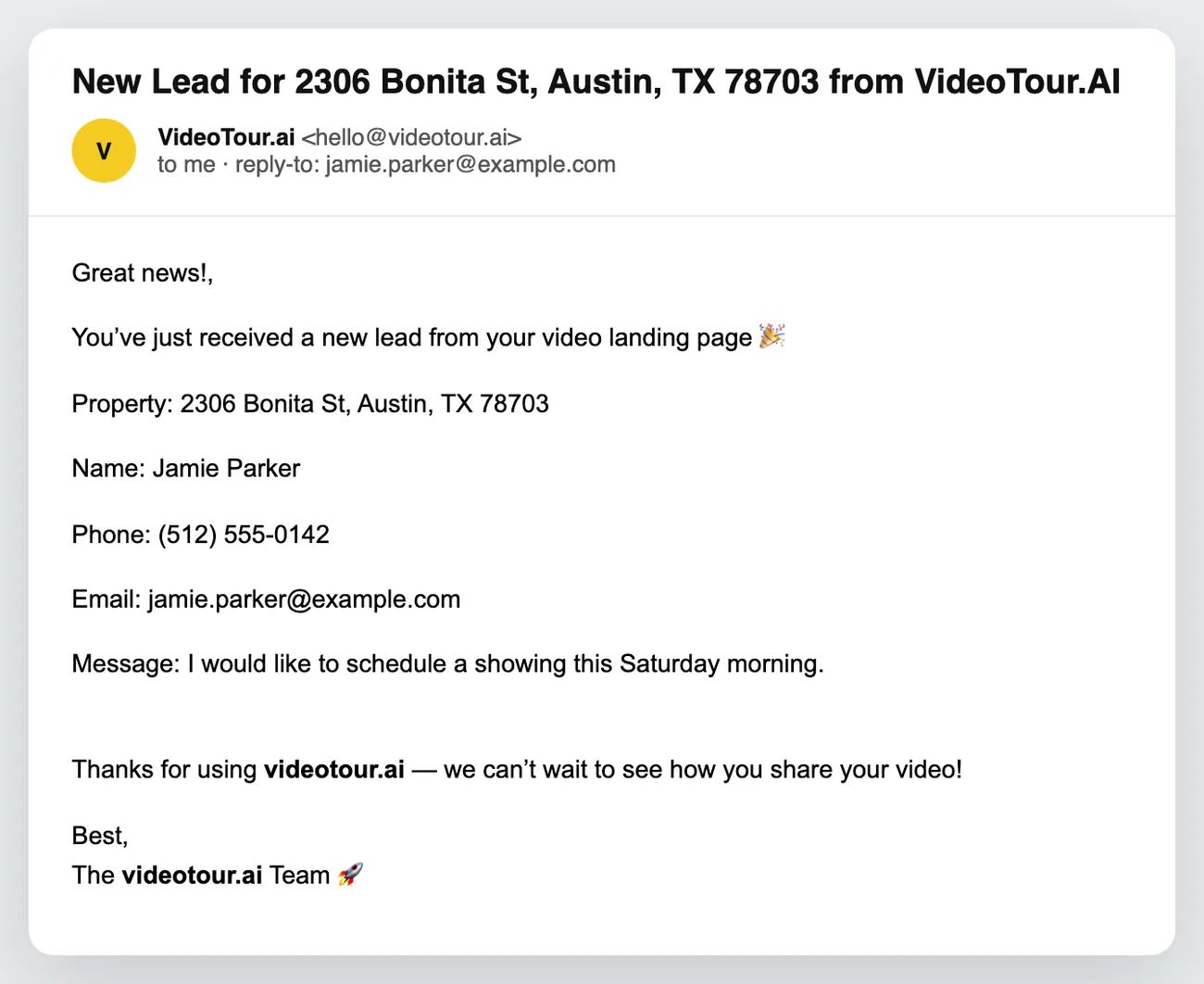
Name and email land in your inbox as a lead, tied to the listing. Reply directly. No third-party form, no CRM setup.
“A buyer watched the video and sent a showing request from the same page. The contact details came straight to me.”
AmandaAgent, Phoenix“I send one link instead of explaining where the video, photos and my number are.”
 LaurenAgent, Austin
“Photo First for the modern listing, Modern Dark for the other one. Same content, different page, thirty seconds.”
 CarlosAgent, Dallas
“Every agent on the team uses their own headshot and details without rebuilding anything.”
 TylerTeam lead, Charlotte
Annual prices shown below. Monthly billing is also available.
$2.90 per video
$1.47 per video
$0.49 per video
Make the first video free, watch it, and pick a plan when you want the page and more videos.
Build my property page freeFirst video free on every plan, no card. Property pages are included on every paid plan: each page uses 10 of the AI credits your plan adds every month.
Got a question? We have answers.
It is a single-property website built around the listing video. VideoTour.ai combines the finished video with the address, price, facts, photo gallery, your agent card and a showing-request form on one shareable page.
Finish the property video, open the Landing Page tool, choose a design, confirm the listing and agent details, then generate the page. It appears in your pages library with its own public link.
No. Choose one of the 9 page designs instead of arranging sections in a website builder. The page is built from the listing media and details already attached to the video project.
Yes. You choose whether to show the price, your profile photo and your logo, and which agent identity, listing status and language the page uses.
Every submission is saved as a lead on the listing and emailed to you with the property address, the buyer's name, phone, email and message. Reply-to is the buyer, so you answer from your inbox.
Yes. Copy the embed code from the page toolbar and paste it into your website editor to show the property page inside your own site.
Yes. Open the page and choose Edit the page to update the listing details, or switch the design and generate again. You can also share its link, copy the embed code or remove an older page from the library.
Every paid plan includes AI credits each month, and a property page uses 10 of them. Your first video is free with no credit card.
Video, page and showing form, live in ten minutes.
