Independent
$29/ month
billed annually
billed annually
$2.90 per video
- 10 videos per month
- Unlimited revisions
- Music selection
- AI generated caption
- No Watermark
Upload multiple angles of each room. AI matches them to create smooth movement that stays true to the property. No filming or editing.

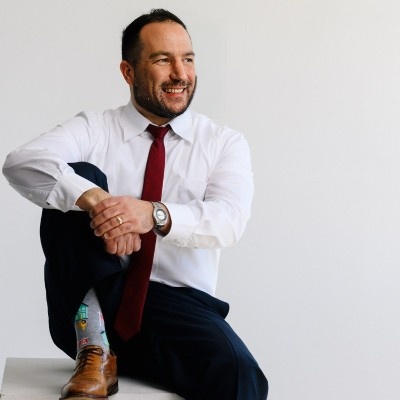



Listing content created by professionals from leading real estate brands







Give the AI two real views of the same room and it moves between them, instead of inventing what it cannot see.
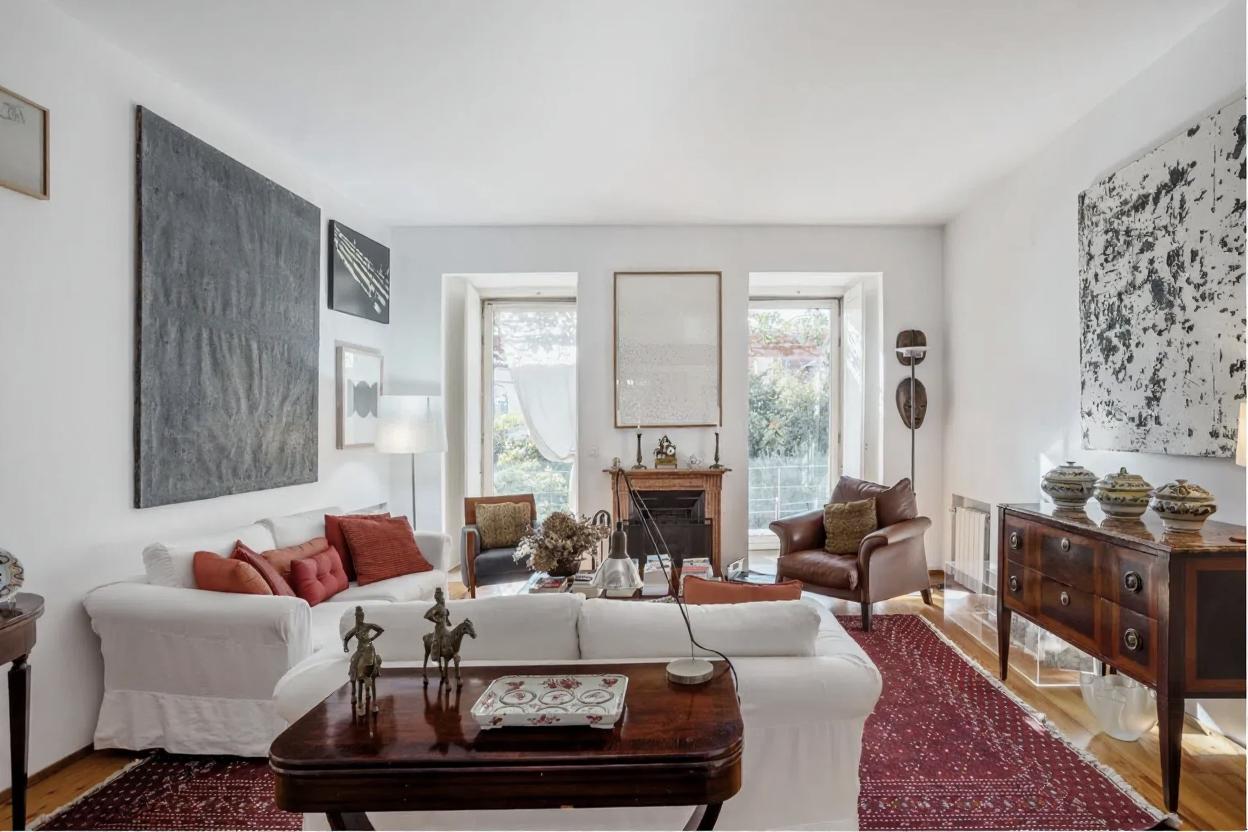
VideoTour.ai starts with a clear listing photo of the room.
It selects another photo of the same room by matching the windows, doors, furniture, and other features.
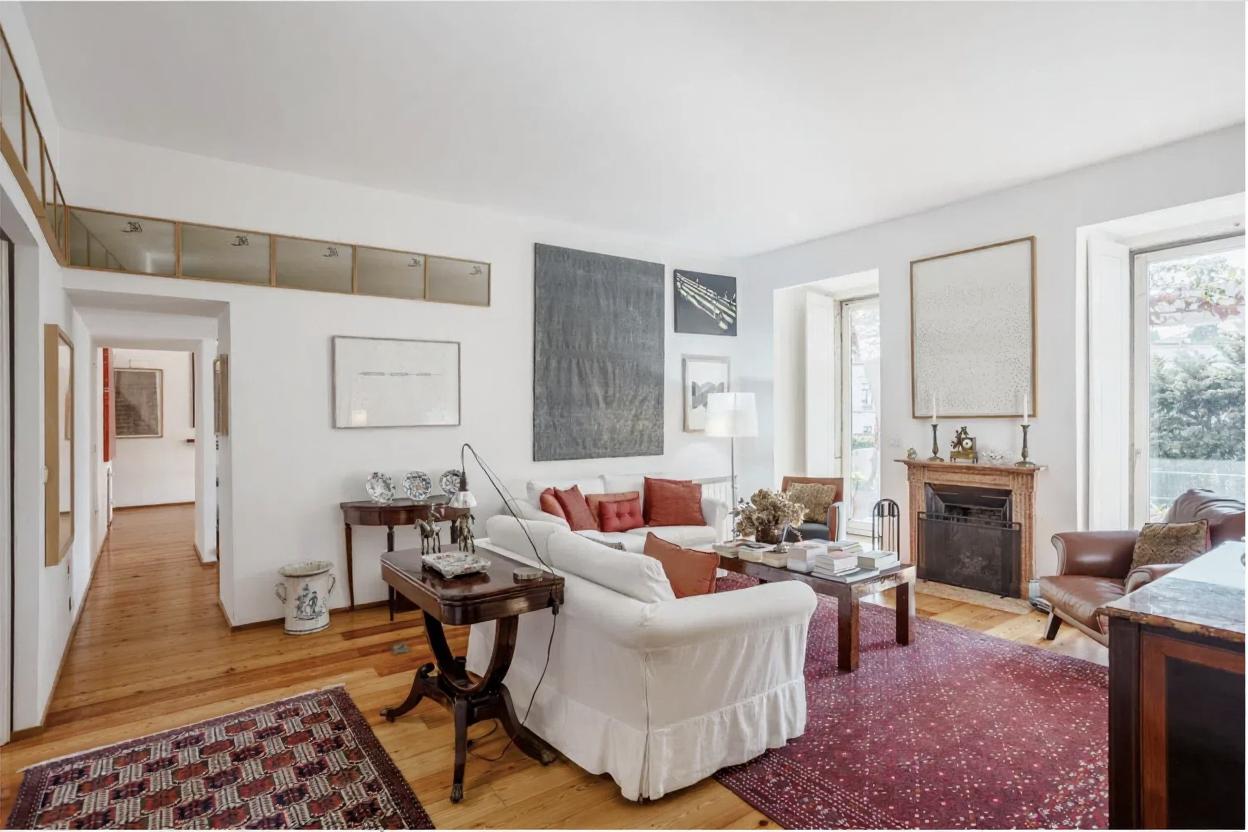
Using both real angles, the AI creates a smooth camera movement that stays consistent with the actual room.
See how matching photos of the same room give the AI more spatial context, then review the move before it enters the MLS version.
Annual prices shown below. Monthly billing is also available.
$2.90 per video
$1.47 per video
$0.49 per video
Create the first property video, compare the result with the approved photos and decide whether the workflow fits your team.
Create my free video
It is super easy and convenient, especially if you do not have a videographer. VideoTour.ai has been a game changer.

I keep the MLS copy clean and use the branded version everywhere else. One edit now covers the listing field, our website and the launch email.
The source-photo comparison is what made the workflow click for our team. We check every room, copy the clean link and publish without opening another editor.
I do a lot of high-end homes and new builds. These videos are fast, simple, and they work.

Our photographer still controls the listing photos. VideoTour.ai gives those approved images motion and a clean landscape version for the property campaign.
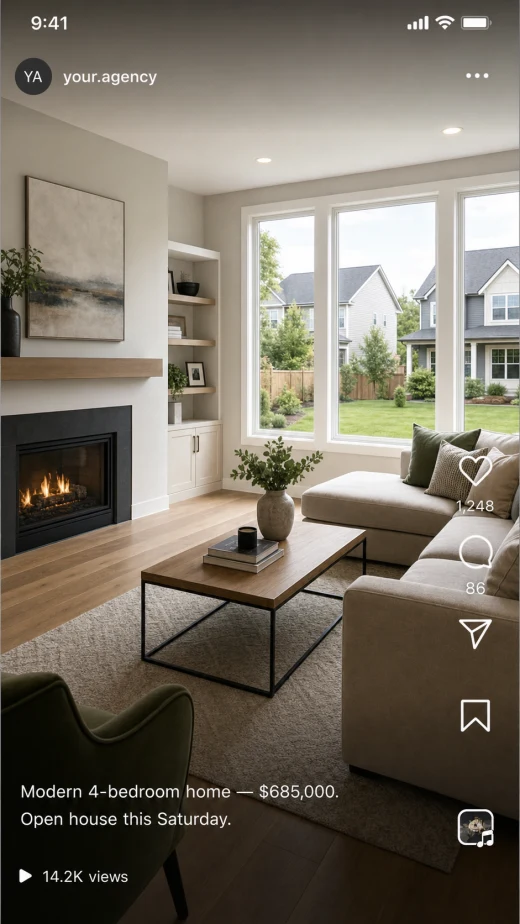

The unbranded and branded outputs solve two different jobs. I no longer have to rebuild the video just to remove my contact information.

Our listing process is more consistent now. Photos go in, the team reviews the property details and the clean video link goes into the MLS checklist.
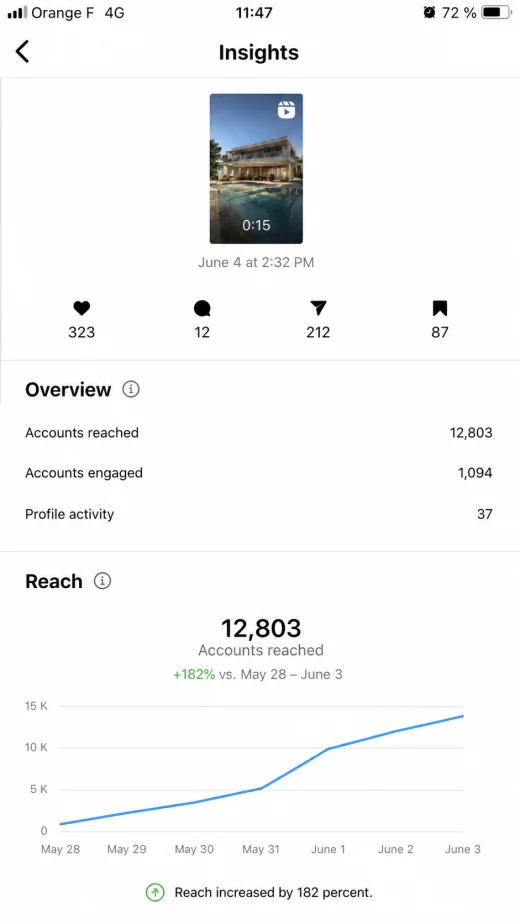

Standard Motion is perfect when I need the source photo to stay exactly as approved. The result looks polished without changing the property.

The client-view check is now part of our launch routine. It catches the wrong field or accidental branding before the listing syndicates.
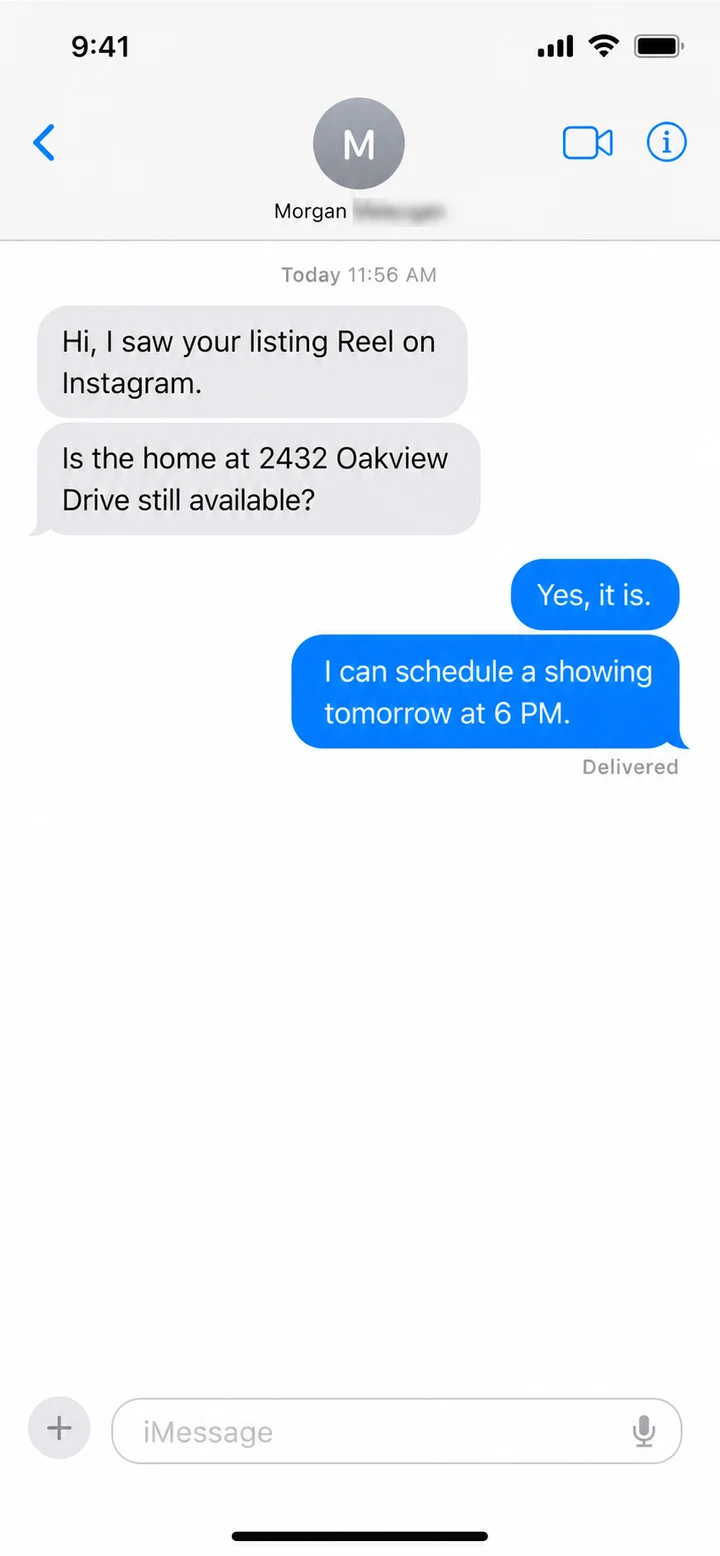
Customer feedback includes original recordings and supplied screenshots. MLS rules and results vary by market, source photo and platform. Review every video before publishing.
Got a question? We have answers.
Multiple angles help the AI understand how the room is actually laid out and create a more accurate animation.
Whenever possible, include at least two photos of every important room.
No. VideoTour.ai finds photos of the same room and selects matching angles automatically.
You can use Standard Motion to add movement while keeping the original photo unchanged. It applies a controlled pan or zoom without reconstructing the room.
MLS rules vary. Review the video and check your local MLS requirements before publishing. A property video is commonly accepted when it depicts the property accurately, uses permitted audio and is delivered through the correct unbranded field or link.
Most MLS platforms allow a listing video, video file or virtual-tour link, but the exact field and rules vary. The distributed version commonly needs to depict the property accurately and exclude prohibited branding or promotional contact information. Check your local MLS before publishing.
Open the listing editor and look under Media, Photos/Video, Videos or Virtual Tours. Upload the accepted file or paste the unbranded URL, save, then view the listing as a client. Flexmls, Paragon and Matrix workflows differ, so follow your MLS help guide.
Use the clean, unbranded version in the MLS-designated field when required. Keep the branded version with your name, logo and call to action for your website, email, YouTube and social channels.
Professional property video is often quoted at $200 to $500, with premium cinematic work costing more. VideoTour.ai creates a first edit from existing photos in minutes. Production prices vary by market and scope.
First video free. No credit card required.
