

51% of buyers located the home they purchased through an online search, compared with 29% who found it through a real estate agent, according to NAR's 2024 Profile of Home Buyers and Sellers. A listing earns attention in a search feed before it earns a showing.
The right Reel-E alternative lowers the cost of each finished listing video without shrinking the photo set. Reel-E's per-listing cost sits above the lowest dedicated option in this comparison, and its photo cap is lower than VideoTour.ai's 60-photo ceiling. On annual billing checked in November 2026, VideoTour.ai's pricing works out to about $2.90 per video on Independent and $1.47 on Agency.
Three questions decide most switches off Reel-E:
The right Reel-E alternative lowers the cost of each finished listing video without shrinking the photo set. Reel-E's per-listing cost sits above the lowest dedicated option in this comparison, and its photo cap is lower than VideoTour.ai's 60-photo ceiling. On annual billing checked in November 2026, VideoTour.ai's pricing works out to about $2.90 per video on Independent and $1.47 on Agency.
Three questions decide most switches off Reel-E:
- Cost per listing video. What does one shipped listing cost at the volume you handle?
- Photo capacity. Can the tool use your full set, or does the cap force choices before the edit begins?
- Delivery. Does one upload produce an unbranded MLS viewing link plus vertical cuts for social?
Summary
Create an AI Video Tours from PhotosTry it For Free

1. VideoTour.ai
VideoTour.ai carries the lowest cost per listing video in this comparison, and the gap is wide enough to change how many listings get video at all.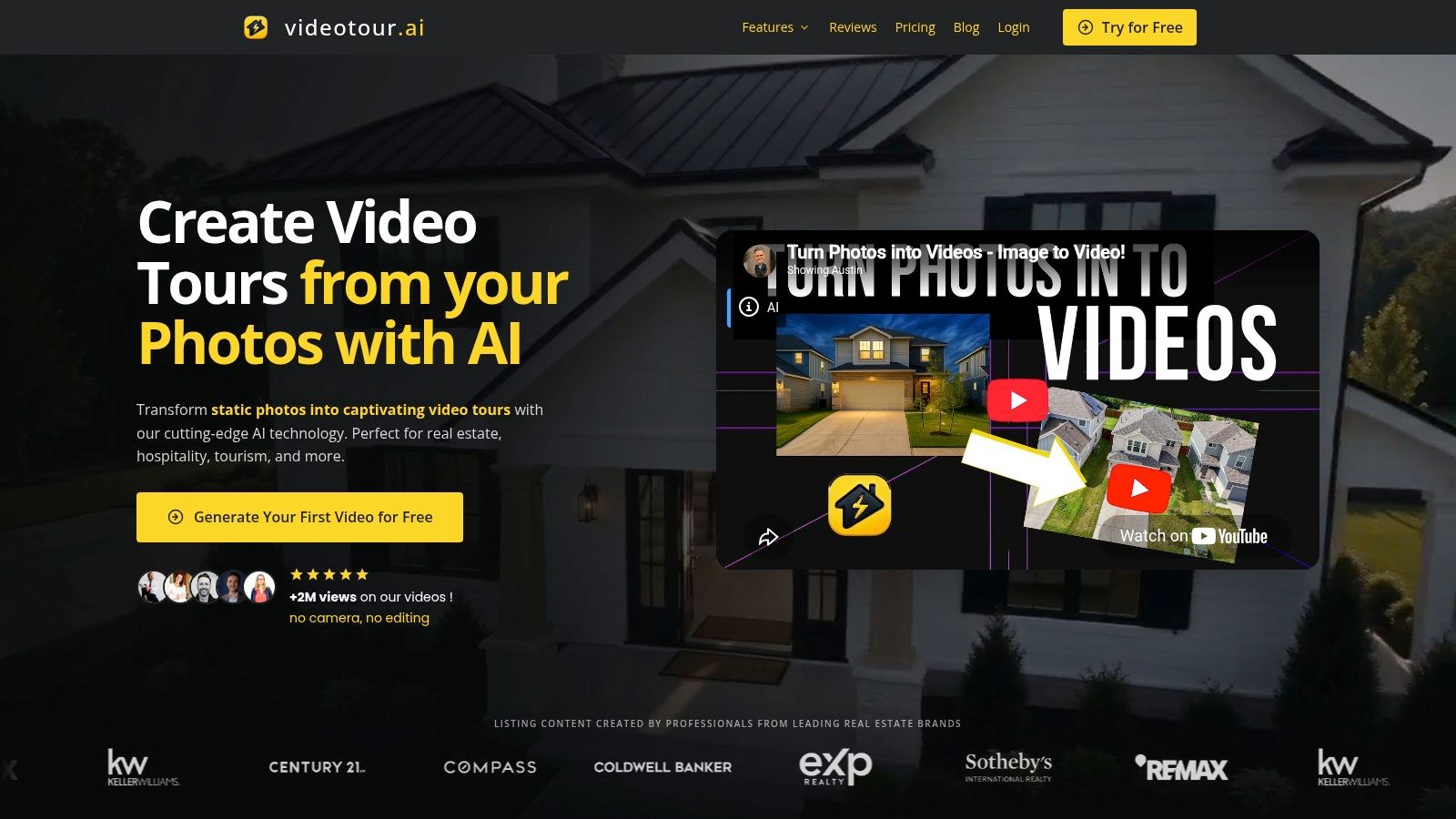 At $29 a month billed yearly (or $39 month to month) for 10 videos, the per-listing math lands near $2.90. The $59 Agency plan covers 40 videos for two users at about $1.47 each, and Enterprise packs 200 videos for five users at roughly $0.49. Ten listing videos a month at Reel-E's annual per-listing rate comes to about $147. Here it's $29.
The first video is free with no credit card, so the math is testable on a live listing before any plan decision.
Voice cloning puts your own voice on the narration. Talking avatars cover agent-branded clips, and virtual staging furnishes empty rooms without a second vendor invoice.
NAR's coverage of how Realtors use tech tools describes the draw of new technology in plain terms: lighter administrative work, more time for clients. Removing the shoot and the edit is the most direct version of that trade. If you'd rather write your own narration, the free real estate video script generator drafts one from the listing details first.
CRMLS guidance says an unbranded virtual tour channel cannot contain an agent's or brokerage's name, logos, photos or other identifying details, and allows property narration only when it doesn't refer to an agent or brokerage. Requirements vary by MLS, so read yours before uploading rather than assuming a clean export clears it.
At $29 a month billed yearly (or $39 month to month) for 10 videos, the per-listing math lands near $2.90. The $59 Agency plan covers 40 videos for two users at about $1.47 each, and Enterprise packs 200 videos for five users at roughly $0.49. Ten listing videos a month at Reel-E's annual per-listing rate comes to about $147. Here it's $29.The first video is free with no credit card, so the math is testable on a live listing before any plan decision.
One Upload, Three Shapes, Up to 60 Photos
The builder accepts up to 60 listing photos, roughly triple the 20-photo cap on Reel-E's entry plan. You pick vertical, wide or square from one upload, and re-renders and aspect-ratio changes carry no extra charge. Photos animate with pan, zoom and tilt, while optional AI virtual staging, day-to-night conversions and drone-style transitions layer on top.Voice cloning puts your own voice on the narration. Talking avatars cover agent-branded clips, and virtual staging furnishes empty rooms without a second vendor invoice.
Where the Workflow Beats a Timeline
Agents usually own the photos before they own the video, so the process starts with the photo set already attached to the listing. The platform writes a script from the listing details, adds captions and AI-generated music, and exports 720p or 1080p HD. The AI real estate video maker exports the tour and a separate vertical reel from the same project. The reel runs one continuous narration rather than the per-scene script matching a tour uses. Both files sit under View my videos, where Tours and Reels filters keep a busy listing pipeline organized.NAR's coverage of how Realtors use tech tools describes the draw of new technology in plain terms: lighter administrative work, more time for clients. Removing the shoot and the edit is the most direct version of that trade. If you'd rather write your own narration, the free real estate video script generator drafts one from the listing details first.
The Unbranded Link Is the Part Tool Shoppers Underrate
One upload produces a shareable, unbranded viewing link for the MLS field, plus branded versions for Instagram, TikTok, Facebook and YouTube Shorts. Paid plans export watermark-free, and finished videos come with share-ready HD downloads and video landing pages. That is the delivery model the MLS field requires, and few tools document it clearly.CRMLS guidance says an unbranded virtual tour channel cannot contain an agent's or brokerage's name, logos, photos or other identifying details, and allows property narration only when it doesn't refer to an agent or brokerage. Requirements vary by MLS, so read yours before uploading rather than assuming a clean export clears it.
The Honest Limits
- 720p and 1080p only. Reel-E's Pro plan exports 4K; VideoTour.ai tops out at 1080p.
- Source photos set the ceiling. A dark, cluttered set produces a dark, cluttered video.
- Premium animations use credits. Standard motion is free, and the credit amount displays before a reel generates.
- No camera work. Real drone footage and a filmed walkthrough still win flagship luxury campaigns.
2. AutoReel
AutoReel bundles video creation with AI photo editing and virtual staging, which makes it the strongest pick here for agents who want all three on one invoice.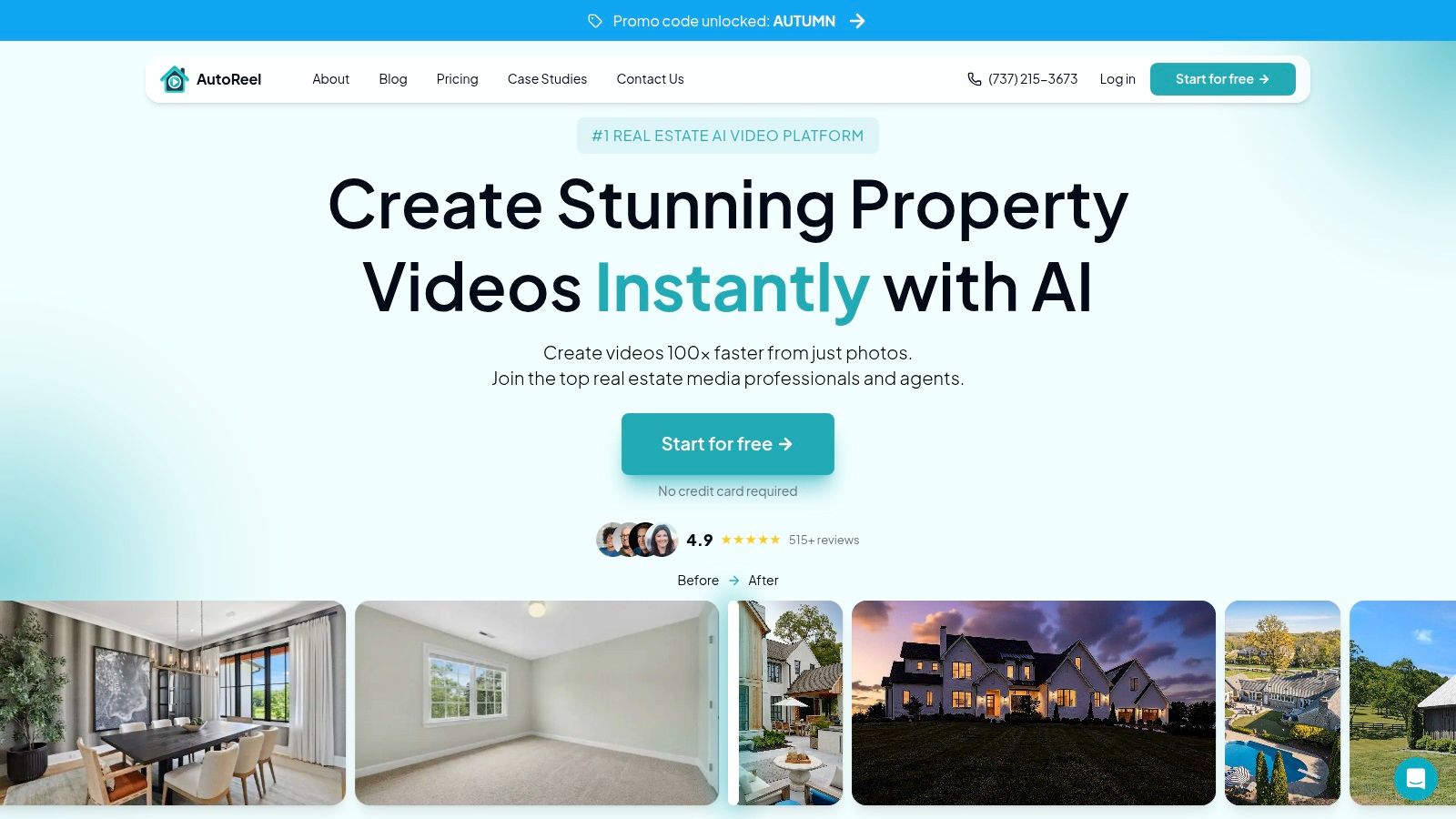 NAR's 2025 technology coverage reports that 48% of buyer agents consider videos highly important to their clients' listings, against 73% for listing photos and 43% for virtual tours. AutoReel's pitch fits that ranking: edit the photos, stage the empty rooms, then animate the set.
The bundle is the point. One vendor, one login, one place to fix a blown-out window before it becomes a blown-out window in the video.
NAR's 2025 technology coverage reports that 48% of buyer agents consider videos highly important to their clients' listings, against 73% for listing photos and 43% for virtual tours. AutoReel's pitch fits that ranking: edit the photos, stage the empty rooms, then animate the set.What the Subscription Buys
Paid plans include AI photo edits and virtual staging alongside branded video styles and effects. Higher tiers allow more photos per video and may add team seats or credit rollover, so the photo ceiling climbs with the price. A free plan and a seven-day trial let you test the workflow on a live listing before paying.The bundle is the point. One vendor, one login, one place to fix a blown-out window before it becomes a blown-out window in the video.
Where the Math Turns
AutoReel sells annual plans with video allowances and doesn't offer a one-off, pay-per-video purchase. At typical volumes its published rates work out to roughly $15 or more per video, which is the number that sends high-volume teams shopping. The value depends on using the allowance you bought.Practical rule: if you list fewer than three homes a month and want staging included, a bundled allowance is easier to justify than a cheaper per-video rate you won't use.Capacity decides more than price here. Plan limits determine how many photos make it into the video, so compare them against your average set size. A closer AutoReel alternative comparison walks the plan differences line by line.
3. Amplifiles
Amplifiles prices by the image rather than the video, which is cheap for a teaser and expensive for a 40-photo tour.
The model still earns its place. It suits occasional use, one-off luxury listings and photographers reselling video as an add-on to a photo package. Output is 1080p with voice-over, captions and branding, and pay-as-you-go includes one free re-animation per image, which softens the risk of paying for a bad first pass.
Sprout Social's video spec guide lists 1080×1920 pixels in MP4 with H.264 video and AAC audio for Reels, TikTok, Shorts and Stories, and 1920×1080 at 16:9 for standard YouTube. One 1080p render covers both destinations.
Photographers get something rare here: a done-for-you workflow they can resell as a video add-on. That's the case for it, and this rundown of video apps for realtors covers how the resale models compare.
Pay per Image, Not per Listing
Every image you animate counts. A seven-photo clip costs seven units, and a full listing set costs the whole set. The same upload that looks cheap on a condo highlight becomes the priciest option in this comparison once you feed it a full shoot, so run the math against your average set size before buying credits.The model still earns its place. It suits occasional use, one-off luxury listings and photographers reselling video as an add-on to a photo package. Output is 1080p with voice-over, captions and branding, and pay-as-you-go includes one free re-animation per image, which softens the risk of paying for a bad first pass.
Sprout Social's video spec guide lists 1080×1920 pixels in MP4 with H.264 video and AAC audio for Reels, TikTok, Shorts and Stories, and 1920×1080 at 16:9 for standard YouTube. One 1080p render covers both destinations.
The Trade-Off at Volume
Per-image pricing scales with the photo set, so flat per-listing tools win the moment listings get bigger. Confirm the current subscription tiers in Amplifiles' live plan selector before committing, since per-unit credits and plans price differently.Photographers get something rare here: a done-for-you workflow they can resell as a video add-on. That's the case for it, and this rundown of video apps for realtors covers how the resale models compare.
4. vProp
vProp hands you five free videos before you pay anything, the most generous test in this comparison.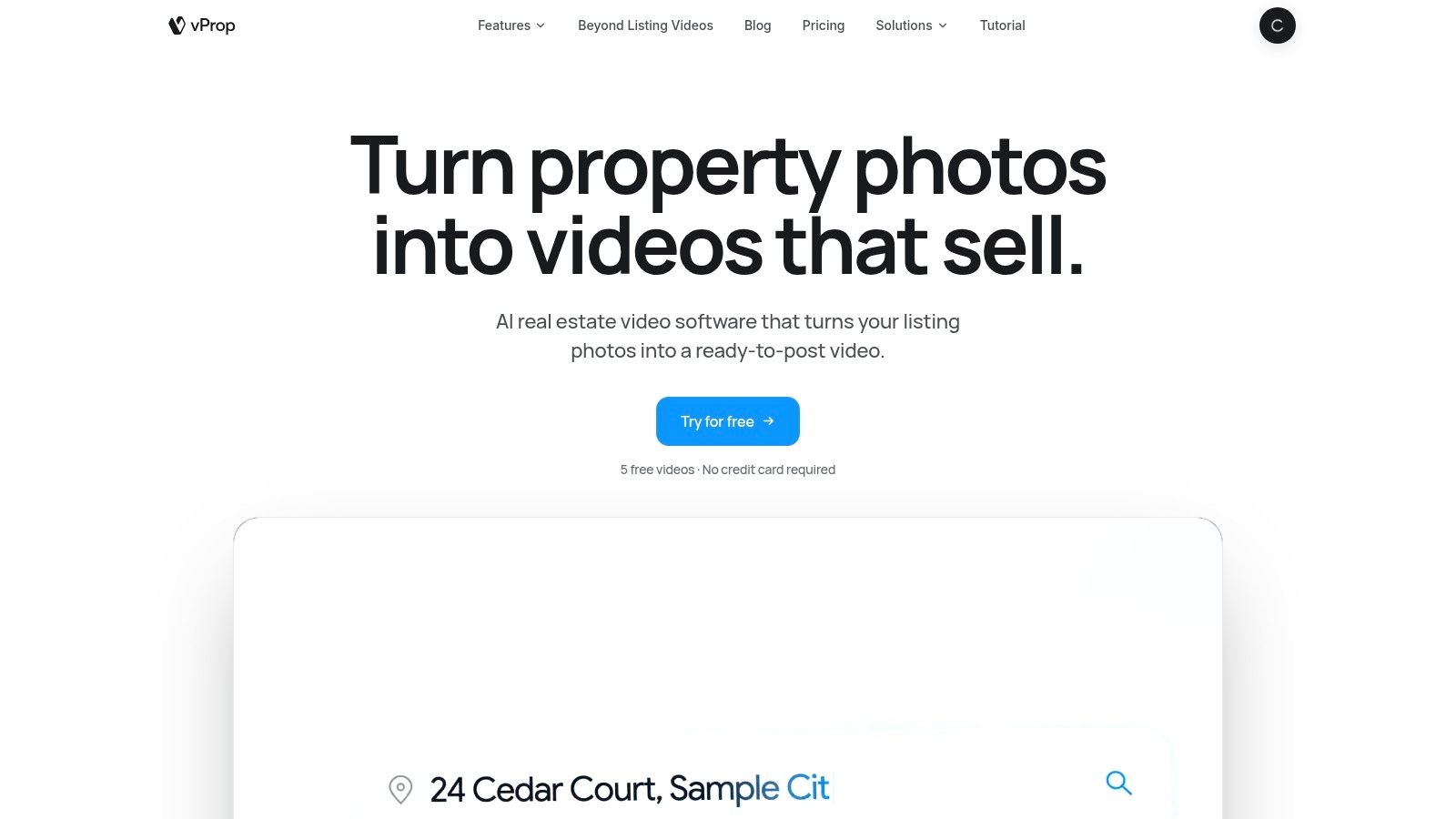
Scenes assemble automatically, with AI-generated scripts and voice-over plus an option to record in your own voice. Music, captions and text overlays are standard, and staging and marketing packages sit alongside video credits.
NAR's 2025 generational trends report lists online video sites as a source used by 37% of buyers overall, with usage ranging from 25% to 45% across generations, and virtual tours at 16%. That spread argues for more than one cut per listing, which vProp supports with standard videos plus a separate cinematic-walkthrough format.
What Five Free Videos Buy You
Enough to run a real listing through the machine and judge the motion, the script and the captions. Paid videos are watermark-free, and you can buy one-time credit packs instead of committing to a monthly plan.Scenes assemble automatically, with AI-generated scripts and voice-over plus an option to record in your own voice. Music, captions and text overlays are standard, and staging and marketing packages sit alongside video credits.
NAR's 2025 generational trends report lists online video sites as a source used by 37% of buyers overall, with usage ranging from 25% to 45% across generations, and virtual tours at 16%. That spread argues for more than one cut per listing, which vProp supports with standard videos plus a separate cinematic-walkthrough format.
Where to Watch the Bill
Credit packs and add-ons make the total less obvious than a flat subscription. The lowest advertised per-video rate is tied to a yearly plan, and staging or marketing packages add line items. Add it up per listing before you compare it to anything on this page.Cost check: ask what one credit buys before you compare plan prices. A credit that covers a single photo is not the same product as a plan that covers a whole listing.Videos are photo-based, not filmed at the property, so a cinematic walkthrough is a motion treatment of stills. Judge it on that basis. For the wider category, this guide to video tour software breaks down how the pricing models differ.
5. AgentPulse
Price AgentPulse on a finished listing, not on the advertised entry point. Before comparing it with Reel-E, verify the cost per listing video, the number of photos one project can use, and whether a single upload can produce an unbranded MLS viewing link plus vertical social cuts.
Confirm what leaves the platform after export. If the MLS version requires another tool, or the social formats require a second paid render, the actual cost per listing rises.
What to Verify Before You Compare Costs
Read the current plan terms instead of relying on the entry price. A low monthly figure can hide limits on exports, revisions, video length or commercial use. Calculate the total on one real listing, including every cut you expect to publish.Confirm what leaves the platform after export. If the MLS version requires another tool, or the social formats require a second paid render, the actual cost per listing rises.
MLS Rules Depend on Your Board
RealMLS states that unbranded videos and virtual tours may contain only property images with no contact information, while branded media must be identified through its branding checkbox; failing to disclose branding violates its rules. For AgentPulse, as with any video tool, review the current export options and your local MLS rules before publishing. Produce an unbranded version first, then submit only the link type your board accepts.Before you upload: download the unbranded cut and watch it end to end. Logos, end cards and a spoken phone number are the three things that get a tour pulled.For teams comparing the broader stack, this list of the best software for real estate agents puts listing video next to CRM and transaction tools.
6. RealStudio by Realtor.com
RealStudio is free, and free is its main argument. Creating, uploading and submitting a video costs nothing, and approved content can appear in Realtor.com's RealReels feed.
NAR's survey found that 46% of agents use AI-generated content such as listing descriptions, so AI-assisted video remains a growth segment rather than the default. A free tool wired into a distribution feed is the lowest-risk way in.
What Free Actually Includes
RealStudio makes AI videos from listing photos or accepts original footage you shot yourself. You add a title and description before submission, and content can cover a listing, a design, local life or home-related topics. For an agent who wants one more discovery channel at zero cost, that's a fair use of an afternoon.NAR's survey found that 46% of agents use AI-generated content such as listing descriptions, so AI-assisted video remains a growth segment rather than the default. A free tool wired into a distribution feed is the lowest-risk way in.
The Limits of a Submission Tool
- Publication isn't guaranteed. Every submission goes to review.
- It's not an editing suite. No timeline, no branding system, no listing-site builder.
- Distribution is RealReels. Your reach depends on Realtor.com's audience, not your own channels.
Reel-E alternatives compared on price per video, photo capacity and voice features, as of November 2026
On cost per listing video and full photo-set capacity, VideoTour.ai is the outlier: about $0.49 to $1.47 per video on paid plans and up to 60 photos per build, while Reel-E, Amplifiles and AutoReel sit around $15 or more per video.
The trade-off is finishing and distribution. Reel-E still earns credit for beat-synced cuts, 4K on Pro and its single-property website with lead capture. RealStudio costs nothing, but it behaves like a submission channel rather than a repeatable listing-video workflow.
| Item | Price per video | Photos per video | Voice cloning and avatars | Free trial |
|---|---|---|---|---|
| VideoTour.ai | From $0.49 per video on paid plans; one free video | Up to 60 | Voice cloning and talking avatars included | One free video |
| AutoReel | Roughly $15 or more per video | Smaller photo sets than a 60-photo build | No cloning or avatar feature listed | Free plan and 7-day trial |
| Amplifiles | Roughly $15 or more per video, sold per image | Image-by-image production | Voice-over included | One free re-animation per image |
| vProp | Credit packs or membership | Credit-based production | Use your own voice | Five free videos |
| AgentPulse | Scene-based pricing | Scene-based production | No cloning or avatar feature listed | Free plan with 500 credits per month |
| RealStudio by Realtor.com | Free | Listing photos or original footage | No branding or voice suite | Free to use |
How Do You Decide Whether to Switch From Reel-E?
Three numbers decide most switches: cost per listing video, photos per video, and whether one upload yields both an MLS-safe tour and a vertical reel. Run those numbers on your own volume first. Feature lists come second, because video sits alongside your photo package and the question that matters is coverage per listing rather than cinematic ambition.
Reel-E's per-listing rate does fall on its higher tiers, so compare at your own volume before you assume the entry rate applies. It also holds three advantages worth weighing: beat-synced cuts, 4K on the Pro plan and a single-property website with lead capture. If you are still mapping the wider category, this roundup of AI tools for real estate agents covers the rest of the stack.
If your listings already have 40 to 60 good photos sitting in a folder, VideoTour.ai turns them into an unbranded MLS viewing link and a vertical social reel from one upload, with voice cloning, talking avatars and AI virtual staging built in, and the first video costs nothing to try. Publish one live listing through it this week and set the output beside what you pay per listing today. Start at VideoTour.ai.
- Export your real cost per listing. Divide last quarter's Reel-E invoice by the listings that shipped with video.
- Count your photos. Pull the count from your last five listings. If you routinely deliver 40 to 60, a 20-photo cap forces cuts before the video is built.
- Run one live listing through a free trial. Pick a property with awkward rooms over a showpiece.
- Test the unbranded link against your MLS rules. Read the rule. Don't assume.
- Decide whether you need a tour, a reel or both. A reel can be included during tour creation or built from the reel tools inside an existing tour, and Generate My Video Tour + Reel produces both in one project. You can reopen that project from View my videos to check progress; changing the tour later does not rewrite a reel that has already been generated.
Reel-E's per-listing rate does fall on its higher tiers, so compare at your own volume before you assume the entry rate applies. It also holds three advantages worth weighing: beat-synced cuts, 4K on the Pro plan and a single-property website with lead capture. If you are still mapping the wider category, this roundup of AI tools for real estate agents covers the rest of the stack.
Will VideoTour.ai Cost Less per Listing Than Reel-E?
Yes, on published November 2026 rates. Independent billed yearly works out to roughly a fifth of Reel-E's annual per-listing price, and the Agency plan is cheaper again per video.Can I Upload My Full Photo Set?
Up to 60 photos per video, which covers a typical 30 to 45 frame residential set with room to spare. Reel-E caps at 20 photos on Essential and 40 on Growth and Pro.Does VideoTour.ai Export 4K?
No. Exports are 720p and 1080p HD. Reel-E's Pro plan is the one in this comparison that includes 4K.Does the Unbranded MLS Viewing Link Make the Video File MLS-Compliant?
No, and no tool can promise that. It gives you a property-only version with no agent branding, and whether that satisfies your board depends on its rules, which you should read before uploading.Can I Make Vertical Reels From the Same Upload?
Yes. One project can produce the tour and a separate vertical reel, and edits to the tour do not retroactively change a reel that has already been generated.What Does the First Video Cost?
Nothing. The first video is free and no credit card is required.Are Render Times Published?
No. Run your own first video on a live listing and judge the wait against your publishing schedule.Which Alternative Is the Cheapest?
VideoTour.ai's Enterprise plan comes to about $0.49 per video at 200 videos a month on the $99 tier, and the Agency plan to about $1.47 at 40 videos for $59, on published November 2026 rates. If you produce only two or three videos a month, a credit pack elsewhere can cost less in total spend.If your listings already have 40 to 60 good photos sitting in a folder, VideoTour.ai turns them into an unbranded MLS viewing link and a vertical social reel from one upload, with voice cloning, talking avatars and AI virtual staging built in, and the first video costs nothing to try. Publish one live listing through it this week and set the output beside what you pay per listing today. Start at VideoTour.ai.