
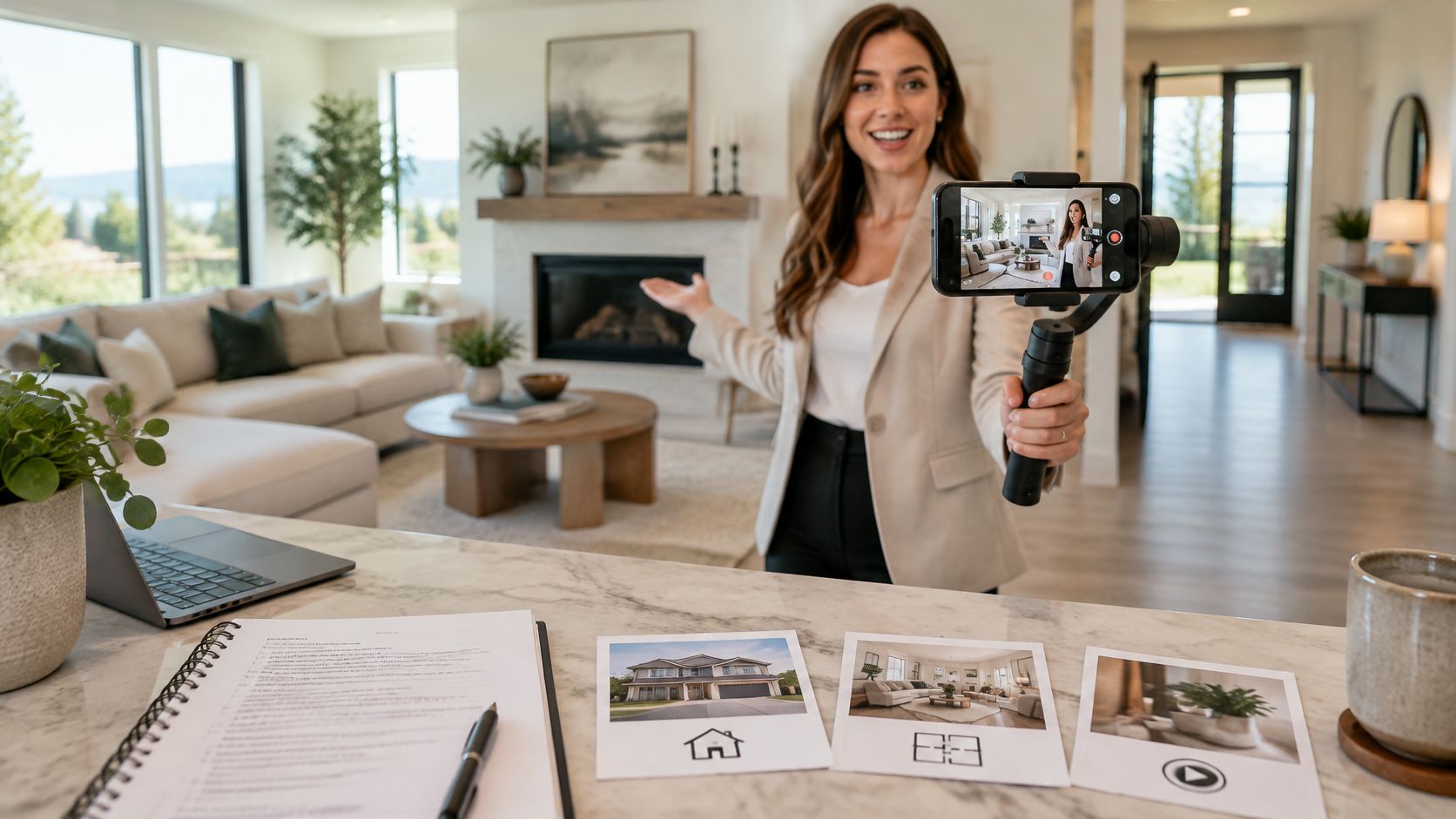
Your listing goes live today, the photos are ready, and you still need words for the video. A useful real estate video script opens with price, location, or a standout feature, follows the home logically, names specific property facts, and ends with one action. Choose the format that matches today's listing goal.
You don't need a different creative concept for every property. You need a reliable way to turn verified listing details into a tour, a discovery reel, or an announcement buyers can understand without hunting through the description.
That work matters because 52% of buyers found the home they purchased through an online search, according to the National Association of REALTORS® 2025 Profile of Home Buyers and Sellers, covering 2024 activity. Your narration should help buyers interpret the photos, not compete with them.
Same-day publishing rule: Pick the listing goal first. Check the facts, arrange the visuals, and write the opening last.Start with the format closest to the job in front of you. A distinctive kitchen needs a spotlight, an unfamiliar layout needs orientation, and a price change needs a clear announcement. None needs a paragraph of generic luxury language before buyers learn what's available.
Summary
Create an AI Video Tours from PhotosTry it For Free

1. How Do You Write a Price and Location Hook Script?
Lead with the verified price, the approved location name, or the one feature buyers can see in the first frame. Then move into the home. This format works when the main job is qualification: help buyers decide quickly whether the listing fits their search.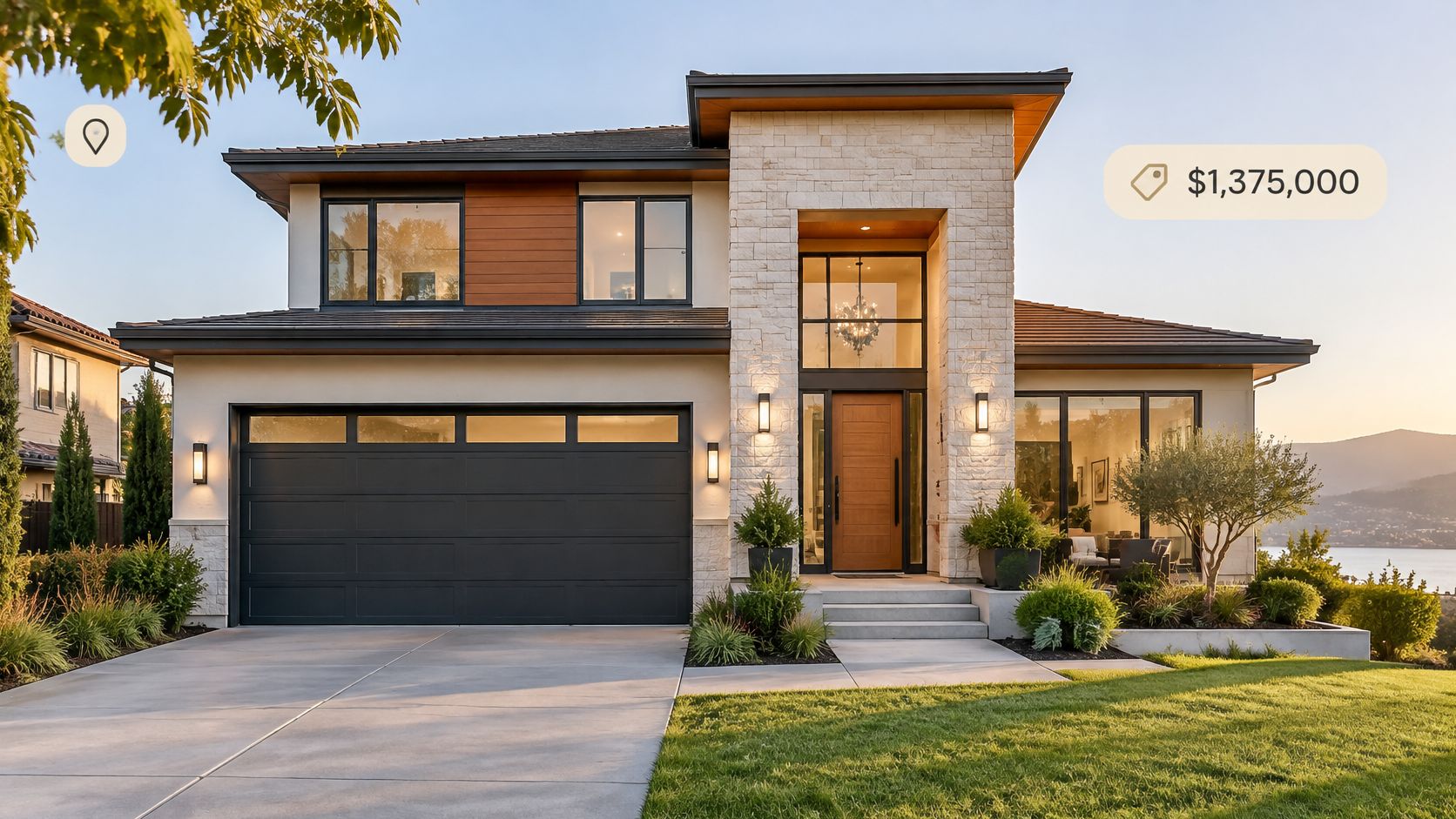 Inputs needed: Current asking price, approved location name, beds, baths, square footage, and the strongest visible feature. Keep the opening to one search criterion; save the rest for the body.
Four bedrooms in Austin for $575,000. Walk through with me. This home has three baths and 2,450 square feet, with the main living area opening toward the backyard. Message me to schedule a showing.
The first line establishes the search criteria. The next lines add detail while the photos carry the tour, so the exterior shot does not have to hold attention through a long introduction. Treat the first three to five seconds as an editing target for naming the strongest differentiator.
Inputs needed: Current asking price, approved location name, beds, baths, square footage, and the strongest visible feature. Keep the opening to one search criterion; save the rest for the body.What Would the Script Sound Like?
Hypothetical script:Four bedrooms in Austin for $575,000. Walk through with me. This home has three baths and 2,450 square feet, with the main living area opening toward the backyard. Message me to schedule a showing.
The first line establishes the search criteria. The next lines add detail while the photos carry the tour, so the exterior shot does not have to hold attention through a long introduction. Treat the first three to five seconds as an editing target for naming the strongest differentiator.
- Rewritable hook: [Standout feature] in [verified location], offered at [current price].
- Rewritable CTA: Message me to arrange a showing.
- Fact check: Match the price, room counts, measurements and area units to the active listing before recording.
2. When Should You Use a Room-by-Room Walkthrough Script?
Use a walkthrough when buyers need to understand how the home connects. It fits a property-focused listing tour better than a fast reel because orientation matters more than surprise. Start with the entry, continue through the principal living areas and kitchen, then show bedrooms and outdoor space. If the photo order jumps between floors, fix that before writing narration.
Inputs needed: Ordered photos, a floor plan when available, confirmed room locations, and distinguishing features. A walkthrough tour workflow is useful for keeping the spoken sequence aligned with the visual sequence.
Step inside to an open great room with a gas fireplace. The kitchen connects directly to the dining area and has quartz counters and a nine-foot island. Upstairs, the primary suite includes a walk-in closet and soaking tub. The backyard patio sits just beyond the main living space.
Give important rooms more attention than transitional spaces. Buyers don't need the same amount of narration for a hallway as they do for a kitchen or an unusual split-level arrangement.
Rewritable CTA: For a branded version, invite buyers to schedule a walkthrough. For an unbranded listing version, finish on a factual property summary instead.
Fact check: Confirm fireplace type, island measurements, floor levels, and access points. Don't infer room connections from photographs alone.
Zillow's Video Builder guidance recommends 35 images or fewer for that specific builder to avoid generation errors. Regardless of the tool, remove repetitive photos rather than writing filler to justify them.
Start with the entry, continue through the principal living areas and kitchen, then show bedrooms and outdoor space. If the photo order jumps between floors, fix that before writing narration.Inputs needed: Ordered photos, a floor plan when available, confirmed room locations, and distinguishing features. A walkthrough tour workflow is useful for keeping the spoken sequence aligned with the visual sequence.
How Do You Keep the Tour From Becoming Dull?
Hypothetical script:Step inside to an open great room with a gas fireplace. The kitchen connects directly to the dining area and has quartz counters and a nine-foot island. Upstairs, the primary suite includes a walk-in closet and soaking tub. The backyard patio sits just beyond the main living space.
Give important rooms more attention than transitional spaces. Buyers don't need the same amount of narration for a hallway as they do for a kitchen or an unusual split-level arrangement.
Describe what the next image helps buyers understand. Don't narrate a room they haven't reached yet.Rewritable hook: Start at the entry and see how this [property type] connects.
Rewritable CTA: For a branded version, invite buyers to schedule a walkthrough. For an unbranded listing version, finish on a factual property summary instead.
Fact check: Confirm fireplace type, island measurements, floor levels, and access points. Don't infer room connections from photographs alone.
Zillow's Video Builder guidance recommends 35 images or fewer for that specific builder to avoid generation errors. Regardless of the tool, remove repetitive photos rather than writing filler to justify them.
3. How Do You Build a Standout Feature Spotlight Script?
Build the script around a feature buyers can clearly see and might want to inspect. A spotlight works well for a pool, kitchen, view, workshop, or finished basement, but it shouldn't pretend to explain the entire home. Inputs needed: Close and wide views of the feature, verified specifications, and enough surrounding context to explain where it sits. A dramatic appliance close-up won't tell buyers whether the kitchen connects to the living area.
Hypothetical script:
This kitchen has a 48-inch range and a separate butler's pantry. The island faces the living area, and the pantry keeps additional storage out of the main workspace. Book a showing to see the layout in person.
If an empty room needs furniture context, use the AI virtual staging tool to illustrate furniture options, and disclose the staging in the caption. Don't let digital furniture hide defects or imply that furnishings are included.
Keep the CTA in your normal speaking voice. A practical invitation sounds more credible than an urgent sales line attached to a calm kitchen tour.
Inputs needed: Close and wide views of the feature, verified specifications, and enough surrounding context to explain where it sits. A dramatic appliance close-up won't tell buyers whether the kitchen connects to the living area.Hypothetical script:
This kitchen has a 48-inch range and a separate butler's pantry. The island faces the living area, and the pantry keeps additional storage out of the main workspace. Book a showing to see the layout in person.
What Makes a Feature Worth Spotlighting?
Choose something specific enough to describe without relying on impressive, stunning, or must-see. Show its scale, function, and relationship to the rest of the property.- Rewritable hook: The [verified feature] is the detail to see in this [location] listing.
- Rewritable CTA: Book a showing to inspect [feature] in person.
- Fact check: Verify appliance dimensions, included equipment, permits where relevant, and whether photographed items convey.
If an empty room needs furniture context, use the AI virtual staging tool to illustrate furniture options, and disclose the staging in the caption. Don't let digital furniture hide defects or imply that furnishings are included.
Keep the CTA in your normal speaking voice. A practical invitation sounds more credible than an urgent sales line attached to a calm kitchen tour.
4. How Do You Write a Neighborhood Lifestyle Script Safely?
Describe nearby destinations, routes, and amenities using verified facts. Don't describe the type of person who should live in the home or make assumptions about neighborhood residents.
Inputs needed: The neighborhood name, confirmed amenity locations, approved neighborhood footage, and sources for any distance or school information. Add those details before generating a draft so the script doesn't fill gaps with guesses.
Hypothetical script:
This listing puts the public park, farmers market, and library within reach of your daily errands. Start with the home's covered entry, then explore the nearby destinations shown in this tour. Request the property details and location map before your visit.
That version avoids unsupported travel times. If you include a walking or driving estimate, verify the route and explain the conditions rather than presenting it as a guarantee.
Rewritable CTA: Request the listing details and a map of nearby amenities.
Fact check: Confirm business names, public access, school assignments, and any route claims. Avoid safety rankings and subjective school endorsements.
Use the free real estate video ideas generator to brainstorm location angles. For a real estate lifestyle video, make sure illustrative scenes don't imply that invented amenities or depicted residents are part of the actual neighborhood.
Inputs needed: The neighborhood name, confirmed amenity locations, approved neighborhood footage, and sources for any distance or school information. Add those details before generating a draft so the script doesn't fill gaps with guesses.
Hypothetical script:
This listing puts the public park, farmers market, and library within reach of your daily errands. Start with the home's covered entry, then explore the nearby destinations shown in this tour. Request the property details and location map before your visit.
That version avoids unsupported travel times. If you include a walking or driving estimate, verify the route and explain the conditions rather than presenting it as a guarantee.
What Should Stay Out of the Script?
Avoid perfect for families, ideal for young professionals, and statements about who would feel comfortable nearby. CutPro Media's Fair Housing guidance for listing videos explains why narration, captions, and visual choices all deserve review, not just the written listing description.Describe the place, not its presumed resident. A park entrance is a property-location fact. A claim about who belongs nearby isn't.Rewritable hook: Explore [verified neighborhood] around this [property type].
Rewritable CTA: Request the listing details and a map of nearby amenities.
Fact check: Confirm business names, public access, school assignments, and any route claims. Avoid safety rankings and subjective school endorsements.
Use the free real estate video ideas generator to brainstorm location angles. For a real estate lifestyle video, make sure illustrative scenes don't imply that invented amenities or depicted residents are part of the actual neighborhood.
5. How Should You Script Recent Upgrades?
Name the improvement, its documented completion date, and what was replaced or changed. This format helps buyers distinguish cosmetic updates from work on major systems without implying that future maintenance costs are eliminated.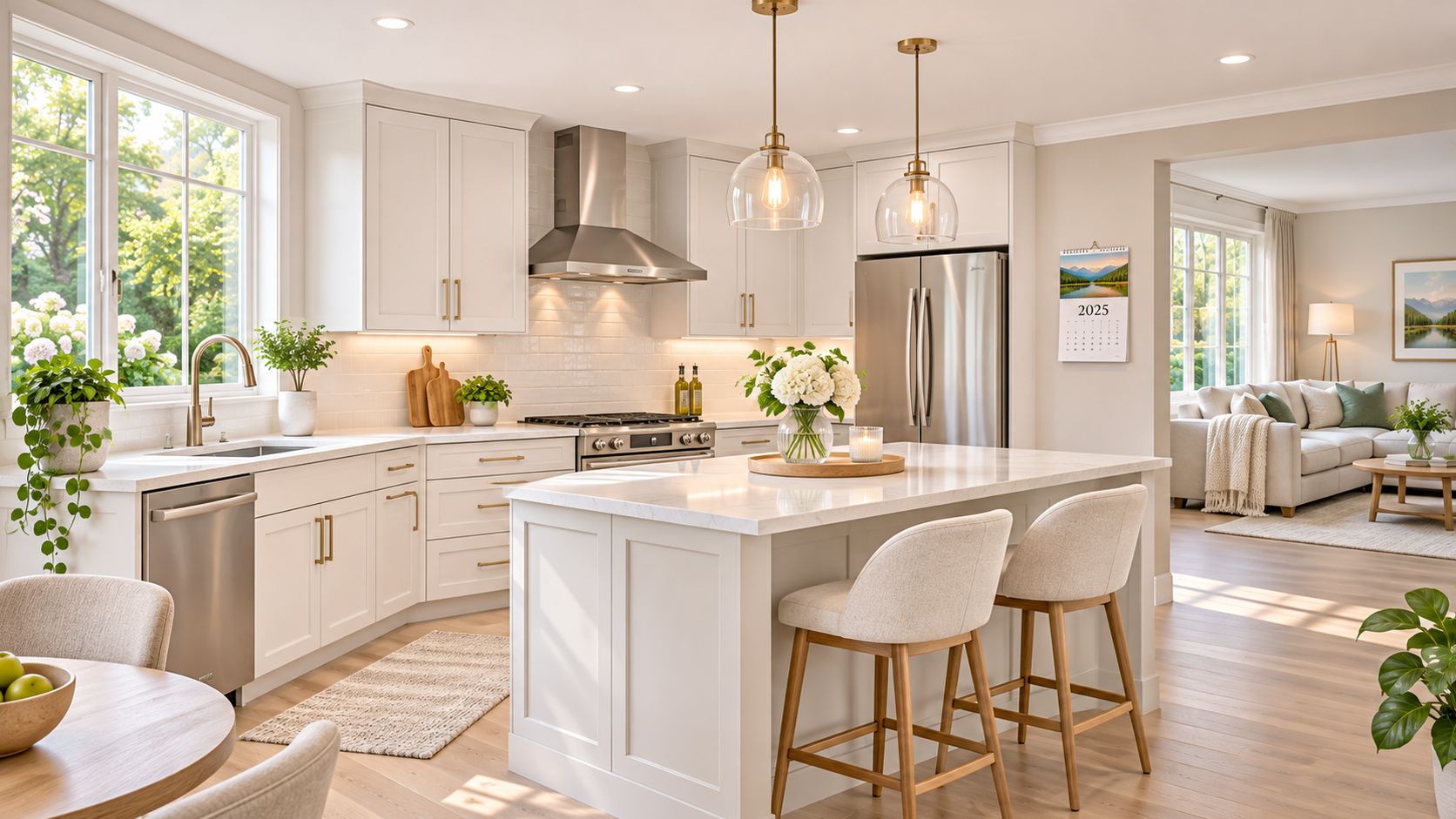 Inputs needed: Seller documentation, invoices, applicable permits, completion dates, and photographs of the relevant improvements. Ask whether the work covered the entire system or only a component.
The roof was replaced in 2024. In 2025, the kitchen received quartz counters and new appliances. The listing information includes the documented improvement details. Schedule a showing to see the finishes and layout.
Those dates are illustrative, not claims about a real property. Replace them only after checking the actual records.
An upgrade script should report completed work, not promise a return on it. Advice about preparing a Maple Ridge home for sale can offer preparation ideas, but it isn't evidence for pricing a US listing.
The practical trade-off is detail versus pace. Keep the voiceover focused on improvements buyers can understand quickly, and put supporting documentation in the appropriate listing materials. Don't read an entire renovation ledger over kitchen photos.
Inputs needed: Seller documentation, invoices, applicable permits, completion dates, and photographs of the relevant improvements. Ask whether the work covered the entire system or only a component.How Specific Should the Narration Be?
Hypothetical script:The roof was replaced in 2024. In 2025, the kitchen received quartz counters and new appliances. The listing information includes the documented improvement details. Schedule a showing to see the finishes and layout.
Those dates are illustrative, not claims about a real property. Replace them only after checking the actual records.
- Rewritable hook: Start with the documented improvements at this [location] home.
- Rewritable CTA: Request the improvement summary before your showing.
- Fact check: Confirm dates, scope, contractor documentation, and any transferable warranty terms.
An upgrade script should report completed work, not promise a return on it. Advice about preparing a Maple Ridge home for sale can offer preparation ideas, but it isn't evidence for pricing a US listing.
The practical trade-off is detail versus pace. Keep the voiceover focused on improvements buyers can understand quickly, and put supporting documentation in the appropriate listing materials. Don't read an entire renovation ledger over kitchen photos.
7. How Do You Write an Agent Talking-Head Intro?
Introduce yourself briefly, identify the listing, and get to the property. This format suits branded social channels where buyers should recognize the agent as well as the home.
Inputs needed: Correct agent and brokerage information, approved contact details, verified listing facts, and a script written in the agent's natural phrasing. Read it aloud before recording and cut anything you wouldn't say during a showing.
Hypothetical script with an invented agent name:
Hi, I'm Maya. This three-bedroom home in Phoenix is listed at $389,000. I'll show you the main living space, kitchen, and backyard so you can see how they connect. Message me to book a showing.
An overview of adding a talking head to a voiceover can help you plan the presenter placement. Keep the presenter away from important room details and avoid covering captions.
Rewritable hook: I'm [agent name], and here's the feature to notice at [listing].
Rewritable CTA: Message me to arrange a private showing.
Fact check: Confirm the selected agent, brokerage identification, contact information, and every spoken property detail. Review any AI presenter or voice for accuracy and appropriate disclosure.
Inputs needed: Correct agent and brokerage information, approved contact details, verified listing facts, and a script written in the agent's natural phrasing. Read it aloud before recording and cut anything you wouldn't say during a showing.
Hypothetical script with an invented agent name:
Hi, I'm Maya. This three-bedroom home in Phoenix is listed at $389,000. I'll show you the main living space, kitchen, and backyard so you can see how they connect. Message me to book a showing.
How Much Agent Introduction Is Enough?
Keep the introduction shorter than the property explanation. Buyers who opened a listing video shouldn't have to sit through a biography before seeing the home.An overview of adding a talking head to a voiceover can help you plan the presenter placement. Keep the presenter away from important room details and avoid covering captions.
Rewritable hook: I'm [agent name], and here's the feature to notice at [listing].
Rewritable CTA: Message me to arrange a private showing.
Fact check: Confirm the selected agent, brokerage identification, contact information, and every spoken property detail. Review any AI presenter or voice for accuracy and appropriate disclosure.
Keep the branded introduction separate from the unbranded listing cut. Removing a logo doesn't remove a spoken agent name.Swarmify's MLS listing-video guidance identifies contact information, logos, watermarks, and other branding as common compliance problems. Check your local MLS rules, and prepare a separate version without the agent introduction or promotional contact CTA when required.
8. How Do You Script a Just Listed or Price Reduced Announcement?
State the current listing event plainly, then give buyers a reason to revisit the property. Accuracy matters more than dramatic urgency in a price or status announcement.
Inputs needed: Authorized current price, previous price if mentioned, active status, approved announcement timing, and showing availability. Check these immediately before publishing, not only when drafting.
Hypothetical script:
Price reduced to $525,000 from $549,000. This home includes a covered patio and a separate laundry room. Contact me to arrange a showing this weekend.
Only use that final timing if appointments are available. Don't add won't last, final opportunity, or seller must sell unless you have a legitimate, authorized basis for the statement.
Share the announcement through the appropriate landing page and submit an unbranded viewing link where your MLS allows it. If the price or status changes again, replace or retire outdated versions.
A price announcement creates a reason to look again. It doesn't establish that the home is below market value, and the script shouldn't make that leap.
Inputs needed: Authorized current price, previous price if mentioned, active status, approved announcement timing, and showing availability. Check these immediately before publishing, not only when drafting.
Hypothetical script:
Price reduced to $525,000 from $549,000. This home includes a covered patio and a separate laundry room. Contact me to arrange a showing this weekend.
Only use that final timing if appointments are available. Don't add won't last, final opportunity, or seller must sell unless you have a legitimate, authorized basis for the statement.
What Changes Between the Social and Listing Versions?
For social media, use the new price in the opening caption and a direct showing invitation. For an unbranded listing version, remove agent promotion and use a factual closing.- Rewritable hook: Now offered at [verified current price] in [location].
- Rewritable CTA: Request an available showing time.
- Fact check: Match narration, captions, cover image, landing page, and listing status.
Share the announcement through the appropriate landing page and submit an unbranded viewing link where your MLS allows it. If the price or status changes again, replace or retire outdated versions.
A price announcement creates a reason to look again. It doesn't establish that the home is below market value, and the script shouldn't make that leap.
Listing video script formats compared by length, platform and required input
| Item | Typical Length | Best Platform | Main Input Needed |
|---|---|---|---|
| Price and Location Hook Script | 30 to 60 seconds | Instagram, TikTok, Zillow | Price, city, beds, baths, square footage |
| Room-by-Room Walkthrough Script | 60 to 90 seconds | MLS, YouTube, Zillow | Room list, key features per room |
| Standout Feature Spotlight Script | 20 to 45 seconds | Instagram Reels, TikTok | One feature, one supporting number |
| Neighborhood Lifestyle Script | 45 to 75 seconds | YouTube, Facebook | Nearby amenities, commute, schools |
| Recent Upgrades Script | 30 to 60 seconds | Zillow, MLS, Facebook | Upgrade list, dates, permits |
| 15-Second Teaser Reel Script | 10 to 15 seconds | Instagram, TikTok, YouTube Shorts | Price, one hook line, call to action |
| Agent Talking-Head Intro Script | 30 to 60 seconds | Instagram, YouTube, Facebook | Agent script or cloned voice, listing facts |
| Just Listed or Price Reduced Script | 15 to 30 seconds | Facebook, Instagram, Zillow | New price or list date, one hook |
How Do You Check the Facts, Then Write the Hook Last?
Compare every spoken and on-screen claim with the current listing before publishing. Then rewrite the opening and CTA in your own words so the video sounds like an agent explaining a property, not a template reading it aloud.
Check price, beds, baths, square footage, lot size, and upgrades. Confirm that every retained photo belongs to the property, follows a useful order, and shows what the narration describes.
Keep video in its proper role. Revid.ai's real estate video marketing guide supports using video to clarify layout and buyer questions rather than treating it as a substitute for factual listing information or a guaranteed route to faster sales.
For a same-day workflow, draft with the free real estate video script generator, correct the facts, and build with the AI real estate video maker. VideoTour.ai supports up to 60 photos per video, voice cloning, AI avatars, and an unbranded MLS viewing link, subject to your MLS rules; the first video is free with no credit card, and plans start at $29 per month billed yearly for 10 videos, with details on the pricing page.
VideoTour.ai turns your listing photos and property details into narrated listing videos and social reels. Visit VideoTour.ai, choose the format that fits your listing, and create your first video free after checking the facts and rewriting the hook.
Check price, beds, baths, square footage, lot size, and upgrades. Confirm that every retained photo belongs to the property, follows a useful order, and shows what the narration describes.
Keep video in its proper role. Revid.ai's real estate video marketing guide supports using video to clarify layout and buyer questions rather than treating it as a substitute for factual listing information or a guaranteed route to faster sales.
For a same-day workflow, draft with the free real estate video script generator, correct the facts, and build with the AI real estate video maker. VideoTour.ai supports up to 60 photos per video, voice cloning, AI avatars, and an unbranded MLS viewing link, subject to your MLS rules; the first video is free with no credit card, and plans start at $29 per month billed yearly for 10 videos, with details on the pricing page.
Which Format Should I Publish First?
Use the price-and-location format for a straightforward launch. Choose a walkthrough instead when the layout needs explanation.Can I Use the Same Script for MLS and Instagram?
Use the same verified property facts, but adapt the opening and closing. Remove branding and promotional contact language from the MLS version when your local rules require it.What Information Should I Give an AI Script Generator?
Include the address, neighborhood, room counts, square footage, distinctive features, upgrades, and verified nearby amenities. Identify anything uncertain so it doesn't become an unsupported claim.What Should I Rewrite in the First Draft?
Start with the hook, CTA, and any fact the system could misinterpret. Then remove repetitive adjectives and sentences that don't match the available visuals.Does a Photo-Based Video Prove How Rooms Connect?
No. Use a floor plan or direct property knowledge to confirm connections before describing movement through the home.How Should I Judge Whether the Script Worked?
Match the result to the listing goal. Review listing-page visits, useful buyer questions, and showing requests rather than treating views alone as success.VideoTour.ai turns your listing photos and property details into narrated listing videos and social reels. Visit VideoTour.ai, choose the format that fits your listing, and create your first video free after checking the facts and rewriting the hook.