

The best AI real estate photo editor fits the photos you shoot and the work you need to deliver. For bracketed exposures and window views, start with Imagen for Real Estate, AutoHDR or Autoenhance.ai. Lightroom Classic offers hands-on RAW control, while CubiCasa, Nodalview and Giraffe360 connect photos with wider listing-media workflows. VideoTourAI turns listing photos into animated property tours and social reels.
Compare all 16 tools below by workflow, key features and pricing, then use the guides to free trials, MLS requirements and image quality to choose your setup.
Updated October 19, 2026.
Compare all 16 tools below by workflow, key features and pricing, then use the guides to free trials, MLS requirements and image quality to choose your setup.
Updated October 19, 2026.
Summary
Create an AI Video Tours from PhotosTry it For Free

Quick comparison: 16 AI real estate photo editors
Start with the result you need: corrected exposures, furnished rooms, client-ready photos or a finished property video. This table makes the main workflow and pricing differences easy to compare.
| Tool | Useful starting point for | Pricing or trial distinction |
|---|---|---|
| Imagen for Real Estate | Browser batch editing, HDR and window pulls | 250-edit trial; separate from desktop Imagen |
| AutoHDR | Bracketed real-estate shoots | Credits per finished HDR output; extras differ |
| Autoenhance.ai | Batch correction and API workflows | Free watermarked previews; paid exports |
| Fotello | Photographer editing and client delivery | Per-listing plans; free AI results are view-only |
| Lightroom Classic | Hands-on RAW editing and HDR stacks | Subscription; seven-day trial converts to paid |
| Luminar Neo | Desktop HDR batches and manual adjustments | Desktop license; AI-access terms are separate |
| Nodalview | Agent capture, photo edits and virtual tours | Quote-based plans; 14-day trial |
| CubiCasa | Photo editing alongside floor plans and tours | Standalone or scan-bundled editing orders |
| Giraffe360 | Uploaded-photo editing and listing content | Content Studio and camera plans differ |
| VideoTourAI | Animated property tours and social reels from photos | One-time free-account allowance; AI credits |
| REimagineHome | Enhancement, staging and redesign | Five free designs; paid plan capabilities differ |
| VirtualStaging.ai | Furniture staging and multi-angle experiments | Subscriptions; multi-angle is early beta |
| Collov AI | Staging, chat edits and enterprise staging API | Tiered credits; annual billing may be selected |
| PhotoUp | Managed photo editing plus self-service AI staging | Credits; human editing and AI staging are distinct |
| AgentUp | Mobile capture with AI or professional editing | Service-specific pricing and add-ons |
| InstantDecoAI | Individual photo enhancement and staged concepts | Basic photo allowance; Pro advertises unlimited use |
1. Imagen for Real Estate: browser-based batch editing
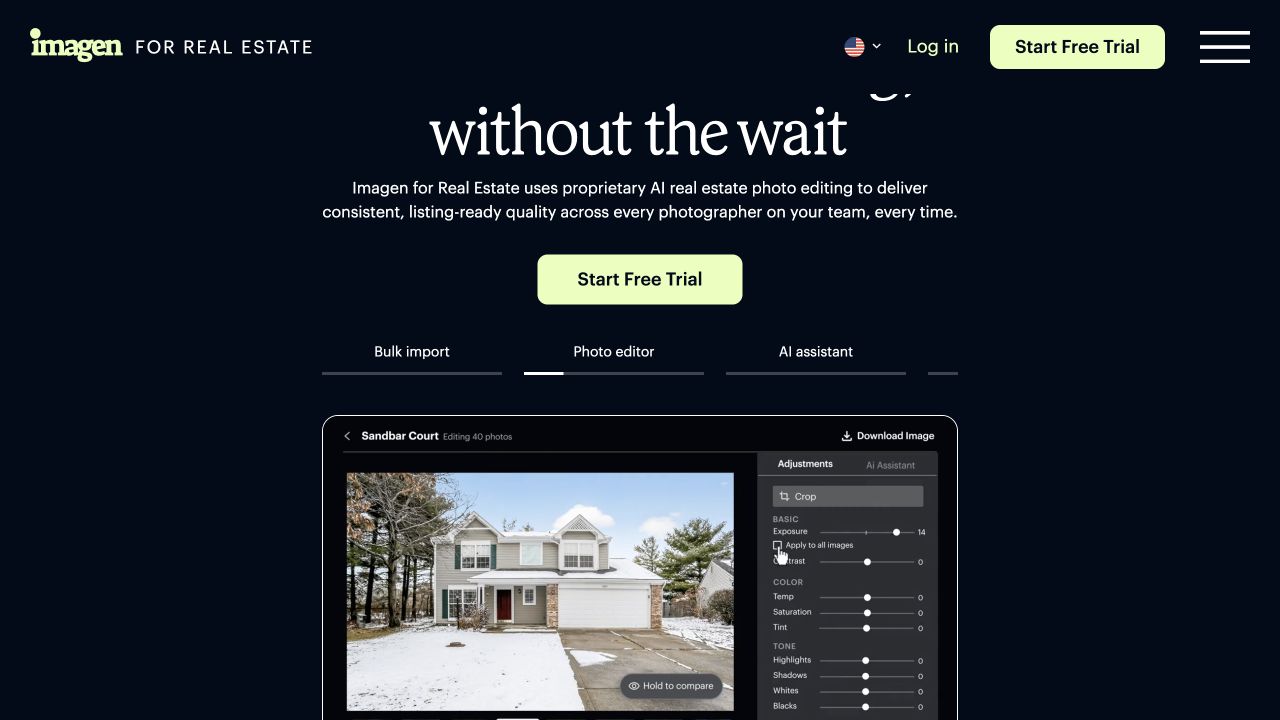 Imagen for Real Estate — photo editor.
Imagen for Real Estate brings a full listing into one browser workflow, from batch uploads to finished JPEGs.
Best for: Photographers working through property-photo batches with HDR and window pulls.
Key features:
- HDR merging, window pulls, perspective correction and color adjustments.
- JPEG delivery up to 6K, with human revisions available.
- An AI Assistant for prompted staging and object removal, alongside the correction tools.
2. AutoHDR: bracket grouping and window pulls
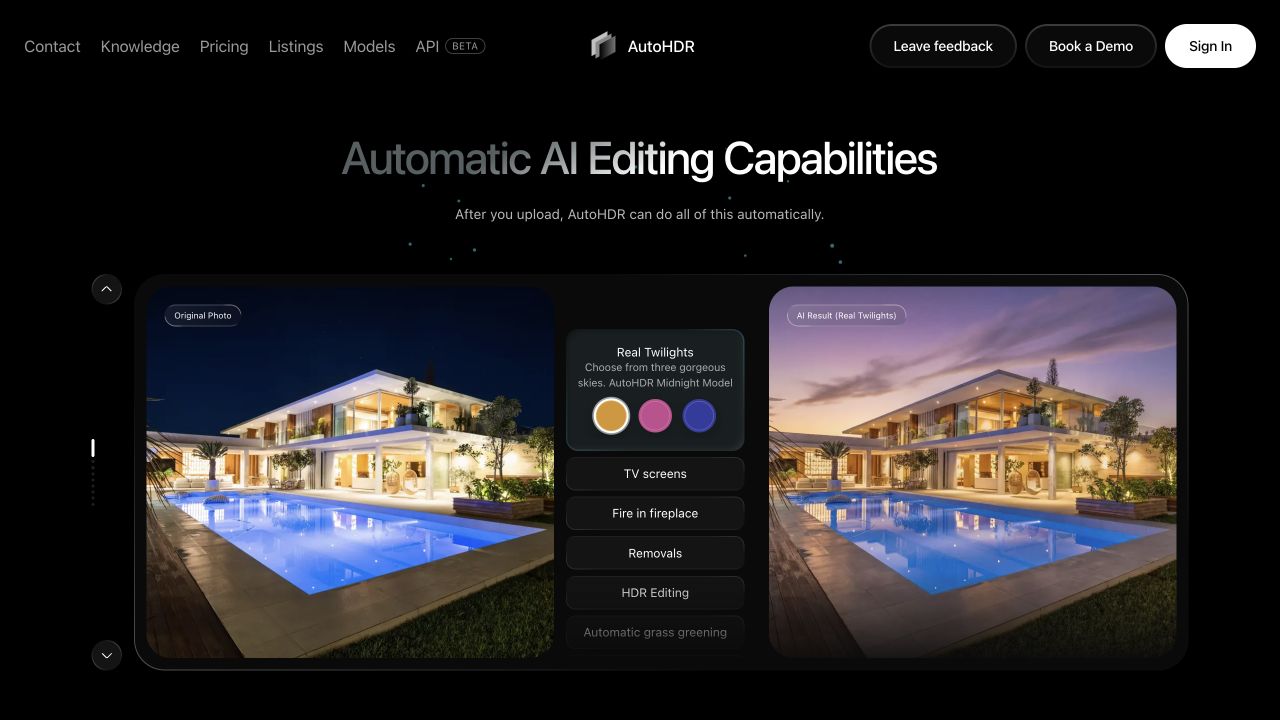 AutoHDR — automatic photo editing.
AutoHDR focuses on real-estate shoots, with processing for both bracketed images and single exposures.
Best for: Photographers who want a dedicated workflow for bracketed property shoots.
Key features:
- HDR processing with window-pull and perspective controls.
- Automatic bracket grouping; similar angles and aerial images can require regrouping, as explained in the knowledge base.
- Standard HDR charged by the finished output, rather than each bracket exposure.
3. Autoenhance.ai: batch corrections and paid exports
 Autoenhance.ai — photo enhancement.
Autoenhance.ai lets you preview corrected property photos before purchasing finished exports.
Best for: Batch enhancement with a preview-first purchasing workflow.
Key features:
- Perspective correction, window pulls and batch enhancement.
- Automatic bracket grouping or fixed sets of 2–10 exposures, plus individual-photo uploads.
- Watermarked previews for reviewing window detail, color casts and correction settings. Apply lens correction once across your workflow.
4. Fotello: photo editing and client delivery
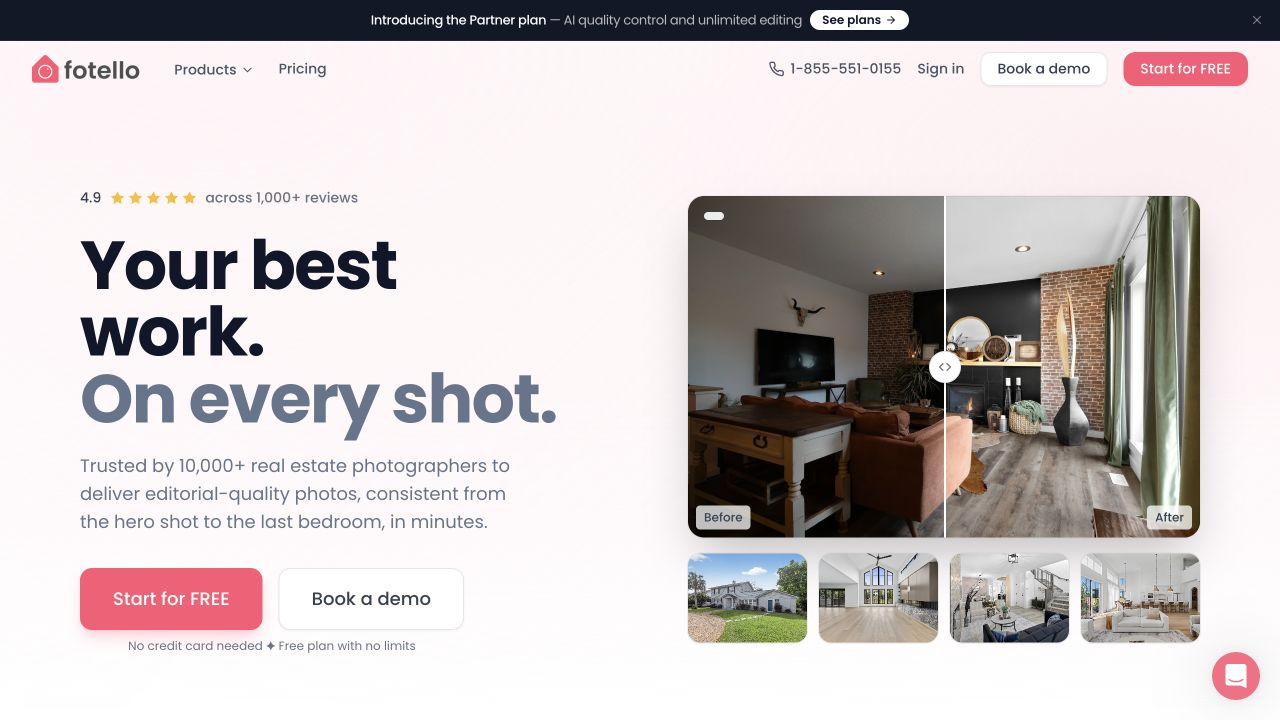 Fotello — photo editing tools.
Fotello combines property-photo editing with delivery tools, keeping client handoff in the same workflow.
Best for: Real-estate photographers who want editing and delivery together.
Key features:
- Support for single-exposure, bracketed and flambient workflows.
- Window pulls, lens and perspective correction, and white-balance adjustments.
- Client delivery tools alongside the editing workflow.
5. Adobe Lightroom Classic: RAW control and HDR stacks
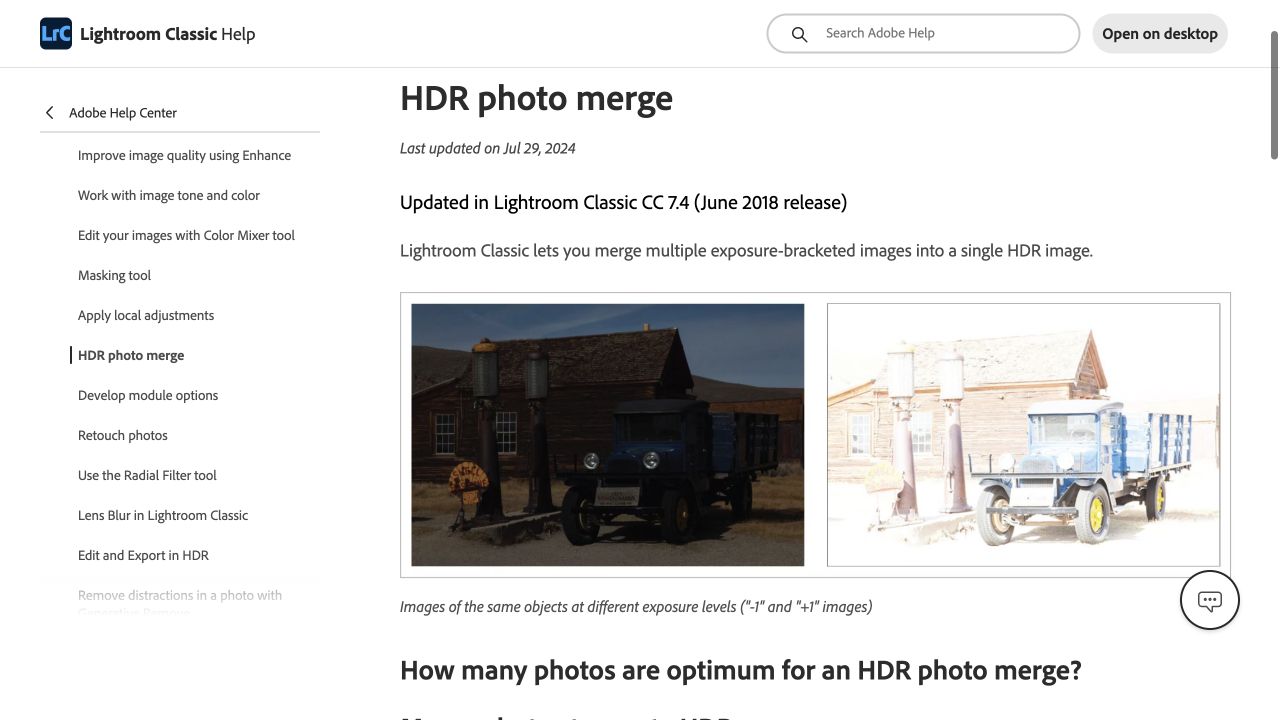 Adobe Lightroom Classic — HDR Photo Merge.
Lightroom Classic puts masks, geometry and color in the photographer’s hands, with tools for carrying a consistent look across a listing.
Best for: Photographers who prefer hands-on RAW editing and control over HDR results.
Key features:
- HDR Photo Merge and batch HDR merging of prepared stacks.
- Upright corrections and synchronized adjustments across photos.
- Manual control over window balancing using the detail available in the source files.
6. Luminar Neo: desktop HDR batches and editing controls
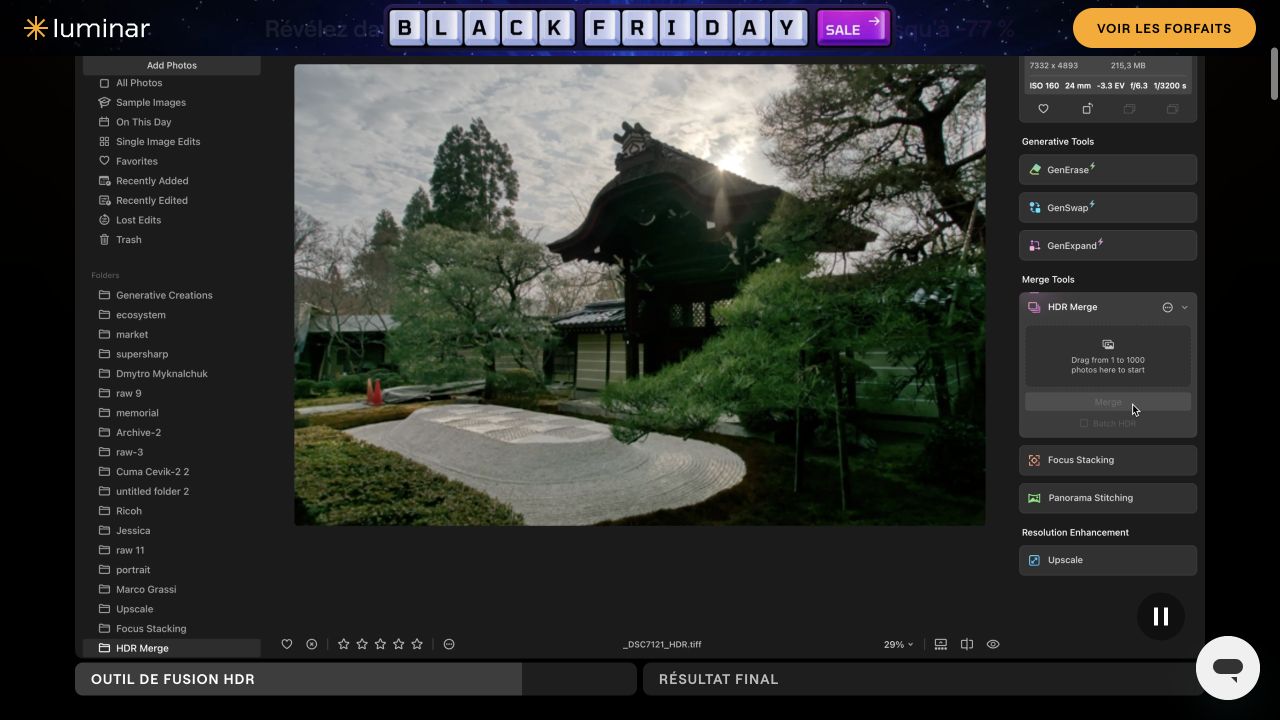 Luminar Neo — HDR Merge.
Luminar Neo combines HDR merging with desktop editing controls for processing a shoot and refining individual images.
Best for: Desktop users who want batch HDR processing and hands-on adjustments.
Key features:
- Batch processing for up to 1,000 input images organized into exposure brackets, introduced in version 1.19 and documented in Skylum’s release notes.
- Controls for bracket grouping, alignment and ghost reduction.
- Individual image adjustments alongside HDR merging.
7. Nodalview: photo editing and virtual tours
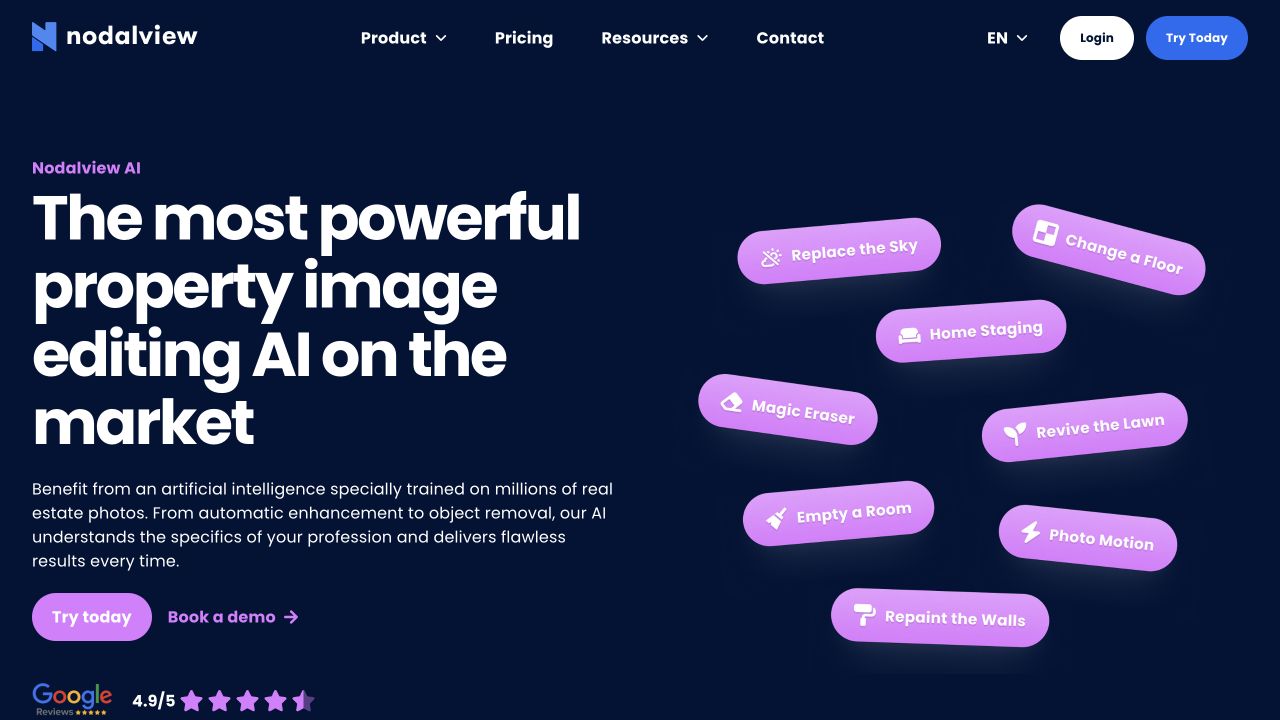 Nodalview — real-estate photo editing.
Nodalview brings photo editing into a wider capture and listing-media workflow.
Best for: Agents combining property photos with virtual tours and other listing media.
Key features:
- Photo corrections for brightness and color.
- Support for photos taken outside the Nodalview app.
- Staging, object removal and other generated changes alongside the correction tools.
8. CubiCasa: photo editing alongside floor plans
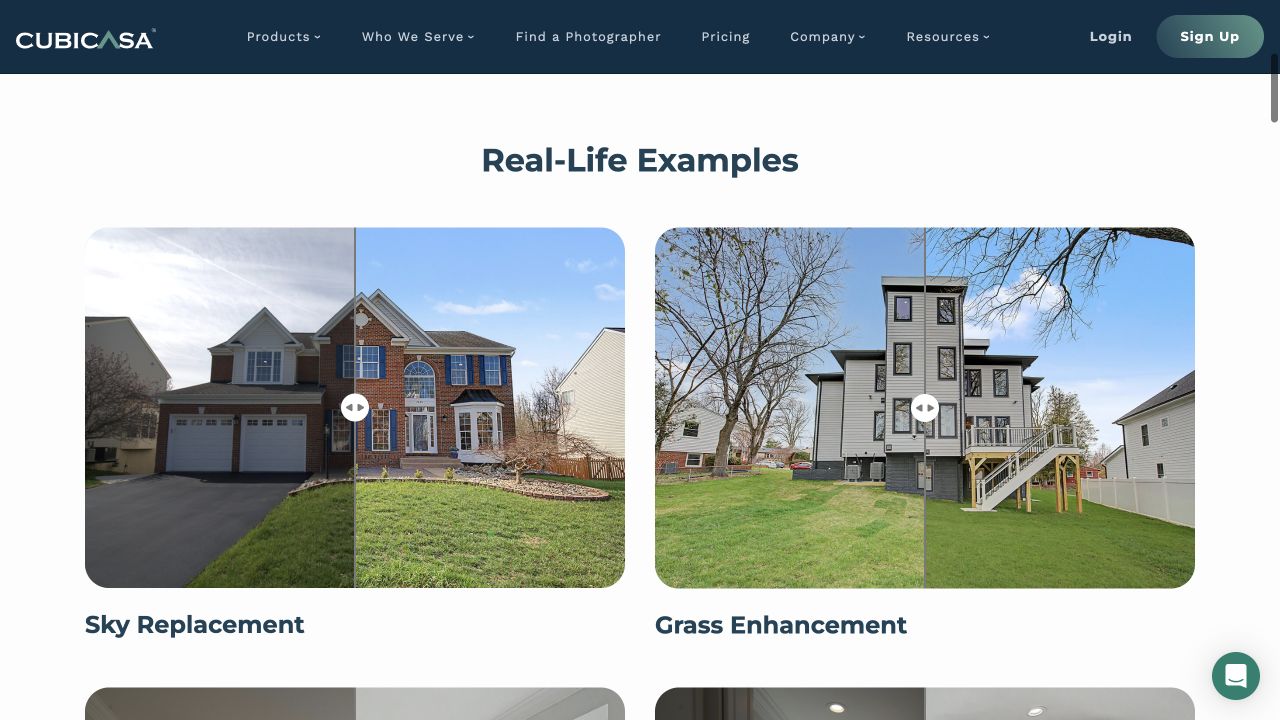 CubiCasa — AI photo editing.
CubiCasa adds photo editing to a platform already used for floor plans and tour orders.
Best for: Teams ordering floor plans who also want property-photo editing.
Key features:
- HDR blending and window pulls.
- An editor for reviewing finished photos, with optional sky, grass and TV changes.
- Standalone editing or editing bundled with a property scan.
9. Giraffe360: uploaded-photo editing in Content Studio
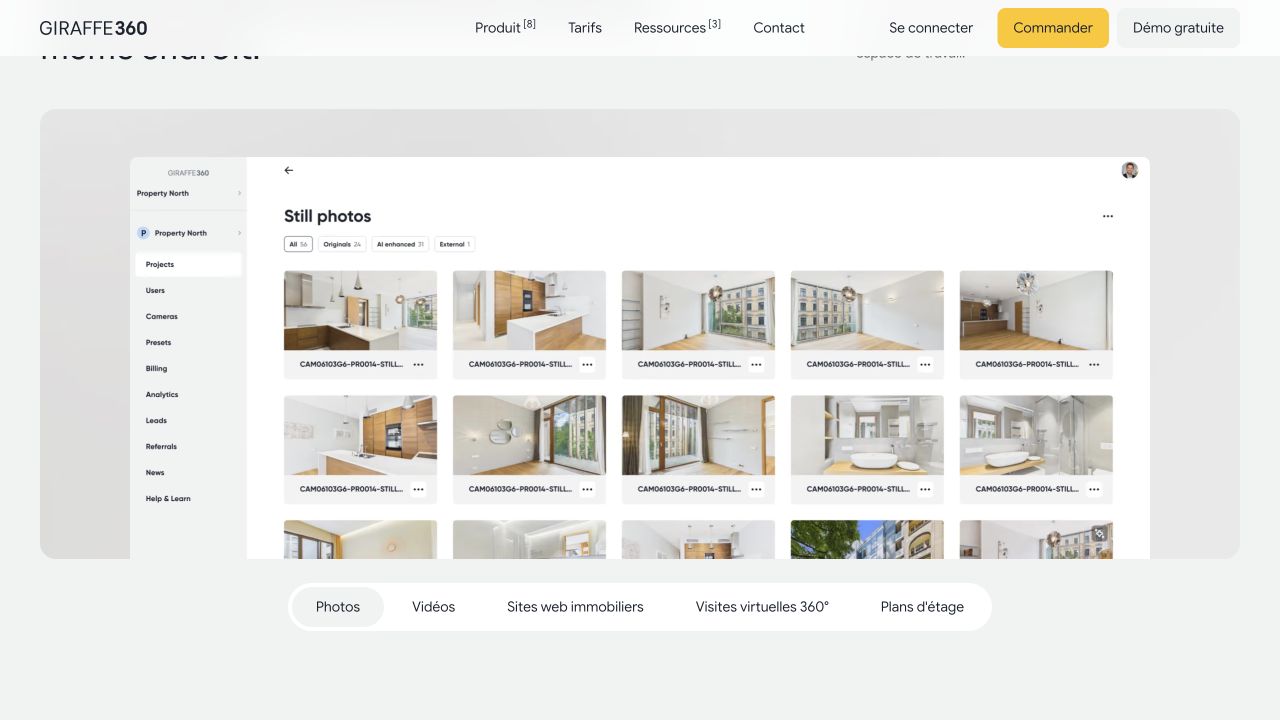 Giraffe360 — Content Studio.
Giraffe360 Content Studio works with existing uploaded photos, opening its listing-content workflow to users without a Giraffe360 camera.
Best for: Agents who want photo editing and listing content in one software workflow.
Key features:
- Editing for photos uploaded from an existing collection.
- Content Studio software alongside separate camera-based capture options for tours and floor plans.
- Disclosure-watermark tools for identifying altered imagery.
10. VideoTourAI: turn listing photos into property videos
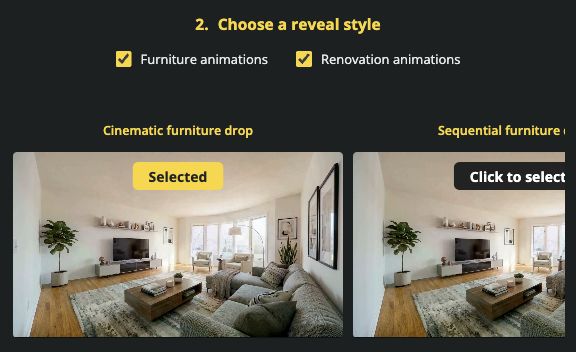 VideoTourAI — AI Staging animation choices.
VideoTourAI turns your real estate photos into animated property tours and social reels. Start with your listing images, add camera motion, music, captions and voiceover, then refine the sequence and branding in the video editor.
Best for: Agents and photographers who want to turn one set of listing photos into video tours and social content.
Key features:
- Bring photos to life: Add camera movement and build an animated tour with the photo-to-video workflow.
- Create finished listing videos: Combine scenes with music, captions, voiceover and branding, or create social reels for Instagram and TikTok.
- Add animated staging reveals: Choose furniture or renovation animations in AI Staging, including Cinematic furniture drop and Sequential furniture drops. AI Reframe prepares individual photos for landscape, portrait or square scenes.
11. REimagineHome: enhancement, staging and redesign
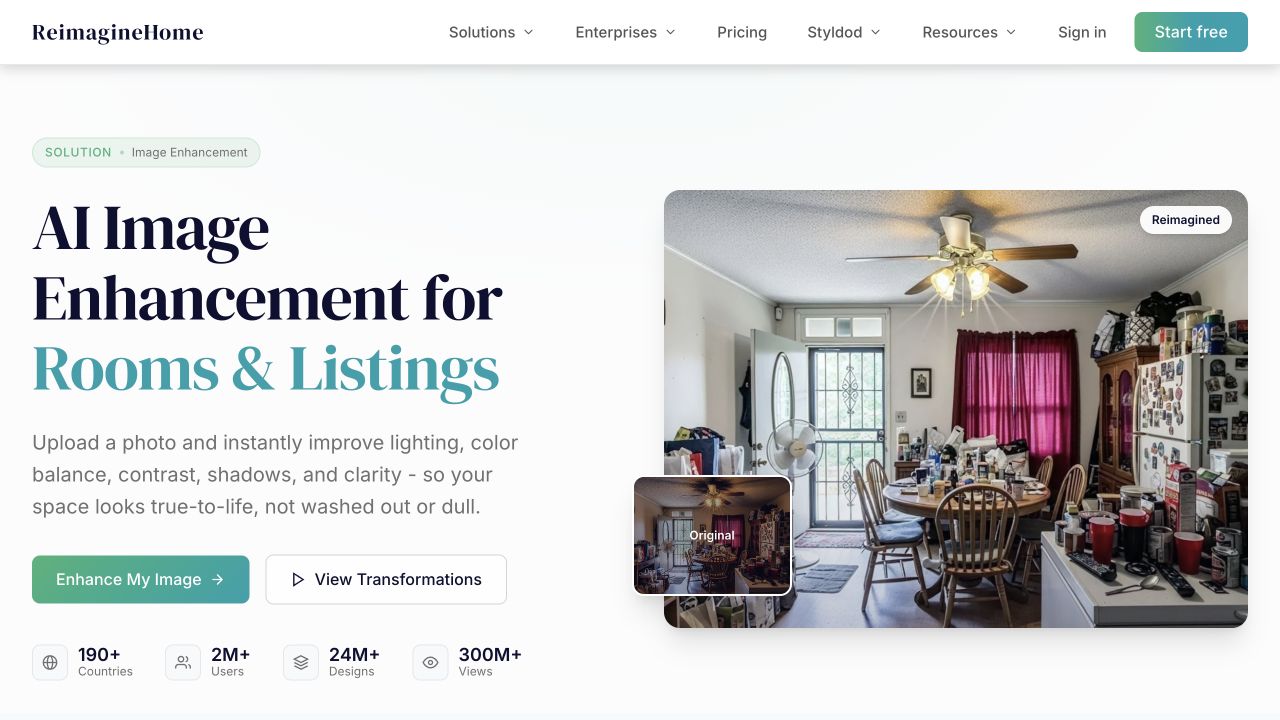 REimagineHome — image enhancement.
REimagineHome covers both photo corrections and new room concepts, with separate workflows for enhancement and staging.
Best for: Users who need image enhancement as well as furniture or renovation concepts.
Key features:
- Lighting, white balance, noise reduction and straightening tools.
- Multiple-image uploads for enhancement work.
- Staging and redesign tools for proposed furniture arrangements and room changes.
12. VirtualStaging.ai: furniture staging and removal
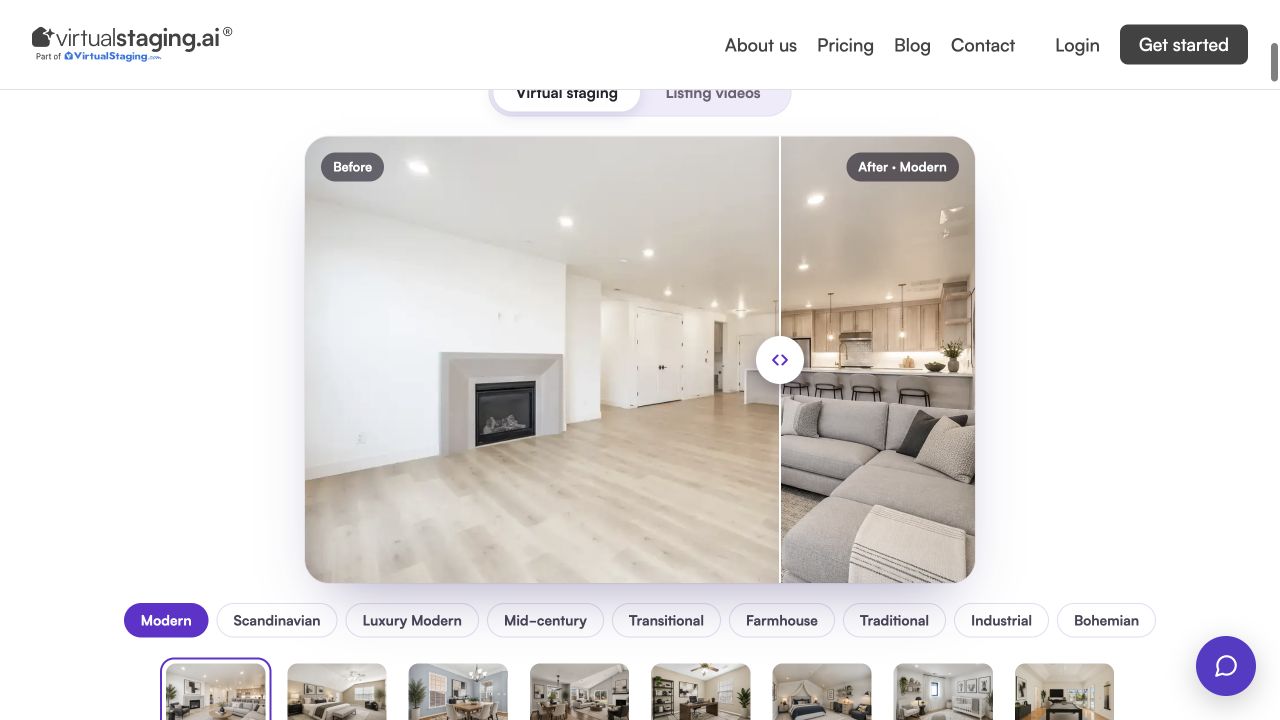 VirtualStaging.ai — virtual staging.
VirtualStaging.ai focuses on how a room is furnished, with staging and furniture-removal tools.
Best for: Agents changing furniture presentation in property photos.
Key features:
- Virtual furniture staging.
- Furniture removal for a different room presentation.
- Multi-angle staging, currently in early beta, for working across room views.
13. Collov AI: staging, chat edits and an API
 Collov AI — staging and photo editing.
Collov AI combines room staging with chat-based changes, serving both individual editing tasks and repeated team workflows.
Best for: Teams using prompted edits or an API for room transformations.
Key features:
- Staging and photo enhancement.
- Chat editing and multi-angle features across subscription tiers.
- An enterprise API for staging and furniture removal.
14. PhotoUp: human editing and AI staging
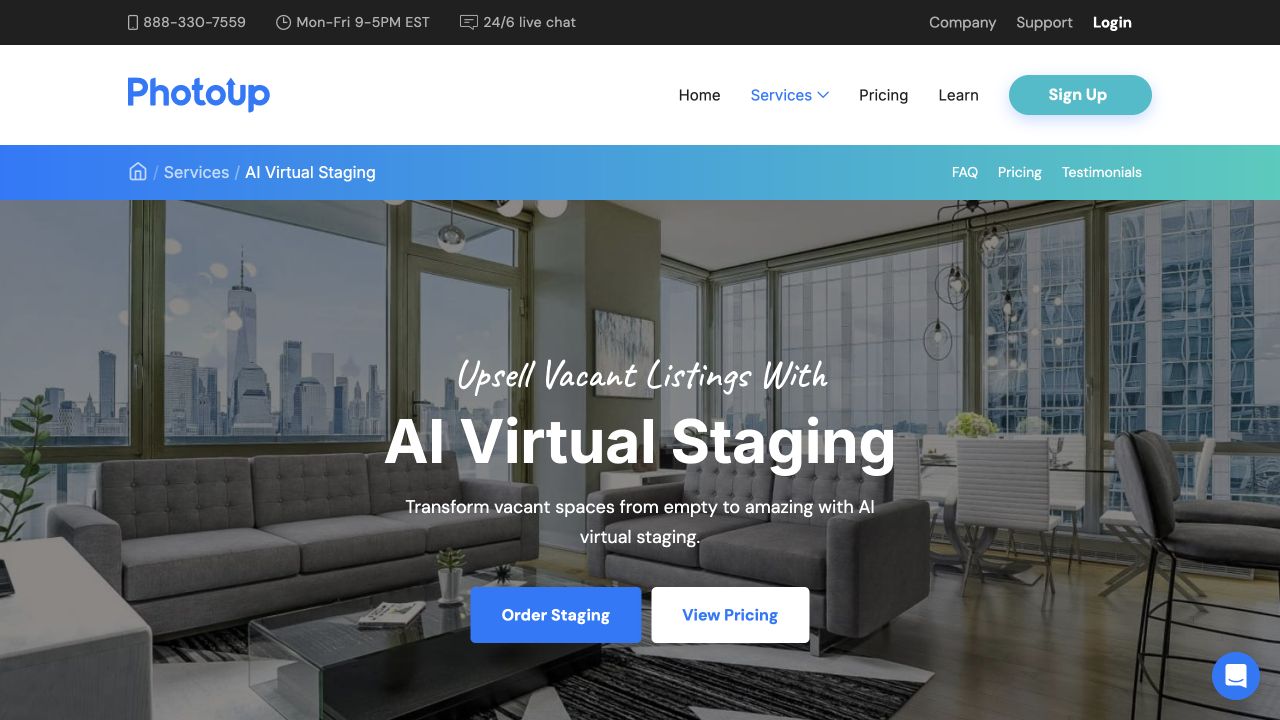 PhotoUp — AI Virtual Staging.
PhotoUp combines managed photo editing with a separate self-service AI staging tool, giving teams a choice of service models.
Best for: Photographers outsourcing editing or adding AI staging to their workflow.
Key features:
- Human photo editing services, including work such as window adjustments and detailed retouching.
- A separate self-service AI staging tool.
- Service-specific revision and download terms for editing and staging orders.
15. AgentUp: mobile capture and editing services
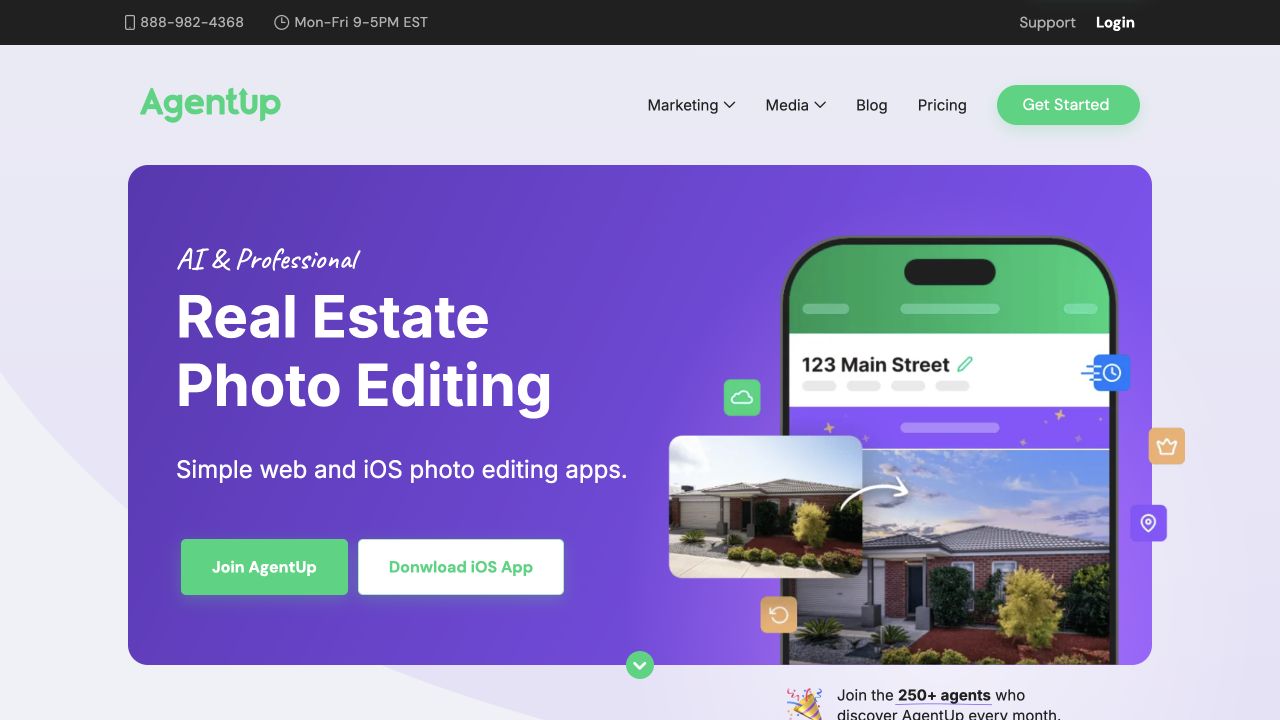 AgentUp — photo editing workflow.
AgentUp connects mobile property-photo capture with AI and professional editing services.
Best for: Agents who want a service-assisted workflow from capture to finished photos.
Key features:
- Mobile photo capture linked to editing services.
- A choice of AI or professional editing.
- Add-ons for decluttering and staging.
16. InstantDecoAI: single-photo enhancement and staging
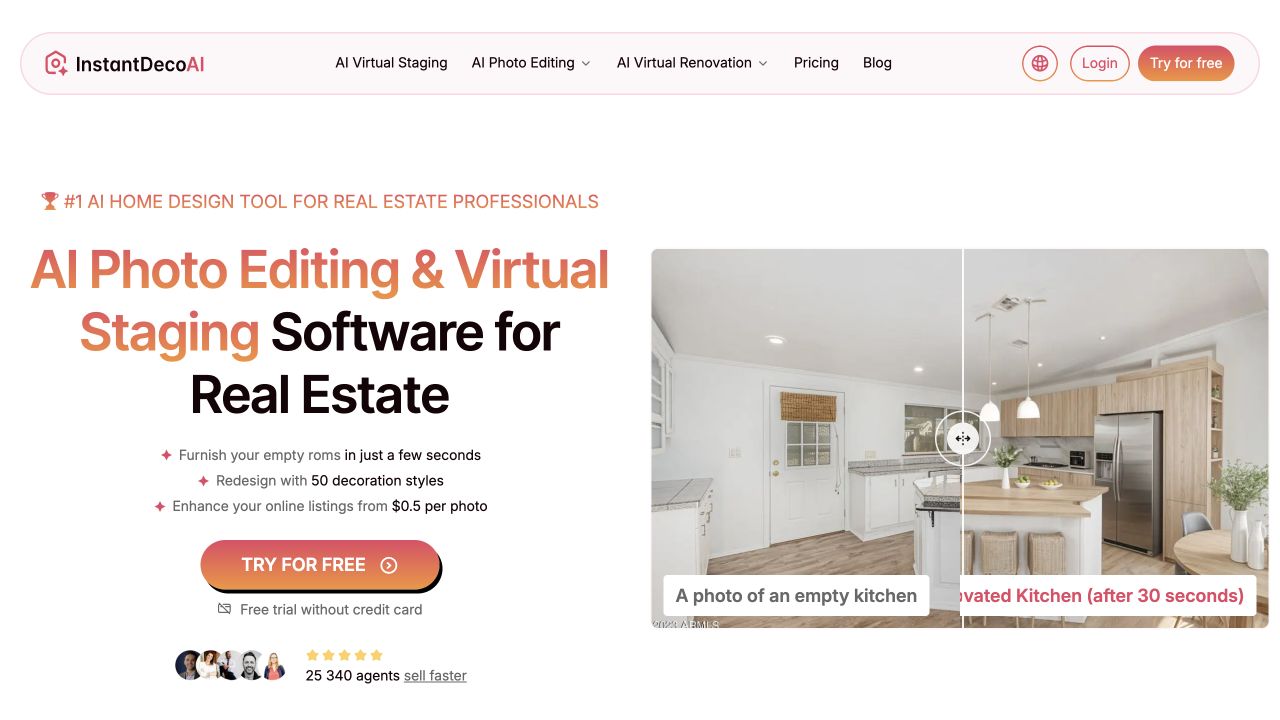 InstantDecoAI — image editing and room concepts.
InstantDecoAI offers browser-based improvements for individual photos, from light and color adjustments to staged room concepts.
Best for: Individual listing-photo improvements and proposed room transformations.
Key features:
- An image enhancer for lighting, sharpness and color, processing one photo at a time.
- Virtual staging and object removal.
- Renovation previews for exploring a different room design.
Free trials and the real cost of a finished listing
Free offers fall into four useful categories:
Its US$265/500-credit example works out to US$0.53 per standard HDR image when you use all 500 credits. For a single 30-photo listing, the subscription still costs US$265 before add-ons. Unused credits roll over while the plan remains active.
For a useful comparison, put each plan’s billing interval, currency, downloadable resolution, watermark rules and commercial-use terms beside its price. Include upload, revision and review time in your delivery schedule.
- Preview first: Autoenhance.ai provides free watermarked previews, with paid high-resolution, unwatermarked exports.
- Try an allowance: Imagen for Real Estate offers 250 edits and REimagineHome offers five designs.
- Use recurring credits: AutoHDR includes ten free credits per month, with costs depending on the editing operation.
- Try a subscription: Adobe offers seven days before the trial converts to a paid plan unless cancelled.
Its US$265/500-credit example works out to US$0.53 per standard HDR image when you use all 500 credits. For a single 30-photo listing, the subscription still costs US$265 before add-ons. Unused credits roll over while the plan remains active.
For a useful comparison, put each plan’s billing interval, currency, downloadable resolution, watermark rules and commercial-use terms beside its price. Include upload, revision and review time in your delivery schedule.
Which AI photo edits can you publish to an MLS?
MLS photo requirements depend on the changes made and the rules of the listing service. Keep original images alongside edited versions so the property’s actual condition remains clear.
Correction and alteration serve different purposes. Exposure, white balance and straightening can preserve a faithful view. Furniture removal, virtual staging, repainting and generated landscaping change what is shown and may require specific disclosures.
Build your upload checklist around the applicable MLS: disclosure fields, original-image placement, permitted alterations, image dimensions and file-size limits.
Correction and alteration serve different purposes. Exposure, white balance and straightening can preserve a faithful view. Furniture removal, virtual staging, repainting and generated landscaping change what is shown and may require specific disclosures.
- CRMLS: Its digitally altered image guidance requires identifying alterations in the photo description and placing the original immediately before or after the edited image. Misrepresentation of actual property features is prohibited.
- Stellar MLS: Its virtual-staging rule specifies the photo description, staging field and public-remarks disclosure. Words on property photographs are prohibited.
Build your upload checklist around the applicable MLS: disclosure fields, original-image placement, permitted alterations, image dimensions and file-size limits.
How to compare quality on your own listing
Run the same small sample through each shortlisted editor: a bright window with a dark interior, mixed lighting, an exterior with fine branches, a bathroom mirror and two angles of a furnished room. Include bracket files if they are part of your normal shoots.
Explore our guide to virtual staging for furniture-focused decisions, or see how agents turn listing photos into video tours for the next deliverable.
- Window detail: Compare the finished view with the darkest exposure or RAW file. Exposure recovery uses recorded detail; generated exterior detail serves a different purpose.
- Geometry: Inspect door frames, stair rails, tile lines and window counts at full resolution. Keep the property’s dimensions and openings faithful to the original.
- Color consistency: Compare walls, floors, cabinetry and exterior paint across the whole listing.
- Staged changes: Review furniture scale and placement across angles, plus floor patterns, reflections and fixed fittings after object removal. Label renovation concepts separately from the current condition.
- Delivery: Download a full-resolution image and review compression, watermarks and the destination’s upload requirements.
- Total effort: Record approved outputs, revisions, charges and review time. Keep originals separate from edited copies and assign final approval to one person.
Explore our guide to virtual staging for furniture-focused decisions, or see how agents turn listing photos into video tours for the next deliverable.
FAQ
What is the best AI photo editor for real estate listings?
For dedicated correction, start with Imagen for Real Estate, AutoHDR and Autoenhance.ai. Lightroom Classic suits hands-on RAW editing. CubiCasa, Nodalview and Giraffe360 combine photos with wider listing workflows. Choose by your source files, editing volume and final deliverables.Which editors offer window pulls and exposure recovery?
Imagen for Real Estate, AutoHDR, Autoenhance.ai, Fotello and CubiCasa offer window-pull or window-enhancement workflows. Properly exposed source files or brackets provide the detail needed to recover a real exterior view.Can I describe a property-photo edit in plain words?
Yes. Imagen’s AI Assistant and Collov’s chat-editing features support text-based requests. A precise instruction, such as changing furniture, makes the intended transformation clear.Can one platform provide photos, floor plans, tours and video?
Several platforms combine deliverables. CubiCasa pairs editing with scan products; Giraffe360 offers Content Studio and camera plans; Nodalview combines capture and listing media. VideoTourAI turns listing photos into property tours and social reels, with scene editing built in. Floor plans and tours may require separate capture or orders.What are alternatives to PhotoUp for real estate photo editing?
For self-service correction, compare AutoHDR, Autoenhance.ai and Imagen for Real Estate. AgentUp offers a service-assisted mobile workflow. VirtualStaging.ai, REimagineHome, Collov and InstantDecoAI provide furniture-staging options.Conclusion
Match the editor to your next listing: HDR tools for bracketed shoots, manual editors for detailed control, staging apps for furniture changes and service providers for outsourced editing. Use the same sample images to compare finished quality, delivery effort and cost.
Ready to turn those photos into a property video? Try VideoTourAI to stage or reframe selected scenes and build your listing video.
Ready to turn those photos into a property video? Try VideoTourAI to stage or reframe selected scenes and build your listing video.