
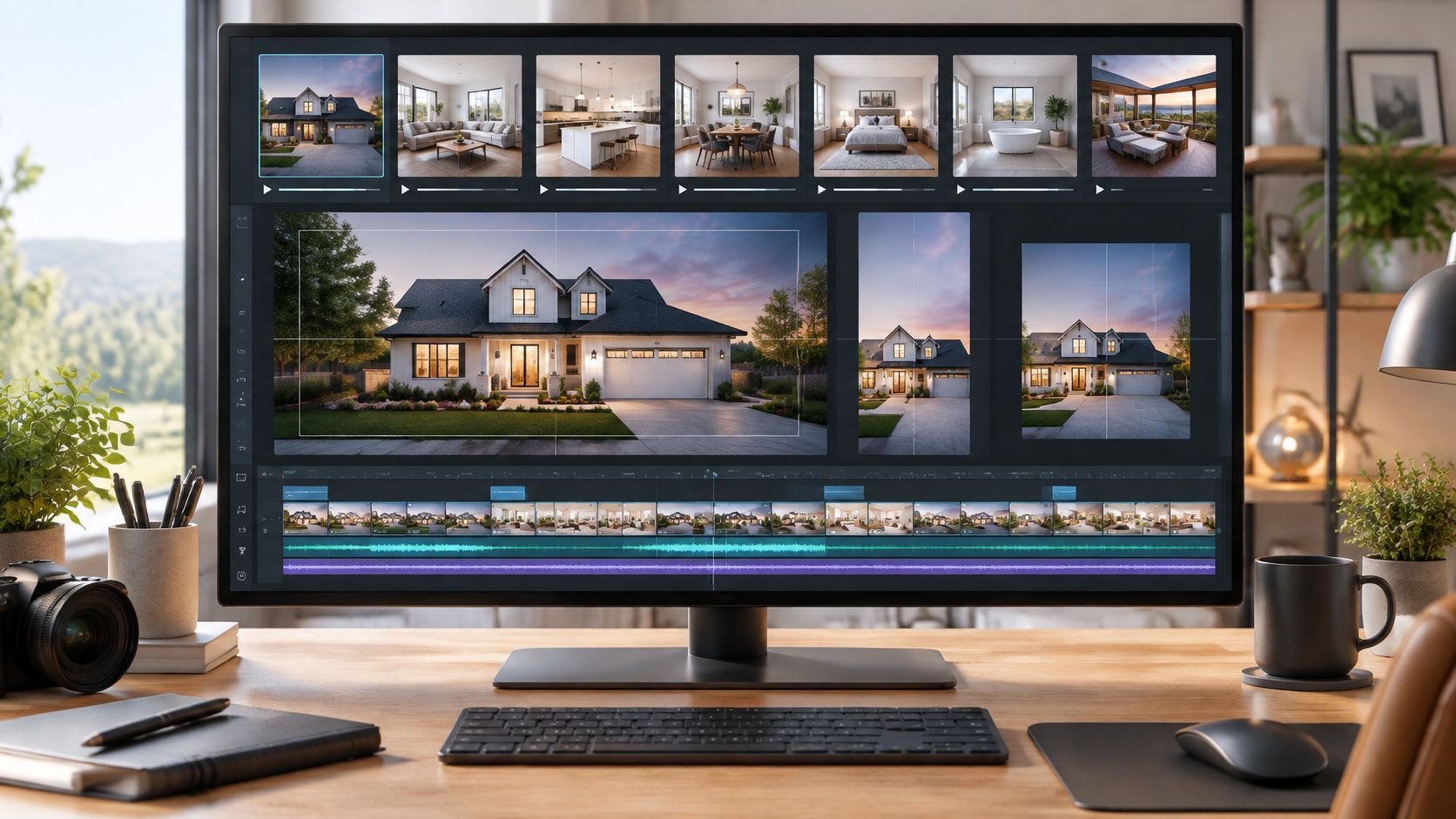
You've got 18 listing photos, an Instagram Reel due today, and an MLS upload that can't wait until tomorrow. A generic generator gives you one pretty clip, then leaves you to resize it, add captions, find music, fix warped doorways, and rebuild the whole thing in horizontal format. That's not a finished listing video. It's extra editing work.
This roundup judges each Best AI Video Generator contender by one question. Can it turn a real listing into a finished, compliant, share-ready video with minimal rework? Adoption makes that test urgent, since Wyzowl's survey in Elite Content Marketer's video marketing statistics roundup reported that 63% of video marketers used AI tools to create or edit marketing videos in late 2025, compared with 51% one year earlier. For practical channel planning, pair these picks with video marketing advice from Taja AI. Expect clear trade-offs, not hype.
This roundup judges each Best AI Video Generator contender by one question. Can it turn a real listing into a finished, compliant, share-ready video with minimal rework? Adoption makes that test urgent, since Wyzowl's survey in Elite Content Marketer's video marketing statistics roundup reported that 63% of video marketers used AI tools to create or edit marketing videos in late 2025, compared with 51% one year earlier. For practical channel planning, pair these picks with video marketing advice from Taja AI. Expect clear trade-offs, not hype.
Summary
Create an AI Video Tours from PhotosTry it For Free

1. VideoTour.ai
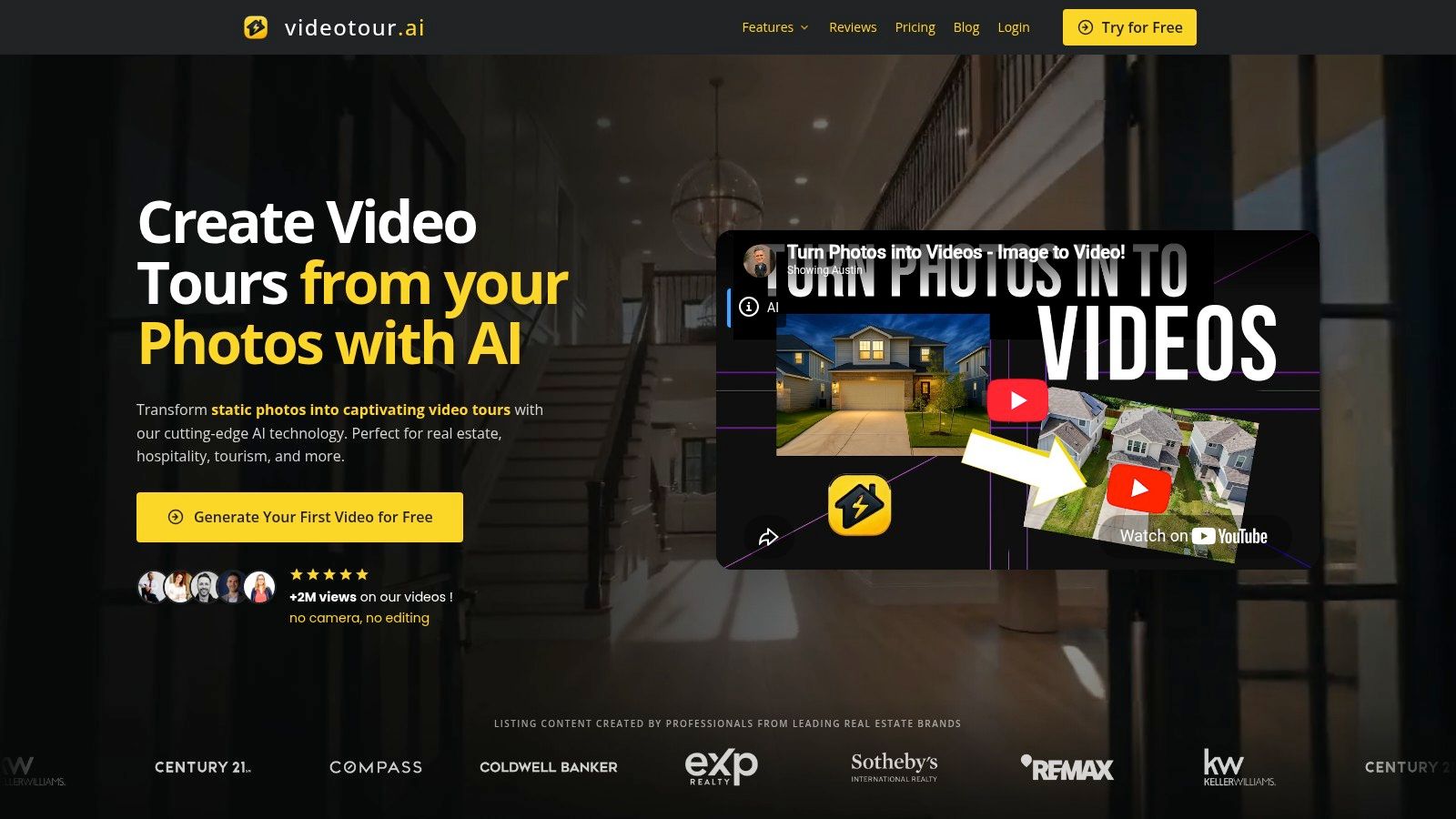 For a listing that needs a finished tour rather than a standalone AI clip, VideoTour.ai turns existing photos into a share-ready video. Upload up to 60 photos per listing, choose the industry, music and caption style, then generate. The platform syncs images with music, captions and AI effects, and typically prepares the video in minutes. You can preview and adjust the script, image order, layout, timing and aspect ratio before downloading.
Why it fits listing work
VideoTour.ai is built around the whole property video, including MLS-safe presets, social Reels and horizontal or square formats. Its offerings include Real Estate Reel Maker, AI Avatar Videos, AI Drone Videos, voiceover and voice cloning, Video Branding, lifestyle clips, cinematic 3D text, transition effects and video landing pages. For a closer look at how an automated video maker fits into a production workflow, consider which editing steps it handles before export.- Photo to tour: AI motion adds camera moves such as pan, zoom and tilt to listing photos. Each video includes 5 free AI animations by default, with each animation creating a five-second clip. You choose the photos to animate, and clips can be trimmed shorter in the editor.
- Revision control: Unlimited revisions let you adjust image order, wording or music in the browser. Uploaded images are synchronized with the video's music, captions and effects.
- Export ready: Plans include HD (720p) and Full HD (1080p) resolution, multiple formats, and no watermark. Review every video before publishing, since AI can make mistakes.
The trade-off is straightforward: this is a practical fit for repeatable listing tours, not a tool focused on one-off cinematic experimentation. Monthly video allowances cap volume, and AI-generated scenes still need review. Advanced outro editing and clip merging can be done in your own editor after export.
2. Runway
 Runway is a creative workspace, not a tour builder. You generate custom clips from text, images, or existing footage, try multiple models including Veo and Kling options, then keep refining in the same ecosystem with editing, upscaling, and character tools. A developer API with per-second pricing suits teams building their own pipeline.
That flexibility shines for a custom insert. Say a resort campaign needs a golden-hour pool shot you didn't film, or a brokerage wants a stylized neighborhood sequence between real listing photos. Runway gives you looks to explore. It doesn't sequence 20 rooms, brand them, caption them, and export three sizes for you. You still assemble the finished video.
Where the cost hides
Credit-based generation makes repeated attempts hard to budget, and model availability, limits, and costs vary by feature. Judge it with a fixed test set, not a single pretty frame. The VBench-2.0 benchmark paper separates performance into human fidelity, controllability, creativity, physics, and commonsense, which is a useful reminder to check temporal consistency and room geometry, not just aesthetics.- Best job: Custom visual inserts for property or destination campaigns.
- Weak spot: No finished, MLS-ready tour without your own assembly and branding.
3. Adobe Firefly
If your team already lives in Premiere and Photoshop, Adobe Firefly is the path of least resistance. It generates video from text or image prompts alongside image, vector, and audio tools, so you can create a clip and refine it inside a broader Adobe project. Partner models are available too, though they may carry different terms and credit costs than Adobe's own models.
Adobe says outputs from its own Firefly models are designed for commercial use, which matters for client work. Cost and reliability still deserve scrutiny before you scale. Adobe's 2025 global creator survey of more than 16,000 creators reported high cost as the leading adoption barrier for 38% and unreliable output quality for 34%.
Adobe says outputs from its own Firefly models are designed for commercial use, which matters for client work. Cost and reliability still deserve scrutiny before you scale. Adobe's 2025 global creator survey of more than 16,000 creators reported high cost as the leading adoption barrier for 38% and unreliable output quality for 34%.
Fit and friction
Firefly suits a designer who wants one clip inside a larger campaign file. It isn't a specialized property-tour builder. There's no listing preset turning a photo set into a captioned, branded walkthrough. Premium features also draw from a limited generative credit allowance, so heavy experimentation needs monitoring.- Best job: Generating a clip you will finish in Premiere.
- Watch out: Credit limits and a general-purpose interface slow down non-designers.
4. Google Veo in Flow
 Google Veo in Flow is built for guided, cinematic generation. It creates video from text and images with audio support, uses reference images to steer a scene, and offers scene extension, first or last frame transitions, plus camera and motion controls. Google lists 1080p and 4K output capabilities, depending on product and plan.
Use that control for atmosphere, not evidence. A generated dusk exterior or lifestyle moment can set a mood around a real listing. It can't stand in for the actual kitchen. Generated scenes aren't faithful walkthroughs of real homes, and Google notes natural spoken audio and synchronization remain areas of development.
Deployment fit matters as much as raw quality here. The State of Generative Media report says 88% of organizations had deployed AI in at least one business function by the end of 2025, while businesses accessed generative technology through applications and APIs at 65% and 62% respectively. Veo rewards teams ready to integrate and direct it.
Practical rule: Never publish a generated room as if it were the listing. Label atmosphere shots clearly and keep real photos as the source of truth.Choose Veo when you need a directed cinematic clip and can review, edit, and format it yourself. Access, cost, and resolution depend on your Google plan, so confirm those before a campaign deadline. For a same-day tour, it's an ingredient, not the meal.
5. Luma Dream Machine
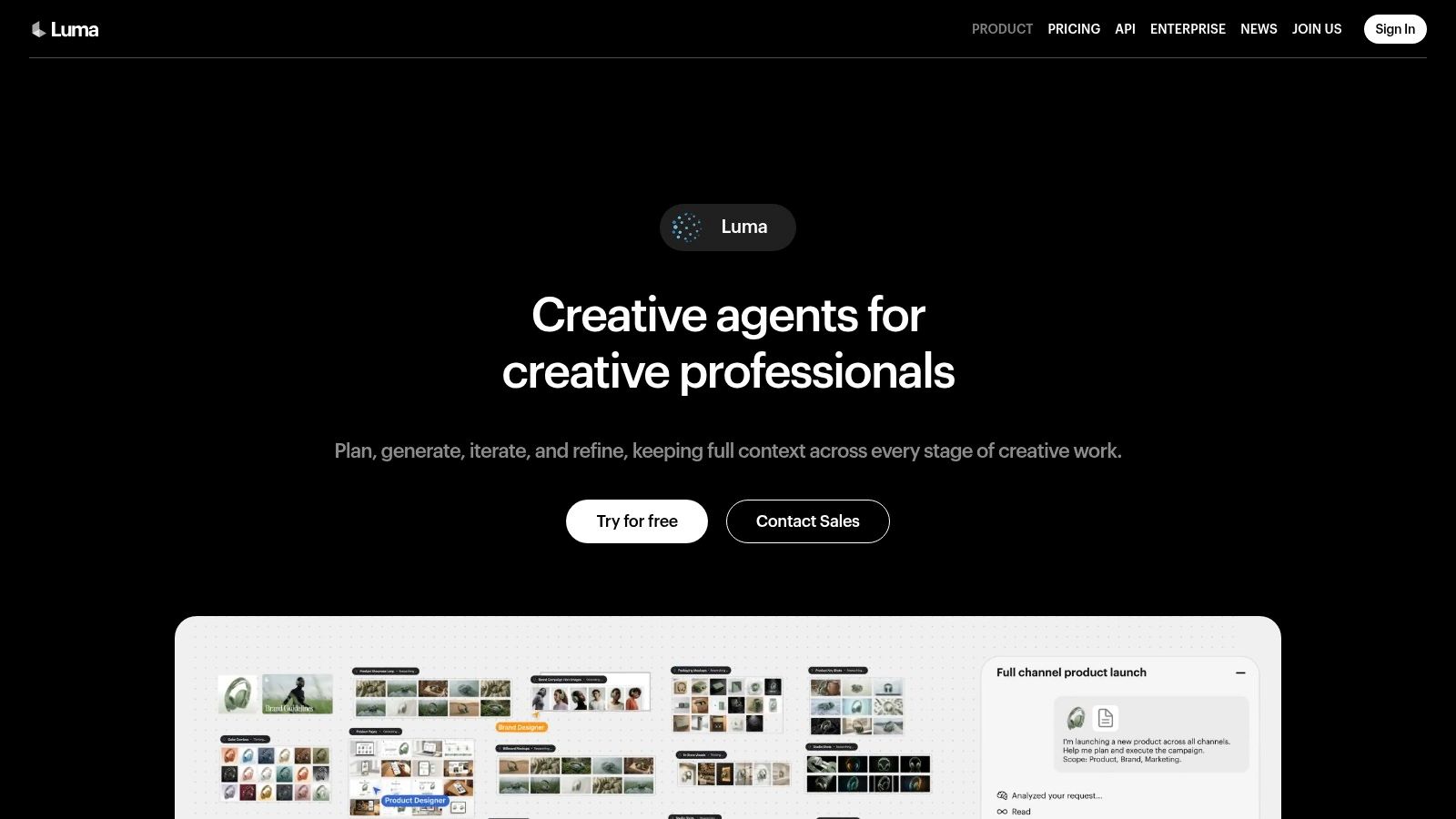 Luma Dream Machine covers text-to-video, image-to-video, video-to-video, and reframing, with access to Luma and third-party models. Team plans add shared credits and collaboration, which helps an agency test several visual directions without passing files around. Its strength is animating a selected still, not processing an entire listing set.
That distinction decides whether it helps you. Animate one hero exterior, test a reframed vertical cut, compare models on the same reference image. Then stop and inspect the result closely. Generated movement can alter details in a reference photo, and a shifted window, railing, or roofline creates a trust problem in property marketing.
Disclosure is part of the job
Provenance rules now shape tool choice. This overview of AI content labeling requirements notes that YouTube asks creators to disclose realistic altered or synthetic content, while the EU AI Act requires providers of systems generating synthetic video to mark outputs in a machine-readable format. Check whether labels and metadata survive your export and upload path.- Best job: Animating single hero images and comparing models.
- Weak spot: Credit costs vary by model, resolution, and operation.
6. Pika
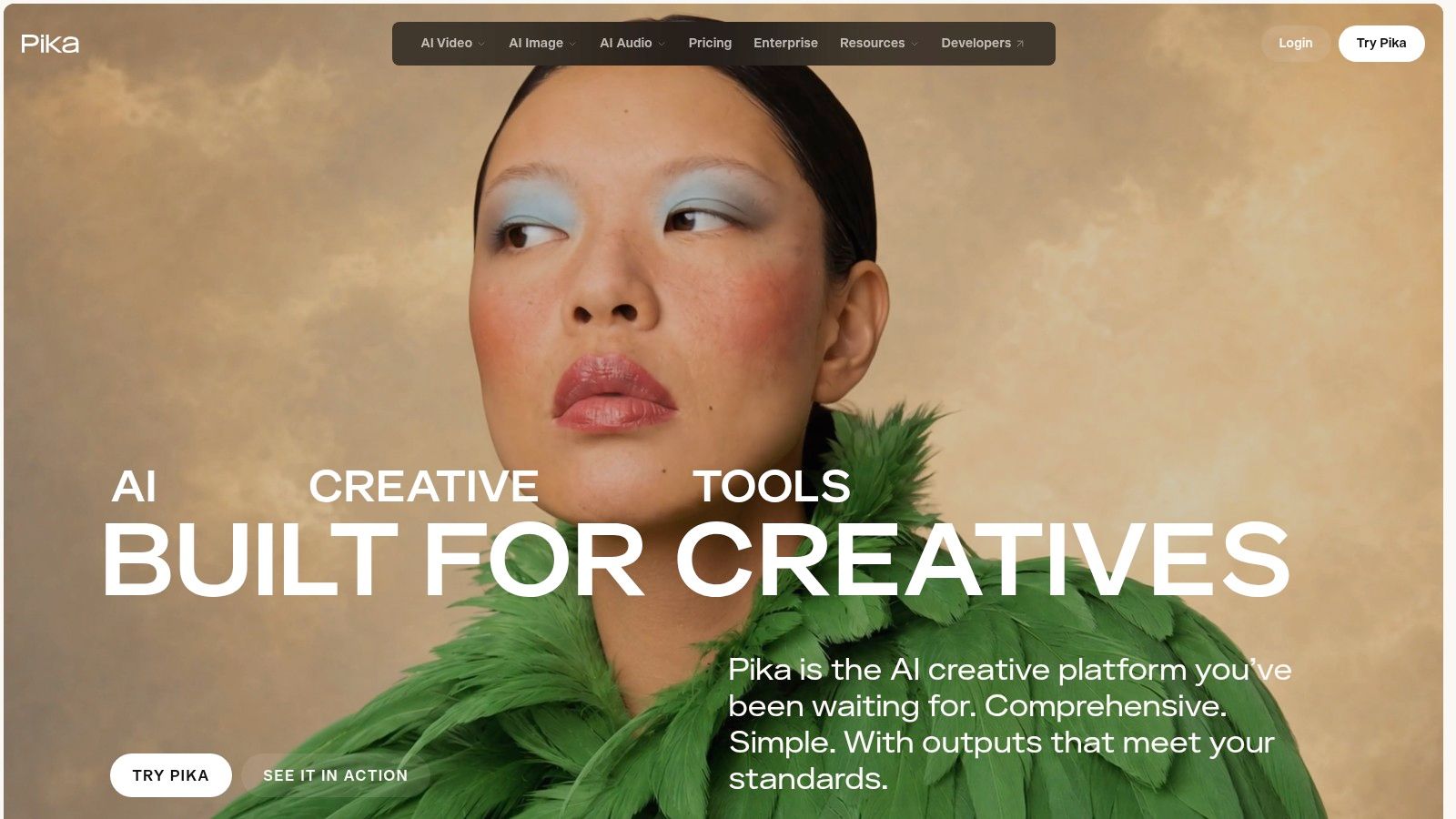 Pika does short, playful clips well. It generates video from prompts, images, or ordered keyframes, and Pikaframes can animate between up to five still images. Pikaffects adds stylized transformations that suit social inserts and animated transitions. Free and paid plans plus one-time credit top-ups make experimentation cheap to start.
Keep the format limits front of mind. Pika 2.5 clips run five seconds from a prompt and five or ten seconds with a reference image. Those renders are silent, so music, voiceover, and captions happen elsewhere. Five animated seconds can open a Reel. They can't carry a four-bedroom listing.
Adoption context explains why short tools tempt busy teams. Deloitte's 2024 State of Generative AI in the Enterprise study found 31% of surveyed organizations reported using generative AI for video applications in 2024. Popularity doesn't remove the finishing work Pika leaves behind.
- Best job: Animated hooks, transitions, and stylized social inserts.
- Weak spot: Short, silent clips that need a separate editor to become publishable.
7. HeyGen
 HeyGen solves a different problem. It turns scripts into presenter-led videos with stock or custom AI avatars, voice generation, and multilingual versions. Paid plans add text, image, or reference-to-video features, 1080p export and branding removal, with 4K on higher tiers. A free plan lets you test whether an avatar suits your audience.
That format works for agent introductions, neighborhood explainers, open-house reminders, and repeatable updates across markets. You write once, localize, and publish without booking camera time for every revision. If you're comparing presenter options, this guide to an AI talking avatar generator covers the production choices involved.
Where avatars help and hurt
An AI presenter can feel less natural than you on camera, especially for a personal local brand built on trust. Credit use also varies with model, length, and complexity, so long scripts need cost checks. HeyGen isn't designed to convert property photos into a polished walkthrough.- Best job: Scripted announcements and multilingual explainers.
- Weak spot: No property tour assembly from a listing photo set.
How the seven AI video generators compare on best use, free access, pricing model and property tour fit
| Item | Best for | Free option | Pricing model | Property tour fit |
|---|---|---|---|---|
| VideoTour.ai | Turning listing photos into polished, share-ready videos | One free video | Monthly tiers; optional AI credits; annual discount available | Excellent: purpose-built for listing tours |
| Runway | Flexible AI video creation and editing | Not specified | Credit-based; API pricing varies by model | Limited: custom clips, but tours need assembly |
| Adobe Firefly | Generative media within Adobe workflows | Limited generative credits; free access not specified | Generative-credit allowance; premium features use credits | Limited: general creative platform, not a tour builder |
| Google Veo in Flow | Guided, cinematic AI-generated footage | Not specified; depends on product or plan | Access and cost depend on product or plan | Limited: creates scenes, not faithful home walkthroughs |
| Luma Dream Machine | Animating images and exploring video models | Not specified | Credits vary by model, resolution, and operation | Limited: no complete branded listing-tour workflow |
| Pika | Short creative clips, effects, and transitions | Free plan available | Free and paid plans; one-time credit top-ups | Limited: useful for inserts, not complete tours |
| HeyGen | Presenter-led, multilingual videos | Free plan available | Paid plans and credit-based usage | Limited: suited to agent messages, not photo walkthroughs |
Matching the Right AI Video Tool to Your Next Listing
Start with the output you need, not the model you like. Demand keeps rising across channels, since Omdia's report via Business Wire said global online video subscriptions reached 2.24 billion at the end of 2025, up 17.6% from approximately 1.9 billion in 2024. Fragmented audiences mean one listing needs several correctly sized assets, not one master file you crop in a hurry.
For MLS-ready tours and multi-format social cuts from existing photos, a purpose-built platform saves the most time because sequencing, captions, music, branding, and aspect ratios happen in one pass. Advertisers are moving the same way. The IAB announcement with Advertiser Perceptions and Guideline reported that in 2025, 86% of video-ad buyers were using or planning to use generative AI to build video ad creative. Speed only counts when the export is usable.
For custom cinematic inserts, reach for Runway, Veo, or Luma, and accept the editing, review, and disclosure work that follows. For presenter messages, HeyGen handles scripts and languages well. Firefly fits designers already in Adobe, while Pika covers short effects. Market growth doesn't change that fit test. Credence Research's AI video generator market report valued the market at USD 638.43 million in 2024 and projects it to reach USD 2.655 billion by 2032, so you'll keep seeing new models making the same promises.
Run one real listing through a free trial before you commit. Time the path from upload to approved export, count the renders you discard, and check captions, logos, room geometry, and every aspect ratio on your phone. Then calculate cost per approved video, including credits burned on failures and minutes spent fixing details. The winning tool is the one that survives that test on an ordinary Tuesday, with an ordinary photo set, under a real deadline.
Turn your next set of listing photos into a captioned, branded, share-ready tour in minutes, with MLS-safe presets, social formats, and unlimited revisions built in. Generate your first video free and see exactly how it handles your photos before you pay anything. Visit VideoTour.ai to start your first tour today.
For MLS-ready tours and multi-format social cuts from existing photos, a purpose-built platform saves the most time because sequencing, captions, music, branding, and aspect ratios happen in one pass. Advertisers are moving the same way. The IAB announcement with Advertiser Perceptions and Guideline reported that in 2025, 86% of video-ad buyers were using or planning to use generative AI to build video ad creative. Speed only counts when the export is usable.
For custom cinematic inserts, reach for Runway, Veo, or Luma, and accept the editing, review, and disclosure work that follows. For presenter messages, HeyGen handles scripts and languages well. Firefly fits designers already in Adobe, while Pika covers short effects. Market growth doesn't change that fit test. Credence Research's AI video generator market report valued the market at USD 638.43 million in 2024 and projects it to reach USD 2.655 billion by 2032, so you'll keep seeing new models making the same promises.
Run one real listing through a free trial before you commit. Time the path from upload to approved export, count the renders you discard, and check captions, logos, room geometry, and every aspect ratio on your phone. Then calculate cost per approved video, including credits burned on failures and minutes spent fixing details. The winning tool is the one that survives that test on an ordinary Tuesday, with an ordinary photo set, under a real deadline.
Turn your next set of listing photos into a captioned, branded, share-ready tour in minutes, with MLS-safe presets, social formats, and unlimited revisions built in. Generate your first video free and see exactly how it handles your photos before you pay anything. Visit VideoTour.ai to start your first tour today.