
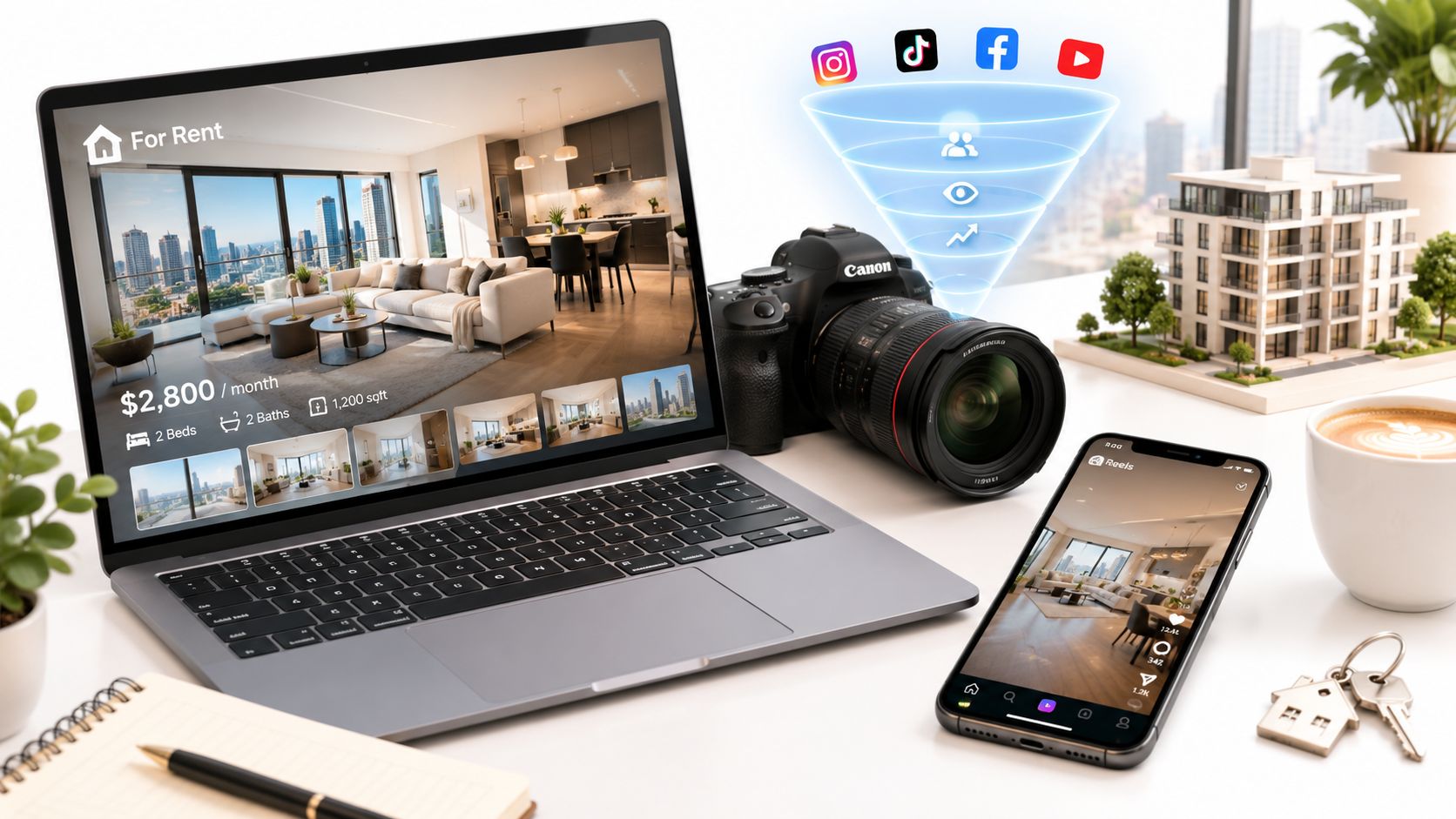
Good rental property marketing helps a prospective renter decide whether a home is worth viewing. That requires more than attention: clear photos, accurate availability, understandable costs and a reliable way to ask questions or arrange a visit.
This guide focuses on long-term residential rentals. Vacation-rental bookings involve a different guest journey. Use the practical checklist and illustrative campaign below to connect your listing, video and follow-up process without assuming that more views automatically produce a signed lease.
This guide focuses on long-term residential rentals. Vacation-rental bookings involve a different guest journey. Use the practical checklist and illustrative campaign below to connect your listing, video and follow-up process without assuming that more views automatically produce a signed lease.
Summary
Create an AI Video Tours from PhotosTry it For Free

1. Start with the questions a renter needs answered
Before choosing a channel, collect the information that repeatedly holds up a decision: availability, rent, lease term, the unit’s actual features, relevant policies, included services and the viewing process. Keep one approved source so the portal, website and replies stay consistent.
Describe the property and the rental terms clearly. Avoid making assumptions about the kind of person who should live there. HUD’s guidance explains that housing advertisements must not express discriminatory preferences or limitations. Check applicable federal, state and local requirements for your advertising and application process.
Source: HUD fair housing rights and obligations
Ask the person handling inquiries to record recurring property questions. Those questions are useful inputs for the next photo, caption or FAQ update.
Describe the property and the rental terms clearly. Avoid making assumptions about the kind of person who should live there. HUD’s guidance explains that housing advertisements must not express discriminatory preferences or limitations. Check applicable federal, state and local requirements for your advertising and application process.
Source: HUD fair housing rights and obligations
Ask the person handling inquiries to record recurring property questions. Those questions are useful inputs for the next photo, caption or FAQ update.
2. Build a complete, consistent rental listing
| Listing field | What to provide | Check before publishing |
|---|---|---|
| Availability | The expected move-in date and current status | Remove stale dates and update occupied or leased status |
| Rent and other costs | Current rent plus a clear explanation of applicable fees, deposits and included services | Avoid an attractive headline that conceals material costs |
| Property facts | Verified rooms, dimensions if used, amenities and unit-specific features | Separate shared amenities from features inside this unit |
| Policies and terms | Relevant approved lease and property policies | Use the current wording reviewed for your location |
| Viewing | How to arrange a visit and what happens next | Test the contact route and response ownership |
Use the same facts across channels. When a price, date or policy changes, update the source first and then check every published destination. An old social post can continue sending people to outdated information.
3. Choose photos that answer practical questions
Lead with a clear, representative image. Then show the main rooms, kitchen, bathroom, storage and any outdoor or shared space that is actually included. Add a floor plan when you have an accurate, permitted one.
Avoid relying entirely on close decorative details. A renter may need to understand where the desk could go, how the kitchen connects to the living area or what a shared entrance looks like. Show enough context to answer that question without overstating size or condition.
Label a model unit, staged image or digitally altered visualization when it is not a literal view of the available unit. Keep the actual unit identifiable. If a photo raises a new question, improve its caption or add the missing view rather than adding more near-duplicates.
Avoid relying entirely on close decorative details. A renter may need to understand where the desk could go, how the kitchen connects to the living area or what a shared entrance looks like. Show enough context to answer that question without overstating size or condition.
Label a model unit, staged image or digitally altered visualization when it is not a literal view of the available unit. Keep the actual unit identifiable. If a photo raises a new question, improve its caption or add the missing view rather than adding more near-duplicates.
4. Use video to explain the unit
A rental video can show a room sequence, an entrance or an amenity that is hard to understand from an isolated image. Choose actual filmed footage when continuous movement matters. A photo-based video can organize existing views with labels and narration, but it should not imply a route that the source material does not establish.
Original script to adapt:
For a photo-based workflow, choose the appropriate rental listing goal in VideoTour.ai and review the words against the approved rental facts. Do not let sale language or an old property description carry into the video.
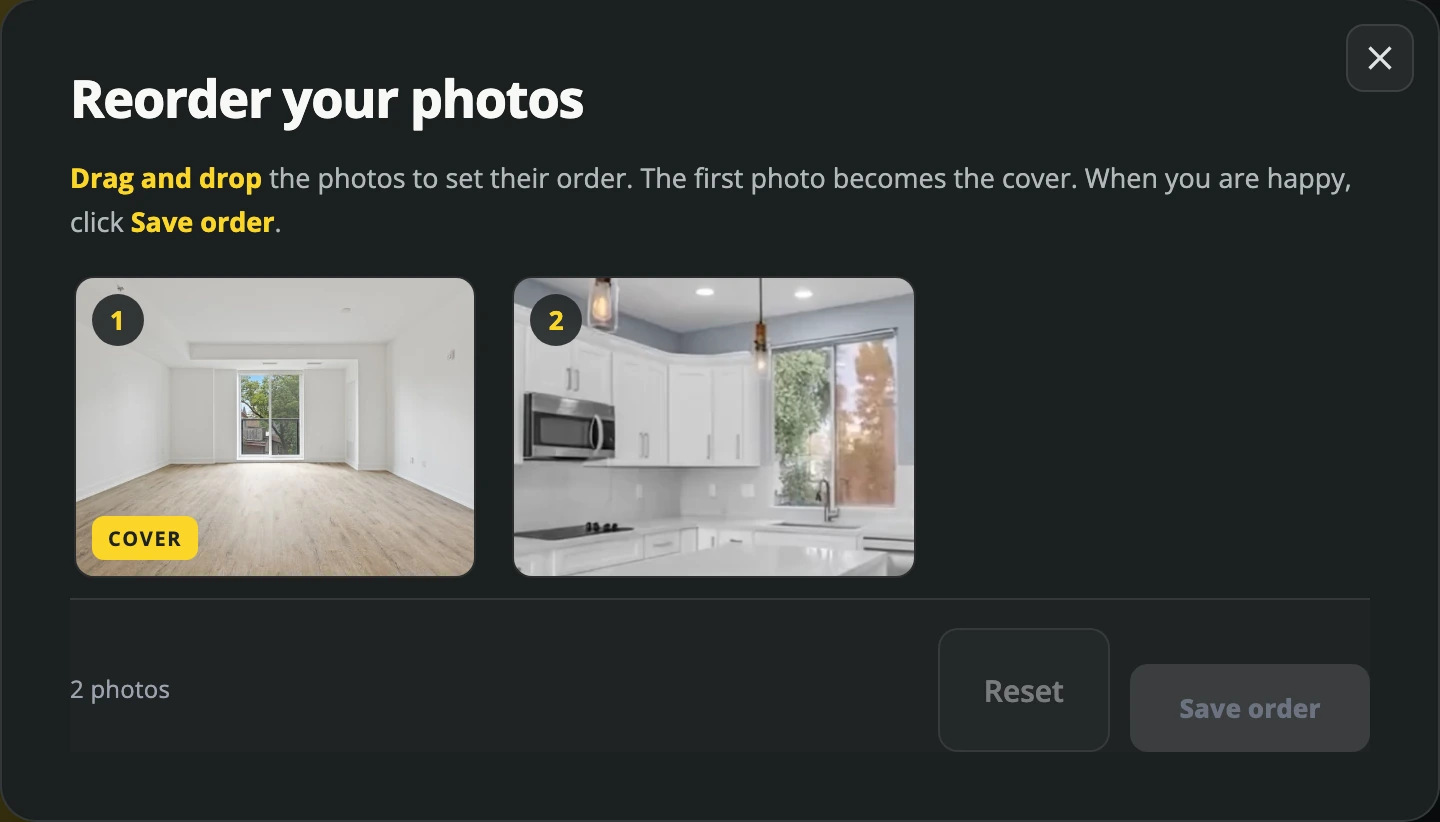
Actual VideoTour.ai interface. Use the available unit’s approved photos and a logical sequence.
The listing video production guide includes a full shot plan and review checklist.
Original script to adapt:
“Here’s a look at {unit or property reference}, available from {confirmed date}. We begin in {room}, then show {verified next space}. The listing includes {confirmed feature}. See the full listing for rent, applicable costs and lease details, then contact {approved route} to arrange a viewing.”
For a photo-based workflow, choose the appropriate rental listing goal in VideoTour.ai and review the words against the approved rental facts. Do not let sale language or an old property description carry into the video.
Actual VideoTour.ai interface. Use the available unit’s approved photos and a logical sequence.
The listing video production guide includes a full shot plan and review checklist.
5. Match distribution to the renter’s next action
| Destination | Role | Useful action |
|---|---|---|
| Your complete listing page | One place for current details | Read the terms and arrange a viewing |
| Relevant rental portals | Reach people actively searching | Open the unit’s complete information |
| Social posts or a short video | Introduce a feature or availability | Visit the live listing |
| Replies to inquiries | Resolve specific unanswered questions | Confirm the appropriate next step |
Choose channels you can keep current and respond to. A large distribution list is unhelpful if availability differs between sites or inquiries go unanswered.
Check each channel’s current rules for housing ads, links, media and lead handling. Do not assume that a general advertising preset is appropriate for housing. Put the useful property facts on the landing page so viewers do not need to send a message merely to discover the rent or basic terms.
6. Make the inquiry-to-viewing process clear
Set a response owner and an internal response target your team can realistically meet. A first reply should answer the question asked, link to the current listing and explain how viewing arrangements work.
Reply template:
Keep the marketing conversation separate from collecting sensitive application information. Use your established application process for that stage. Record unresolved questions so the listing can be improved, and update the listing promptly when the status changes.
Reply template:
“Thanks for asking about {property reference}. The current availability is {confirmed detail}. You can find the rent, applicable costs and property information at {listing link}. To arrange a viewing, {approved process}. Let us know which property detail you would like clarified.”
Keep the marketing conversation separate from collecting sensitive application information. Use your established application process for that stage. Record unresolved questions so the listing can be improved, and update the listing promptly when the status changes.
7. An illustrative campaign you can adapt
The sequence below is a planning example, not a client case study and not measured campaign results. Imagine an available two-bedroom unit with approved photography and a confirmed viewing process.
If several inquiries ask whether the outdoor space is private or shared, clarify that fact in the listing and video. If viewers cannot find the appointment process, fix the next step. Choose a change based on the observed problem rather than simply posting more often.
| Stage | Work to complete | How you know it is ready |
|---|---|---|
| Prepare | Approve the facts, costs, photos and availability | One current source document exists |
| Publish | Create the complete listing and a short unit video | Facts and contact routes match |
| Distribute | Post on selected rental channels | Every post leads to the live listing |
| Respond | Answer questions and manage viewing requests | A named person owns each inquiry |
| Review | Identify recurring questions and drop-off points | The next change addresses a specific problem |
| Update | Correct availability and archive obsolete promotion as appropriate | People are not being invited to pursue an unavailable unit |
If several inquiries ask whether the outdoor space is private or shared, clarify that fact in the listing and video. If viewers cannot find the appointment process, fix the next step. Choose a change based on the observed problem rather than simply posting more often.
8. Track a small set of useful measures
| Measure | What it helps you assess | Important limit |
|---|---|---|
| Listing views or visits | Whether distribution reaches people | Exposure alone is not a rental outcome |
| Relevant inquiries | Whether people want more information | Repeated or unrelated messages inflate the count |
| Viewing requests and completed viewings | Whether the next step is usable | Availability and scheduling affect the result |
| Time spent producing and maintaining content | Whether the process is sustainable | Do not ignore updates and replies |
| Applications and signed leases through the established process | How the full rental process progresses | Do not attribute the entire outcome to one video |
Record the date range, channel and attribution method. Compare similar periods, noting rent, availability and property changes. A sample of only a few inquiries is a reason to inspect individual questions, not a basis for a precise conversion forecast.
For another short format, use the property video scripts. For evidence and limitations behind common video claims, read the real estate video statistics guide.
FAQ
What should a rental listing include?
Accurate availability, rent and applicable costs, verified property details, relevant terms and policies, useful images and a clear viewing process.Do rental properties need video?
Use it when it helps explain the unit, layout or a feature. It is an additional information format, not a guarantee of faster leasing.Can I reuse a sales-video script for a rental?
Only after replacing the goal, terms, facts and next action. Check that the narration reflects the actual rental listing.Is the sample campaign a real case study?
No. It is an explicitly illustrative sequence that you can adapt to your own process and measure.Conclusion
Make the property easy to evaluate, keep the facts consistent and give each inquiry a clear next step. Photos and video support that process when they answer real questions about the available unit.