
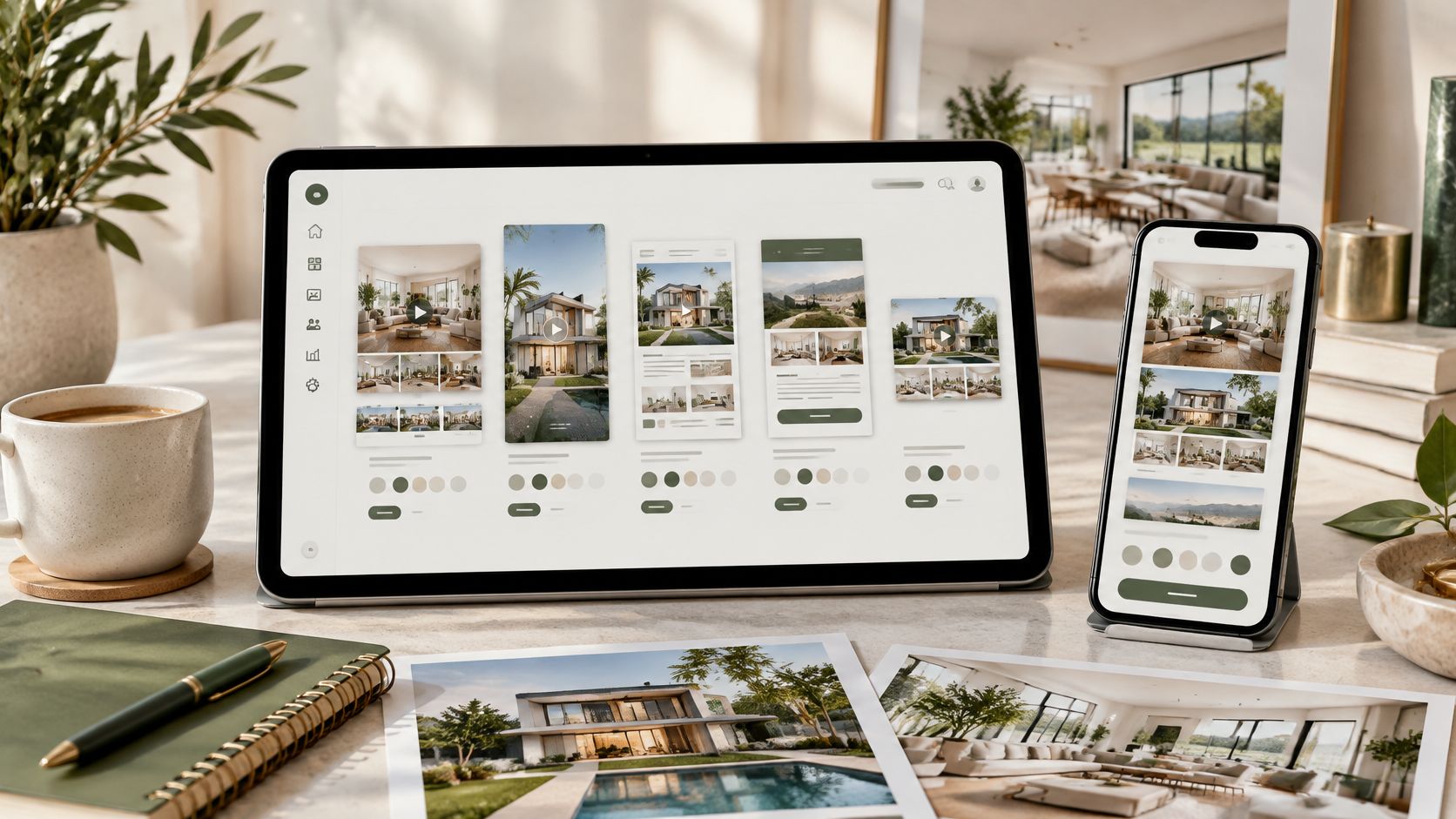
A listing goes live on Monday. You've got listing photos, a flyer missing your contact details, and no caption, Reel, or email ready to send. That's the normal gap real estate marketing templates are supposed to close, and it's also where many of them disappoint. A pretty layout doesn't help if you still have to retype the price, resize for TikTok, strip branding for the MLS, and write the script yourself.
This guide reviews 10 real estate marketing templates across listing videos, social Reels, flyers, email, and design libraries. Each entry is judged by the specific asset it produces, what you must customize before posting, and where it falls short for MLS or multi-platform use. Items with more automation come first in spirit, manual design libraries later, so you can spot how much setup remains.
Photos deserve that scrutiny. In the National Association of REALTORS® 2025 buyer research summarized by Beycome's summary of listing photo research, 81% of internet-using buyers rated listing photographs as "very useful", ahead of detailed property information at 77%. If your agent photo sits next to those images, keep it consistent too, and these real estate headshot ideas from AiHeadshots are a useful reference. Start with the photos you already have, then pick the template that finishes the asset you need next.
This guide reviews 10 real estate marketing templates across listing videos, social Reels, flyers, email, and design libraries. Each entry is judged by the specific asset it produces, what you must customize before posting, and where it falls short for MLS or multi-platform use. Items with more automation come first in spirit, manual design libraries later, so you can spot how much setup remains.
Photos deserve that scrutiny. In the National Association of REALTORS® 2025 buyer research summarized by Beycome's summary of listing photo research, 81% of internet-using buyers rated listing photographs as "very useful", ahead of detailed property information at 77%. If your agent photo sits next to those images, keep it consistent too, and these real estate headshot ideas from AiHeadshots are a useful reference. Start with the photos you already have, then pick the template that finishes the asset you need next.
Summary
Create an AI Video Tours from PhotosTry it For Free
1. VideoTour.ai
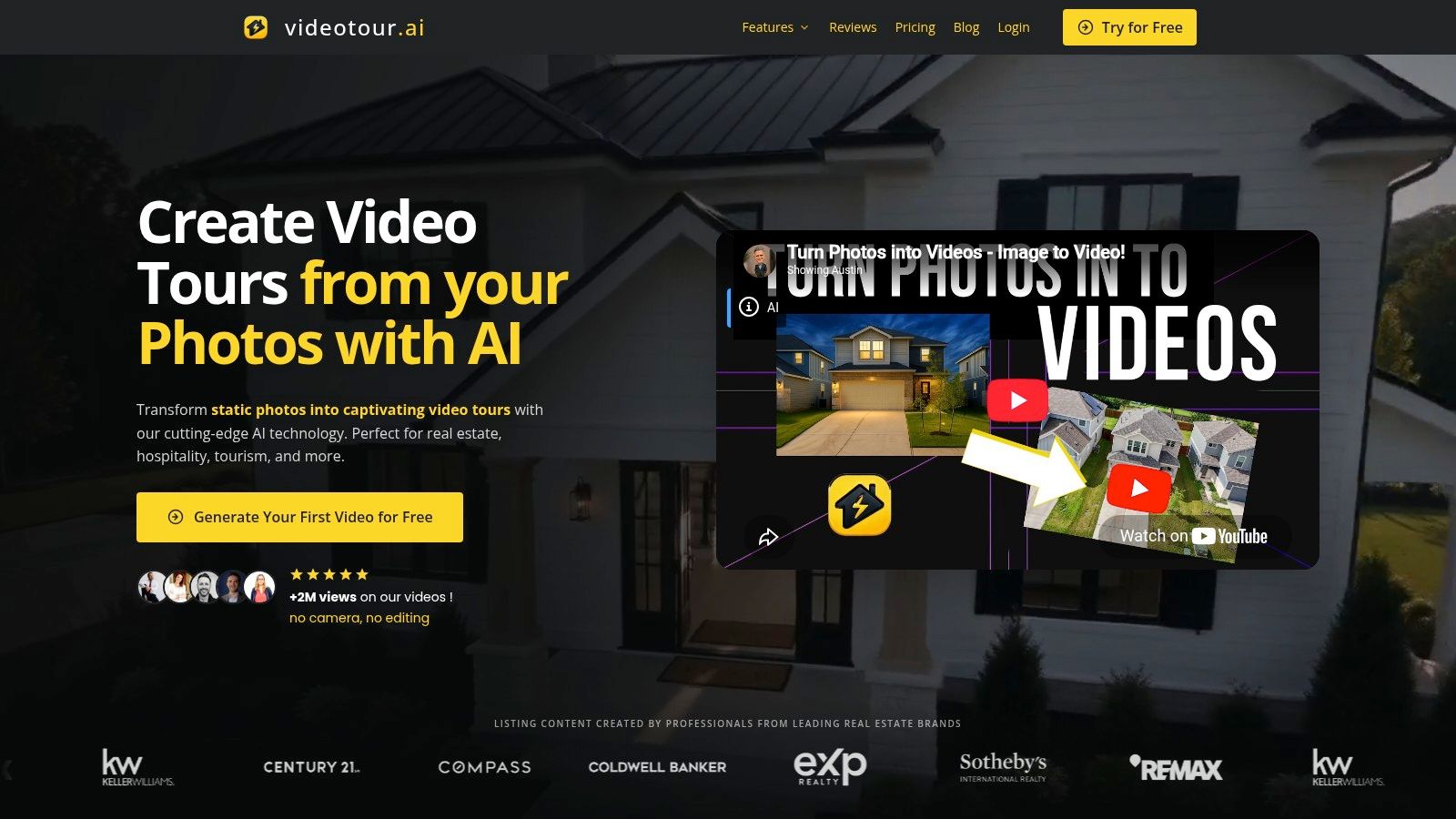 VideoTour.ai is the most automated option here. It produces a finished listing video or social Reel from the photos you already have, up to 60 photos per property, with AI motion, captions, music, and branding added for you. You refine the script, image order, timing, and aspect ratio in a browser editor before downloading. I recommend it first when the missing asset is video rather than another flyer.
That focus matches how agents publish. The National Association of REALTORS® 2025 Technology Survey found 75% of respondents used social media, while 39% identified it as the technology producing the highest number of quality leads. One project renders vertical, square, and horizontal versions without extra charges or separate projects, which removes the resizing work that usually delays posting.
What you customize and what to check
You pick the photos, verify property details in the captions and script, set your logo and colors, and choose between a video tour and a phone-first social reel. An unbranded version can be prepared when an MLS requires one, so the branded cut and the MLS-safe cut can come from the same photo set.Exports are full HD with unlimited revisions, and paid plans remove the watermark. Your first video is free. Independent serves solo users, while Agency and Enterprise plans add seats for teams; current pricing is listed on the VideoTour.ai site. Plans carry monthly video allowances that high-volume teams should watch, and optional AI credits cover premium animations and logo intros.
- Pros: No filming or editing timeline, turnaround in minutes, MLS-safe presets, voiceover and avatar options, consistent branding across formats.
- Cons: Monthly video allowances push busy teams to higher tiers, and AI captions and pacing still need a human check against the actual listing.
2. Canva
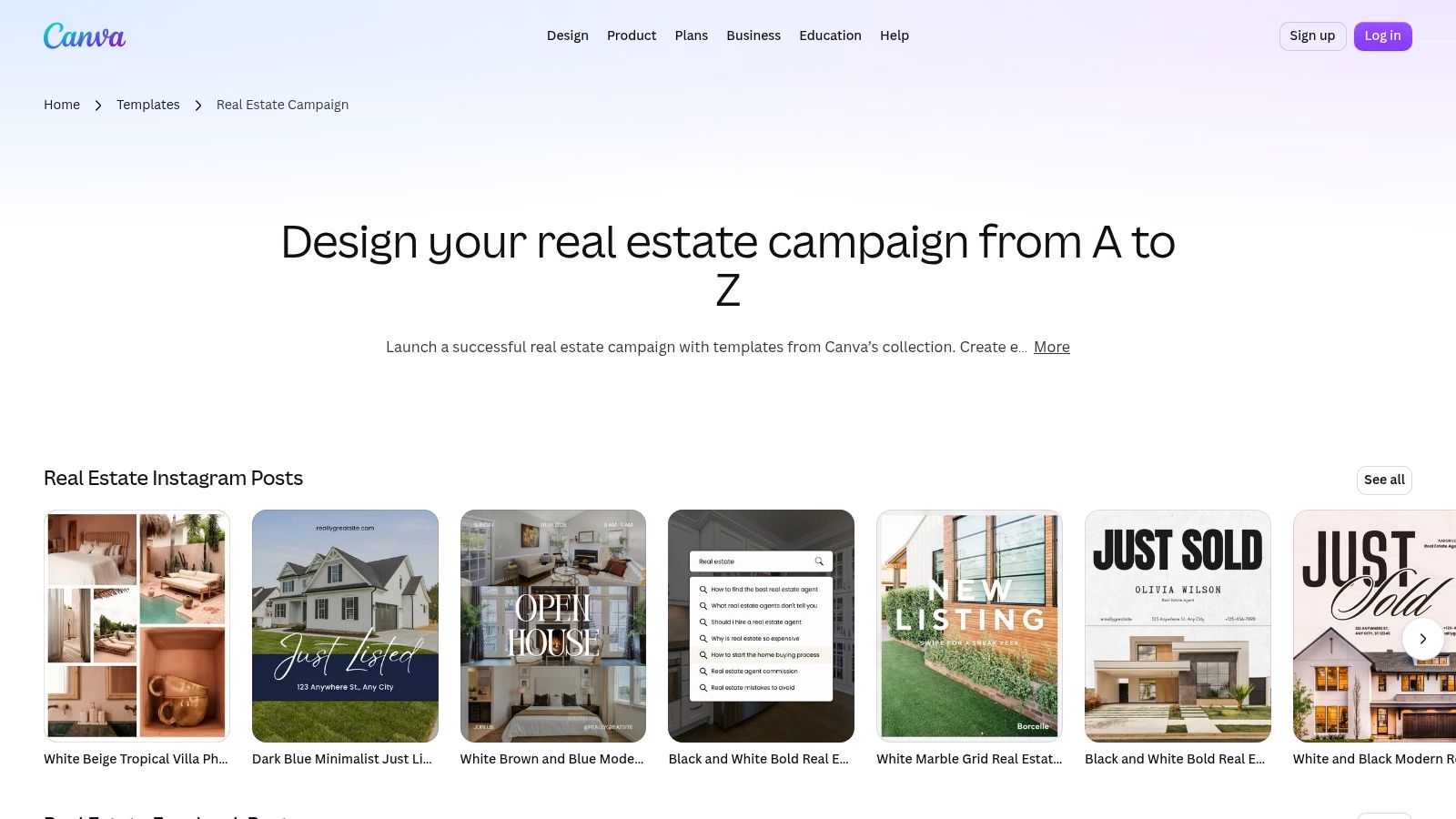 Canva's real estate collection is a general design workspace, not a listing system. The asset it produces depends entirely on what you build: a listing flyer, an Instagram post, a Story, a presentation, or a simple video. Drag and drop editing, a Brand Kit, and shared folders make it flexible for solo agents and small teams who want design control.
The manual work is the trade-off. You enter the address, price, beds, baths, and photos yourself for every listing, then repeat the process for each size. Nothing checks whether your MLS version should be unbranded, and nothing writes the caption. If you're assembling a broader set of real estate marketing materials for each listing, Canva works best as the static design layer beside a separate video workflow.
Practical rule: Lock one Canva master per asset type and duplicate it. Browsing the full library for every listing is how brand consistency quietly disappears.
- Pros: Wide format range, works for residential, rental, and commercial pieces, many templates are free to start with.
- Cons: No listing data automation, consistent style takes discipline, video production still needs your own editing effort.
3. Adobe Express
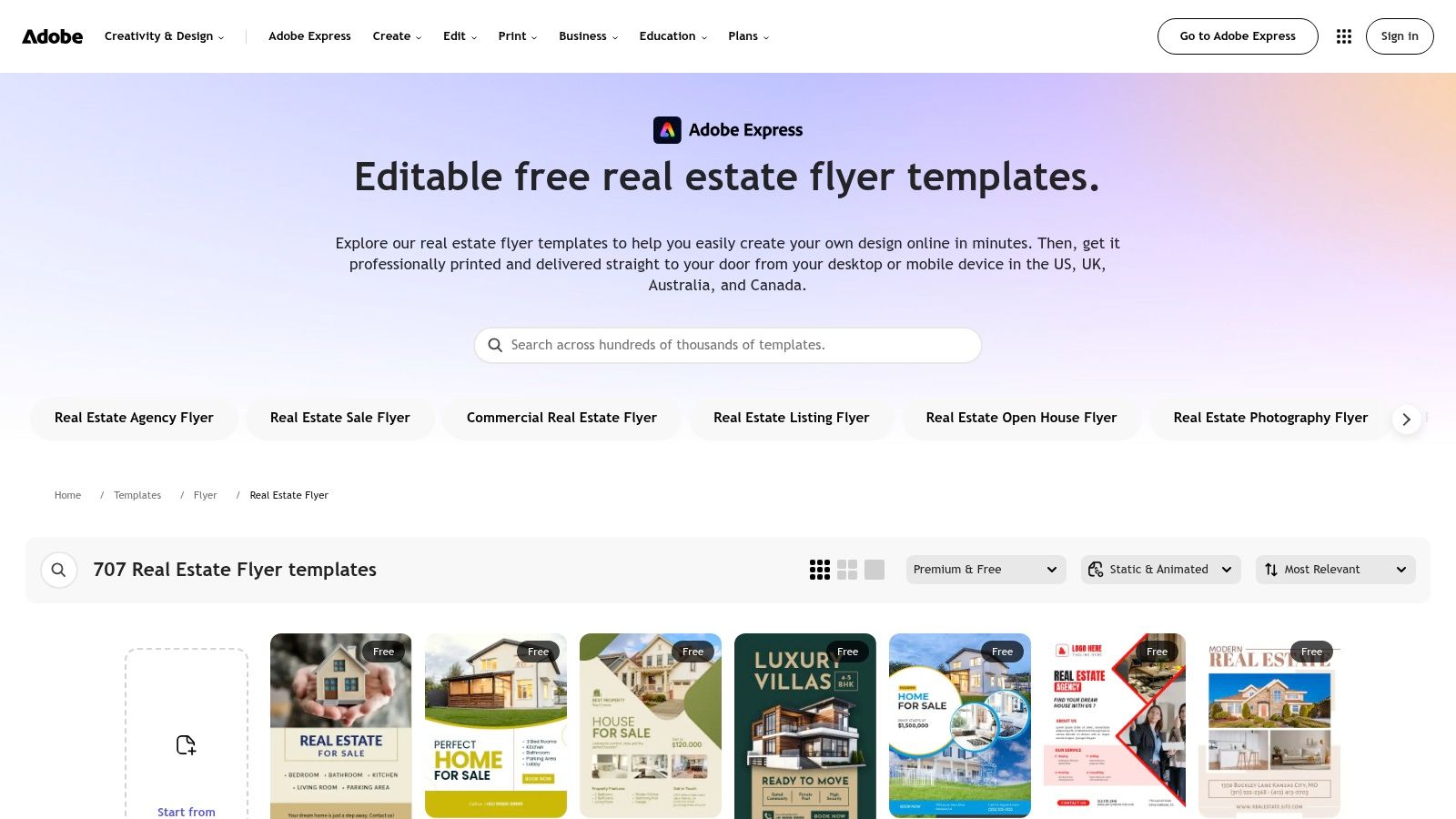 Choose Adobe Express real estate flyer templates when the asset is specifically a flyer or brochure. Categories cover listings, open houses, commercial property, investment opportunities, and coming-soon announcements, for print or digital use. The gallery mixes free and premium designs, and print ordering is available in supported countries, including the United States.
Editing text, images, and colors is straightforward, and you don't start from a blank page. The limit is scope. Adobe Express is a design editor, so there's no MLS data feed, no multi-platform campaign, and no automated listing video. Agents who also need motion content will pair it with a separate video maker for business use rather than forcing a flyer tool to do that job.
Best fit and shortfall
It's a clean fit for open house handouts, property brochures left in the home, and a PDF you email after a showing. You must type and proof every property detail yourself, and premium templates require an eligible account.- Pros: Focused flyer and brochure categories, free options, suitable for print and digital.
- Cons: No listing automation, manual data entry, social and video assets need separate templates and resizing.
4. Breakthrough Broker
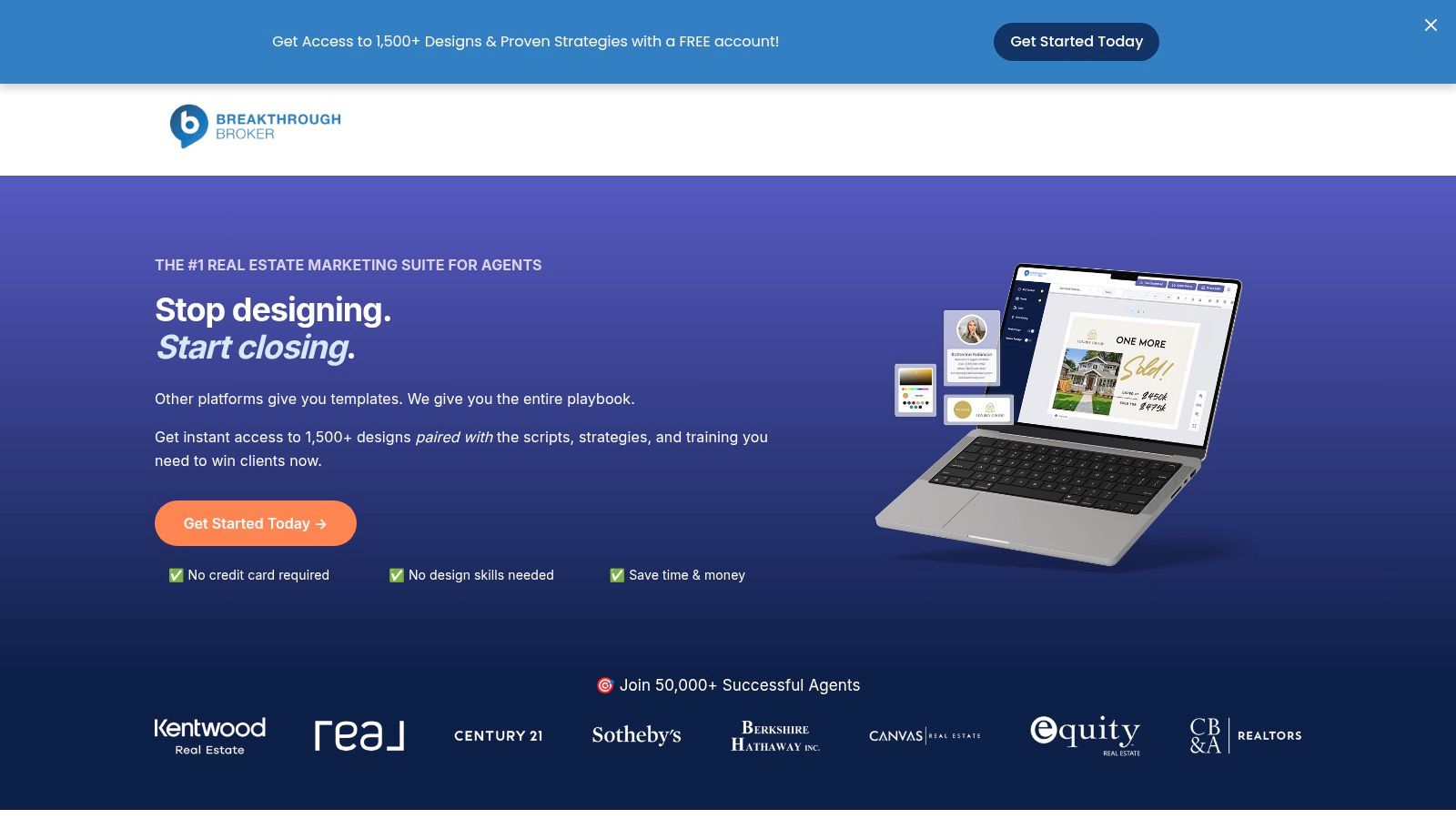 Breakthrough Broker sits between a template pack and a marketing system. It offers more than 1,500 designs for flyers, social posts, postcards, presentations, single-property sites, and videos, plus scripts, playbooks, and training. The practical difference is guidance. You're not just picking a layout, you're told how the seller, buyer, or outreach campaign should run.
Its advertised MLS-connected listing marketing can populate materials with listing information, which cuts retyping compared with Canva or Adobe Express. That connection may depend on your market and setup, so confirm it before you rely on it. For agents comparing broader stacks, this overview of the best software for real estate agents helps place it beside CRMs and video tools.
Listed plans include a free 60-day Launch membership, a $20 per month Pro plan, and a $99 per month Premium plan. Confirm current inclusions before subscribing.
- Pros: Real-estate-specific from the start, templates paired with strategy, direct mail and single-property sites in one place.
- Cons: More toolset than an agent who needs three designs, MLS automation varies by market, video isn't the core strength.
5. Coffee & Contracts
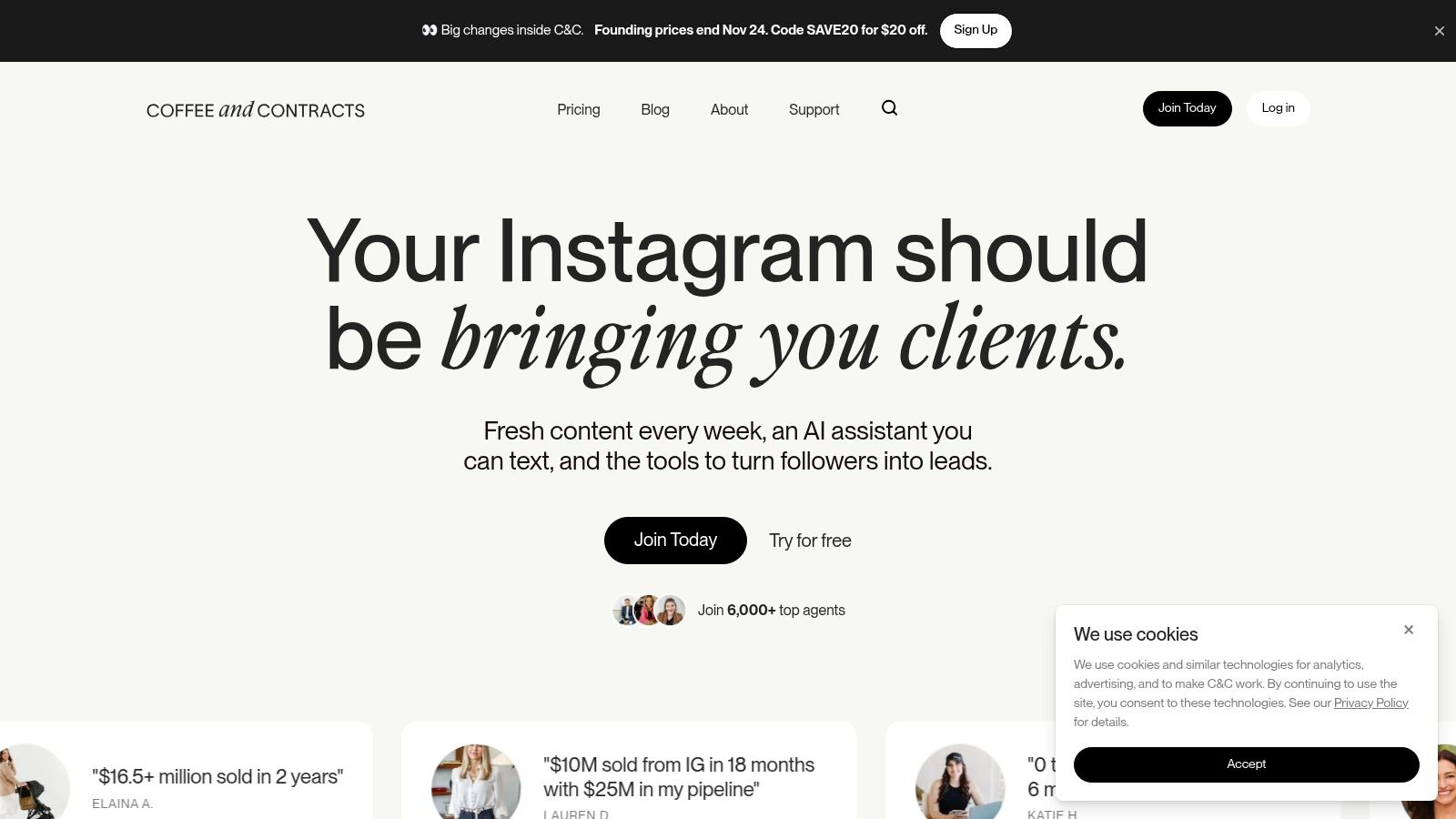 The asset here is recurring social content, not a single listing campaign. Coffee & Contracts provides more than 1,000 Canva-based templates for posts, Reels, Stories, guides, and email, with weekly and monthly content drops, lead magnets, landing pages, and planning tools. Templates work with Canva's free version, but a Canva account is required for editing.
This suits agents whose problem is posting consistently between listings. Educational and local-market content keeps the feed alive when you have nothing new to list. The work you still own is localization. A template caption about a market trend needs your city, your numbers where you have a source, and your voice, or it reads like every other subscriber's post.
There's also a channel question worth asking. NowBAM's summary of agent and buyer platform use reports only 2.3% of agents reported YouTube as their primary business platform, while 66% of buyers relied on YouTube for homebuying education. A Reel template library doesn't answer that search demand by itself.
- Pros: Strong educational content, branded in Canva, planning and lead capture included.
- Cons: Subscription plus Canva dependency, local tailoring is on you, light on searchable long-form video.
6. Lab Coat Agents Marketing Center
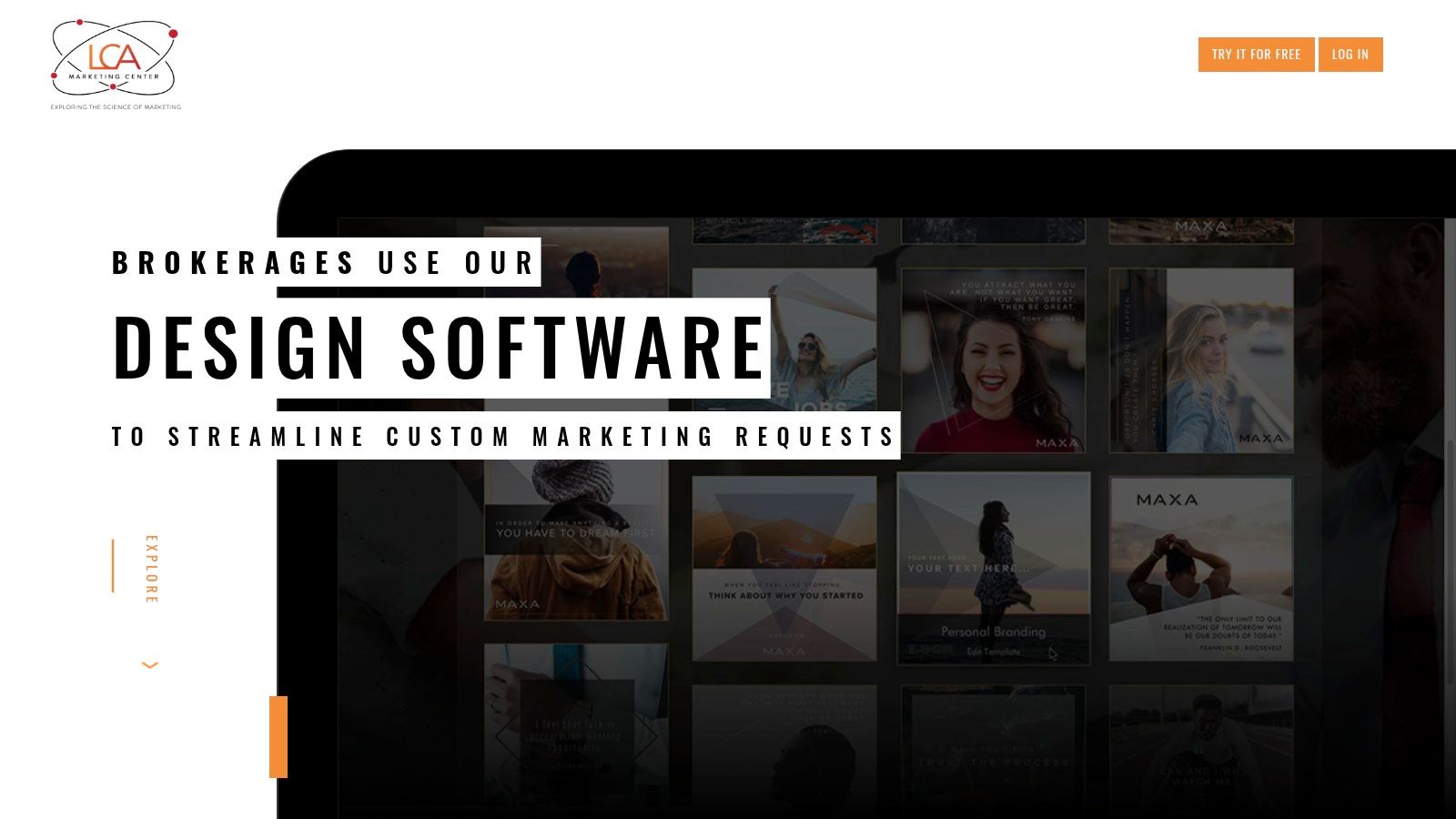 Shared branding is where individual template libraries break down. Lab Coat Agents Marketing Center targets team and brokerage consistency. Its library covers social posts, brochures, flyers, postcards, signage, presentations, newsletters, and recruiting materials. The automation that matters is automatic insertion of agent contact details and brand elements, plus brokerage co-branding, team controls, print-on-demand, and advertised email integrations.
That automation matters because repetitive edits are where solo templates slow down. Fix the phone number once, and it should flow across materials. Pricing is tiered by individual, team, and brokerage size, so confirm current plan details and trial length at signup.
Cost needs context. The National Association of REALTORS® summary of its technology survey reports 34% spend approximately $50 to $250 per month on business technology, so a brokerage tier has to replace several tools, not sit beside them.
The manual work that remains is judgment. You still write listing-specific copy, decide which pieces a property needs, and cover anything the library doesn't produce, including MLS listing video.
- Pros: Real-estate-specific, automatic branding reduces repetitive edits, strong for shared team workflows.
- Cons: Expensive for occasional individual use, broader than agents who only need social posts, MLS listing video still needs a dedicated tool.
7. Agent Crate
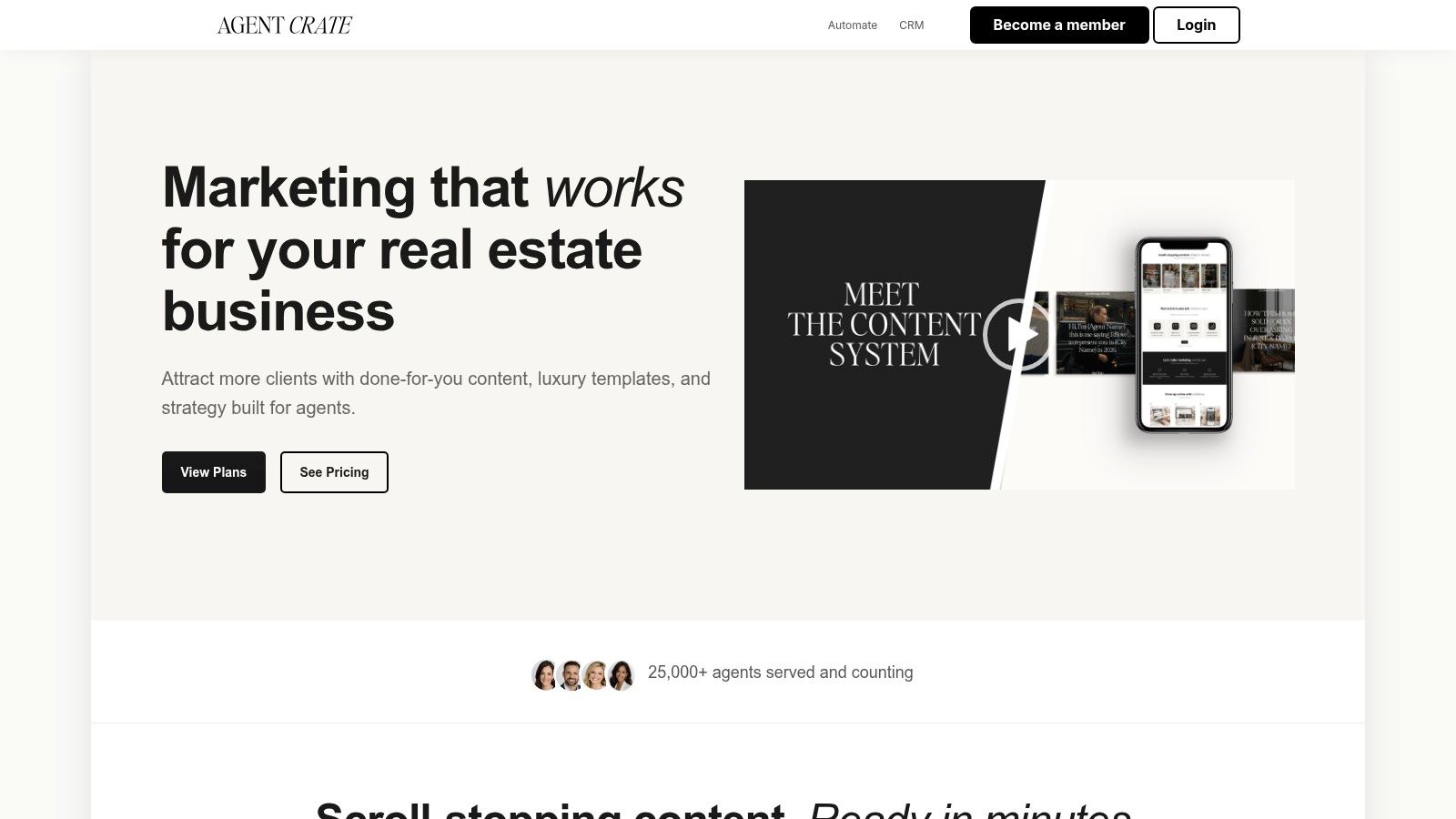 Say your bottleneck is deciding what to post on Tuesday, not designing it. Agent Crate organizes more than 500 templates around a monthly content calendar, with AI generators, Reels resources, and lead-magnet guides in its $59 per month Create plan. Higher tiers listed at $99 and $149 per month add posting automation or broader tools such as CRM and website features.
The asset produced is a planned month of agent-brand and listing content. That's different from a flyer library, and it's useful if consistency is your weak point. Check current plan inclusions and posting integrations before purchasing, because scheduled posting is only valuable if it connects to the platforms you use.
Where the manual work remains
You still supply listing photos, verify AI-generated copy, and adapt hooks to the property. The calendar tells you when to post, not what's true about a specific home.- Pros: Calendar plus templates, AI help for captions and ideas, tiers scale into automation.
- Cons: Recurring cost versus free libraries, higher tiers may duplicate your CRM, finished listing video isn't the core output.
8. Xara Marketing Center
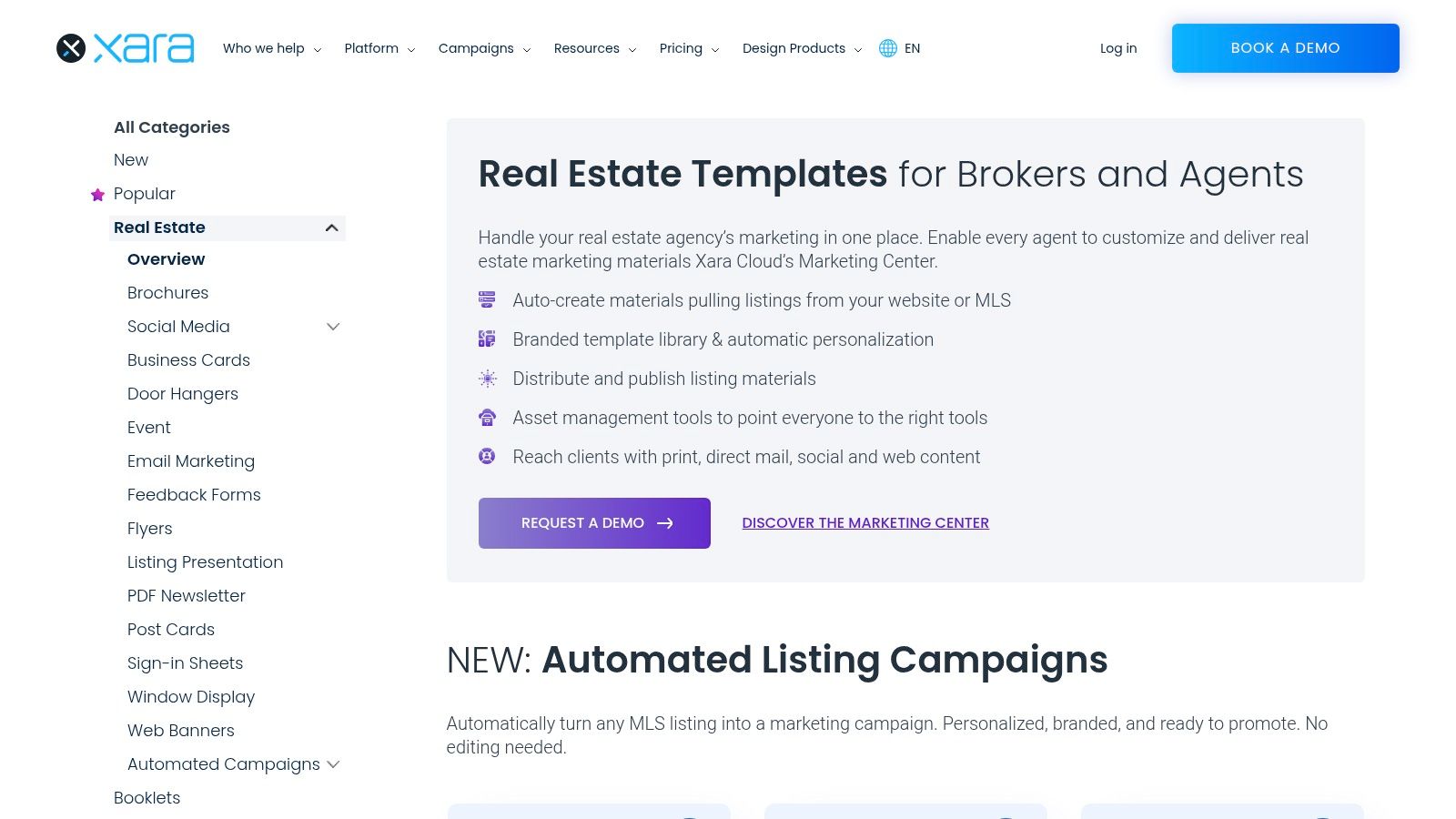 Xara's real estate templates front a brokerage-scale system, so judge it differently. The asset isn't one post. It's a brand-controlled campaign across print, direct mail, social, and web, with centralized template libraries and automatic personalization. Automated listing campaigns use listing data for pre-market, just-listed, and open-house stages, which removes the repeated setup that slows multi-agent offices.
This is the strongest fit when a brokerage needs every agent using approved layouts, fonts, and disclaimers. A solo agent will feel the friction immediately. Pricing isn't displayed, access starts with a demo, and integrations depend on brokerage setup.
A brokerage template system earns its cost only when agents actually stop making their own versions. Adoption, not library size, is the metric to watch.
- Pros: Central brand control, listing data populates campaigns, multiple channels and formats supported.
- Cons: Undisclosed pricing, demo-based access, likely more platform than a small team needs, and campaign availability depends on setup.
9. Buildout Free Broker Toolkit
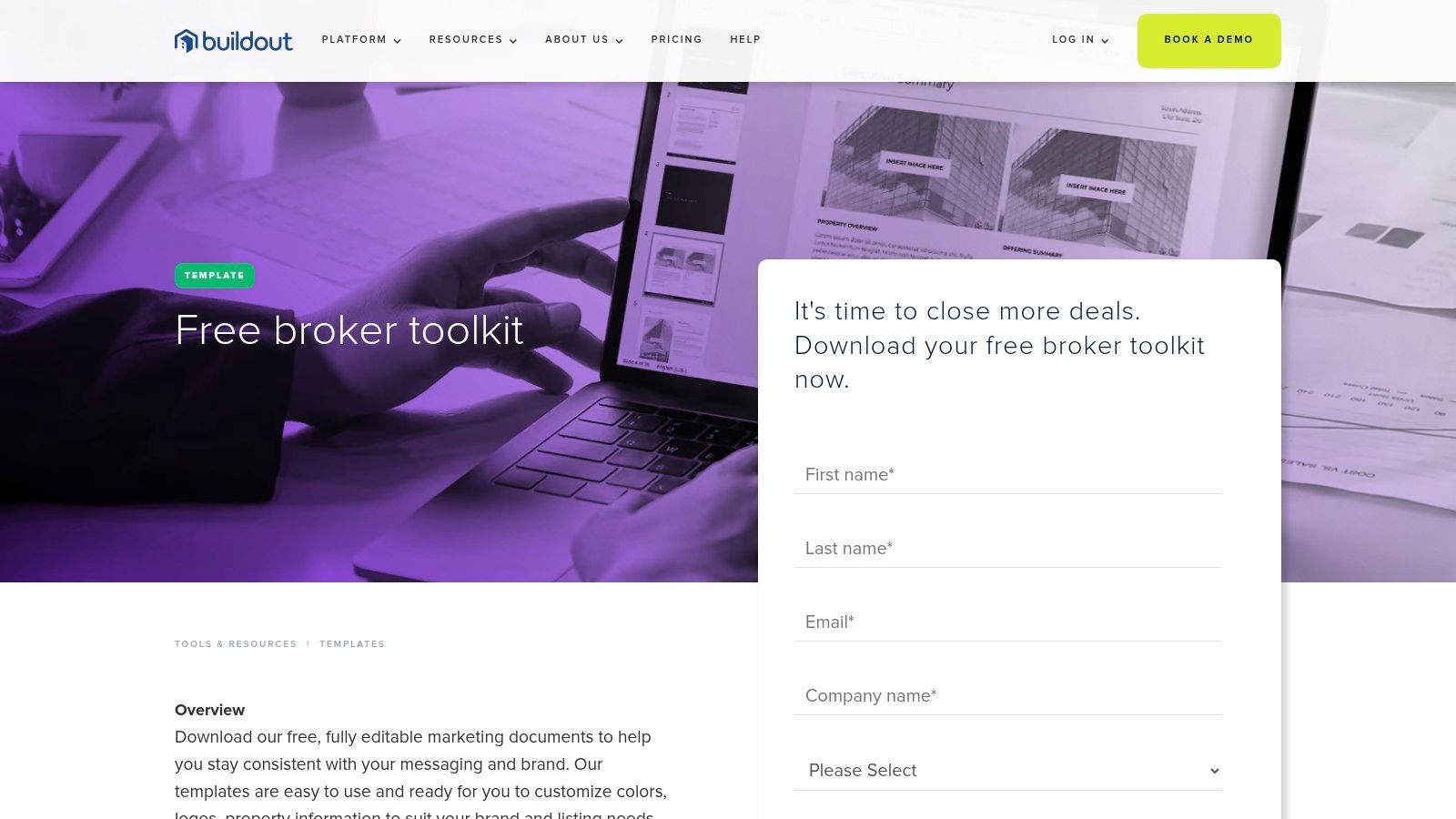 Commercial brokers don't need a just-sold Instagram pack. Buildout's Free Broker Toolkit produces the documents that work requires: a sale proposal, plus sale and lease flyers and brochures. You customize colors, logo, and property information, and you manage the files yourself.
That narrow scope is the point. A lease flyer needs rentable area, terms, and location context presented cleanly, not a Reel hook. The toolkit gives consistent proposals and property sheets a starting layout without a subscription. Access may require submitting contact details, which is a fair trade for a free commercial kit if the layouts match your market.
Clear limits for residential agents
There's no broad social library, no video output, and no automation pulling listing details in. Residential agents marketing family homes will outgrow it quickly, while a commercial broker may use it weekly.- Pros: Free, designed for commercial sale and lease work, focused on proposals brokers send.
- Cons: Manual editing and file management, no social or video templates, narrow beyond commercial documents.
10. Envato Elements
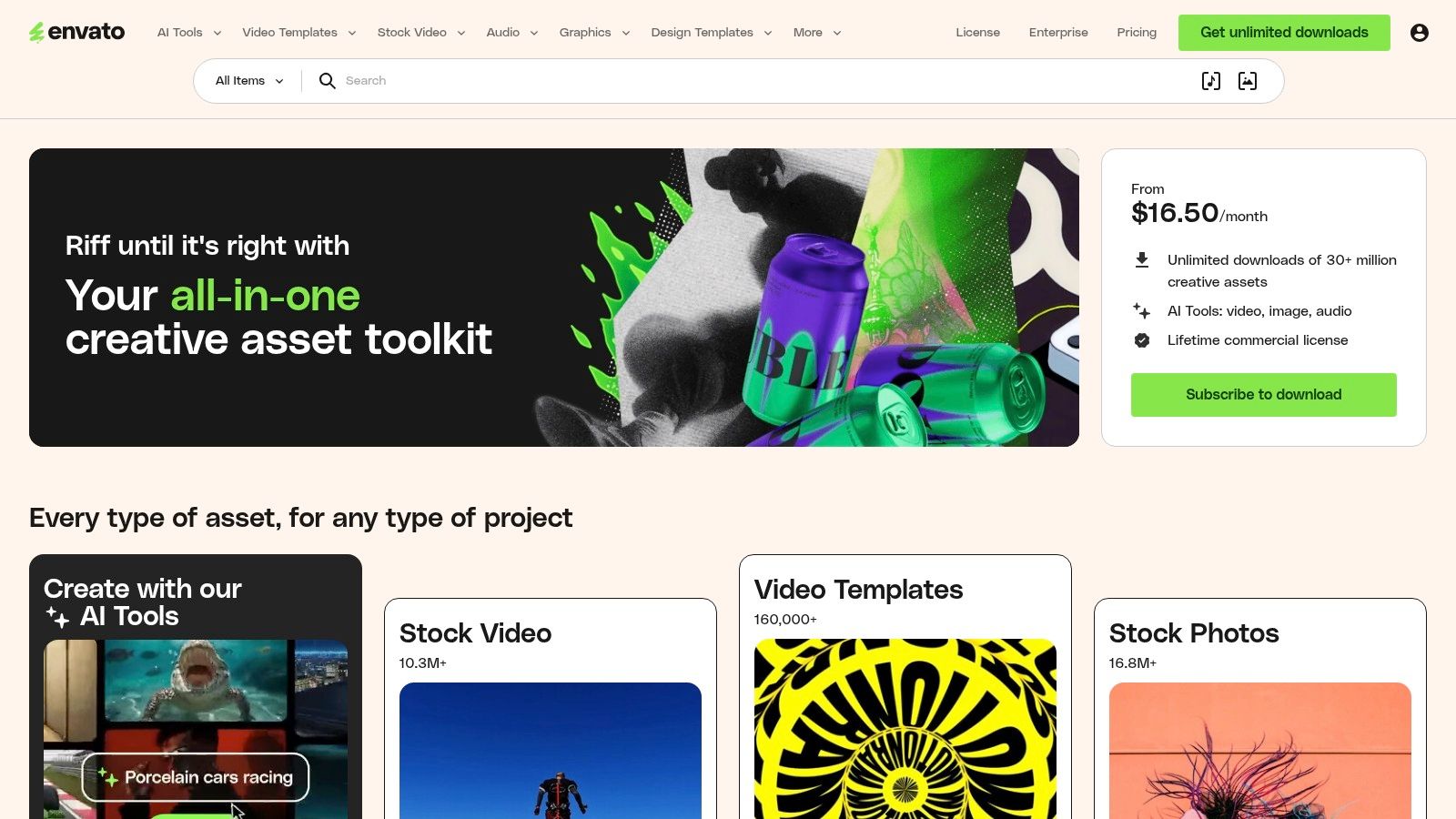 Envato Elements is a downloadable asset library, and its real estate packs are files, not a workflow. The asset produced is whatever the contributor designed, usually social post sets in multiple sizes for listings and agent promotion. Each listing specifies file types and compatible software, including Photoshop, Illustrator, Canva, or Figma. Subscription access is listed from $16.50 per month.
That model suits a team with design skills. You get direct layout control and a wide creative library beyond real estate. You also inherit every inconsistency. Quality, formats, fonts, and editability vary by contributor, so check the license, required software, and whether text is editable before you commit a listing deadline to a pack.
I wouldn't make this a beginner's first system. Without a locked brand preset, ten downloaded packs become ten visual styles on one feed.
- Pros: Deep creative library, downloadable files, useful for Photoshop or Figma users.
- Cons: Variable quality, some files need design skill, no listing automation or MLS checks, poor value if you need one pack.
How the 10 real estate marketing templates compare on best use, free access, starting price, and editing effort
The columns sort each option by what matters in practice: the asset it produces, whether you can try it free, what entry pricing looks like, and how much manual setup remains once the template loads.
Treat the editing-effort column as the true cost. A subscription with automated branding or data population usually beats a cheaper library that leaves every layout decision to you. Where pricing shows "Not stated," the vendor gates numbers behind a signup or sales call, so confirm cost before building a workflow around it. The free options vary in kind too: some are permanent free tiers, others are trials that expire.
| Item | Best for | Free option | Starting price | Editing effort |
|---|---|---|---|---|
| VideoTour.ai | Photo-based property videos | First video free | Paid plans from the pricing page | Low; review and customize |
| Canva | Flexible real-estate marketing designs | Some templates and assets | Not stated | High; build each asset |
| Adobe Express | Flyers and brochures for print or digital | Free templates | Not stated | Moderate; enter and check details |
| Breakthrough Broker | Real-estate templates and marketing guidance | Free 60-day Launch membership | $20/month | Moderate; customize materials |
| Coffee & Contracts | Social content templates and planning tools | Works with Canva's free version | Not stated | Moderate; tailor content |
| Lab Coat Agents Marketing Center | Branded marketing for agents and brokerages | Not stated | $59/month | Low to moderate; branding can be automated |
| Agent Crate | Recurring agent social content | Not stated | $59/month | Moderate; customize templates |
| Xara Marketing Center | Brokerage campaigns and brand consistency | Not stated | Request a demo | Low to moderate; listing data can populate campaigns |
| Buildout Free Broker Toolkit | Commercial property documents | Free toolkit | Free | High; edit documents yourself |
| Envato Elements | Downloadable creative assets for design teams | Not stated | $16.50/month | Moderate to high; varies by asset and software |
Match Each Template to the Asset You Need Next
Choose by output, not library size. If the missing asset is a listing video or MLS-safe tour, you need photo-to-video automation, caption control, and an unbranded export. If it's a vertical Reel, you need a strong first frame, safe zones for platform overlays, and text that reads with the sound off. A flyer library does neither job, however good the layouts look.
Templates have changed because distribution has. The National Association of REALTORS® 2025 Technology Survey report reported drone photography and video were used by 52% of respondents, while 46% reported using AI-generated content such as listing descriptions. A template now works as a production framework: one set of listing facts adapted across social, MLS-related channels, websites, and email. Judge it on how many finished exports come out of that single input.
Accessibility belongs in that check, and most template advice skips it. Current WCAG 2.2 guidance points to the same basics that make listing media work harder: captions, image alt text, readable fonts, and strong color contrast. Build those into the template itself. Caption-safe layouts, a transcript field, high-contrast brand presets, and narration that names the room help viewers with hearing, visual, or cognitive impairments, and they also help anyone watching with the sound off on a phone. A website widget doesn't fix an unreadable video.
Before publishing anything, run the same checks every time. Confirm the address, price, beds, baths, and open house time against the listing. Check logo, colors, headshot, and contact details. Read the license terms for downloaded packs and premium design assets. Confirm whether your MLS requires an unbranded version, and keep that export separate from the branded social cut so nobody uploads the wrong file under deadline pressure.
Keep one reusable template per asset type: one listing video, one Reel, one flyer, one caption pattern, one email. That small set beats a huge library you browse from scratch. Completed videos can be used for listing marketing and client work, so a template you've already corrected once becomes the fastest route to market on the next listing. The right system saves minutes where you feel them, between the photos arriving and the first post going live.
Turn the listing photos you already have into a captioned, branded video tour and matching social Reel in minutes, without booking a videographer or opening an editing timeline. Start your first video free with VideoTour.ai, choose an MLS-safe or branded format, and post the same day your listing goes live.
Templates have changed because distribution has. The National Association of REALTORS® 2025 Technology Survey report reported drone photography and video were used by 52% of respondents, while 46% reported using AI-generated content such as listing descriptions. A template now works as a production framework: one set of listing facts adapted across social, MLS-related channels, websites, and email. Judge it on how many finished exports come out of that single input.
Accessibility belongs in that check, and most template advice skips it. Current WCAG 2.2 guidance points to the same basics that make listing media work harder: captions, image alt text, readable fonts, and strong color contrast. Build those into the template itself. Caption-safe layouts, a transcript field, high-contrast brand presets, and narration that names the room help viewers with hearing, visual, or cognitive impairments, and they also help anyone watching with the sound off on a phone. A website widget doesn't fix an unreadable video.
Before publishing anything, run the same checks every time. Confirm the address, price, beds, baths, and open house time against the listing. Check logo, colors, headshot, and contact details. Read the license terms for downloaded packs and premium design assets. Confirm whether your MLS requires an unbranded version, and keep that export separate from the branded social cut so nobody uploads the wrong file under deadline pressure.
Keep one reusable template per asset type: one listing video, one Reel, one flyer, one caption pattern, one email. That small set beats a huge library you browse from scratch. Completed videos can be used for listing marketing and client work, so a template you've already corrected once becomes the fastest route to market on the next listing. The right system saves minutes where you feel them, between the photos arriving and the first post going live.
Turn the listing photos you already have into a captioned, branded video tour and matching social Reel in minutes, without booking a videographer or opening an editing timeline. Start your first video free with VideoTour.ai, choose an MLS-safe or branded format, and post the same day your listing goes live.