
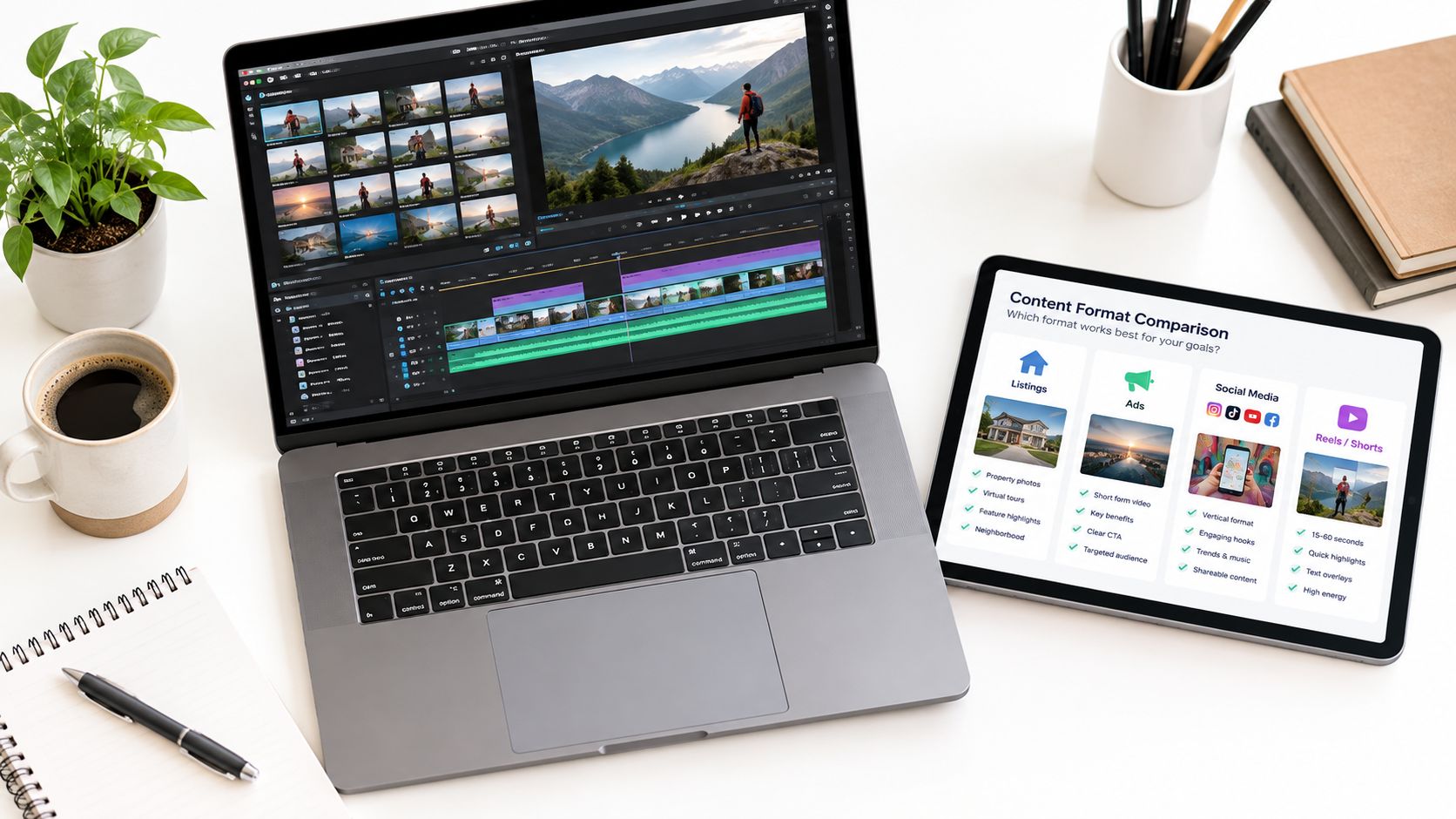
Most advice about choosing a video maker for business starts from the wrong premise. It assumes one editor should handle every job, from listing tours and social ads to internal updates and repurposed blog clips. In practice, businesses rarely fail because a tool lacks one more feature. They fail because the tool fits the wrong source material, approval path, or output channel.
That matters more now because video is no longer an optional experiment. A 2026 industry survey reported that 91% of businesses use video as a marketing tool, and 93% of video marketers said it is an important part of their overall strategy, according to Wyzowl's 2026 video marketing statistics roundup. The practical question isn't whether to make video. It's which workflow removes the most friction for the kind of video your team produces.
A better comparison separates jobs. Listing videos have different constraints than paid ads. Social repurposing needs different controls than internal communications. Team review introduces different bottlenecks than solo production. That's why the best stack often starts with role clarity, not feature count. If you want a broader market view first, Taja AI's survey of video marketing tools by Taja AI is a useful companion.
This list compares tools by the job they do best: photo-to-tour production, template-led branding, article repurposing, AI generation, captioning, and team distribution. VideoTour.ai leads when the core input is property photos and the output must be MLS-safe plus social-ready. Other tools fit better when your business starts from stock footage, text, screen recordings, or cross-functional brand templates.
That matters more now because video is no longer an optional experiment. A 2026 industry survey reported that 91% of businesses use video as a marketing tool, and 93% of video marketers said it is an important part of their overall strategy, according to Wyzowl's 2026 video marketing statistics roundup. The practical question isn't whether to make video. It's which workflow removes the most friction for the kind of video your team produces.
A better comparison separates jobs. Listing videos have different constraints than paid ads. Social repurposing needs different controls than internal communications. Team review introduces different bottlenecks than solo production. That's why the best stack often starts with role clarity, not feature count. If you want a broader market view first, Taja AI's survey of video marketing tools by Taja AI is a useful companion.
This list compares tools by the job they do best: photo-to-tour production, template-led branding, article repurposing, AI generation, captioning, and team distribution. VideoTour.ai leads when the core input is property photos and the output must be MLS-safe plus social-ready. Other tools fit better when your business starts from stock footage, text, screen recordings, or cross-functional brand templates.
Summary
Create an AI Video Tours from PhotosTry it For Free

1. VideoTour.ai
Feature-rich editors often slow teams down when the input is not footage, but a fixed set of listing photos. In that workflow, the job is assembly at scale. Scenes need motion, pacing, music, captions, brand treatment, and exports for different channels. General editors can do that, but they usually require more manual setup per property.
VideoTour.ai is built for a narrower production job. It converts photo sets into video tours for businesses that market spaces rather than products in motion. That makes it more relevant to real estate, hospitality, short-term rentals, and commercial property teams than broad design suites that assume a camera-first process.
Real estate shows why that matters. According to Sofabrain's real estate video marketing statistics, listings with video generate more inquiries and can move faster than listings without video. The operational constraint, though, is rarely strategy. It is volume. Agents and coordinators already have the photos. They need a repeatable way to turn those assets into listing videos without adding editing work to every property.
That is where VideoTour.ai fits better than Canva, Adobe Express, or Animoto. Those tools are broader. VideoTour.ai is narrower, but the narrower workflow reduces production steps for this specific source material.
A few details matter in practice:
VideoTour.ai suits businesses where speed, consistency, and channel formatting matter more than custom editing depth. For companies producing recurring tours from existing property photos, that is a distinct advantage. You can review the platform at VideoTour.ai.
VideoTour.ai is built for a narrower production job. It converts photo sets into video tours for businesses that market spaces rather than products in motion. That makes it more relevant to real estate, hospitality, short-term rentals, and commercial property teams than broad design suites that assume a camera-first process.
Best job for VideoTour.ai
Its clearest use case is photo-to-tour production.Real estate shows why that matters. According to Sofabrain's real estate video marketing statistics, listings with video generate more inquiries and can move faster than listings without video. The operational constraint, though, is rarely strategy. It is volume. Agents and coordinators already have the photos. They need a repeatable way to turn those assets into listing videos without adding editing work to every property.
That is where VideoTour.ai fits better than Canva, Adobe Express, or Animoto. Those tools are broader. VideoTour.ai is narrower, but the narrower workflow reduces production steps for this specific source material.
Operational strengths
For teams publishing the same property in several places, the product logic is straightforward. Upload photos, generate a tour, revise in browser, and export versions that fit listing and social use.A few details matter in practice:
- Photo-first workflow: Suits teams that begin with still images, not clips, voiceover, or screen recordings.
- Multi-format output: Useful when one property needs versions for MLS, vertical social posts, YouTube, and direct sharing.
- Approval-friendly revisions: In-browser revisions are more relevant for brokerages and agencies than advanced editing controls.
- Clear volume pricing: The service offers a free trial video, then tiered plans at $29 per month for 10 videos, $59 per month for 40 videos, and $99 per month for 200 videos, plus annual billing at a lower effective rate.
VideoTour.ai suits businesses where speed, consistency, and channel formatting matter more than custom editing depth. For companies producing recurring tours from existing property photos, that is a distinct advantage. You can review the platform at VideoTour.ai.
2. Canva
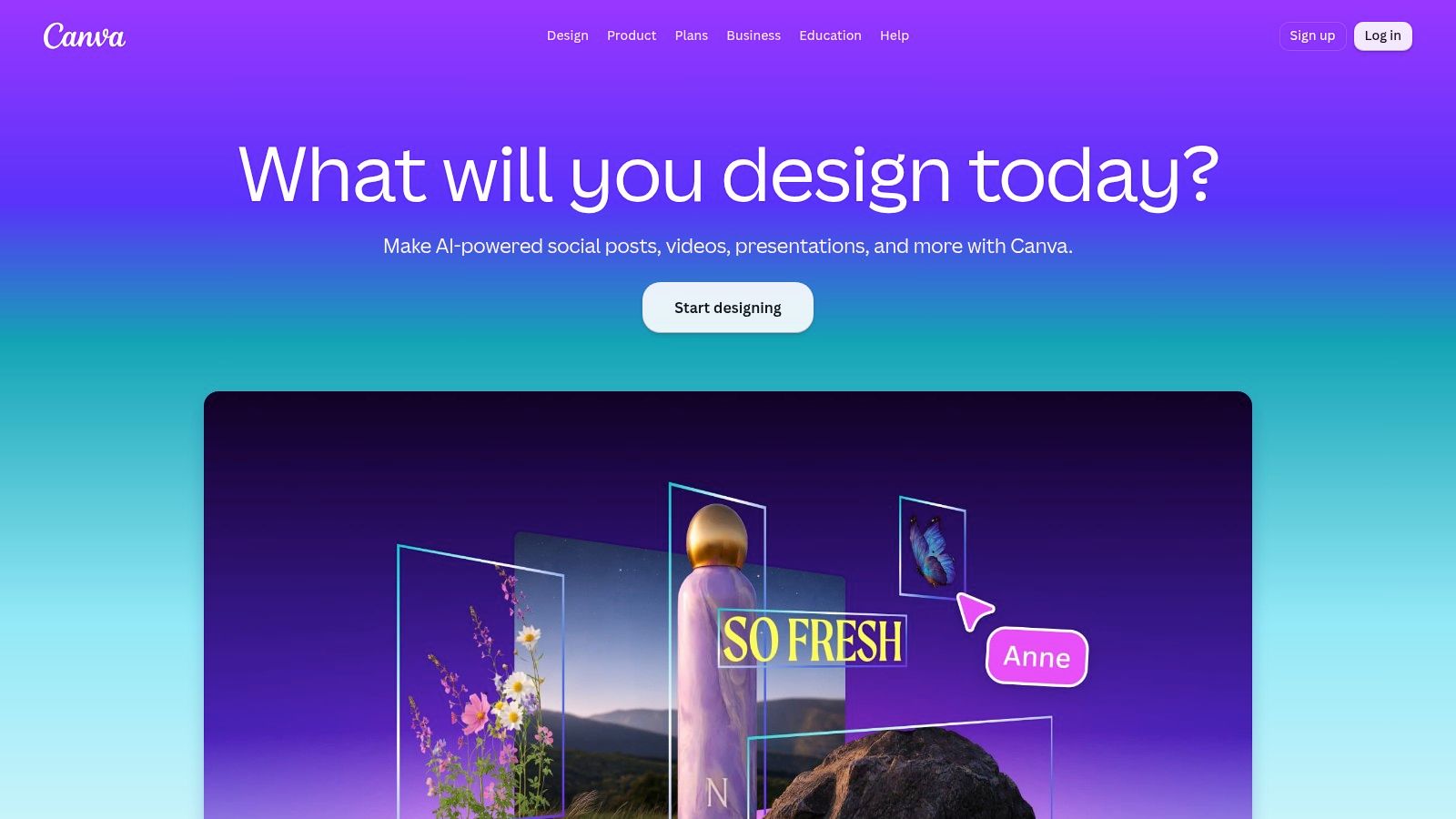 Canva is often treated as a general business video tool. In practice, it performs one job better than the rest: template-led branding at speed. That makes it useful for teams producing repeatable social ads, event promos, recruitment clips, and lightweight campaign assets where brand consistency matters more than edit precision.
The operational advantage is simple. Businesses already using Canva for presentations, display ads, or social graphics can build video in the same workspace, with the same brand kit, resizing logic, and approval habits. That shortens onboarding for non-editors and reduces the handoff friction that appears when design sits in one tool and video in another. You can explore the editor at Canva.
Best job for Canva
Canva suits businesses that need fast branded output from a shared template system:- Recurring social production: Short vertical videos, offer promos, and campaign variations built from existing brand assets.
- Multi-format adaptation: One source creative resized into different aspect ratios and lengths for paid social, organic posts, and display placements.
- Non-specialist team use: Marketing coordinators, franchise teams, and local operators who need to publish video without learning a full editing workflow.
Trade-offs
The same constraints that make Canva fast also limit it. Timeline control is lighter than in dedicated editors, scene-level pacing adjustments are narrower, and longer projects become harder to manage once several reviewers want precise changes. Teams can still publish quickly, but speed comes partly from accepting a narrower editing model.There is also a format risk. Heavy template use can standardize output, but it can also flatten distinction across campaigns unless the team actively changes structure, motion, and copy hierarchy.
Canva fits businesses choosing distribution speed, brand consistency, and low training overhead. It is a practical video maker for business use when the main job is producing repeatable branded content, not managing complex edits.
3. Adobe Express
Adobe Express is less interesting as a general video editor than as an operations tool. Its strongest use case is brand-controlled short-form production for teams that already work inside Adobe. The product site is at Adobe Express.
A useful way to judge it is by handoff cost. If a business already keeps logos, fonts, images, and design files in Adobe products, Express reduces the friction between design setup and lightweight video output. That matters for marketing teams producing recurring social posts, hiring clips, event announcements, and simple internal updates. The gain is not advanced editing power. It is tighter control over branded output without sending every request to a specialist editor.
Adobe Express also sits in a distinct middle position between Canva and full Adobe editing tools. Canva usually favors speed and ease for template-led publishing. Premiere Pro favors control. Express is the option for teams that need policy, asset consistency, and occasional movement between lightweight business content and the wider Adobe stack.
That makes its best-fit jobs fairly specific:
Adobe Express suits businesses where the main job is controlled distribution of branded video, not article repurposing, automated property tours, or detailed post-production. The trade-off is clear. You accept less editing depth in exchange for better alignment with Adobe-based asset management and team governance.
A useful way to judge it is by handoff cost. If a business already keeps logos, fonts, images, and design files in Adobe products, Express reduces the friction between design setup and lightweight video output. That matters for marketing teams producing recurring social posts, hiring clips, event announcements, and simple internal updates. The gain is not advanced editing power. It is tighter control over branded output without sending every request to a specialist editor.
Adobe Express also sits in a distinct middle position between Canva and full Adobe editing tools. Canva usually favors speed and ease for template-led publishing. Premiere Pro favors control. Express is the option for teams that need policy, asset consistency, and occasional movement between lightweight business content and the wider Adobe stack.
That makes its best-fit jobs fairly specific:
- Brand-governed short videos: Businesses that need approved templates, locked visual standards, and repeatable outputs across locations or departments.
- Adobe-connected workflows: Teams that may start with simple video assembly but still need access to Photoshop assets, Adobe fonts, or other existing design materials.
- Internal distribution content: HR, recruiting, training, and executive comms teams making polished but structurally simple videos.
Adobe Express suits businesses where the main job is controlled distribution of branded video, not article repurposing, automated property tours, or detailed post-production. The trade-off is clear. You accept less editing depth in exchange for better alignment with Adobe-based asset management and team governance.
4. Animoto
Animoto is easiest to judge by output style, not by feature count. It is a photo-to-video assembler for businesses that already have images, a few short clips, and a need to publish quickly. The platform is available at Animoto.
That makes it a practical fit for one specific job: turning still-image libraries into short branded videos with minimal editing effort. Compared with Canva, the editing path is narrower but often faster for slideshow-style output. Compared with Adobe Express, there is less emphasis on brand governance and cross-app asset handling. The trade-off is simpler production from existing visuals, with less room to shape pacing or build a distinctive visual system.
Animoto tends to suit three business cases:
Its limitations are predictable. Output can start to look templated if multiple campaigns use the same pacing, transitions, and scene logic. Teams running paid campaigns, multi-variant social testing, or brand-sensitive storytelling may find that constraint expensive, because creative sameness reduces the value of publishing quickly in the first place.
Animoto works best when the business problem is simple assembly from photos. It is less suited to article repurposing, AI-first generation, detailed caption editing, or distribution-heavy collaboration across larger teams.
That makes it a practical fit for one specific job: turning still-image libraries into short branded videos with minimal editing effort. Compared with Canva, the editing path is narrower but often faster for slideshow-style output. Compared with Adobe Express, there is less emphasis on brand governance and cross-app asset handling. The trade-off is simpler production from existing visuals, with less room to shape pacing or build a distinctive visual system.
Animoto tends to suit three business cases:
- Photo-led promotion: Retail, hospitality, events, and local services producing seasonal offers, recaps, or basic social posts from existing images.
- Simple property marketing: Listing highlights, neighborhood overviews, and quick image-based reels where the goal is speed, not a guided tour structure.
- Low-training team workflows: Small teams that need repeatable video output without assigning the work to a designer or editor.
Its limitations are predictable. Output can start to look templated if multiple campaigns use the same pacing, transitions, and scene logic. Teams running paid campaigns, multi-variant social testing, or brand-sensitive storytelling may find that constraint expensive, because creative sameness reduces the value of publishing quickly in the first place.
Animoto works best when the business problem is simple assembly from photos. It is less suited to article repurposing, AI-first generation, detailed caption editing, or distribution-heavy collaboration across larger teams.
5. Promo.com
Promo.com fits a narrower business job than its category suggests. It is less useful as a general editing workspace than as a fast assembly tool for ad creative built from licensed stock, music, text overlays, and preset promo structures.
That distinction matters because stock-led production changes both cost and output. Teams avoid filming, sourcing, and rights clearance work, but they also accept a familiar visual style that competitors can copy with the same asset libraries. Promo.com is at Promo.com.
Use Promo.com if the starting point is an offer, not original footage.
A few business scenarios make that trade especially clear:
The operational trade-off is straightforward. Promo.com reduces production friction when stock footage is an acceptable substitute for filming. It becomes less persuasive when the business sells trust through real locations, real staff, or product detail, because generic footage weakens that signal.
Editing freedom is the second constraint. Promo.com speeds up ad assembly by narrowing structural choices, which is useful for campaign output and less useful for teams that need custom storytelling, deeper collaboration, or format-specific refinement across departments.
That distinction matters because stock-led production changes both cost and output. Teams avoid filming, sourcing, and rights clearance work, but they also accept a familiar visual style that competitors can copy with the same asset libraries. Promo.com is at Promo.com.
Use Promo.com if the starting point is an offer, not original footage.
A few business scenarios make that trade especially clear:
- Service firms without regular shoots: Clinics, agencies, consultants, and local businesses that need polished campaign visuals but do not maintain a video library.
- Paid social teams: Marketers producing multiple ad variants for seasonal promotions, lead generation, or short-run tests.
- Brand teams running top-of-funnel promotion: Quick awareness videos where speed and licensing simplicity matter more than narrative specificity.
The operational trade-off is straightforward. Promo.com reduces production friction when stock footage is an acceptable substitute for filming. It becomes less persuasive when the business sells trust through real locations, real staff, or product detail, because generic footage weakens that signal.
Editing freedom is the second constraint. Promo.com speeds up ad assembly by narrowing structural choices, which is useful for campaign output and less useful for teams that need custom storytelling, deeper collaboration, or format-specific refinement across departments.
6. Lumen5
Video production bottlenecks are often editorial, not technical. Many companies already publish articles, market updates, reports, and client education pieces. The harder part is turning that material into video without assigning an editor to rebuild the story from scratch.
Lumen5 is designed for that conversion step. It takes written content and maps it into a short video structure, which makes it a practical fit for content teams that publish regularly and need distribution assets for LinkedIn, YouTube Shorts, or email. The platform is at Lumen5.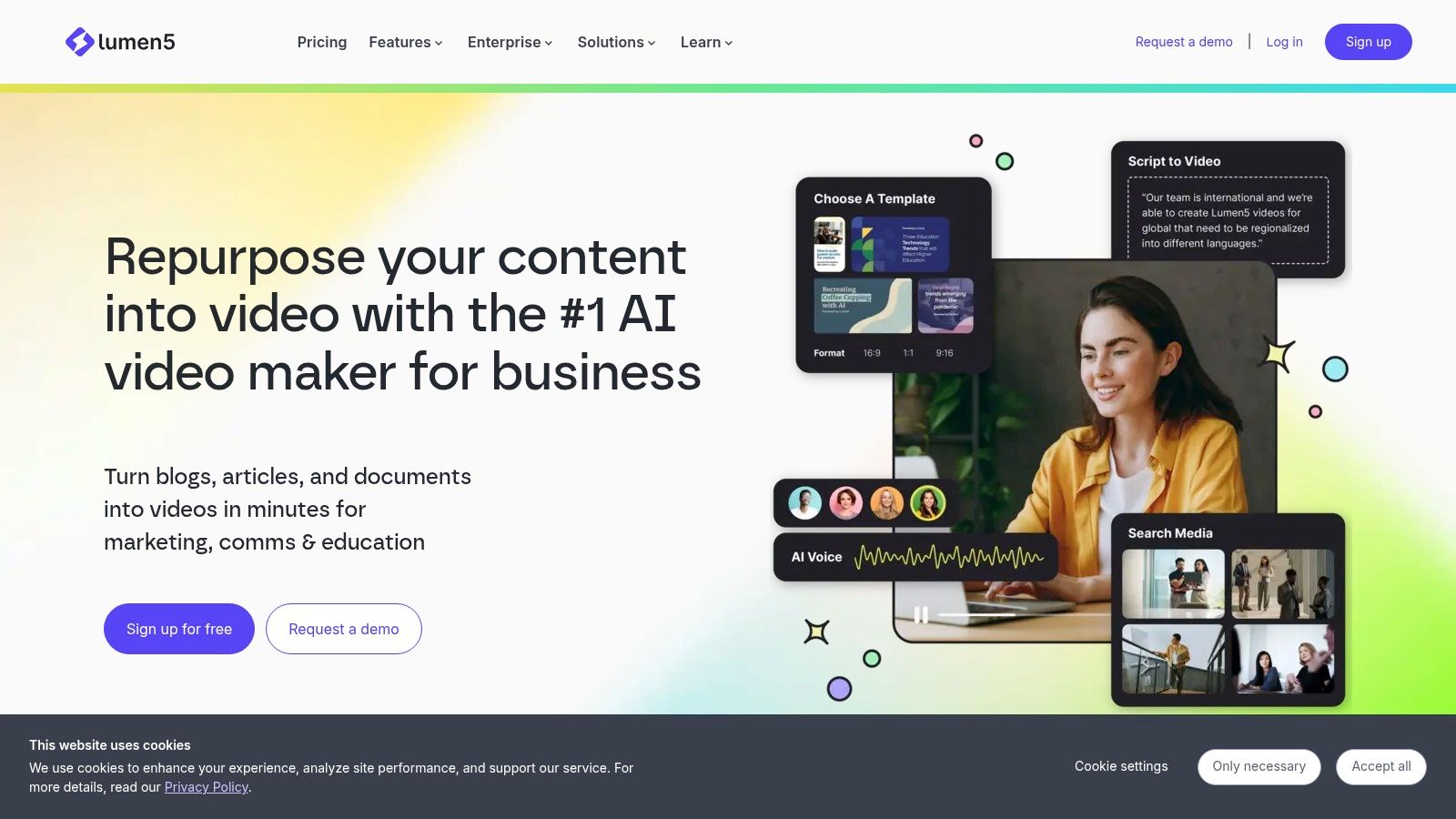 The best way to judge Lumen5 is by the job it handles best: article repurposing. If Canva is stronger for template-led brand design and InVideo pushes further into AI-generated first drafts, Lumen5 sits in the middle. It gives marketing teams a faster route from published text to usable video, but with less scene-level control than a full editor.
That difference matters in practice.
A brokerage can turn a weekly market note into a short social explainer. A consulting firm can convert a report summary into a branded teaser. A B2B content team can reuse one article across several channels without briefing a separate video specialist each time.
The trade-off is format quality. Lumen5 works well when the source material already has a clear argument, short sections, and clean language. It works less well when the video needs human pacing, interview footage, product demonstration detail, or a stronger narrative arc than the article provides.
Pricing and workflow also shape the fit. Teams usually get value from Lumen5 when written output is frequent enough to justify a dedicated repurposing tool. If your business only publishes occasional posts, a general editor may be easier to justify. If your team publishes every week and treats content distribution as a system, Lumen5 can reduce turnaround time and keep output consistent.
Its main limitation is sameness. Without careful editing, text-heavy scenes, predictable motion, and stock-dependent visuals can make different videos feel interchangeable.
Use Lumen5 for editorial reuse, not for original storytelling. That is a narrower role than some all-purpose video makers claim to fill, but it is a useful one for businesses whose marketing engine starts with written content.
Lumen5 is designed for that conversion step. It takes written content and maps it into a short video structure, which makes it a practical fit for content teams that publish regularly and need distribution assets for LinkedIn, YouTube Shorts, or email. The platform is at Lumen5.
The best way to judge Lumen5 is by the job it handles best: article repurposing. If Canva is stronger for template-led brand design and InVideo pushes further into AI-generated first drafts, Lumen5 sits in the middle. It gives marketing teams a faster route from published text to usable video, but with less scene-level control than a full editor.That difference matters in practice.
A brokerage can turn a weekly market note into a short social explainer. A consulting firm can convert a report summary into a branded teaser. A B2B content team can reuse one article across several channels without briefing a separate video specialist each time.
The trade-off is format quality. Lumen5 works well when the source material already has a clear argument, short sections, and clean language. It works less well when the video needs human pacing, interview footage, product demonstration detail, or a stronger narrative arc than the article provides.
Pricing and workflow also shape the fit. Teams usually get value from Lumen5 when written output is frequent enough to justify a dedicated repurposing tool. If your business only publishes occasional posts, a general editor may be easier to justify. If your team publishes every week and treats content distribution as a system, Lumen5 can reduce turnaround time and keep output consistent.
Its main limitation is sameness. Without careful editing, text-heavy scenes, predictable motion, and stock-dependent visuals can make different videos feel interchangeable.
Use Lumen5 for editorial reuse, not for original storytelling. That is a narrower role than some all-purpose video makers claim to fill, but it is a useful one for businesses whose marketing engine starts with written content.
7. InVideo
Speed is not the same as efficiency. For many businesses, the bottleneck is not editing skill. It is producing enough acceptable video drafts to test offers, channels, and formats before spending time on polish.
InVideo is strongest in that draft-generation role. Its workflow centers on turning prompts or scripts into usable first cuts with stock footage, AI voice, captions, and scene assembly handled inside one system. The platform is available at InVideo.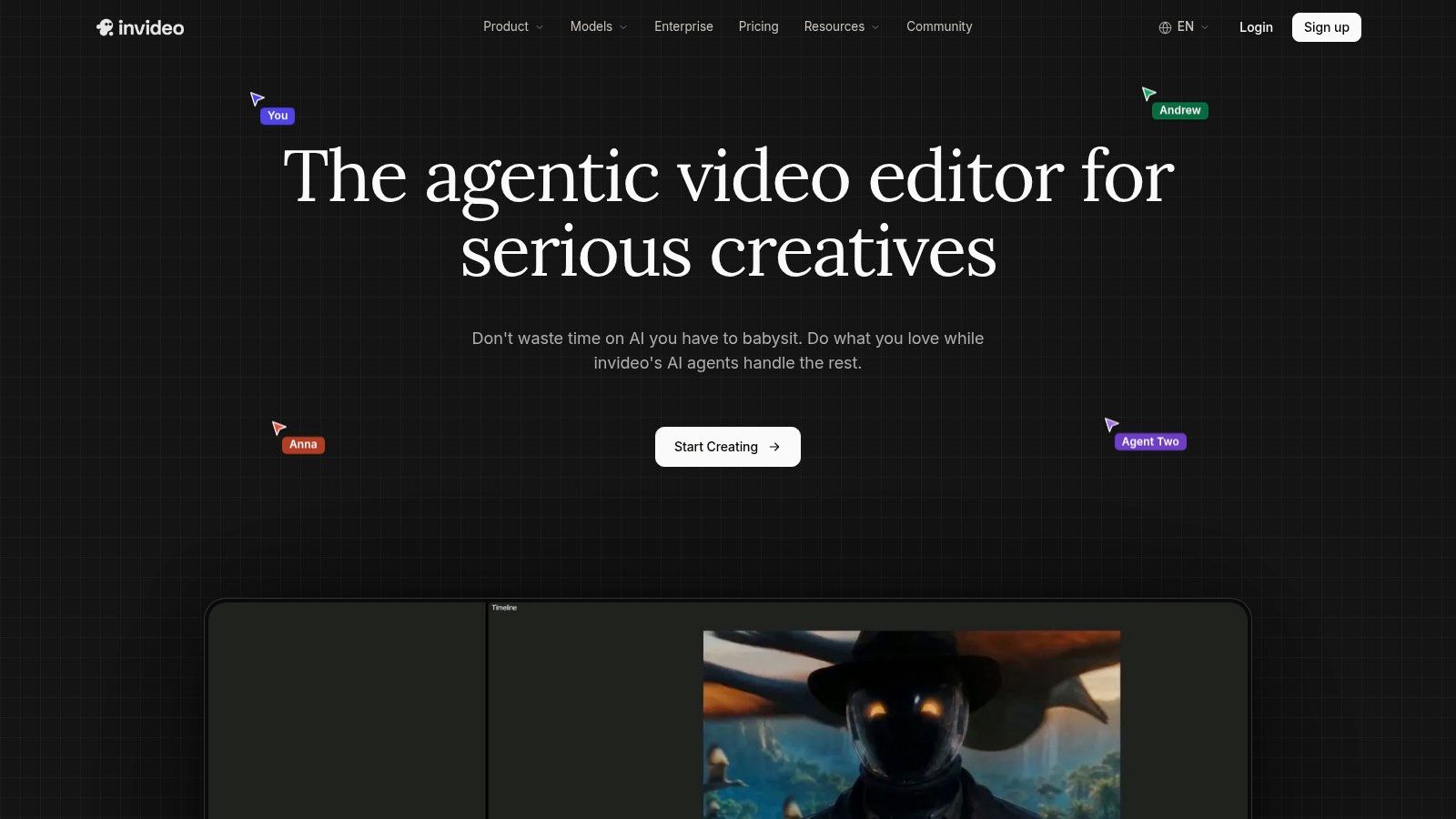 A practical test is simple. If your team needs five variants of a product pitch, event promo, or social explainer by this afternoon, InVideo can reduce production time. If the same video needs brand nuance, original footage pacing, or tight narrative control, the time saved at the start often returns as revision work later.
That makes InVideo a fit for a narrower business job than general "all-in-one" positioning suggests:
Compared with Canva or Adobe Express, InVideo pushes harder on generation than manual brand assembly. Compared with Lumen5, it is less tied to article repurposing and more useful for prompt-led production. That distinction matters. Businesses choosing tools by feature count may see overlap, but businesses choosing by workflow will notice that InVideo performs best when volume and speed matter more than scene-level control.
Use it for AI-assisted campaign throughput, not as a substitute for editorial judgment.
InVideo is strongest in that draft-generation role. Its workflow centers on turning prompts or scripts into usable first cuts with stock footage, AI voice, captions, and scene assembly handled inside one system. The platform is available at InVideo.
A practical test is simple. If your team needs five variants of a product pitch, event promo, or social explainer by this afternoon, InVideo can reduce production time. If the same video needs brand nuance, original footage pacing, or tight narrative control, the time saved at the start often returns as revision work later.That makes InVideo a fit for a narrower business job than general "all-in-one" positioning suggests:
- AI-generated first drafts: Marketing teams producing scripts, scenes, and voice-led videos from a prompt.
- High-volume short-form output: Social teams testing multiple hooks, offers, or edits across channels.
- Faceless promotional content: Businesses comfortable using stock-heavy visuals and synthetic voice as part of the format.
Compared with Canva or Adobe Express, InVideo pushes harder on generation than manual brand assembly. Compared with Lumen5, it is less tied to article repurposing and more useful for prompt-led production. That distinction matters. Businesses choosing tools by feature count may see overlap, but businesses choosing by workflow will notice that InVideo performs best when volume and speed matter more than scene-level control.
Use it for AI-assisted campaign throughput, not as a substitute for editorial judgment.
8. VEED
VEED is most useful when the business problem is not "make a video" but "turn one video into usable versions fast." Its strongest job in this list is captioning and localization, with browser editing attached. That separates it from VideoTour.ai, which is built around photo-to-tour output, and from Canva, which is stronger for template-led brand assembly.
The platform combines subtitles, translation, dubbing, screen recording, webcam capture, and light editing in one web workflow. For teams publishing training clips, sales demos, product explainers, or regional marketing variants, that combination can reduce handoffs between separate tools. The product site is VEED.
Where VEED earns its place is operational range. A business can record a walkthrough, clean the trim points, add captions, create a translated version, and export channel-specific edits without shifting into a desktop editor. That is a different job from article repurposing in Lumen5 or prompt-led video generation in InVideo.
VEED suits three business scenarios especially well:
Use VEED if your bottleneck is adaptation and accessibility. If your bottleneck is original creative production, another tool in this list will usually fit better.
The platform combines subtitles, translation, dubbing, screen recording, webcam capture, and light editing in one web workflow. For teams publishing training clips, sales demos, product explainers, or regional marketing variants, that combination can reduce handoffs between separate tools. The product site is VEED.
Where VEED earns its place is operational range. A business can record a walkthrough, clean the trim points, add captions, create a translated version, and export channel-specific edits without shifting into a desktop editor. That is a different job from article repurposing in Lumen5 or prompt-led video generation in InVideo.
VEED suits three business scenarios especially well:
- Caption-heavy distribution: Teams posting interviews, webinars, demos, or founder updates that need readable subtitles for social and mobile viewing.
- Localization without a full post-production stack: Businesses adapting one core asset for different languages or audience segments.
- Recorded internal and external communication: Screen shares, onboarding clips, product walkthroughs, and quick client-facing updates.
Use VEED if your bottleneck is adaptation and accessibility. If your bottleneck is original creative production, another tool in this list will usually fit better.
9. Kapwing
Kapwing earns its place for a narrower job than the name "video maker" suggests. It is less about building a polished brand film from scratch and more about keeping short-form content moving through a team without friction. For businesses publishing the same message across TikTok, Instagram, LinkedIn, and YouTube Shorts, that distinction matters more than a long feature list.
You can test the platform at Kapwing.
The strongest fit is team distribution. Kapwing works well when the source asset already exists and the work is operational: trim versions, add captions, resize for channels, update on-screen copy, and pass the draft to another contributor. Compared with VEED, which covers a wider mix of recording, translation, and edit tasks, Kapwing is more focused on browser-based collaboration and repeatable social output. Compared with Canva or Adobe Express, it usually makes more sense when editing handoffs matter as much as branded templates.
A simple way to judge it is by the bottleneck it removes:
The trade-off is creative depth. Teams that need precise motion design, layered audio work, or highly controlled pacing will still hit the ceiling faster than they would in a desktop editor. For business use, that limitation is often acceptable. If your problem is not "how do we invent a video," but "how do we ship six usable versions by this afternoon," Kapwing is one of the clearer fits in this list.
You can test the platform at Kapwing.
The strongest fit is team distribution. Kapwing works well when the source asset already exists and the work is operational: trim versions, add captions, resize for channels, update on-screen copy, and pass the draft to another contributor. Compared with VEED, which covers a wider mix of recording, translation, and edit tasks, Kapwing is more focused on browser-based collaboration and repeatable social output. Compared with Canva or Adobe Express, it usually makes more sense when editing handoffs matter as much as branded templates.
A simple way to judge it is by the bottleneck it removes:
- Shared editing for distributed teams: Marketing, social, and content teams that need comments, revisions, and quick approvals in one browser workflow.
- Channel adaptation: Businesses turning one webinar clip, interview, or product demo into multiple aspect ratios and captioned versions.
- Plan clarity before rollout: Teams that care about documented usage limits, because pricing surprises can break adoption faster than missing effects.
The trade-off is creative depth. Teams that need precise motion design, layered audio work, or highly controlled pacing will still hit the ceiling faster than they would in a desktop editor. For business use, that limitation is often acceptable. If your problem is not "how do we invent a video," but "how do we ship six usable versions by this afternoon," Kapwing is one of the clearer fits in this list.
10. Biteable
Biteable is the clearest example in this list of a tool built for communication volume rather than editing range. Its strongest job is template-led business messaging for teams that need to publish short videos across HR, recruiting, training, and internal updates without handing every request to design or social. The platform is available at Biteable.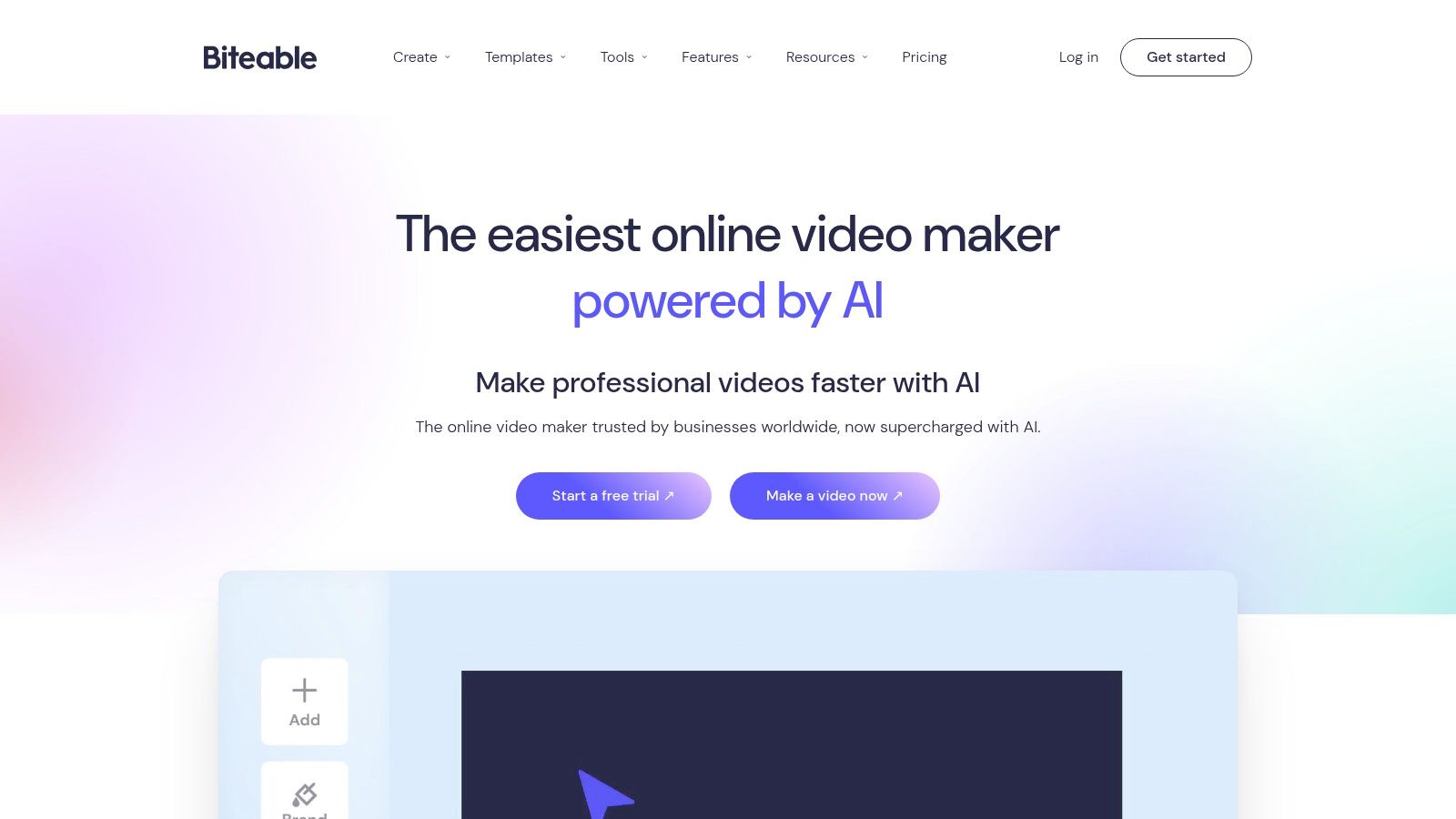 The practical question is not whether Biteable can produce the most polished video here. It usually cannot. The better question is whether a company needs polished editing or a repeatable way for non-specialists to turn announcements into watchable video with minimal training. For many operations teams, the second problem appears more often.
That creates a different fit from the other products in this article. Canva and Adobe Express are broader brand systems. VEED and Kapwing are more useful once editing, captions, or versioning become the bottleneck. Lumen5 is tied more closely to article repurposing. Biteable sits in a narrower lane. It helps companies standardize low-risk, short-form communication that must be produced often by people who are not video editors.
A useful way to assess it is by department:
Biteable suits companies with many occasional video creators and a steady flow of repeatable communication tasks. It is less persuasive for businesses choosing a tool for AI generation, article-to-video conversion, or multi-step post-production.
The practical question is not whether Biteable can produce the most polished video here. It usually cannot. The better question is whether a company needs polished editing or a repeatable way for non-specialists to turn announcements into watchable video with minimal training. For many operations teams, the second problem appears more often.That creates a different fit from the other products in this article. Canva and Adobe Express are broader brand systems. VEED and Kapwing are more useful once editing, captions, or versioning become the bottleneck. Lumen5 is tied more closely to article repurposing. Biteable sits in a narrower lane. It helps companies standardize low-risk, short-form communication that must be produced often by people who are not video editors.
A useful way to assess it is by department:
- HR and people teams: onboarding clips, policy reminders, benefits explainers, hiring messages.
- Internal communications: leadership updates, meeting recaps, company announcements.
- Customer-facing support or operations: simple how-to videos where clarity matters more than custom motion design.
Biteable suits companies with many occasional video creators and a steady flow of repeatable communication tasks. It is less persuasive for businesses choosing a tool for AI generation, article-to-video conversion, or multi-step post-production.
Top 10 Business Video Makers: Feature Comparison
| Product | Core features | UX / Quality | Price & Value | Target audience | Unique selling points |
|---|---|---|---|---|---|
| VideoTour.ai 🏆 | Photo→video (up to 60), MLS‑safe presets, auto motion, captions, music, multi‑aspect | ★★★★☆ (4.8/5), minutes to render, unlimited revisions | 💰 Free trial; Independent $29/mo (10), Agency $59/mo (40), Enterprise $99/mo (200), scalable per‑video cost | 👥 Real estate agents, brokerages, STR hosts, hospitality marketers | ✨ MLS compliance, auto music sync, AI credits for premium intros, watermark‑free HD |
| Canva (Video) | Template & stock library, drag‑drop editor, Brand Kit, resize | ★★★★☆ (4.6/5), easy, template‑driven | 💰 Free / Pro ~$12.99‑$16.99/mo, strong asset value | 👥 SMB marketers, social creators, teams seeking brand kits | ✨ Massive templates & assets, simple cross‑format resizing |
| Adobe Express | Templates, Adobe Stock, Firefly AI, Photoshop web links | ★★★★☆ (4.5/5), integrated with Adobe ecosystem | 💰 Free / Premium ~$9.99/mo, Adobe stack value | 👥 Enterprise teams, marketers needing brand governance | ✨ Adobe Stock + Firefly, enterprise packaging & governance |
| Animoto | Photo‑to‑video templates, simple timeline, cloud render | ★★★★ (4.2/5), very beginner‑friendly | 💰 Free / Pro from ~$8‑$39/mo, reliable for slideshows | 👥 Non‑editors, small businesses, real‑estate listings | ✨ Mature workflows for slideshow-style listing videos |
| Promo.com | Huge Getty/iStock library, ad templates, licensed music | ★★★★ (4.3/5), ad‑focused quality | 💰 💰 Plan‑dependent; stock usage can raise costs | 👥 Social advertisers, agencies, e‑commerce | ✨ Deep licensed stock (275M+), ad-ready templates |
| Lumen5 | Article→video AI, stock assets, brand controls | ★★★★ (4.0/5), great for content repurposing | 💰 Free / Plans ~$19‑$79/mo, scales for content teams | 👥 Agencies, brokerages repurposing market reports | ✨ URL-to-video AI summarization for scale content |
| InVideo | Script→scenes AI, stock, avatars, credit model | ★★★★ (4.4/5), fast ideation-to-draft | 💰 Free / Pro ~$15/mo + credit options | 👥 Social marketers, creators using avatars/voices | ✨ Granular AI model/credit controls for quality vs cost |
| VEED | Subtitles, translation/dubbing, avatars, screen recorder | ★★★★ (4.3/5), strong localization & team tools | 💰 Free / Pro from ~$12‑$24/mo, API & team tiers | 👥 Teams needing captions, multilingual listings | ✨ Powerful captioning/localization and APIs |
| Kapwing | Auto-subtitles, translation, Brand Kit, clear limits | ★★★★ (4.2/5), transparent pricing, collaborative | 💰 Free / Pro ~$16/mo, predictable billing | 👥 Social-first teams, editors needing captions & resizing | ✨ Transparent limits & easy repurposing workflows |
| Biteable | Business templates, AI avatars, analytics, SSO | ★★★★ (4.1/5), simple plus analytics | 💰 Free / Plans ~$15‑$29/mo, enterprise options | 👥 HR, training, internal comms, marketers | ✨ Built‑for‑business templates + video analytics |
Choose by Workflow, Not Feature Count
The safest way to choose a video maker for business is to ignore the broadest feature list and map the tool to the job your team repeats most often. That sounds simple, but many businesses still buy as if every video starts from the same source material. It doesn't. A listing photo set, a blog article, a stock-led ad, a translated clip, and an internal update each create a different production problem.
Choose VideoTour.ai when the core input is property photos and the output must be fast, repeatable, and usable across listing and social channels. That's where specialization pays off. Recent real estate data shows the gap between demand and execution is still wide. Only 38% of agents use video for listings, 73% of homeowners say they're more likely to list with an agent who uses video marketing, and NAR's 2025 survey found only 12% of home sellers say their agent used video to market their home, according to Resimpli's real estate video statistics roundup. The implication isn't just that video matters. It's that workflow is still the blocker.
Choose Canva, Adobe Express, or Animoto when accessibility and branded templates matter more than specialist production logic. These tools are easier to roll out across small teams and local businesses making recurring promos, service videos, and social content. Choose Promo.com when stock-led advertising is the need, not original footage assembly.
Choose Lumen5 if your content operation starts with articles and reports. Choose InVideo when AI-assisted first drafts help your team test ideas and publish quickly. Choose VEED or Kapwing when the hard part is no longer making the initial cut, but adapting it through subtitles, resizing, translation, collaboration, and redistribution. Choose Biteable when video creation has to extend beyond marketing into HR, training, and internal communications.
One more market signal supports this approach. A 2026 survey reported that short-form video was ranked the top ROI format by 49% of marketers, ahead of long-form video at 29%, according to Pixel8's 2026 B2B video marketing statistics. That doesn't mean every business should chase the same style. It means production systems need to move quickly, adapt to channel requirements, and reduce rework.
Before you commit, test each tool with representative source material. Upload an actual listing photo set, an actual blog article, an actual internal announcement, or an actual social brief. Verify current pricing, AI allowances, export requirements, branding controls, and collaboration permissions. Then measure the one metric that usually decides adoption anyway: how long it takes your team to get from brief to approved final video. For broader creative context, LesFM's roundup of LesFM's favorite editing apps is also worth reviewing.
If your business produces property, hotel, rental, or space-marketing videos from existing photos, VideoTour.ai is the most purpose-built option in this comparison. It turns photo sets into branded, share-ready tours with MLS-safe and social-ready exports, which is exactly where many teams lose time in broader editors. See how the workflow works at VideoTour.ai.
Choose VideoTour.ai when the core input is property photos and the output must be fast, repeatable, and usable across listing and social channels. That's where specialization pays off. Recent real estate data shows the gap between demand and execution is still wide. Only 38% of agents use video for listings, 73% of homeowners say they're more likely to list with an agent who uses video marketing, and NAR's 2025 survey found only 12% of home sellers say their agent used video to market their home, according to Resimpli's real estate video statistics roundup. The implication isn't just that video matters. It's that workflow is still the blocker.
Choose Canva, Adobe Express, or Animoto when accessibility and branded templates matter more than specialist production logic. These tools are easier to roll out across small teams and local businesses making recurring promos, service videos, and social content. Choose Promo.com when stock-led advertising is the need, not original footage assembly.
Choose Lumen5 if your content operation starts with articles and reports. Choose InVideo when AI-assisted first drafts help your team test ideas and publish quickly. Choose VEED or Kapwing when the hard part is no longer making the initial cut, but adapting it through subtitles, resizing, translation, collaboration, and redistribution. Choose Biteable when video creation has to extend beyond marketing into HR, training, and internal communications.
One more market signal supports this approach. A 2026 survey reported that short-form video was ranked the top ROI format by 49% of marketers, ahead of long-form video at 29%, according to Pixel8's 2026 B2B video marketing statistics. That doesn't mean every business should chase the same style. It means production systems need to move quickly, adapt to channel requirements, and reduce rework.
Before you commit, test each tool with representative source material. Upload an actual listing photo set, an actual blog article, an actual internal announcement, or an actual social brief. Verify current pricing, AI allowances, export requirements, branding controls, and collaboration permissions. Then measure the one metric that usually decides adoption anyway: how long it takes your team to get from brief to approved final video. For broader creative context, LesFM's roundup of LesFM's favorite editing apps is also worth reviewing.
If your business produces property, hotel, rental, or space-marketing videos from existing photos, VideoTour.ai is the most purpose-built option in this comparison. It turns photo sets into branded, share-ready tours with MLS-safe and social-ready exports, which is exactly where many teams lose time in broader editors. See how the workflow works at VideoTour.ai.