
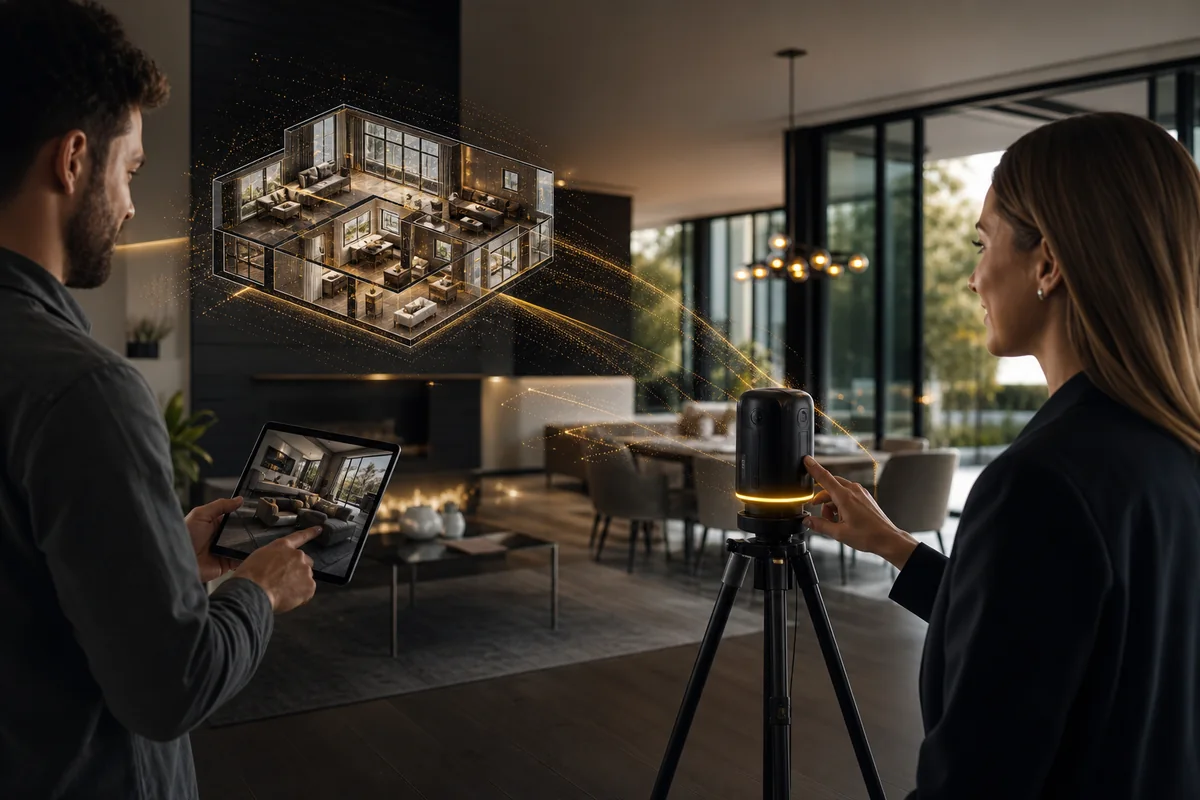
An AI video tour, a filmed walkthrough and an interactive 3D virtual tour are different products. A video plays a sequence selected by its creator. A 3D tour lets the viewer explore a captured space. AI-generated motion from photographs does not, by itself, create a measured or navigable model of the property.
Choose the format according to the question a buyer needs answered. This guide separates the three workflows and explains when they can complement each other.
Choose the format according to the question a buyer needs answered. This guide separates the three workflows and explains when they can complement each other.
Summary
Create an AI Video Tours from PhotosTry it For Free

1. The three tour formats at a glance
| Format | What the viewer does | Typical starting material | Useful for |
|---|---|---|---|
| Photo-based AI video | Watches an edited sequence | Approved still photos and property facts | A concise introduction or promotional edit |
| Filmed walkthrough | Watches a recorded route or edited film | Footage captured at the property | Actual movement, room connections and demonstrations |
| Interactive 3D virtual tour | Chooses viewpoints and explores | A supported spatial capture workflow | Self-directed review of the captured space |
The word “virtual” is often used loosely. Ask to see the deliverable: a downloadable video file and an interactive hosted tour are not the same thing. A video can include a recording of a 3D tour, but that recording does not give viewers the original navigation controls.
2. What a photo-based AI video can do
A photo-based workflow assembles selected property views with motion, labels, music or narration. VideoTour.ai is an example of this production route. It is useful when approved listing photography is already available and the goal is to introduce the property clearly.
The source photographs set the limits. A missing bathroom or blocked doorway does not become documented because an animation appears smooth. Generated movement may also introduce changes that need review against the original image.
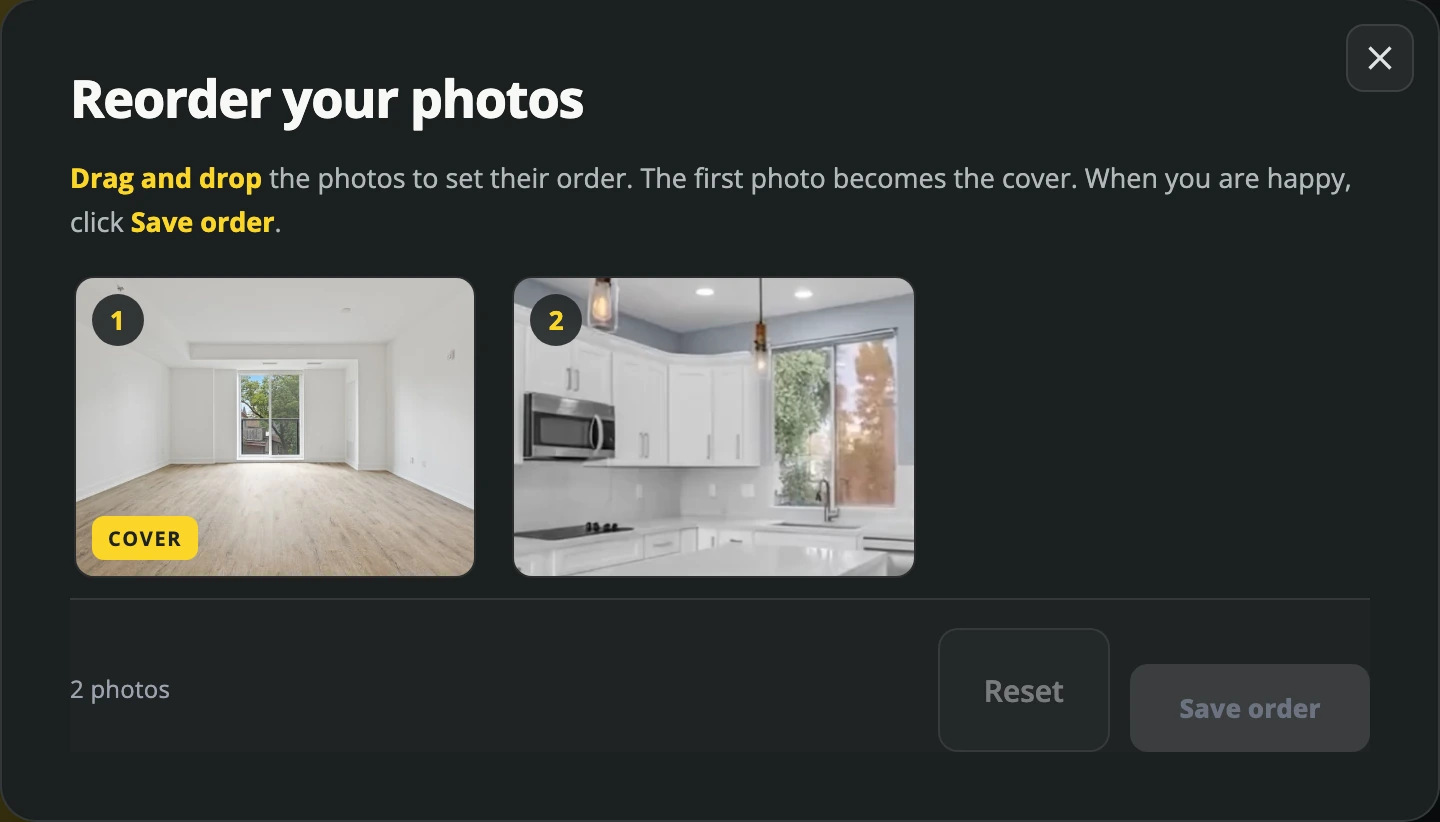
Actual photo-based workflow. A sequence of images is distinct from a captured spatial model.
Use it for a highlight, an introduction or a social edit. If room connections are material to the explanation, support them with an accurate floor plan, real footage or a suitable interactive tour.
The source photographs set the limits. A missing bathroom or blocked doorway does not become documented because an animation appears smooth. Generated movement may also introduce changes that need review against the original image.
Actual photo-based workflow. A sequence of images is distinct from a captured spatial model.
Use it for a highlight, an introduction or a social edit. If room connections are material to the explanation, support them with an accurate floor plan, real footage or a suitable interactive tour.
3. What a filmed walkthrough adds
Actual footage can show an agent moving through a doorway, the route between rooms or a working feature. A continuous shot is particularly useful when the viewer needs to understand how spaces connect.
Editing still controls what is shown. Fast cuts can hide the route, wide-angle capture can affect the impression of space, and an attractive film may omit an important room. Plan the sequence around the question you want to answer, not only around the most dramatic shots.
Choose filming when personal presentation, physical movement or a demonstration matters. It also requires access, preparation, capture and an editing plan. Use the production cost worksheet to compare the complete scope.
Editing still controls what is shown. Fast cuts can hide the route, wide-angle capture can affect the impression of space, and an attractive film may omit an important room. Plan the sequence around the question you want to answer, not only around the most dramatic shots.
Choose filming when personal presentation, physical movement or a demonstration matters. It also requires access, preparation, capture and an editing plan. Use the production cost worksheet to compare the complete scope.
4. What an interactive 3D tour adds
An interactive tour allows viewers to choose where to look within the captured space. Matterport describes its product as a digital twin and offers self-guided exploration, with additional outputs and features depending on the capture and service.
Source: Matterport real estate tours
This can be useful when a distant buyer wants to revisit a room or inspect a connection at their own pace. Check which rooms, entrances and outdoor areas are actually included; an interactive tour is not proof that every area was captured.
Ask the provider about the capture method, hosting, sharing, update process and any measurement or floor-plan deliverables you need. Do not assume that an interactive viewer automatically supplies survey-grade measurements or replaces an inspection.
Source: Matterport real estate tours
This can be useful when a distant buyer wants to revisit a room or inspect a connection at their own pace. Check which rooms, entrances and outdoor areas are actually included; an interactive tour is not proof that every area was captured.
Ask the provider about the capture method, hosting, sharing, update process and any measurement or floor-plan deliverables you need. Do not assume that an interactive viewer automatically supplies survey-grade measurements or replaces an inspection.
5. Choose by the buyer’s question
| The question | Useful format | Why |
|---|---|---|
| “What are the main features?” | A short video | A focused sequence can introduce them quickly |
| “How do these rooms connect?” | Actual walkthrough footage or a suitable interactive tour | The route or navigable space can provide context |
| “Can I look around that room again?” | Interactive tour | The viewer controls the exploration |
| “What does the agent want me to notice?” | Agent-led or narrated video | A presenter can explain a specific point |
| “Can I get a quick preview on my phone?” | A vertical teaser | A selected feature can be shown without a lengthy tour |
These are editorial use cases, not promises that one format will sell the home faster. Price, condition, market, distribution and the rest of the listing remain important.
6. A useful combined workflow
For a property that benefits from more detail, publish a short introduction that leads to the full listing, floor plan and interactive tour. The video attracts attention to a specific feature; the supporting material lets an interested viewer investigate it.
For example, introduce an open-plan living area in a 20-second photo-based or filmed video. Link to the complete property information, where viewers can explore the captured space or watch the full walkthrough. Do not expect the teaser to answer every layout question.
Keep facts and presentation consistent across the assets. A price change, renovation or updated room use should prompt a review of each published version. Downloaded videos and an older spatial capture do not automatically reflect later changes.
For example, introduce an open-plan living area in a 20-second photo-based or filmed video. Link to the complete property information, where viewers can explore the captured space or watch the full walkthrough. Do not expect the teaser to answer every layout question.
Keep facts and presentation consistent across the assets. A price change, renovation or updated room use should prompt a review of each published version. Downloaded videos and an older spatial capture do not automatically reflect later changes.
7. Questions to ask before ordering a tour
- Will I receive a video file, an interactive hosted link, a floor plan, or several outputs?
- Which areas will be captured, and what will be omitted?
- Who checks the factual labels, property appearance and branding?
- What capture, editing, hosting and update costs apply?
- Can I share the output in the places I intend to use it?
- What happens when the property information or physical space changes?
- If measurements are supplied, what method, limitations and intended uses apply?
Request a comparable example and test it on the device your viewers are likely to use. For a video, inspect framing and readability. For an interactive tour, check navigation, loading and coverage.
8. Decide what to make first
If the immediate job is an introduction and you have approved photos, start with a clear photo-based video. If the main question is a physical route or an agent demonstration, plan filming. If viewers need independent exploration, evaluate a supported 3D capture workflow.
Then check the result against the original question. A polished format that does not answer it is not the right deliverable. The listing-video guide provides a script and shot plan, and the video statistics guide separates available evidence from common marketing claims.
Then check the result against the original question. A polished format that does not answer it is not the right deliverable. The listing-video guide provides a script and shot plan, and the video statistics guide separates available evidence from common marketing claims.
FAQ
Is an AI video tour the same as a 3D virtual tour?
No. A photo-based AI video is an edited sequence. An interactive 3D tour lets the viewer navigate a captured space.Can AI motion prove how rooms connect?
No. Generated motion between still images should not be treated as evidence of a physical route. Use verified supporting material for layout claims.Do I need both formats?
Only when they serve distinct questions. A short video may introduce the property, while an interactive tour supports deeper exploration.Will either format guarantee a faster sale?
No. Evaluate the usefulness of the presentation and its outcomes alongside the broader listing and market.Conclusion
Use a video to guide attention and an interactive tour when self-directed exploration is useful. Keep the distinction clear: photo animation, actual filming and a captured spatial model provide different kinds of information.