
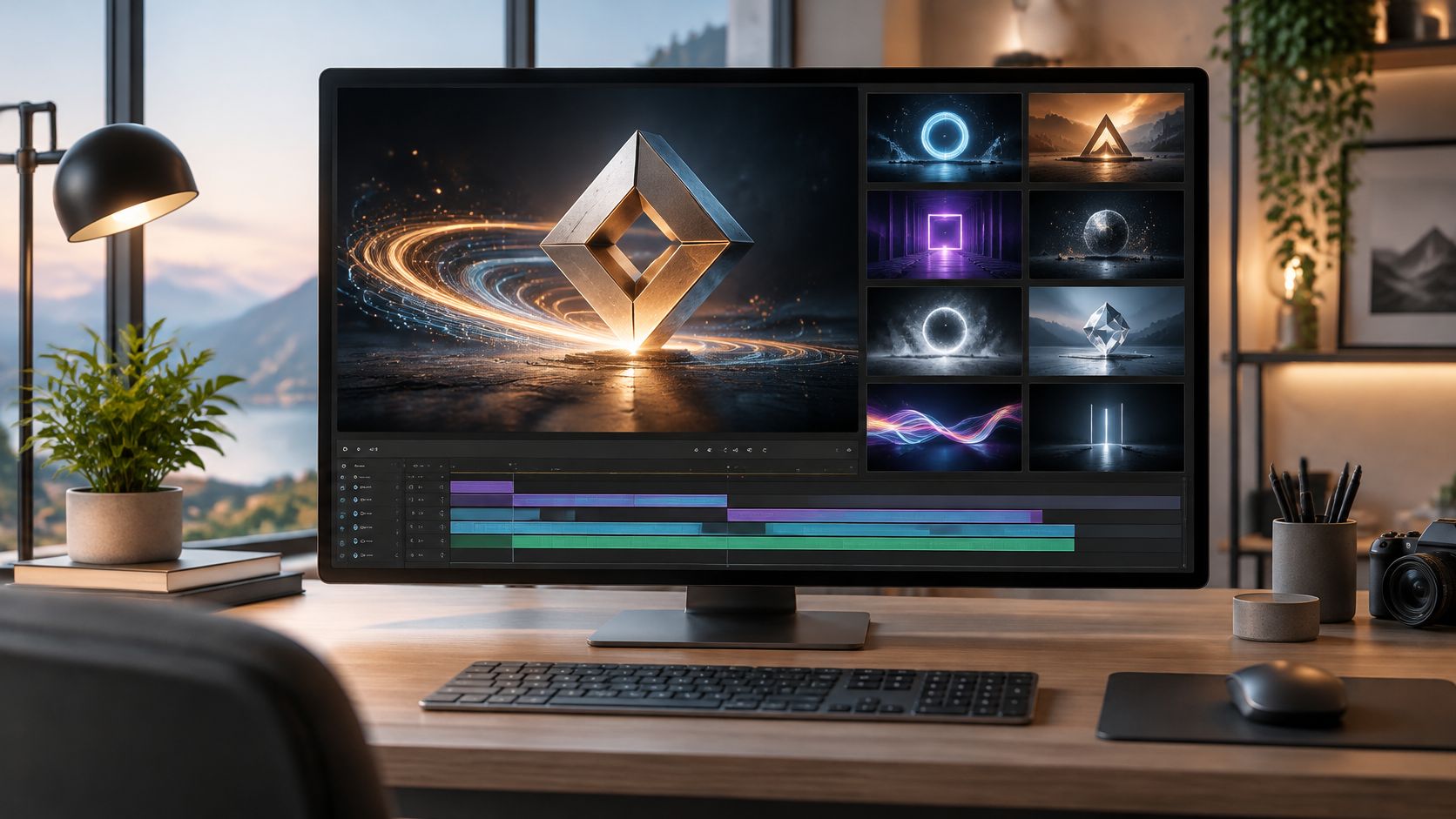
Your brokerage needs a five-second logo intro for a batch of listing videos by Friday. The logo is flat, the basic fade-in feels unfinished, and a cinematic template spends more time showing sparks than showing your name. A 3D logo intro maker can help, but the right choice depends on the kind of animation and control you need.
Some tools place an existing logo in a dimensional scene. Others generate moving imagery from a prompt, animate a flat layer in an editor, or let you build actual logo geometry. These approaches can look similar in a preview, but they differ in how much control they offer over revisions, transparency, and consistent branding across listings.
Keep the reveal under five seconds so it doesn't delay the property content, and make the final frame readable. Check that the movement suits the music, then preview the intro at phone size before approving it.
Some tools place an existing logo in a dimensional scene. Others generate moving imagery from a prompt, animate a flat layer in an editor, or let you build actual logo geometry. These approaches can look similar in a preview, but they differ in how much control they offer over revisions, transparency, and consistent branding across listings.
Keep the reveal under five seconds so it doesn't delay the property content, and make the final frame readable. Check that the movement suits the music, then preview the intro at phone size before approving it.
- Preserve recognition. Keep the lettering, proportions, and brand colors intact.
- Export for the destination. Prepare vertical, square, and horizontal versions rather than cropping blindly.
- Budget for control. Effects-heavy templates are fast but share their structure with other users. Custom geometry and animation take more work.
Summary
Create an AI Video Tours from PhotosTry it For Free

1. Renderforest
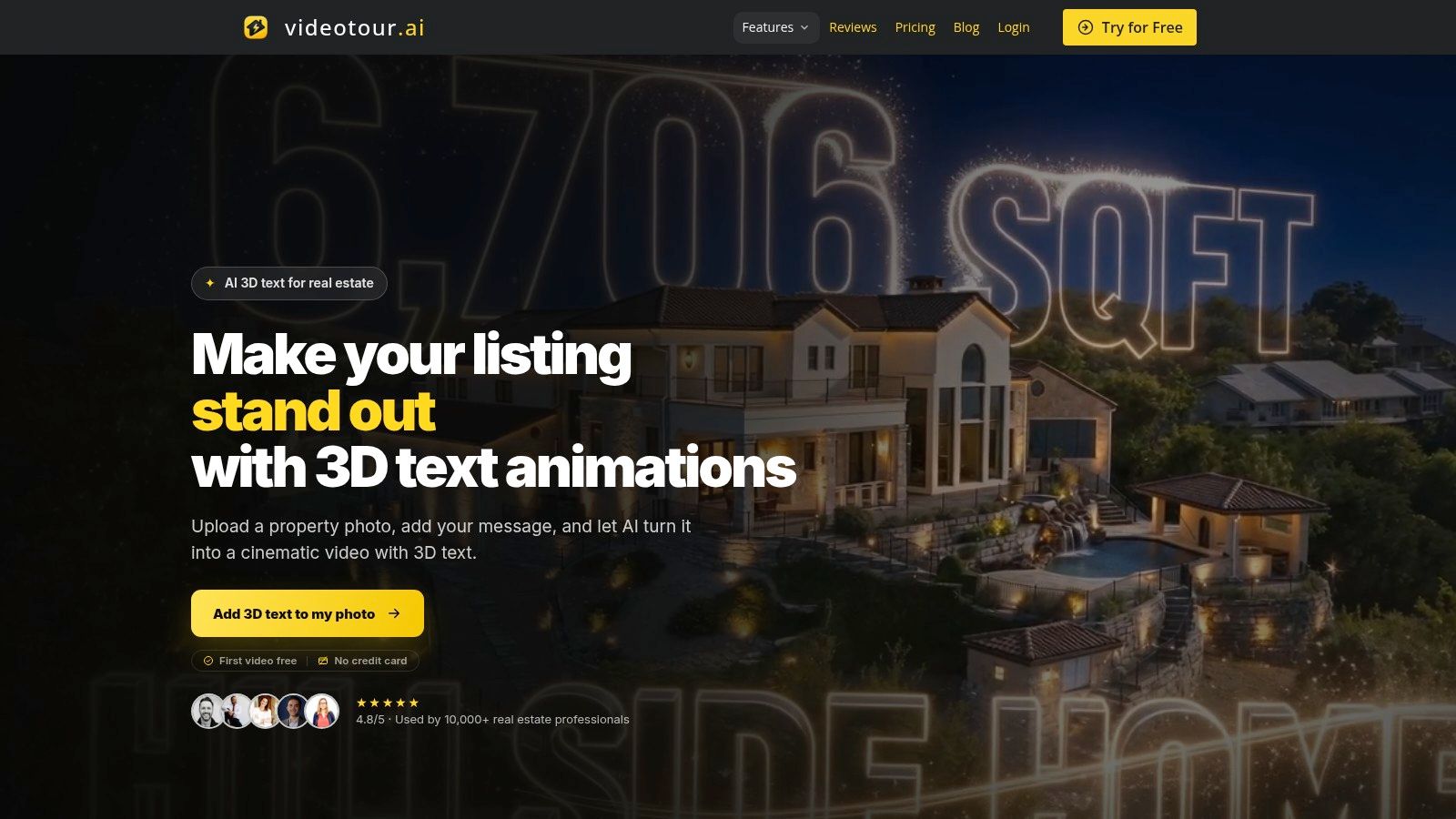 Best for template-driven reveals when the deadline matters more than original motion. Renderforest's 3D logo reveal maker lets you place a logo and text into prepared scenes featuring particles, cubes, metallic finishes, explosions, and cinematic lighting.
That makes it a practical choice for a brokerage that already has an approved logo and needs a finished opener. You aren't building materials, positioning lights, or animating a camera. You're selecting an existing treatment and adapting the available colors, text, and sound.
The trade-off is structural. If the reveal waits too long before displaying your name, or the camera movement feels too aggressive for a quiet luxury-property brand, customization may not solve the underlying mismatch.
Choose the scene before polishing the details
Start with the simplest template that gives the mark enough contrast. Check the portrait and square versions before committing, especially if the brokerage name is wide or includes a small descriptor.- What works: Fast, conventional logo reveals with a polished surrounding scene.
- What doesn't: Precise camera direction, original choreography, or unrestricted changes to a template's structure.
- Payment limitation: Free exports carry a watermark; watermark-free and higher-quality delivery require a paid option.
For the underlying preparation and approval steps, the guide to creating a logo animation is a useful companion. Settle the logo version and final-frame appearance before spending time comparing decorative effects.
2. VEED
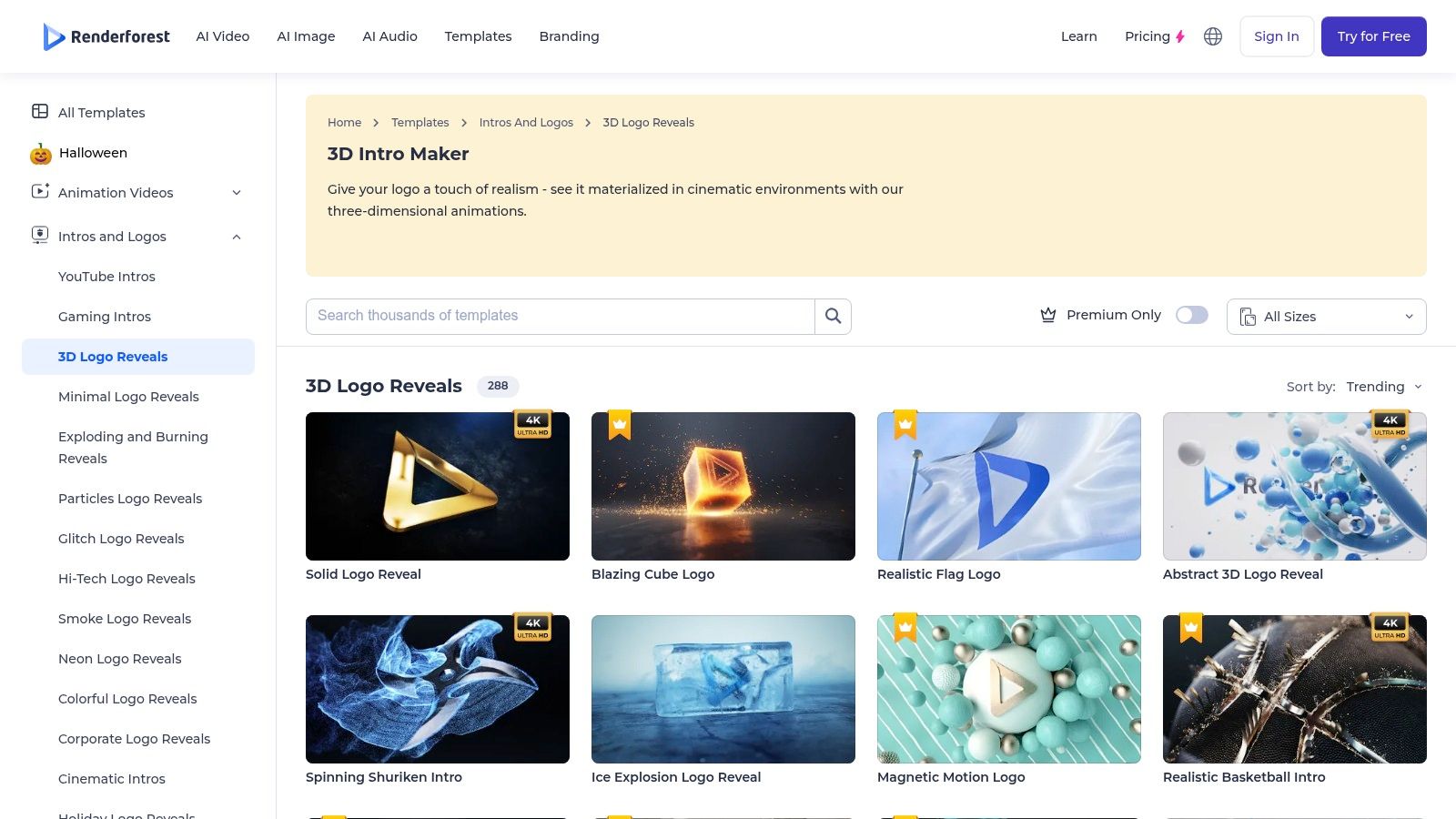 A hotel marketer developing a new campaign may need to explore a dimensional logo treatment before choosing the final motion. VEED's 3D logo maker combines prompt-based logo creation with animation and video editing, so that exploration doesn't have to stop at a still image.
You can describe a dimensional style, refine the image, and try image-to-video animation. Alternatively, use editor effects such as spin, slide, or fade, then assemble the result with footage and titles.
The distinction between creating a logo and animating an approved logo matters. A generated interpretation may be useful for a campaign concept, but a brokerage's established lettering shouldn't change just because the result looks more cinematic.
Practical rule: Treat generated logo imagery as a draft until you've compared the lettering, spacing, and silhouette against the approved artwork.VEED makes more sense than a fixed-template service when you want to explore different visual directions and continue editing the surrounding video. Its paid Brand Kit also keeps logos and colors accessible across projects.
The limitations appear when the brief becomes exact. Prompted animation may not reproduce a particular camera move or timing cue reliably, and AI animation consumes credits according to the selected model.
Manual effects are the safer route when the source logo must remain unchanged. MP4 export suits normal video delivery, while GIF can serve simpler animation placements, but neither choice automatically gives you an editable dimensional asset.
Choose VEED for concept-to-video work. Don't choose it expecting the geometry control of a dedicated 3D application or the repeatability of a fully authored animation.
3. Kapwing
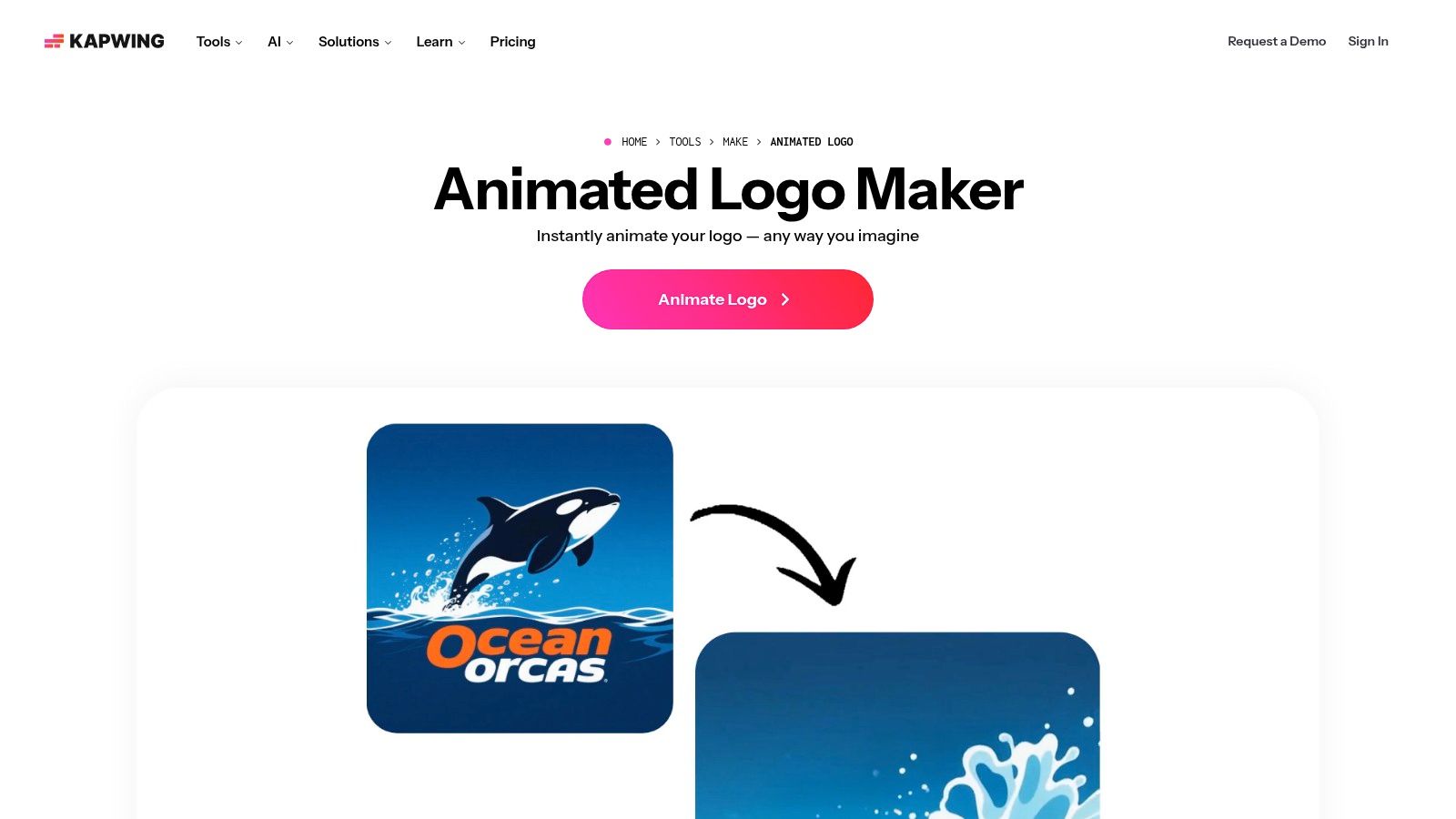
 Kapwing suits prompt-led exploration from an existing logo. With Kapwing's animated-logo tool, you upload the artwork and describe the motion you want, such as a dimensional reveal, restrained cinematic movement, or a glitch treatment.
Unlike browsing a fixed intro catalog, prompting lets you express a direction in ordinary language. That's useful when an agency wants to compare a calm architectural treatment with something more energetic for a coworking campaign.
The generated clip can then move into Kapwing's editor for trimming and assembly. Its browser-based workflow also works on mobile browsers, although a larger screen remains more comfortable for inspecting small lettering and edge artifacts.
Prompt for recognition, not just atmosphere
A useful prompt describes what must stay fixed as clearly as what should move. Specify unchanged typography, a stable background, restrained camera movement, and a clean final logo rather than asking only for a premium cinematic effect.A peer-reviewed study of animated-logo unpredictability found that 73% of viewers preferred medium unpredictability, compared with 2% for low unpredictability and 25% for high unpredictability. That supports testing controlled movement rather than assuming the most elaborate result is best.
- Strong use case: Exploring motion treatments without choosing an existing template.
- Main limitation: Generated motion can require retries and close inspection.
- Delivery consideration: MP4 is available directly, with MOV, WEBM, and GIF options through the editor.
4. CapCut
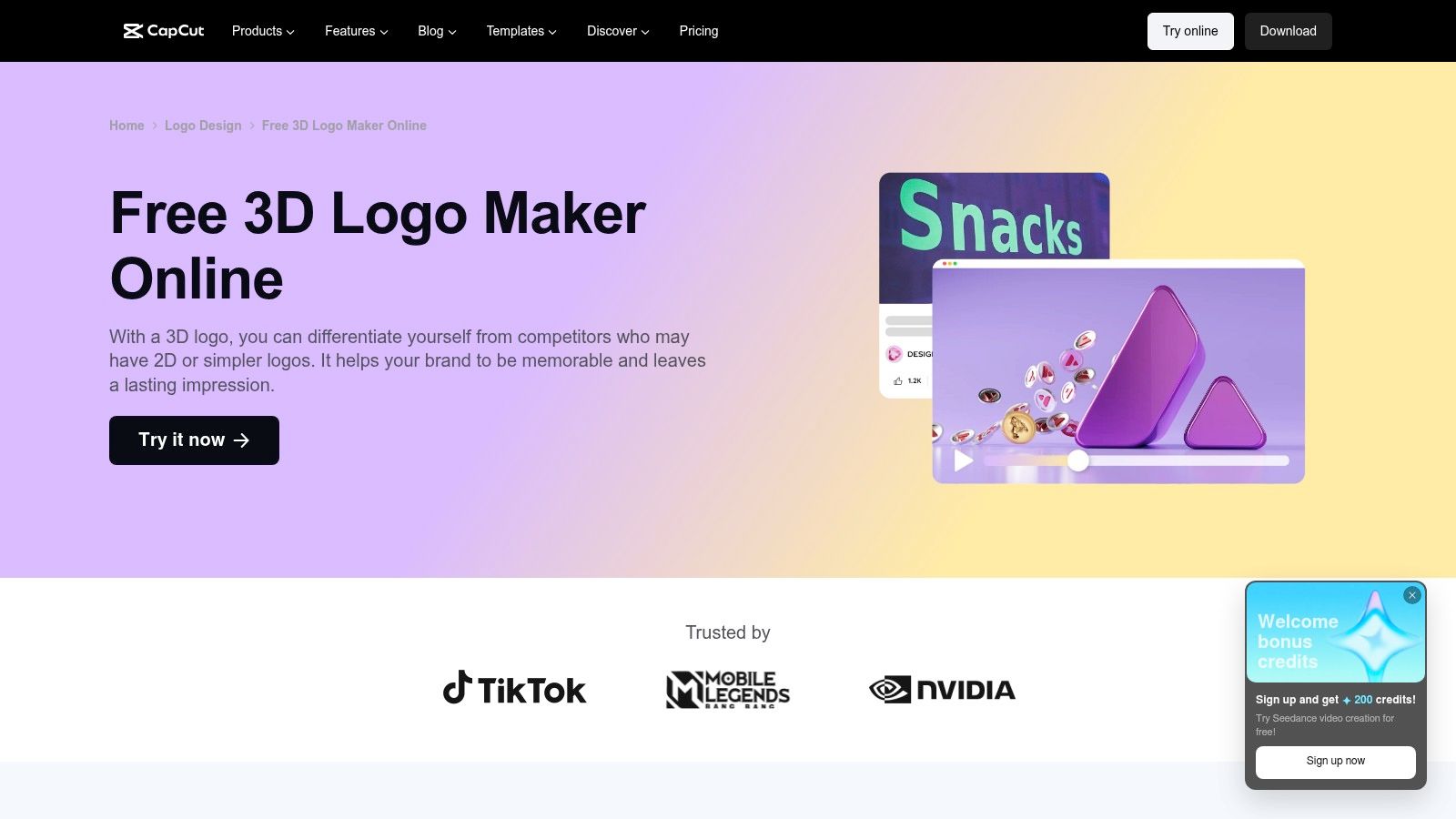
 Choose CapCut when the intro belongs inside a larger social-video edit. CapCut's 3D logo workflow offers dimensional styling through templates, extrusion and bevel effects, plus material, color, and lighting adjustments.
The useful part is the handoff into video editing. After preparing the logo treatment, you can place it alongside property footage, adjust the opening rhythm, and coordinate the transition into the first room or exterior shot.
That flexibility also creates more decisions. A logo-design page isn't the same as a dedicated intro generator, so expect to assemble the opener rather than download a completed cinematic scene.
Build around the opening shot
For a short-term rental video, a restrained dimensional mark over the opening exterior may fit better than a separate animated title card. Keep the logo away from important architectural details and leave room for captions and platform controls.Use extrusion carefully on small lettering. A heavy bevel can make a broad symbol look substantial while making a fine wordmark harder to read.
- What works: Combining logo styling, footage, music, and timing inside an accessible editing workflow.
- What doesn't: Assuming every dimensional effect produces reusable 3D geometry.
- Plan limitation: Premium templates and features may require Pro, and export requirements depend on the assets used.
I'd choose CapCut for an editor-led social workflow, particularly when the team already cuts its reels there. For a standalone logo asset that must move between production applications, use a dedicated 3D tool instead.
5. Wondershare Filmora
 The reveal looks fine in isolation, but the sound lands awkwardly against the property footage. That's the kind of problem Wondershare Filmora handles better than a single-purpose template generator.
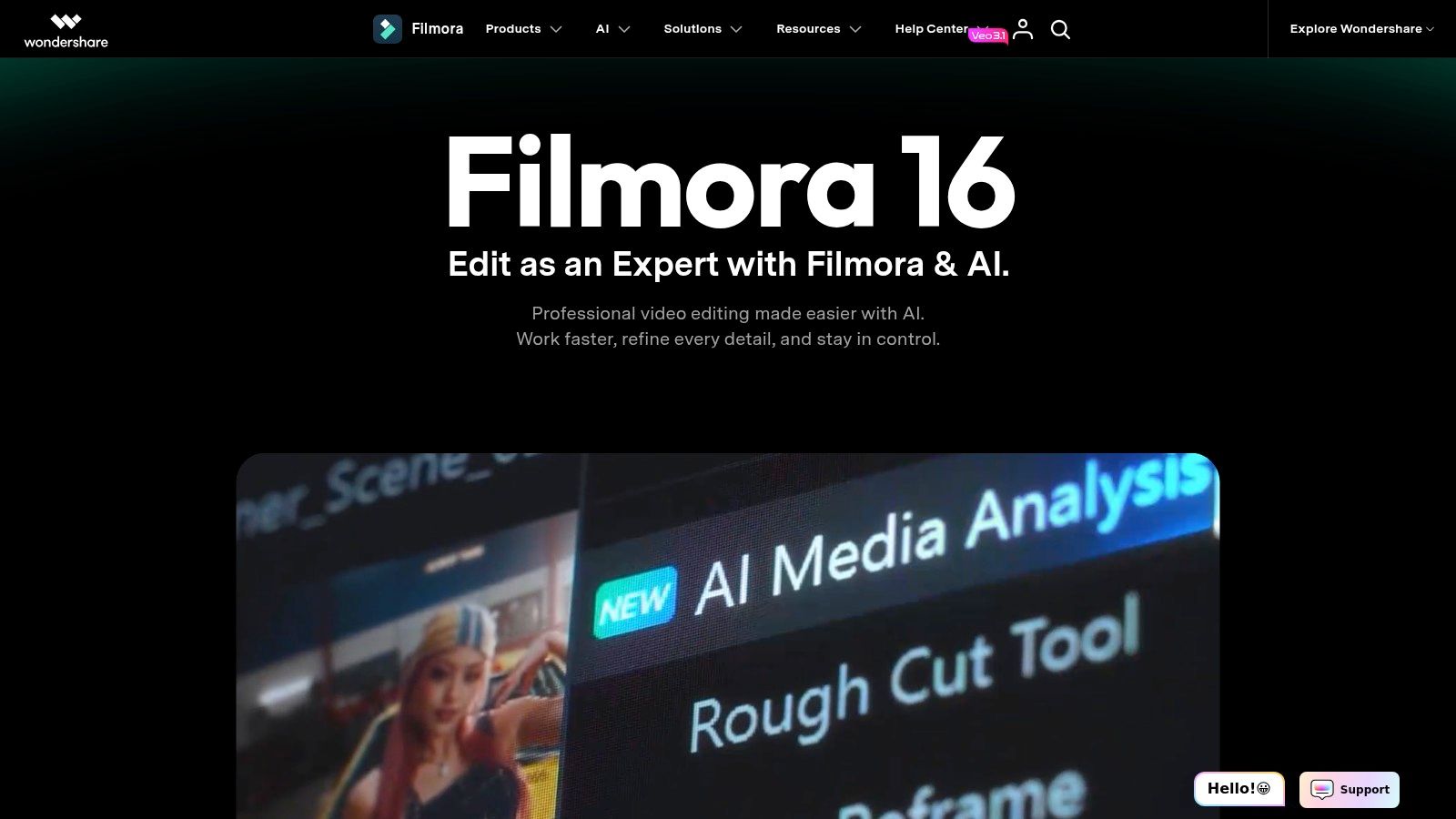
Filmora combines logo-reveal effects, including dimensional styles, with timeline editing and keyframe animation. You can refine the opener in context with footage, titles, and music rather than approving a separate clip and discovering the pacing problem later.
It occupies a useful middle ground. You get more control over assembly than a browser reveal template, without having to build materials, geometry, and lighting from scratch.
A polished logo animation isn't finished until the cut into the actual video feels right.
Use the timeline for the work templates can't finish
Place the reveal beside the opening property shot before adjusting its timing. Listen for competing audio cues, check whether a transition obscures the logo, and remove unnecessary pauses before the main content begins.Filmora is available for Windows and Mac, but it requires installation and familiarity with its editing workflow. That overhead is reasonable for a team producing complete videos, less attractive if someone only needs an occasional logo opener.
Its paid-plan export capabilities make it suitable for finished delivery, but software access and asset access aren't always the same purchase. Effects, stock material, and AI tools may involve separate subscriptions or add-ons.
Keep a clean project containing the approved reveal, sound cue, and transition. Duplicate that project for new properties rather than rebuilding the opener each time.
Choose Filmora for preset effects with timeline control. Don't choose it because you expect a dedicated online logo service or full control over the dimensional structure inside every reveal effect.
6. 3D Logo Maker
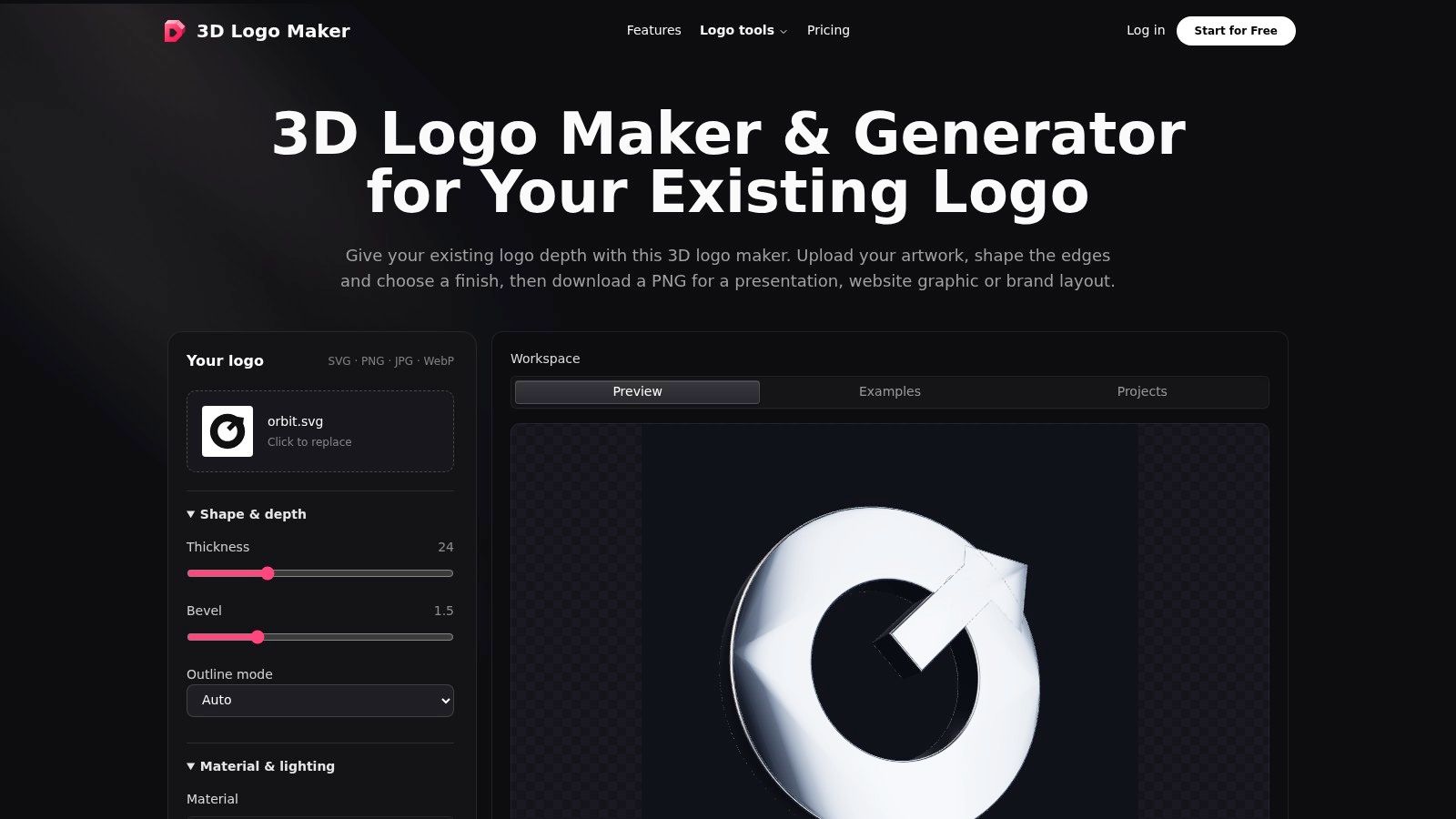
 A brokerage may need a dimensional logo asset for several uses, not just a finished intro. 3D Logo Maker focuses on designing and previewing the logo itself, with controls for materials, lighting, and animation.
That makes it a different kind of tool from a template-driven reveal: you can adjust the object's appearance instead of accepting a finish baked into a preset. A restrained bevel may add depth to a simple monogram. Detailed crests and narrow lettering can become harder to read when given the same treatment.
Model exports are the important distinction
The tool presents image, video, and model export options. Check the available formats and export limits in the plan before choosing it for a downstream workflow.- Direct control: Adjust the logo's material and lighting rather than only the surrounding scene.
- Reusable asset: Model exports can be used in compatible applications.
- Practical constraints: Video export depends on browser support, while free image downloads have resolution and watermark restrictions.
Compare 3D logo examples and treatments before settling on a material. Prioritize legibility and brand fit over reflective effects.
Choose this tool for dimensional asset control. For a complete branded opening, plan to finish the animation and edit elsewhere.
7. Canva
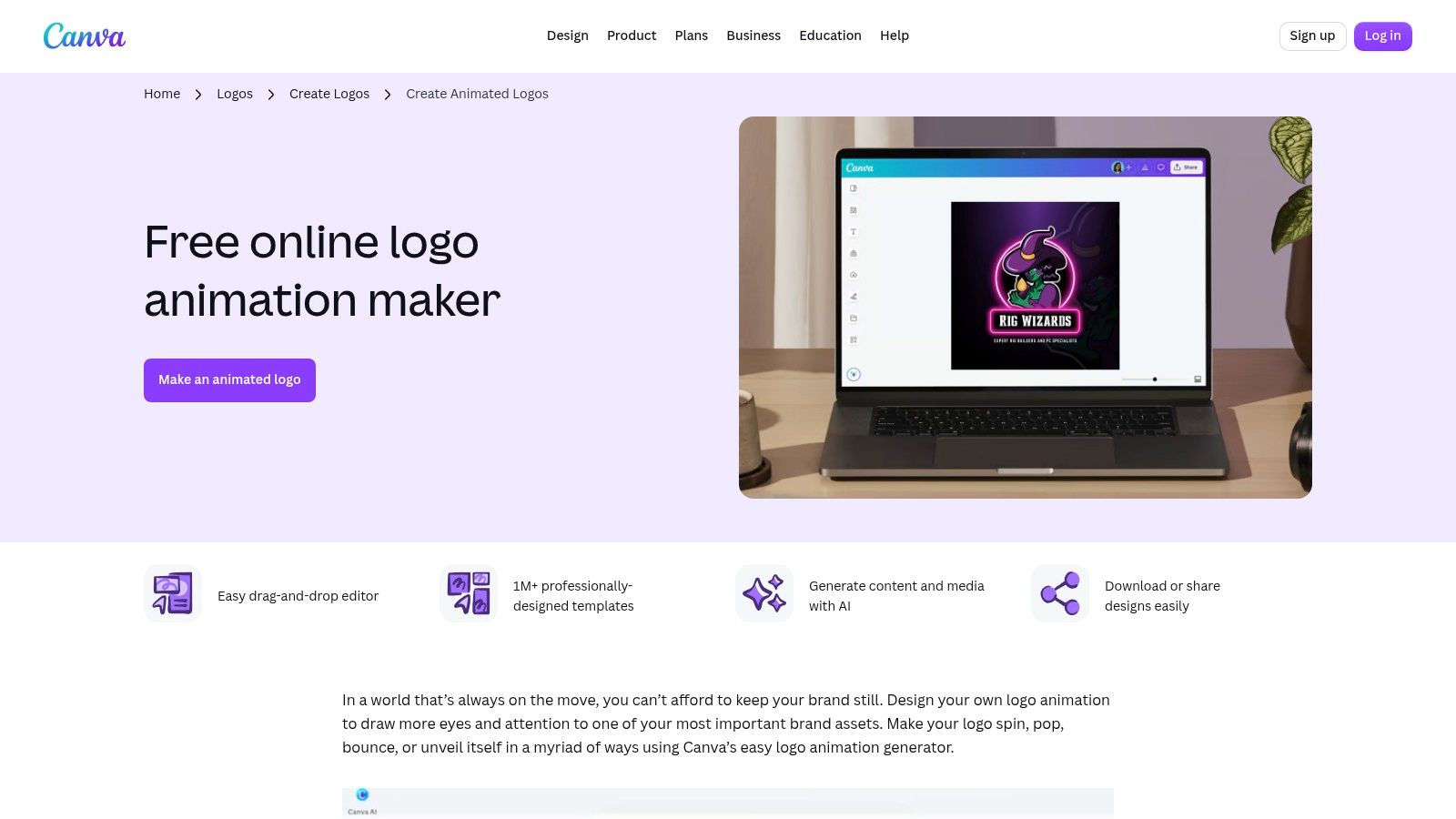
 If your team already prepares listing graphics in Canva, a simple opener there may be the sensible choice. Canva's animated-logo maker applies preset motion such as spin, pop, bounce, or reveal, with MP4 and GIF downloads.
Its advantage is continuity with the rest of the marketing work. The same person can prepare a property graphic, adjust a branded background, and build a straightforward animated opening without moving into a specialist production application.
But Canva isn't a substitute for 3D modeling. A flat logo entering with motion may be all the video needs, yet that doesn't make it an editable dimensional object with controllable surfaces and camera angles.
Simple motion can be the better editorial choice
For a commercial-property manager positioned around reliability, a clean reveal may communicate more appropriately than metallic rotation. Use the motion to introduce the brand, not to change its personality.Renderforest's comparison of animated and static logos discusses the importance of brand fit and reduced-motion alternatives. Keep a static final-frame version, avoid aggressive repeated zooms or flashing, and don't make essential contact information depend on animation.
- Best fit: Straightforward branded motion alongside existing Canva marketing assets.
- Creative ceiling: Preset-driven animation rather than detailed professional motion authoring.
- Cost boundary: The animated-logo workflow is advertised as free, but selected assets and broader platform features may require payment.
Choose Canva when consistency and simplicity outweigh dimensional realism. Don't force a complex cinematic brief through a design workflow built for quicker branded content.
8. Blender
 Blender is the choice when you need to author the actual 3D production. Blender is free and open-source, with modeling, animation, rendering, compositing, and video-editing tools for Windows, macOS, and Linux.
You can import or build logo geometry, create materials, position lights, animate objects and cameras, and render a custom sequence. The result doesn't have to follow a template's staging or a generator's interpretation of a prompt.
That control carries a real production cost in time. Someone must prepare clean geometry, manage surfaces, judge lighting, animate the reveal, and troubleshoot the render.
Choose Blender because you need control over the asset and scene, not merely because the software is free.
Build a reusable scene, not a disposable render
For an agency, the valuable deliverable is the organized project as well as the exported intro. Name the logo objects, separate changeable brand materials, save camera positions, and preserve the approved lighting setup.Test difficult details early. Fine lettering, tight gaps, reflective materials, and dramatic viewing angles can make an otherwise accurate logo hard to recognize.
- What works: Original dimensional reveals with authored geometry, lighting, and motion.
- What doesn't: A novice expecting template-level speed without learning a production workflow.
- Resource trade-off: Render time and hardware requirements increase with scene complexity.
I'd reserve Blender for recurring brand assets or custom briefs. If the assignment is a conventional opener for Friday, a template or editor is usually the more proportionate choice.
How the 8 3D logo intro maker tools compare on free access, outputs, best use, and main limitation
Free access and export formats vary by tool. Use this table to match the workflow to the job, then check that the export suits your intended delivery.
For a quick reveal, templates reduce setup time but limit control. Editors offer more flexibility to combine a logo with footage, while custom 3D tools give greater control over the asset at the cost of more setup and skill.
| Item | Free Option | Output Formats | Best For | Main Limitation |
|---|---|---|---|---|
| Renderforest | Free plan lets you try the platform; exports are watermarked | Video | Fast, template-based 3D logo reveals | Templates limit originality and control; watermark-free exports require payment |
| VEED | Some capabilities require paid plans | MP4, GIF | Creating and animating a logo within a video editor | AI motion can be unpredictable and uses credits |
| Kapwing | Some capabilities may require a paid account | MP4, MOV, WEBM, GIF | Exploring logo-animation ideas with text prompts | AI results can be unpredictable and use credits |
| CapCut | Free tier with basic editing tools | Video exports | Designing a 3D-style logo and assembling it into an intro | Logo maker focuses more on design than one-click intro generation |
| Wondershare Filmora | Free trial; exports include a watermark | MP4, MOV, GIF | Combining logo reveals with footage, music, and titles | Requires desktop software and time to learn its editing workflow |
| 3D Logo Maker | Free downloads are limited to a watermarked 512px PNG | PNG, video, GLB, GLTF, USDZ, STL | Designing reusable 3D logo assets with direct appearance controls | Not focused on ready-made cinematic intro scenes |
| Canva | Animated-logo workflow advertised as free to use | MP4, GIF | Simple branded openers and marketing designs | Limited for complex or cinematic 3D animation |
| Blender | Free and open-source | Video exports | Highly customized 3D logo reveals | Steep learning curve; users create animations from scratch |
Choosing a Tool and Building a Repeatable Intro Workflow
Choose by the deliverable, not the most impressive demo. Renderforest handles template-driven reveals; VEED and Kapwing suit prompt-based exploration; CapCut and Filmora help assemble the opener with footage; 3D Logo Maker emphasizes dimensional assets; Canva covers simple branded motion; and Blender supports fully custom production.
Before approving any tool, separate visual quality from production suitability. A beautiful render is inconvenient if the team can't adapt its framing, clear its music rights, or reproduce the approved treatment for another campaign.
Canva's 3D-intro guidance addresses practical delivery and licensing considerations, including vertical 9:16, horizontal 16:9, and square 1:1 formats. Review commercial-use permissions for templates, music, fonts, and client work, and remember that an ordinary MP4 delivery doesn't establish alpha-channel support.
In our branding settings, you can turn an uploaded logo into a reusable intro or outro. Simple fade-in branding is free, while an AI-animated logo intro costs 20 credits once and can be reused an unlimited number of times on future videos.
Pair that workflow with a dedicated logo tool when the logo itself needs dimensional redesign. Once the asset is approved, stop redesigning it for every listing and concentrate on the property, pacing, and message.
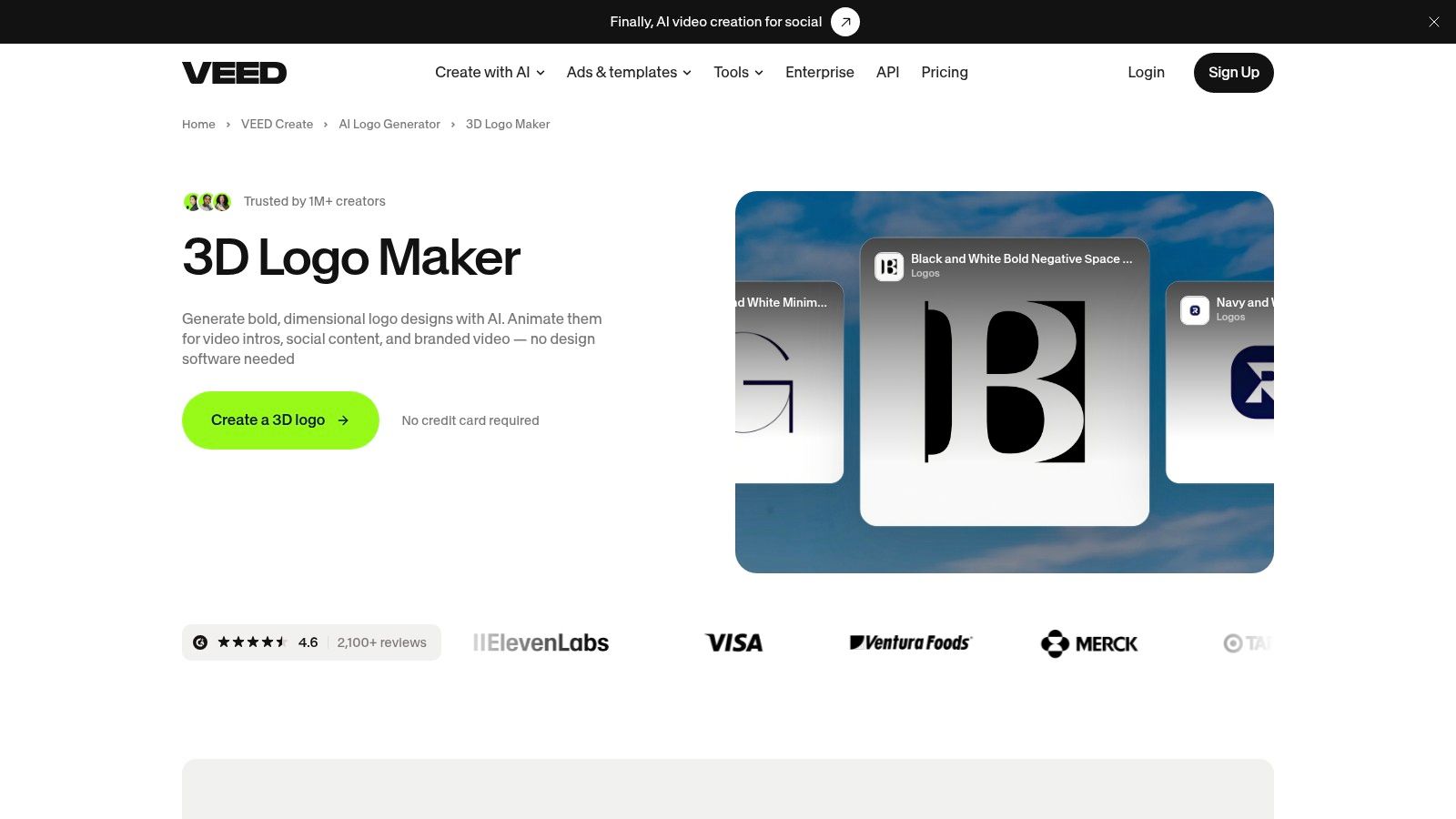
VideoTour.ai turns property photos into ready-to-share videos with motion, captions, music, and reusable branding. Visit VideoTour.ai to create a property video and apply an approved logo intro or outro across future listings.
Before approving any tool, separate visual quality from production suitability. A beautiful render is inconvenient if the team can't adapt its framing, clear its music rights, or reproduce the approved treatment for another campaign.
Canva's 3D-intro guidance addresses practical delivery and licensing considerations, including vertical 9:16, horizontal 16:9, and square 1:1 formats. Review commercial-use permissions for templates, music, fonts, and client work, and remember that an ordinary MP4 delivery doesn't establish alpha-channel support.
Build an approved intro system
- Lock the source artwork. Store the approved logo, alternate light and dark versions, and brand color values together. Don't let each editor start from a different attachment.
- Choose length and placement. Decide whether the brand appears before the property, over the opening shot, or as an outro. Prioritize the property hook when a separate opener delays the content.
- Build for the team's skills. Use a template for predictable speed, an editor for contextual timing, or a 3D application when geometry matters.
- Test mobile readability. Inspect the moving sequence and final frame at small size, with sound muted. Reject distorted lettering, weak contrast, and captions crowded by the logo.
- Reuse the approved version. Store exports, project files, a static fallback, usage permissions, and clear version names so editors don't regenerate an already approved asset.
In our branding settings, you can turn an uploaded logo into a reusable intro or outro. Simple fade-in branding is free, while an AI-animated logo intro costs 20 credits once and can be reused an unlimited number of times on future videos.
Pair that workflow with a dedicated logo tool when the logo itself needs dimensional redesign. Once the asset is approved, stop redesigning it for every listing and concentrate on the property, pacing, and message.
VideoTour.ai turns property photos into ready-to-share videos with motion, captions, music, and reusable branding. Visit VideoTour.ai to create a property video and apply an approved logo intro or outro across future listings.