
Create MLS-Safe Property Videos
in Under 2 Minutes
AI-powered videos that showcase real properties without adding fake features. Trusted by 10,000+ Realtors for compliant, professional marketing.
The #1 Concern Realtors Have About AI Videos
"Will these AI videos be MLS compliant, or will they add things that don't exist?"
MLS Violations
One fabricated feature can get your listing flagged, damaging your reputation and client trust.
AI Artifacts
Traditional AI tools add fake furniture, windows, or details that mislead buyers.
Legal Risks
Misrepresenting properties can lead to complaints, disputes, and potential legal action.
VideoTour.AI: Built for MLS Compliance
Precision settings that prevent AI from inventing new details
Unbranded, ad-free videos perfect for MLS platforms
Trim any unwanted artifacts with one click
Smooth, cinematic movements that stay true to the property
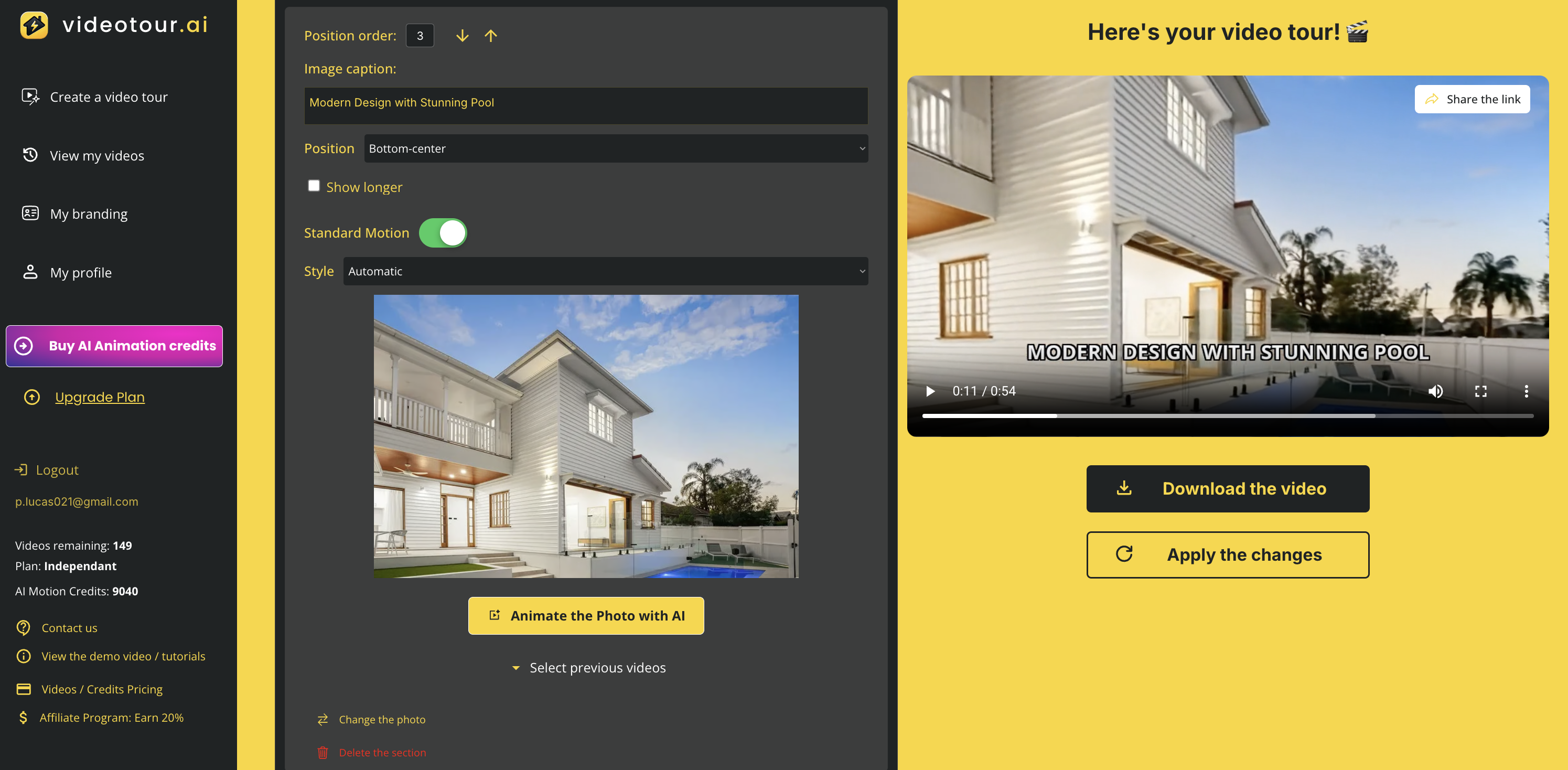
5 Simple Steps to MLS-Compliant Videos
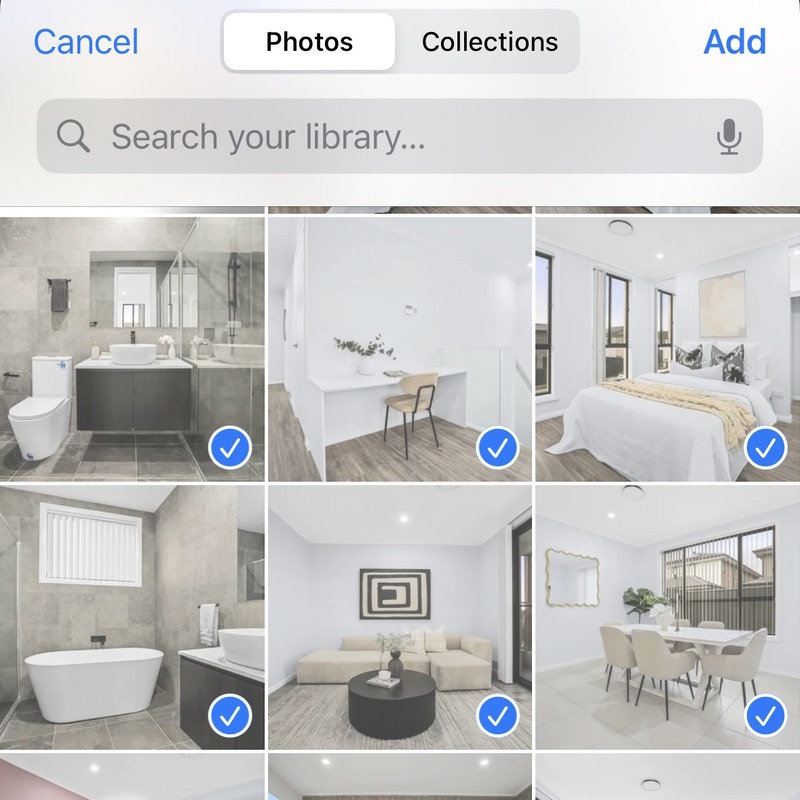
Upload high quality listing photos (up to 20)
Start by creating a first version of your listing video
Add different room angles for the AI
Once you are in the editor, pick a photo and add another of the room to create a smooth AI animation between the two angles
Quick Manual Edit
Trim any unwanted endings if needed. AI usually adds artifacts at the end

Get MLS Link
Receive unbranded link ready for MLS upload

Everything You Need for Compliant Video Marketing
Dual Distribution
Get both MLS-safe unbranded links and branded versions for your marketing channels.
2-Minute Creation
Professional property videos ready faster than you can brew coffee.
Ken Burns Option
Classic, guaranteed MLS-safe motion effect with one click.
Built-in Editor
Trim artifacts instantly without external software.
Smart AI Controls
Conservative movement options that preserve property authenticity.
Win More Listings
Impress sellers with modern, compliant video marketing for every property.
See the VideoTour.AI Difference
❌ Other AI Tools
- ➔ Add fake furniture & features
- ➔ No MLS compliance controls
- ➔ Branded videos only
- ➔ Complex editing required
- ➔ Risk of violations
✅ VideoTour.AI
- ➔ Shows only real property
- ➔ Built for MLS compliance
- ➔ Dual branded/unbranded
- ➔ One-click editing
- ➔ 100% safe & trusted
Your MLS Compliance Questions Answered
Can I upload VideoTour.AI videos directly to my MLS listing?
Yes! We provide a dedicated unbranded video link that is MLS-safe and compliant with platform rules. No logos, no ads, no distractions.
What if the AI adds something that isn't really there?
This rarely happens with our controls, but if it does: use a second angle, enable premium motion, or simply trim the final second. Our built-in editor makes fixes instant.
Do MLS rules allow branded videos?
No, and that's why VideoTour.AI separates the two. You get an unbranded version for MLS and a branded version for your own marketing channels like social media and websites.
Is it better to use Zoom or Pivot motions?
For maximum compliance, Zoom-in is safest. Pivot or wide pull-backs are more likely to create artifacts. When in doubt, use the Ken Burns effect for guaranteed safety.
Will these videos help me win more listings?
Absolutely! Sellers are impressed when you can show them compliant, professional video marketing for every property. It signals trust, modern marketing savvy, and dedication to selling their home.
Realtors Love VideoTour.AI
"Finally, AI videos I can trust! No more worrying about MLS violations. My sellers love the professional touch."

"Game changer! I create videos for every listing now. The MLS-ready links save me so much time."

"Won 3 new listings this month by showing sellers our video marketing. VideoTour.AI pays for itself!"

Ready to Create MLS-Compliant Videos?
Join 10,000+ Realtors who trust VideoTour.AI for safe, professional property videos.